1. Okwu mmalite
This user manual provides comprehensive instructions for the VTech CS1551 DECT 2-Handset Cordless Phone system. It covers setup, operation, maintenance, and troubleshooting to ensure optimal performance and user experience. Please read this manual thoroughly before using your new phone system.
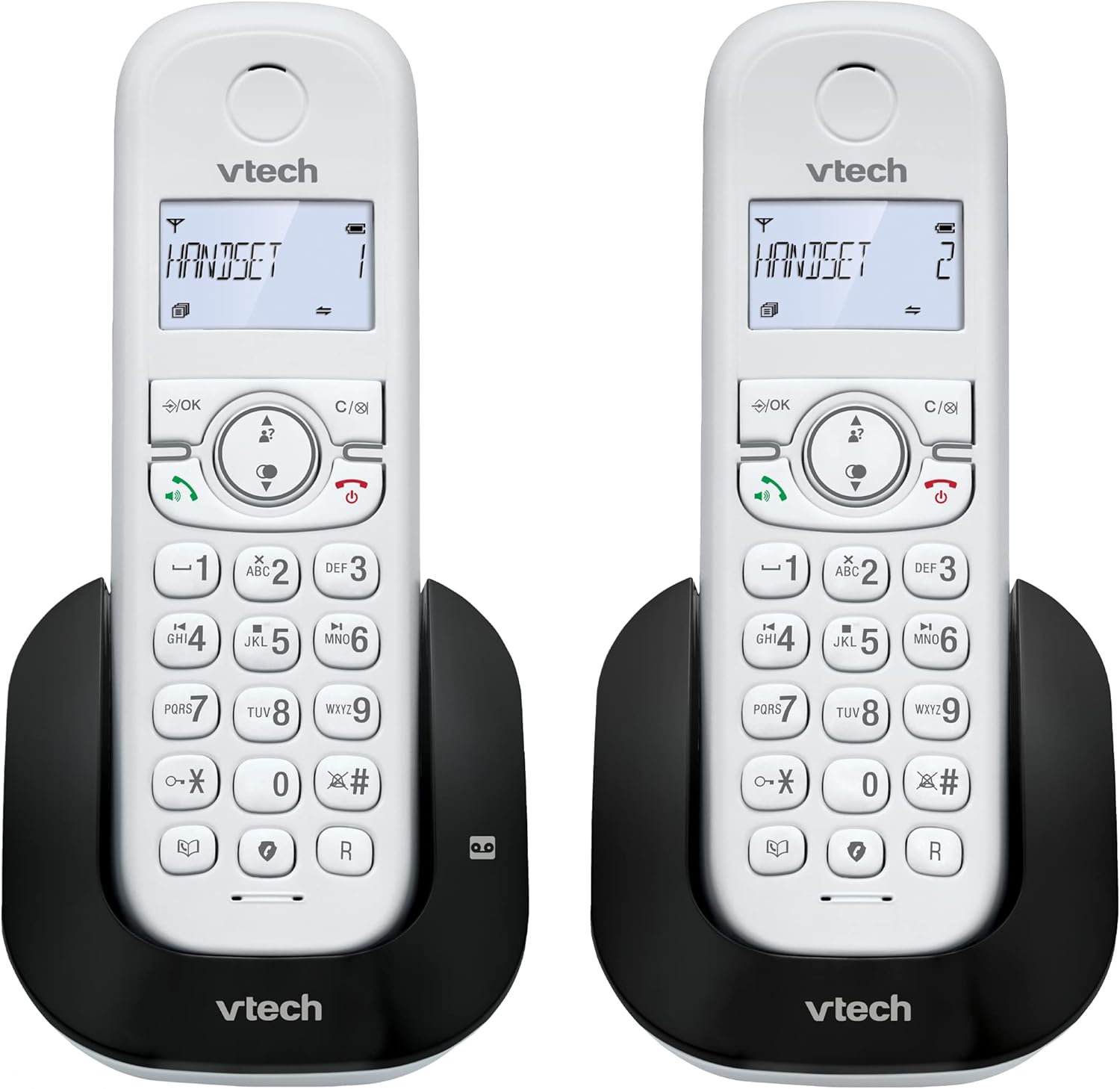
Foto 1.1: Ofeview of the VTech CS1551 DECT 2-Handset Cordless Phone System.
2. Ihe ngwugwu
Ensure all items are present in your package. If any items are missing or damaged, please contact VTech customer support.
- 2 Ekwe ntị na-enweghị eriri
- 1 Ngalaba ntọala
- 1 Charger Unit
- 2 AC ihe nkwụnye ọkụ
- 1 eriri ekwentị
- 2 NiMH Rechargeable Battery Packs (4 batteries total, 2 per handset)
- Akwụkwọ ntuziaka (akwụkwọ a)
3. Nhazi
3.1. Ntinye batrị na Nchaji
Before initial use, install the provided NiMH rechargeable battery packs into each handset. Connect the base unit and charger unit to power outlets using the AC adapters. Place the handsets on their respective charging cradles.
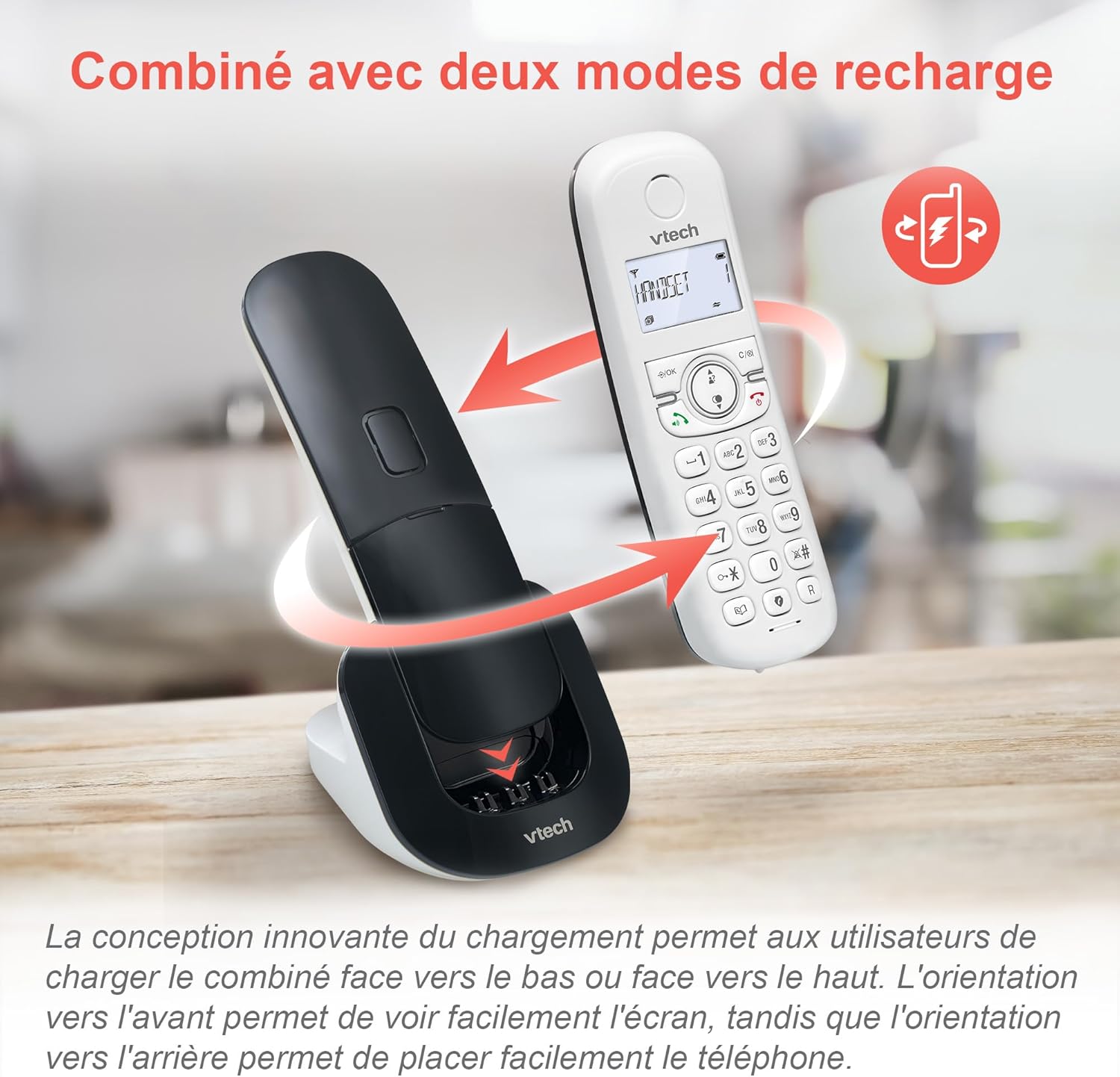
Image 3.1: The innovative dual charging design allows handsets to be charged face-up or face-down. Charging face-up allows for easy screen viewing, while face-down charging offers a compact placement.
Allow the handsets to charge for at least 12 hours before first use to ensure full battery capacity. A full charge provides up to 13 hours of talk time and 200 hours of standby time.
3.2. Ijikọ ngalaba ntọala
- Jikọọ otu nsọtụ nke eriri ekwentị ahụ na jaket TELLINE dị na isi ngwaọrụ ahụ.
- Connect the other end of the telephone line cord to a telephone wall jack.
- Plug the base unit's AC adapter into a power outlet.
4. Ntuziaka ọrụ
4.1. Ịkpọ na ịza oku
- Ka ịkpọ oku: Pịa KWURU or Ọkà okwu, then dial the number.
- Iji zaa oku: Pịa KWURU or Ọkà okwu mgbe ekwentị na-ada.
- Iji kwụsị oku: Pịa N'ikpeazụ or place the handset back on the charging cradle.
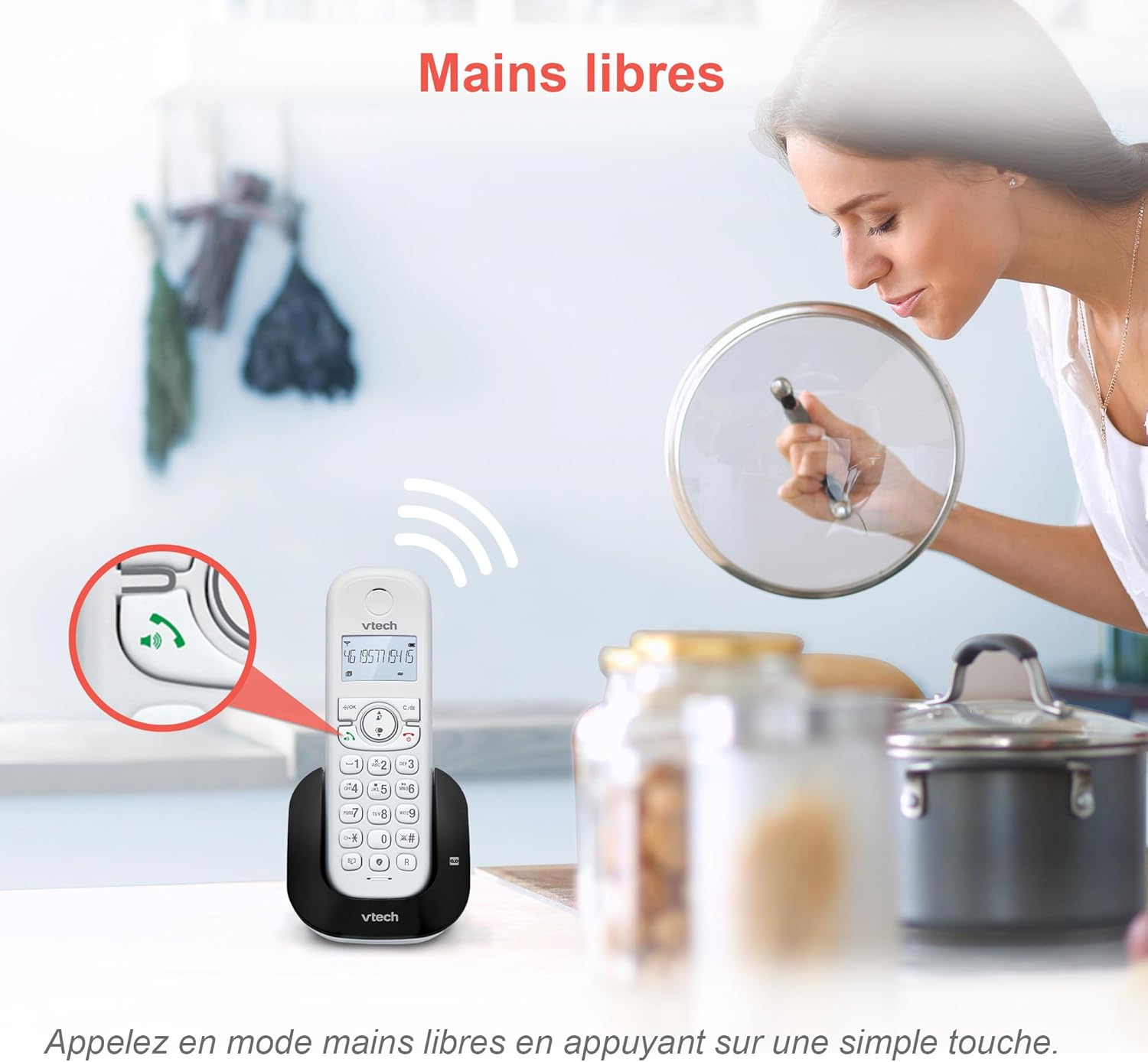
Image 4.1: The hands-free speakerphone function allows for conversations without holding the handset.
4.2. Igwe na-aza
The integrated digital answering machine records messages when you are unavailable. It offers up to 15 minutes of recording time.
- Ka ịkpọọ ozi: Pịa KWURU bọtịnụ na base unit ma ọ bụ handset.
- To Record a Greeting: Follow the instructions in the full manual for custom greeting setup.

Image 4.2: The automatic answering machine records messages for up to 15 minutes when you cannot answer a call.
4.3. Mgbochi oku
The nuisance call blocker allows you to block unwanted calls. You can store up to 60 numbers in the block list.
- Iji gbochie nọmba: Mgbe oku na-aga, pịa Mgbochi button. Alternatively, add numbers manually via the menu.

Image 4.3: The call blocker button allows you to easily add unwanted numbers to a block list, preventing future disturbances.
4.4. Caller ID / Call Waiting
The phone displays the caller's name, number, time, and date for incoming calls. It stores up to 20 caller ID records.

Image 4.4: The handset screen displays incoming caller information, including name, number, time, and date.
4.5. Three-Way Conferencing
The call transfer and intercom features allow multiple users to participate in a conversation simultaneously.

Image 4.5: Engage in three-way conference calls, allowing multiple parties to join the conversation.
5. Atụmatụ igodo
5.1. Ụdị ECO
The handset automatically adjusts radio frequency power based on its distance from the base unit. ECO DECT technology helps reduce energy consumption.
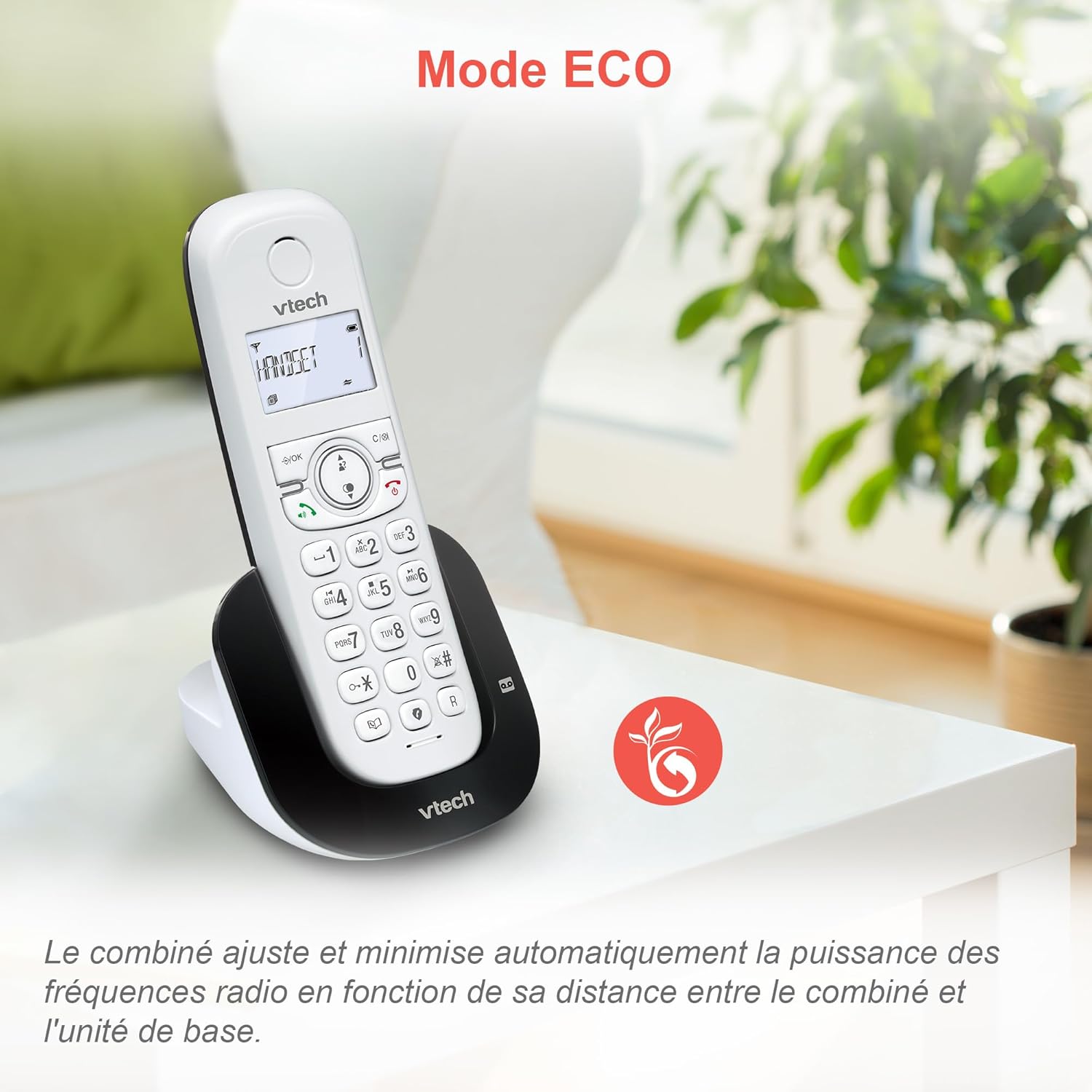
Image 5.1: The ECO mode feature automatically optimizes power usage based on handset proximity to the base unit.
5.2. Phonebook and Redial
- Akwụkwọ ekwentị: Store up to 60 names and numbers for quick dialing.
- Agbagharị: Easily redial the last 10 numbers called with a single button press.
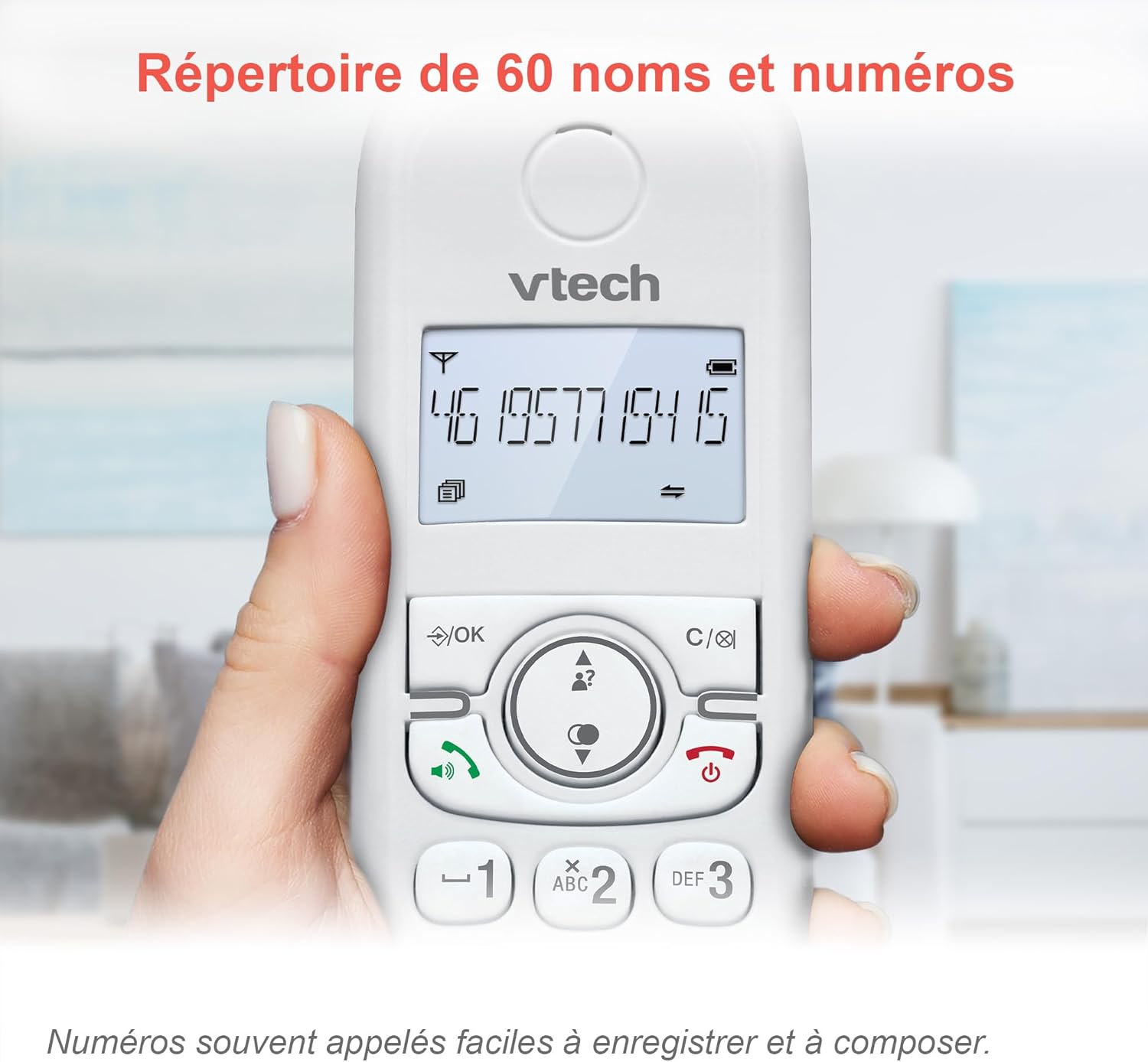
Image 5.2: The phonebook allows for easy storage and retrieval of frequently called numbers.
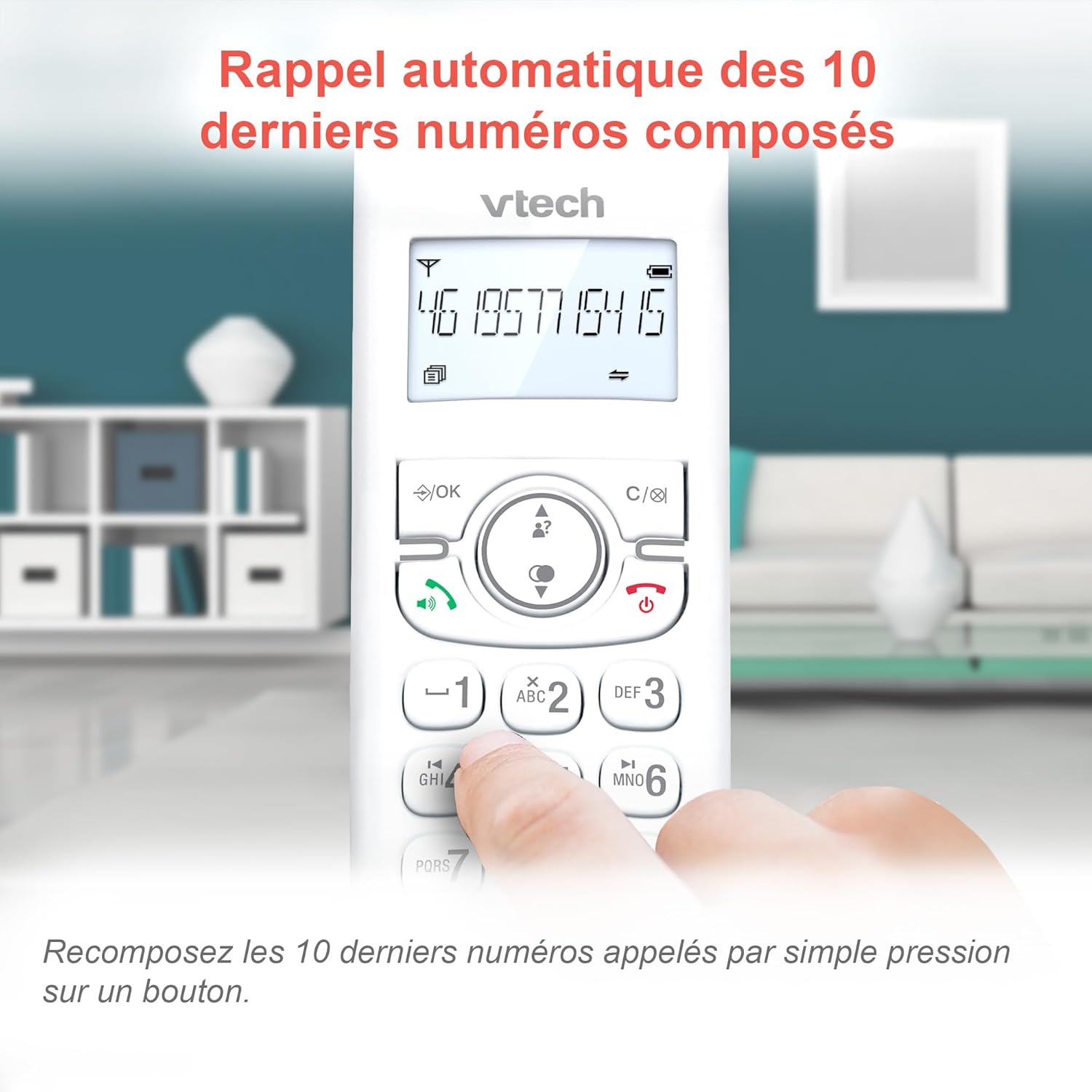
Image 5.3: Quickly redial the last 10 numbers by pressing the redial button.
5.3. Backlit Display and Keyboard
The backlit LCD display and keyboard illuminate, making it easy to view information and dial in low-light conditions.

Image 5.4: The illuminated display enhances visibility in various lighting conditions.
5.4. Adjustable Ringer Volume and Melodies
Customize your phone by adjusting the ringer volume and selecting from various melodies.

Image 5.5: Easily adjust the ringer volume and choose your preferred melody.
5.5. Alarm Function and Mute
Set convenient alarms on the handset or mute your voice during calls for privacy.

Image 5.6: Utilize the alarm function for reminders or mute your microphone during calls for privacy.
5.6. Long Reliable Range
Experience extended coverage and clear communication throughout your home.

Image 5.7: The phone system provides reliable long-range coverage for clear calls throughout your residence.
6. Nlekọta
- Nhicha: Jiri nwayọ hichaa ekwentị na nkeji ntọala, damp cloth. Do not use cleaning sprays or harsh chemicals.
- Nlekọta batrị: Replace batteries when they no longer hold a charge. Use only VTech approved replacement batteries.
- Nchekwa: If storing the phone for an extended period, remove the batteries from the handsets.
7. Nchọpụta nsogbu
| Nsogbu | Ngwọta |
|---|---|
| Enweghị ụda ọkpụkpọ |
|
| Handset displays "Low Battery" |
|
| Enweghị ike ịkpọ ma ọ bụ nata oku |
|
| Ogo ụda adịghị mma |
|
For more detailed troubleshooting, please refer to the full VTech CS1551 user manual available on the VTech support websaịtị.
8. Nkọwapụta
| Njirimara | Nkọwa |
|---|---|
| Nọmba nlereanya | AX-F-4537 |
| Ụdị | VTech |
| Agba | Ọcha |
| Ụdị ekwentị | DECT Enweghị eriri |
| Ọnụọgụ nke ekwe ntị | 2 |
| Ụdị Sistemu na-aza | Dijitalụ |
| Oge Ndekọ Igwe Azịza | 15 nkeji |
| Call Blocker Capacity | Ruo ọnụọgụgụ 60 |
| Ikike akwụkwọ ekwentị | 60 aha na nọmba |
| Ebe nchekwa onye oku | Ihe ndekọ 20 |
| Oge Okwu | Ruo awa iri abụọ |
| Oge Njikere | Ruo awa iri abụọ |
| Ụdị batrị | NiMH (4 batteries included) |
| Ihe onwunwe | Plastic |
| Ibu Ibu | 499.2 grams |
| Mmalite | China |
9. Akwụkwọ ikike na nkwado
For warranty information and customer support, please refer to the warranty card included in your product packaging or visit the official VTech websaịtị.
Online resources often include FAQs, detailed user guides, and contact information for technical assistance.


