Okwu mmalite
This manual provides detailed instructions for the setup, operation, and maintenance of your VTech CS1550 DECT Cordless Phone with Answering Machine. Please read this manual thoroughly to ensure proper use and to take full advantage nke niile atụmatụ.

Image: The VTech CS1550 DECT Cordless Phone, featuring a white handset and black base unit.
Ihe ngwugwu
Before beginning installation, ensure all items are present in your package:
- Ekwentị enweghị eriri
- Ngalaba ntọala
- Ihe nkwụnye ike maka nkeji isi
- Ụdọ ekwentị
- Rechargeable NiMH Batteries (4x AAA size, typically)
- Akwụkwọ ntuziaka (akwụkwọ a)
Melite
1. Ntinye batrị
- Chọta ebe batrị dị n'azụ ekwentị.
- Mepee mkpuchi nke batrị batrị.
- Insert the supplied NiMH rechargeable batteries, observing the correct polarity (+ na -).
- Mechie mkpuchi nke batrị batrị nke ọma.
2. Njikọ nke Isi
- Connect the power adapter to the base unit and plug it into a wall outlet.
- Connect one end of the telephone line cord to the base unit and the other end to your telephone wall jack.
- Place the base unit in a central location for optimal signal range.
3. Initial Handset Charging
Place the handset on the base unit to charge. The VTech CS1550 features a dual-charging design, allowing you to place the handset face down or face up. For initial use, charge the handset for at least 16 hours to ensure full battery capacity.
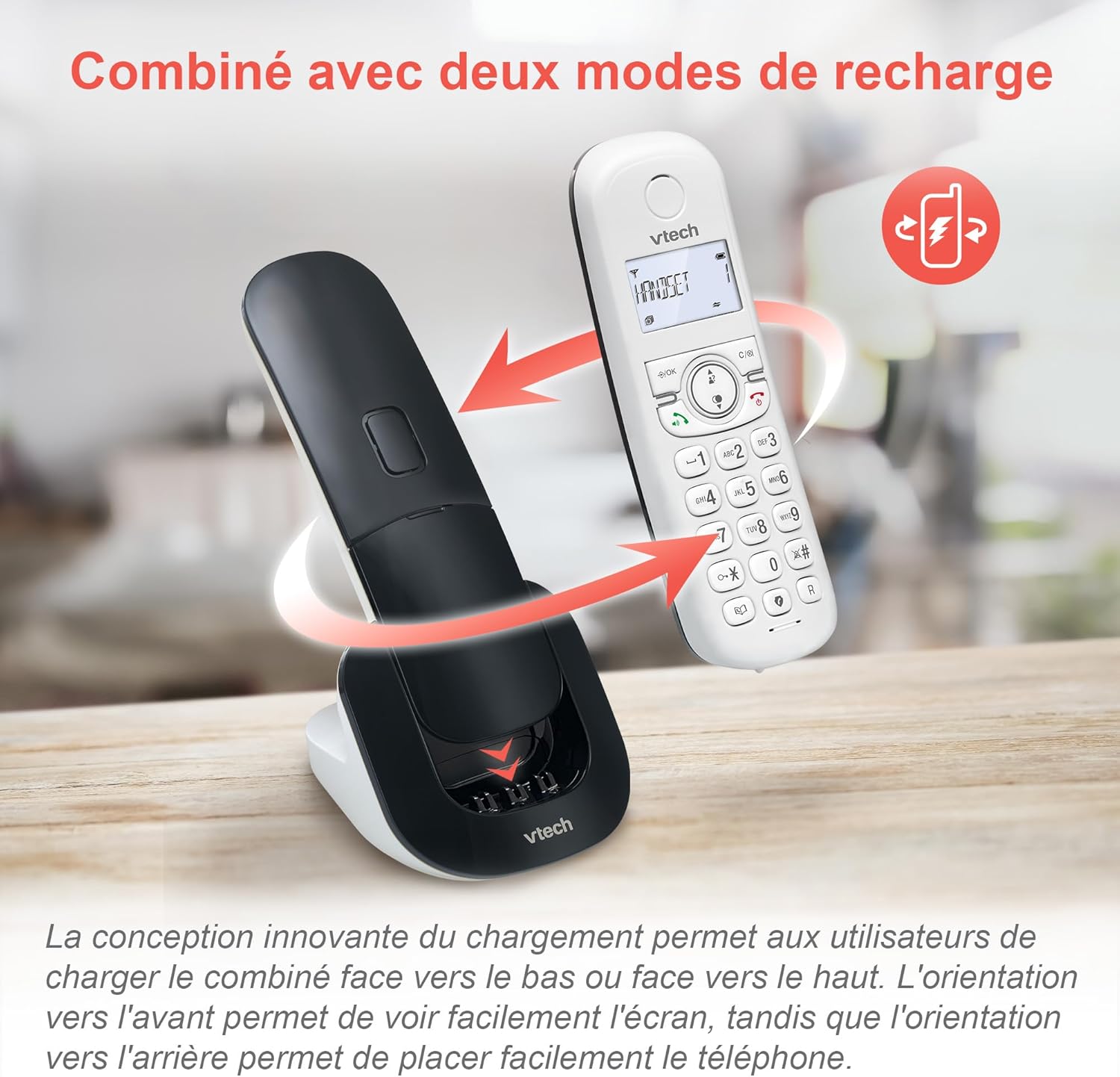
Image: The VTech CS1550 handset can be charged face down or face up on its base unit, offering flexible placement options.
4. Ụbọchị na oge ịtọ
After initial charging, the handset will prompt you to set the date and time. Follow the on-screen instructions using the navigation and OK buttons.
Ntuziaka ọrụ
Ịkpọ na ịnata oku
- Ka ịkpọ oku: Pịa Kwuo okwu pịa bọtịnụ, wee pịa nọmba ahụ.
- Iji zaa oku: Pịa Kwuo okwu bọtịnụ mgbe ekwentị na-ada.
- Iji kwụsị oku: Pịa Ọgwụgwụ bọtịnụ.
Ọrụ ekwe ntị
Mgbe oku na-aga, pịa Igwe okwu button to activate hands-free communication. Press it again to return to handset mode.
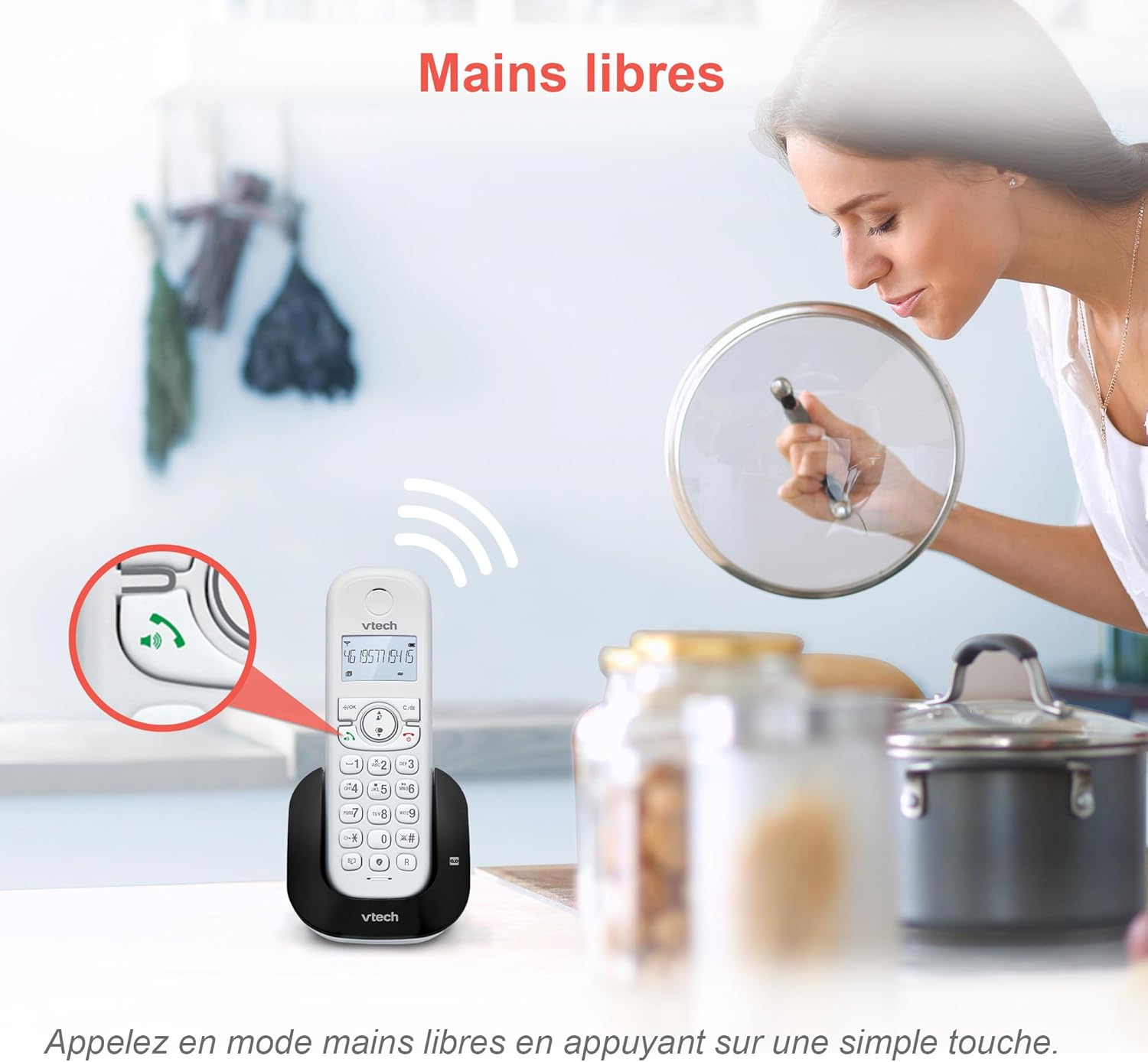
Image: The speakerphone button on the VTech CS1550 handset allows for hands-free calling.
NJ onye ọkpụkpọ na echere oku
The phone displays the name, number, time, and date of incoming calls. It stores up to 20 caller ID records. If you have Call Waiting service, the phone will alert you to a second incoming call.

Image: The handset display shows incoming caller ID details, including number, name, time, and date.
Ọrụ Redial
To redial one of the last 10 numbers called, press the Reditanti button and select the desired number from the list.
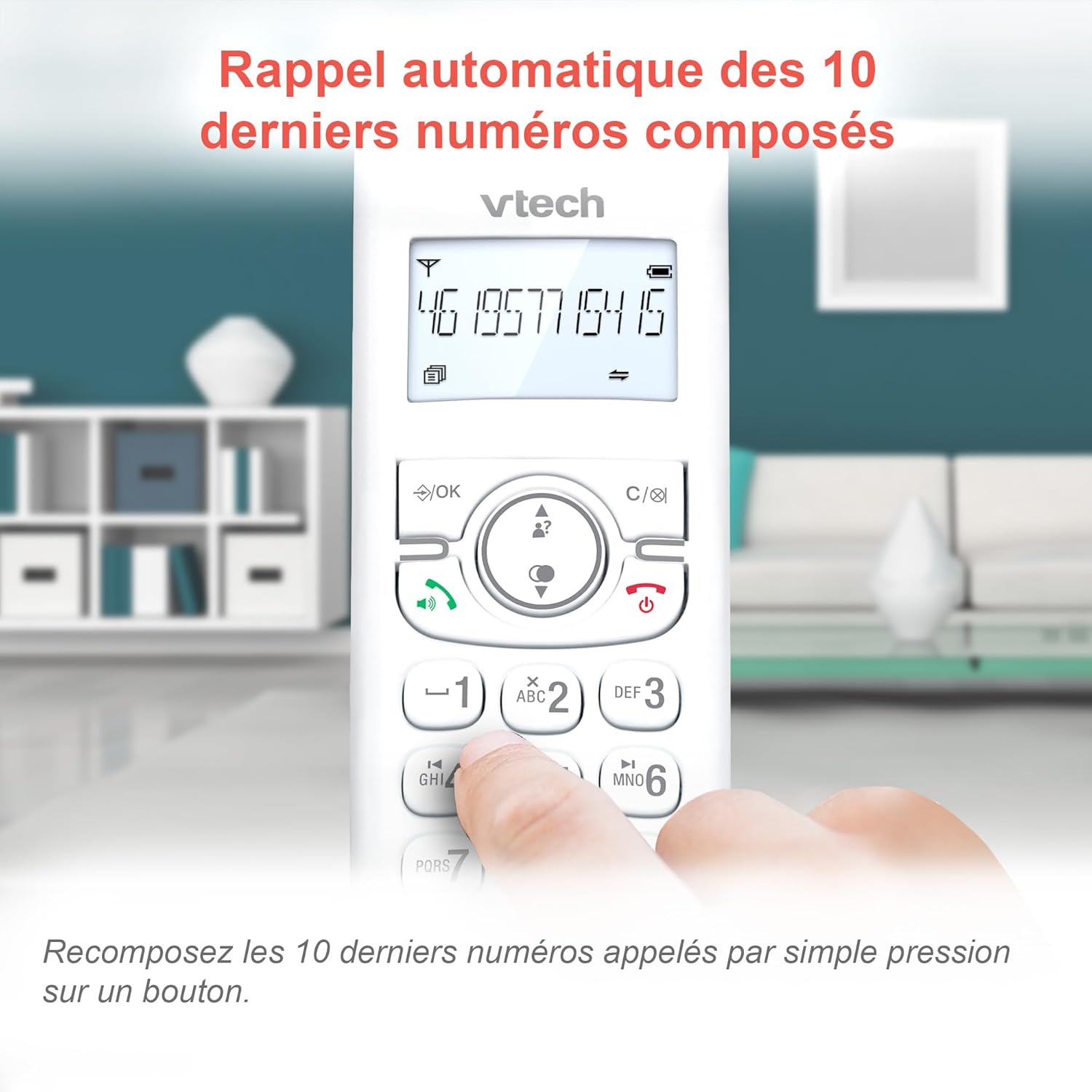
Image: Easily redial the last 10 numbers by pressing the dedicated redial button on the handset.
Akwụkwọ ekwentị
The phonebook can store up to 60 names and numbers. Refer to the on-screen menu for instructions on adding, editing, and deleting entries.
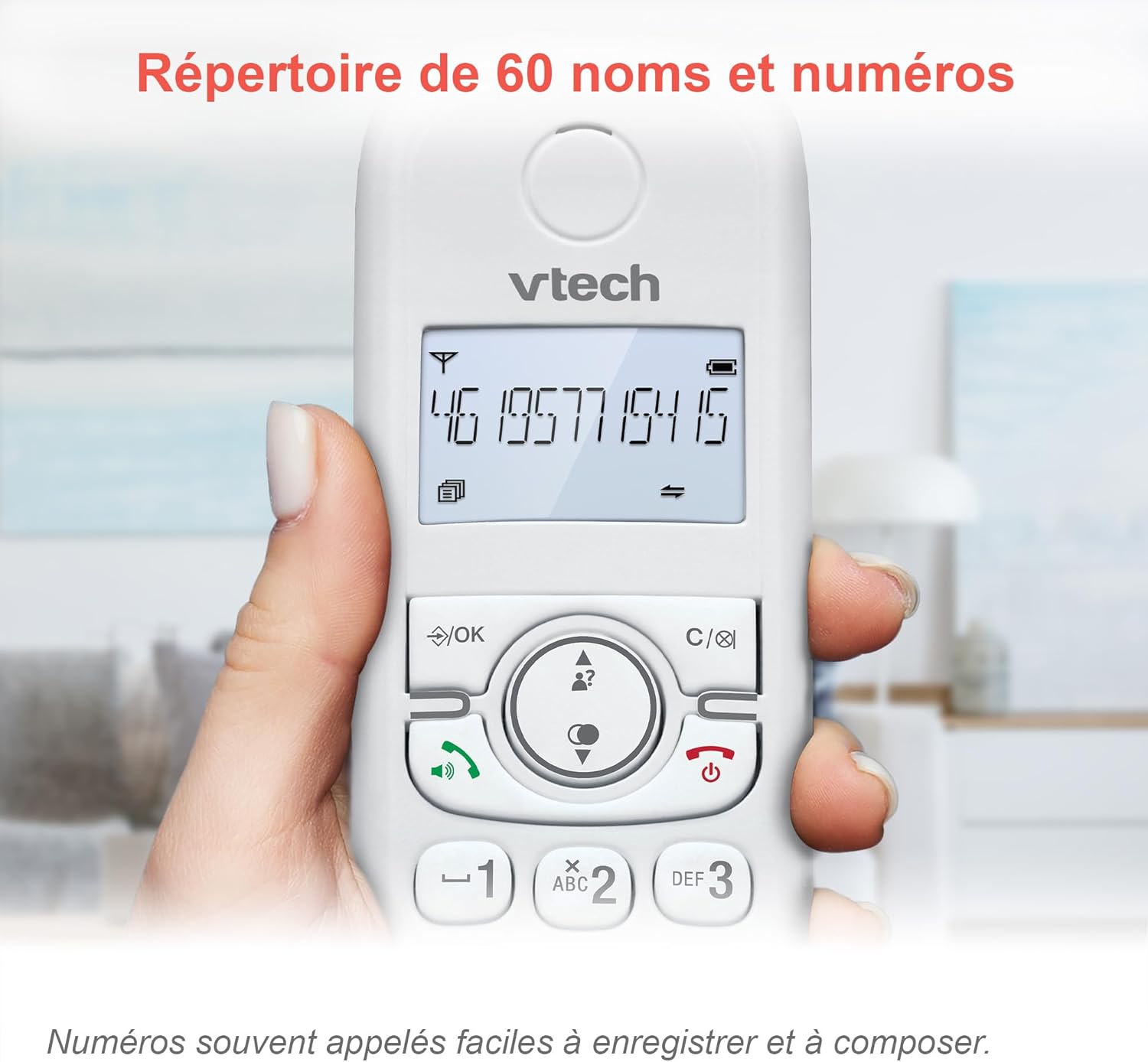
Image: The phonebook allows storage of up to 60 contacts for quick dialing.
Igwe aza azịza dijitalụ
The integrated answering machine records messages for up to 15 minutes. You can access messages from the handset or the base unit. Follow the menu prompts to set up your outgoing message and retrieve messages.

Image: The answering machine feature records messages for up to 15 minutes when you are unavailable.
Nuisance Call Blocker
Block unwanted calls by adding up to 60 numbers to the blacklist. This feature prevents blocked numbers from ringing your phone.

Image: The call blocker button allows you to add unwanted numbers to a blacklist, preventing future calls from ringing.
Ọnọdụ ECO
ECO mode automatically adjusts and minimizes the radio frequency power based on the distance between the handset and the base unit, optimizing energy consumption.
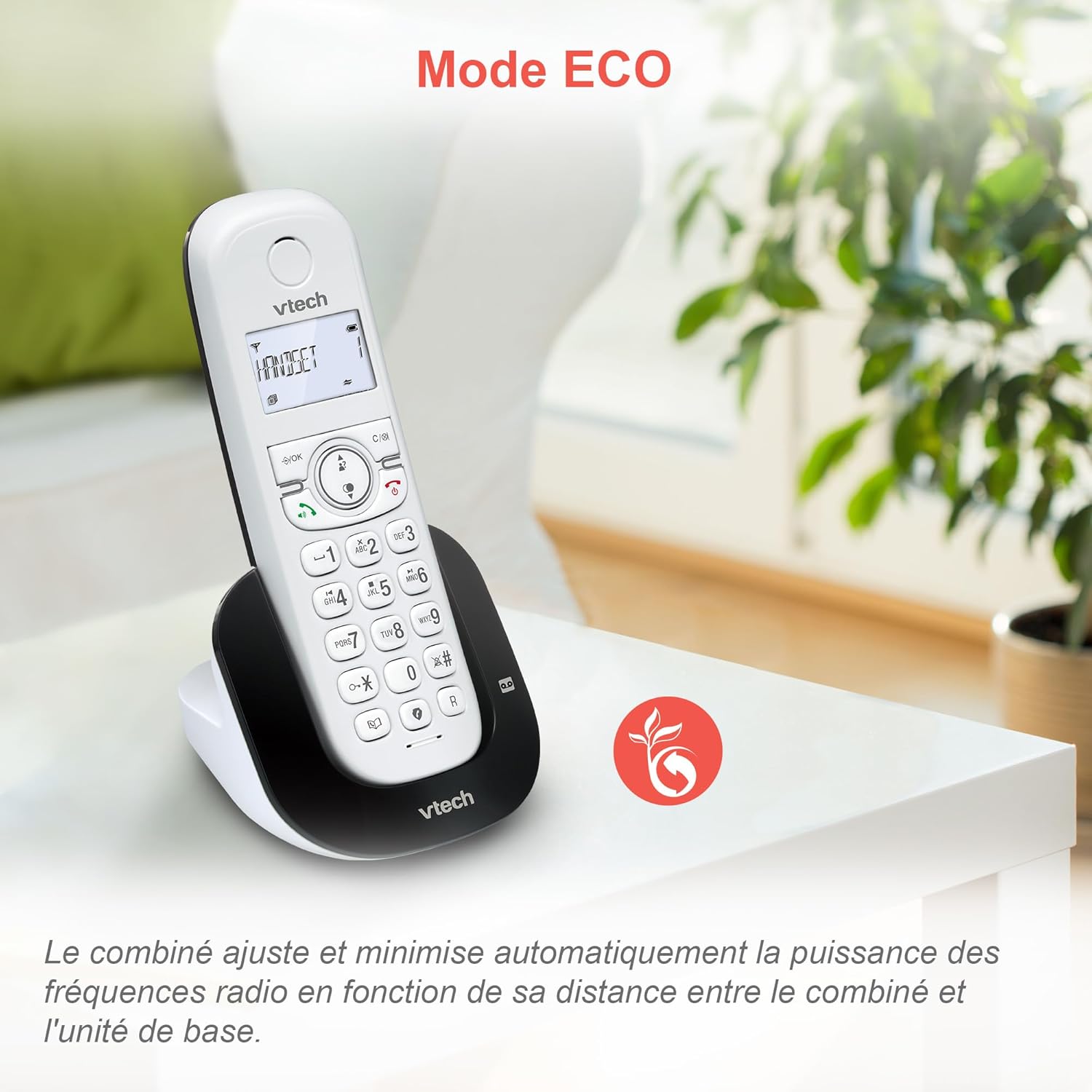
Image: ECO mode automatically reduces power consumption based on handset proximity to the base unit.
Alarm and Mute Functions
Set alarms directly on the handset. During a call, you can mute your microphone for privacy by pressing the mute button.

Image: The phone includes alarm functionality and a mute feature for calls, enhancing user convenience and privacy.
Adjustable Ringer Volume and Melodies
Customize your phone's ringing experience by adjusting the ringer volume and selecting from available melodies through the handset menu.

Image: Adjust the ringer volume and choose from various melodies to personalize your phone's alerts.
Ngosipụta azụ na ahụ igodo
The handset features a backlit LCD screen and keypad, ensuring clear visibility and ease of use even in low-light conditions.

Image: The backlit display and keypad provide enhanced visibility in dark environments.
Mkpuchi Ogologo Ogologo
The DECT technology provides reliable long-range coverage and clear audio quality throughout your home or office.

Image: The phone offers extended range and clear communication across various areas of your property.
Ndụ batrị
The handset provides up to 13 hours of talk time and up to 200 hours of standby time on a full charge.

Image: The VTech CS1550 offers up to 13 hours of continuous talk time.
Nlekọta
Na-ehicha ekwentị gị
Jiri nwayọ hichaa ekwentị na nkeji ntọala, damp cloth. Do not use cleaning sprays or harsh chemicals, as they may damage the finish or electrical components.
Nlekọta batrị
Use only the supplied rechargeable NiMH batteries. Do not use alkaline, manganese, or other non-rechargeable batteries. If the phone will not be used for an extended period, remove the batteries to prevent leakage.
Nchọpụta nsogbu
If you experience issues with your VTech CS1550, try the following steps:
- Enweghị ụda ọkpụkpọ: Ensure the telephone line cord is securely connected to both the base unit and the wall jack. Check if other phones on the same line are working.
- Enweghị ike ịkpọ/nata oku: Verify the power adapter is properly connected to the base unit and a working power outlet. Ensure the handset batteries are charged.
- Ogo ụda adịghị mma: Move the handset closer to the base unit. Check for interference from other electronic devices.
- Ekwentị anaghị akwụ ụgwọ: Ensure the handset is correctly seated in the charging cradle. Clean the charging contacts on both the handset and base unit with a dry cloth.
- Igwe Azịza Anaghị Edekọ: Check if the answering machine is turned on. Ensure there is sufficient recording time available.
For further assistance, refer to the detailed troubleshooting section in the full user manual or contact VTech customer support.
Nkọwapụta
| Ụdị | VTech |
| Nọmba nlereanya | CS1550 |
| Agba | Ọcha |
| Ụdị ekwentị | DECT Enweghị eriri |
| Ngwa dakọtara | Switched telephone network (PSTN), potentially other analog telephone networks |
| Ngwakọta batrị | NiMH (4x AAA size included) |
| Oge Okwu | Ruo awa iri abụọ |
| Oge Njikere | Ruo awa iri abụọ |
| Oge Ndekọ Igwe Azịza | 15 nkeji |
| Ikike akwụkwọ ekwentị | 60 aha na nọmba |
| Call Blocker Capacity | Ruo ọnụọgụgụ 60 |
| Caller ID Records | Ihe ndekọ 20 |
| Ibu | 275 grams |
| Ihe onwunwe | Plastic |
Ozi akwụkwọ ikike
Specific warranty details for the VTech CS1550 DECT Cordless Phone are typically provided with your purchase documentation. Please refer to the warranty card or contact your retailer for information regarding warranty coverage and terms. Information regarding spare parts availability and software updates is not available in the provided product data.
Nkwado ndị ahịa
For technical assistance, product inquiries, or service, please visit the official VTech website or contact VTech customer support directly. Contact information can usually be found on the VTech websaịtị ma ọ bụ na nkwakọ ngwaahịa.