Okwu mmalite
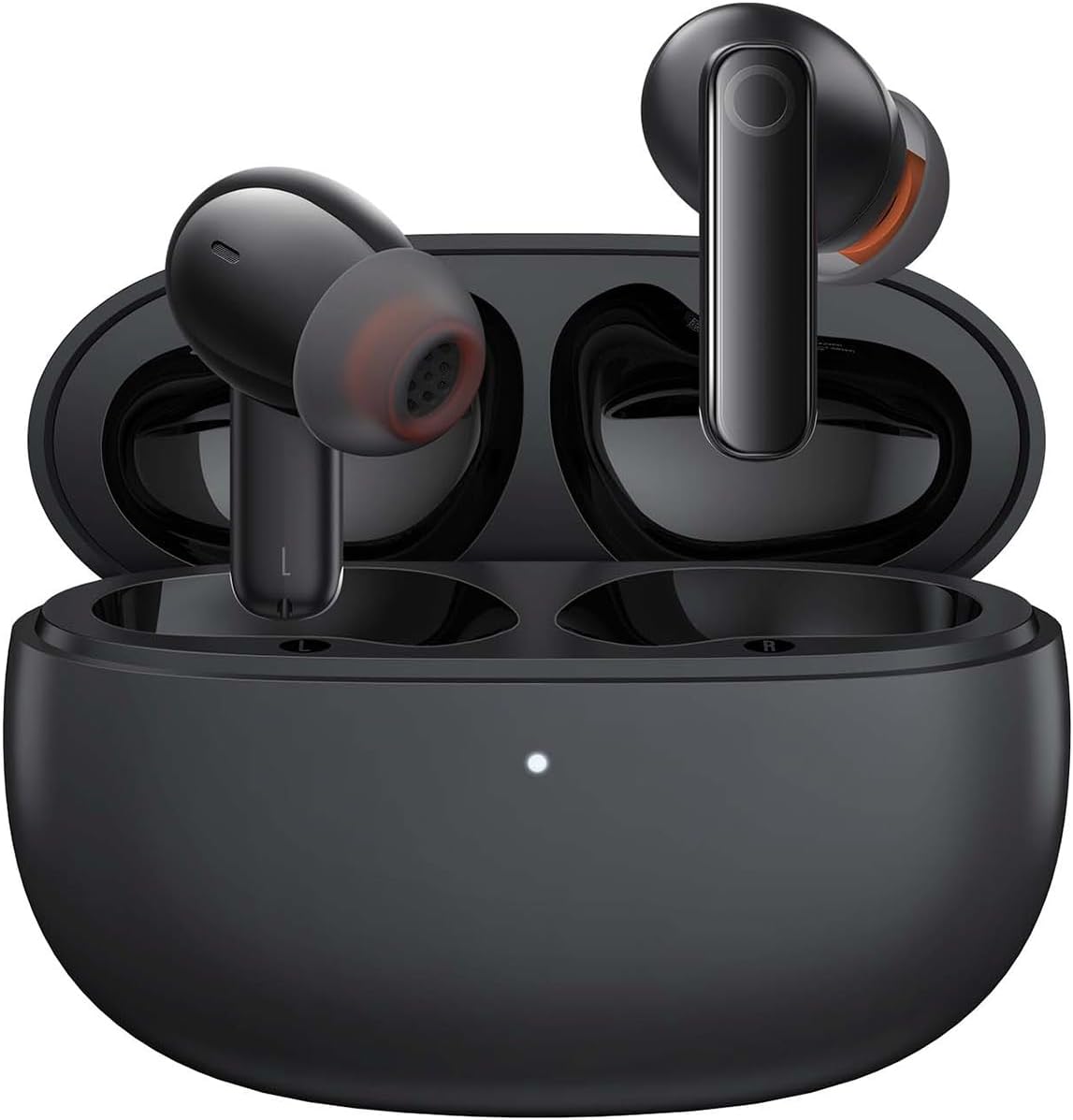
Image: The Baseus Bowie MZ10 True Wireless Stereo Earphones, shown in their open charging case, ready for use.
This manual provides detailed instructions for the operation, maintenance, and troubleshooting of your Baseus Bowie MZ10 TWS Earphones. Please read this manual thoroughly before using the product to ensure proper function and longevity.
Kedu ihe dị na Igbe ahụ
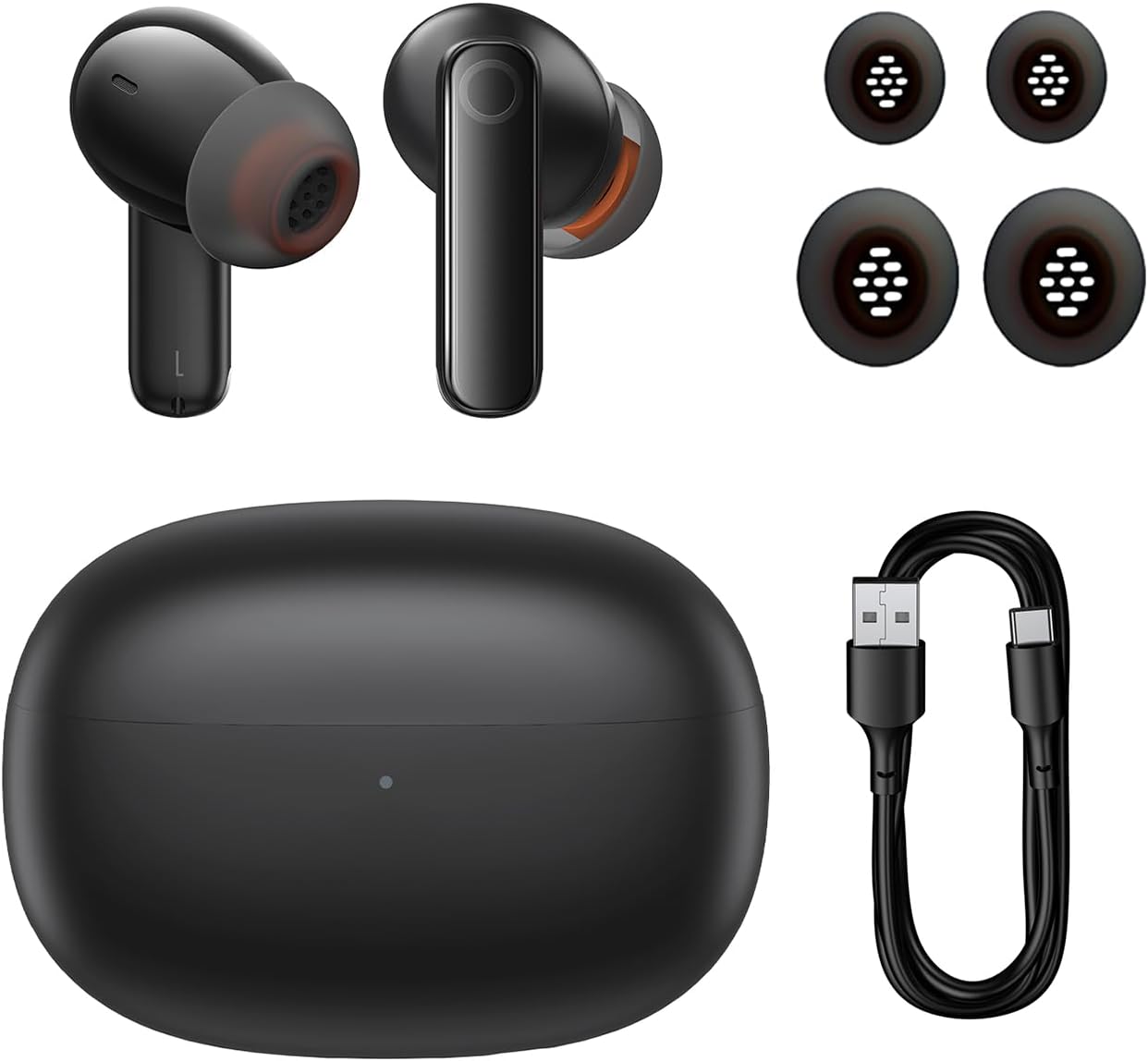
Image: The package contents of the Baseus Bowie MZ10 TWS Earphones, showing the two earbuds, the charging case, multiple sizes of ear tips, and a USB-C charging cable.
- Baseus Bowie MZ10 TWS Earbuds (Left and Right)
- Nchaji case
- USB-C eriri USB
- Ntụaka ntị Silicone (nha dị iche iche)
- Akwụkwọ ntuziaka (akwụkwọ a)
Melite
1. Ịchaji ekwe ntị na akpa
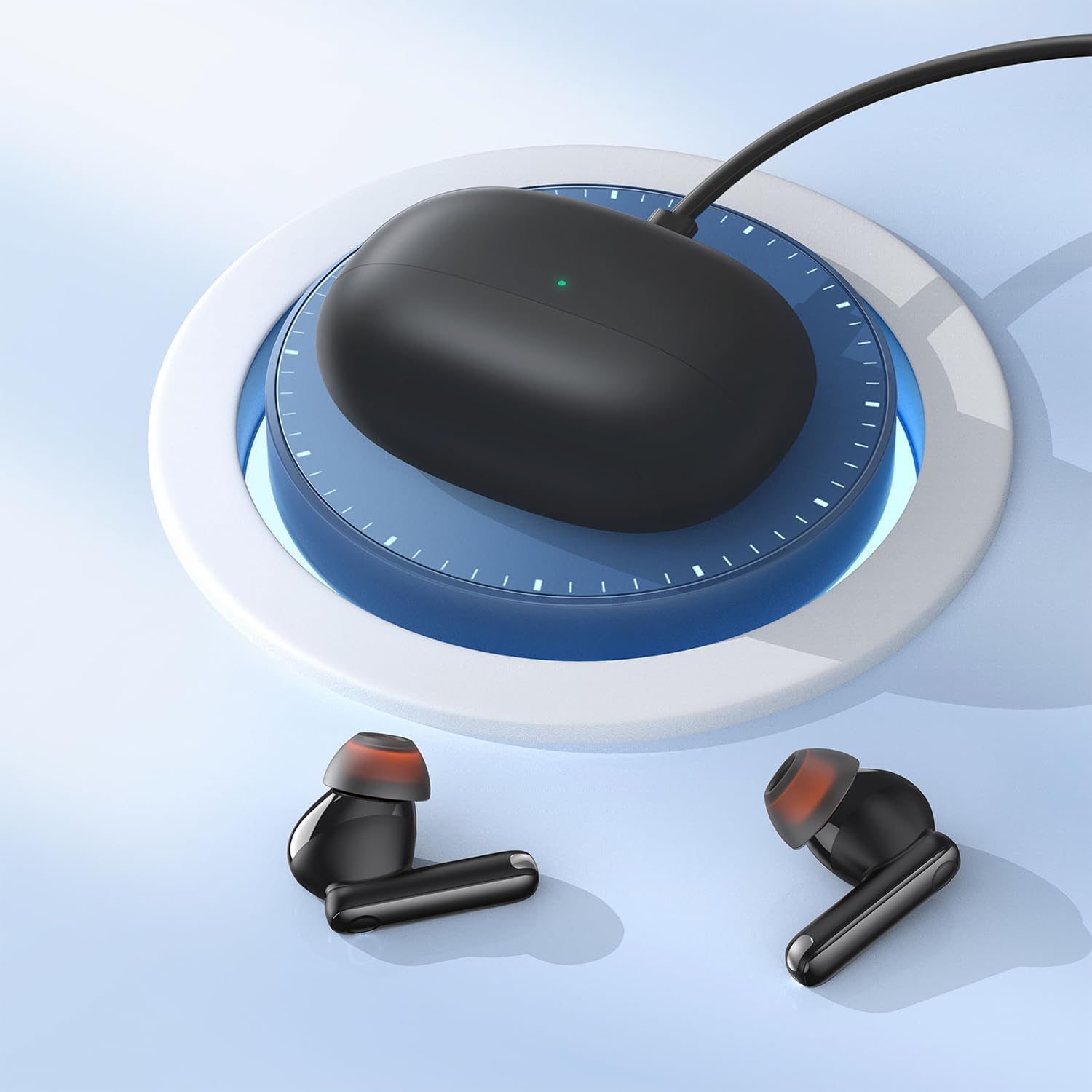
Image: The Baseus Bowie MZ10 charging case being charged via a USB-C cable, indicated by a green light on the case.
- Tupu ojiji nke mbụ, chajie chaja chaja na ihe ntị ntị.
- Jikọọ eriri chaja USB-C na ọdụ chaja dị na akpa ahụ na isi iyi ike.
- The indicator light on the case will show charging status. A full charge is indicated when the light remains solid.
- Place the earbuds into the charging case to charge them. The earbuds will automatically charge when placed correctly in the case.
2. Njikọ Bluetooth
- Open the charging case. The earbuds will automatically enter pairing mode, and the indicator light on the case will flash.
- Na ngwaọrụ gị (smartphone, mbadamba, wdg), gbanye Bluetooth.
- Chọọ maka "Baseus Bowie MZ10" in the list of available Bluetooth devices.
- Select "Baseus Bowie MZ10" to connect. Once connected, the indicator light on the case will turn off or show a steady light.
- Ọ bụrụ na njikọ ahụ ada ada, mechie akpa ahụ, chere sekọnd ole na ole, wee megharịa usoro ndị ahụ.
Ntuziaka ọrụ
Njikwa mmetụ
The Baseus Bowie MZ10 earphones feature touch-sensitive controls on each earbud. The specific functions may vary slightly depending on your device and application.
| Omume | Ọrụ |
|---|---|
| Otu mgbata (aka ekpe/aka nri) | Kpọọ/Kwụsịtụ egwu, zaa/Kwụsị oku |
| Pịa ugboro abụọ (aka nri) | Egwu na-esote |
| Pịa ugboro abụọ (aka ekpe) | Egwu gara aga |
| Pịa ogologo (aka ekpe/aka nri) | Switch between ANC/Transparency Mode (if applicable) |
| Pịa ugboro atọ (aka ekpe/aka nri) | Mee ka onye enyemaka olu rụọ ọrụ |
Nkagbu Noise nọchiri anya (ANC)
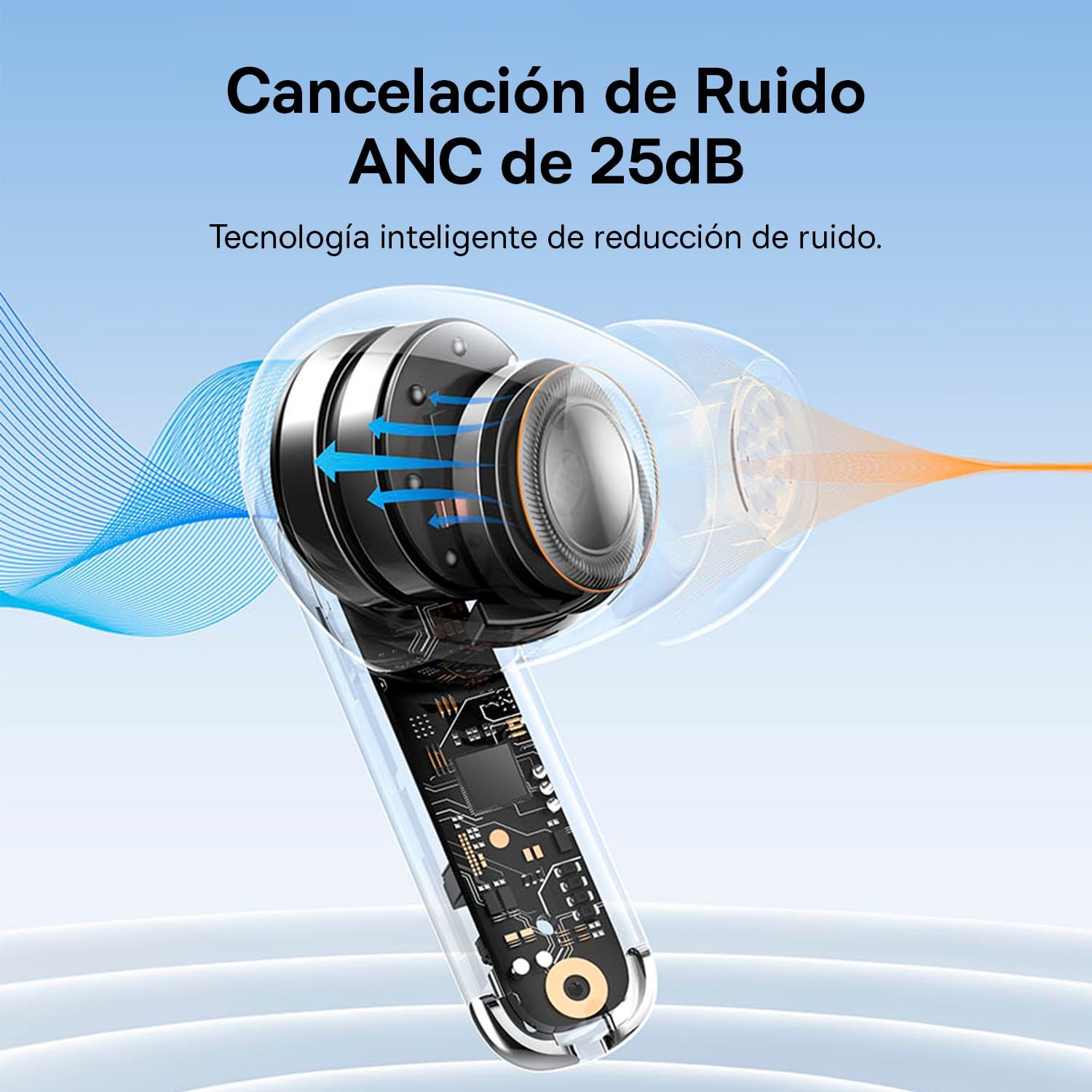
Image: A diagram showing how Active Noise Cancellation (ANC) works within the earbud, with sound waves being cancelled out.
The Baseus Bowie MZ10 earphones feature Active Noise Cancellation to reduce ambient noise. To activate or deactivate ANC, perform a long press on the touch area of either earbud. You may hear an audible prompt indicating the mode change.
Mkpọchi Mkpọtụ Gburugburu Ebe Obibi (ENC) maka Oku
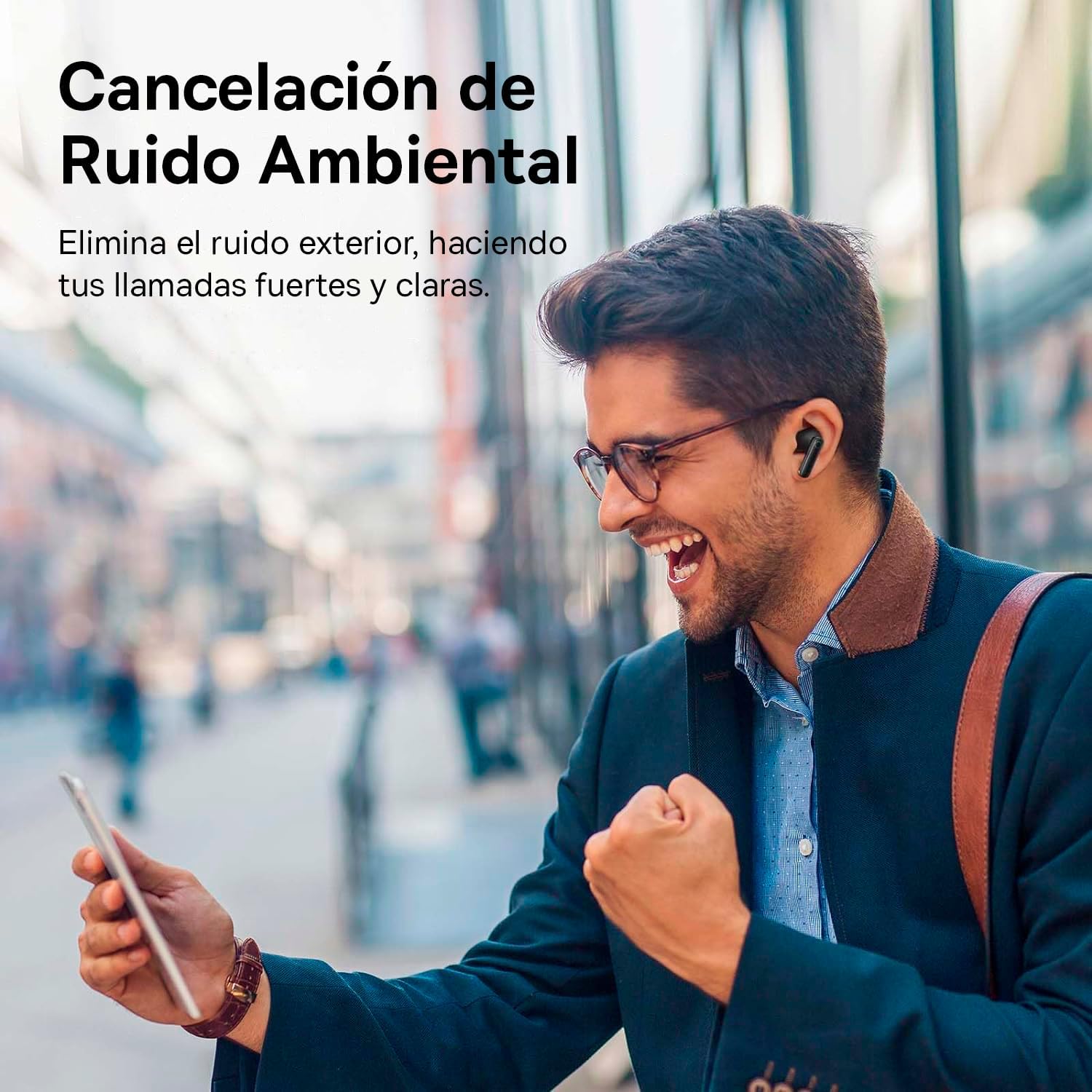
Image: A person smiling while using the Baseus Bowie MZ10 earphones in an outdoor setting, suggesting clear call quality despite ambient noise.
The earphones are equipped with Environmental Noise Cancellation (ENC) technology, which helps to suppress background noise during phone calls, ensuring your voice is transmitted clearly to the other party.
Ọnọdụ Latency Dị Ala Maka Egwuregwu
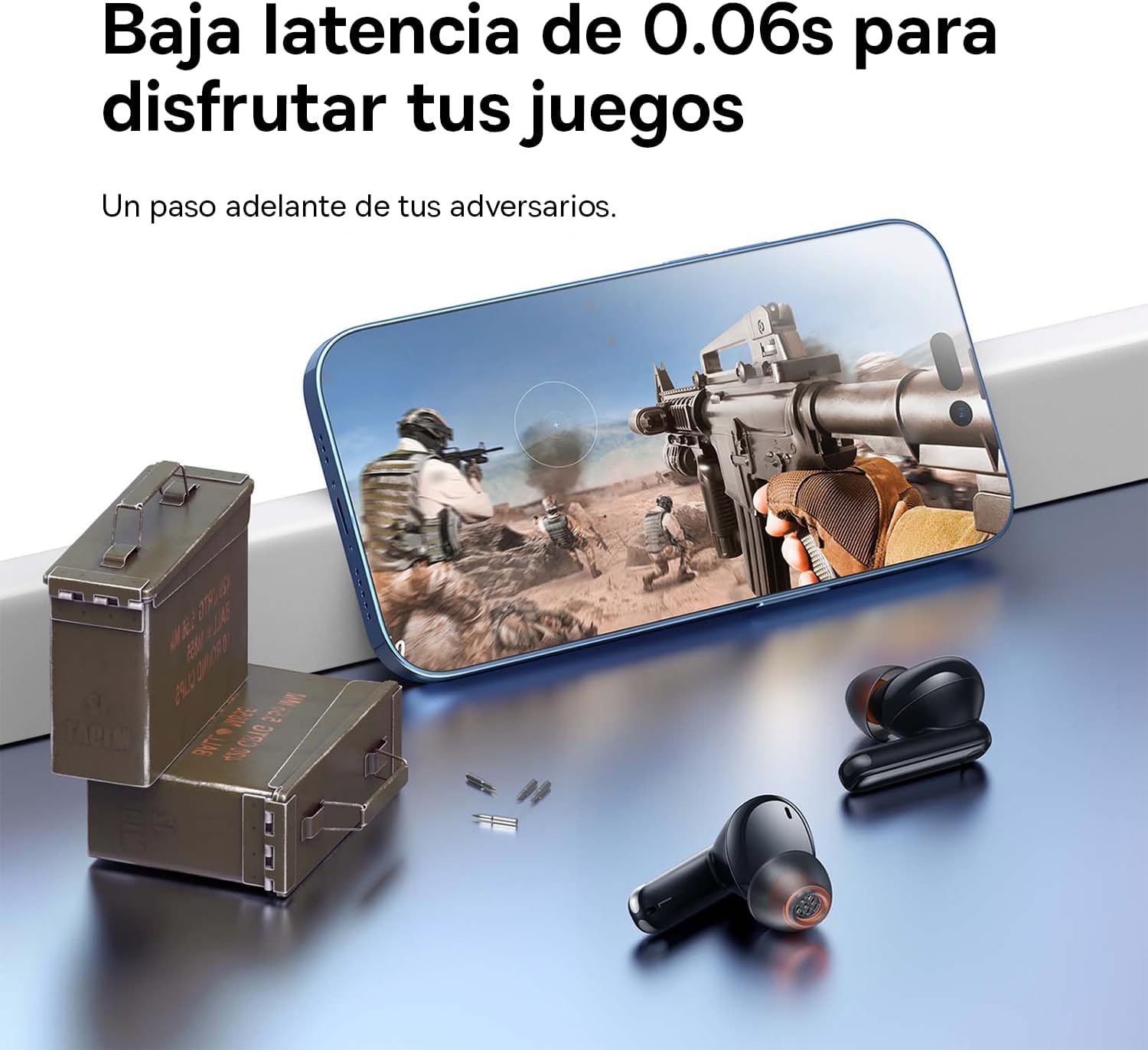
Image: The Baseus Bowie MZ10 earphones positioned near a smartphone displaying a video game, highlighting their low latency feature for an enhanced gaming experience.
For an optimized gaming experience, the Baseus Bowie MZ10 earphones offer a low latency mode. This mode reduces audio delay, ensuring that sound effects and dialogue are synchronized with on-screen actions. Refer to the Baseus app or specific earbud gestures (if available) to activate this mode.
Nlekọta
- Nhicha: Regularly clean the earbuds and charging case with a soft, dry, lint-free cloth. Do not use abrasive cleaners or immerse the product in water.
- Ndụmọdụ ntị: Remove ear tips periodically and clean them with a damp akwa . Gbaa mbọ hụ na ha akpọnwụwo kpamkpam tupu etinyegharịa ya.
- Nchekwa: Mgbe ị naghị eji ya, debe ekweisi ndị ahụ n'ime akpa chaja ha iji chebe ha ma mee ka ha dị ọkụ. Debe ha n'ebe dị jụụ ma kpọọ nkụ, ebe anwụ na-anaghị apụta kpọmkwem ma ọ bụ oke okpomọkụ.
- Nlekọta batrị: To preserve battery life, avoid fully discharging the battery frequently. Charge the earphones regularly, even if not in constant use.
Nchọpụta nsogbu
| Nsogbu | Ngwọta enwere ike |
|---|---|
| Igwe ntị anaghị ejikọta ya na ngwaọrụ |
|
| Only one earbud playing sound |
|
| Obere olu ma ọ bụ ogo ụda adịghị mma |
|
| Nchaji anaghị akwụ ụgwọ |
|
Nkọwapụta
- Akara: Baseus
- Nọmba nlereanya: NGTW340001
- Ụdị ngwaahịa: True Wireless Stereo (TWS) Earphones
- Agba: Nwa
- Batrị: Lithium-ion (nwere ike ibugharị)
- Atụmatụ: Active Noise Cancellation (ANC), Environmental Noise Cancellation (ENC), Low Latency Mode
- Njikọta: Bluetooth (version not specified, but typically 5.0 or higher for TWS)
- Interface chaja: USB-C
Akwụkwọ ikike na nkwado
Baseus products are designed and manufactured to the highest quality standards. For information regarding warranty coverage, technical support, or service, please refer to the warranty card included with your purchase or visit the official Baseus websaịtị. Debe ihe akaebe nke ịzụrụ maka akwụkwọ ikike.
Maka enyemaka ọzọ, ị nwere ike ịkpọtụrụ ndị ahịa Baseus site na ọwa gọọmentị ha.


