1. Okwu mmalite
Thank you for choosing the Baseus Bowie D05 Wireless Headphones. This manual provides detailed instructions on how to set up, operate, maintain, and troubleshoot your new headphones. Please read this manual carefully before use to ensure optimal performance and longevity of your device.
2. Kedu ihe dị na Igbe ahụ
Mgbe ị na-emepe igbe ahụ, biko hụ na ihe niile dị na ya:
- Baseus Bowie D05 ekweisi ikuku
- USB-A ka eriri USB-C
- 3.5mm Audio USB
- Akwụkwọ ntuziaka onye ọrụ
Image: The Baseus Bowie D05 headphones shown alongside their USB-C charging cable and 3.5mm audio cable, illustrating the complete package contents.
3. Ngwaahịa gafereview
Familiarize yourself with the various parts and controls of your Baseus Bowie D05 headphones:
- Bọtịnụ Ike/Ọtụtụ Ọrụ: Used for powering on/off, play/pause, answering/ending calls, and activating voice assistant.
- Bọtịnụ nkwalite olu: Increases volume, long press for next track.
- Bọtịnụ ala ala: Decreases volume, long press for previous track.
- Ọdụ ụgbọ mmiri USB-C: Maka ịchaji ekweisi.
- Jack Audio: 3.5mm Maka njikọ waya.
- Ihe ngosi LED: Na-egosi ike, chaja, na ọnọdụ njikọta.
- Igwe okwu: Maka oku na iwu olu.

Foto: nkọwa zuru ezu view of the left earcup of the Baseus Bowie D05 headphones, highlighting the location of the control buttons (volume up/down, multi-function) and the charging/audio ports.
4. Nhazi
4.1 Ịchaji ekweisi
- Connect the USB-C end of the charging cable to the headphone's charging port.
- Connect the USB-A end to a USB power adapter (5V/1A recommended) or a computer's USB port.
- The LED indicator will show red during charging and turn off or blue when fully charged.
- Ụgwọ zuru ezu na-ewekarị awa 1.5-2.
4.2 Njikọ Bluetooth
- Gbaa mbọ hụ na chajịrị ekweisi nke ọma.
- Press and hold the Power/Multi-function button for 3-5 seconds until the LED indicator flashes blue and red alternately, indicating pairing mode.
- Na ngwaọrụ gị (smartphone, mbadamba, kọmputa), mee ka Bluetooth nwee ike.
- Chọọ maka "Baseus Bowie D05" in the list of available Bluetooth devices.
- Select "Baseus Bowie D05" to connect. Once connected, the LED indicator will flash blue slowly or turn off.
4.3 Njikọ Waya (Nhọrọ)
You can use the headphones with the included 3.5mm audio cable when the battery is low or for devices without Bluetooth connectivity.
- Tinye otu njedebe nke eriri ọdịyo 3.5mm n'ime jakị ọdịyo 3.5mm nke ekweisi.
- Tinye nsọtụ nke ọzọ n'ime jakị mmepụta ọdịyo nke ngwaọrụ gị.
- Note: Controls on the headphones may not function in wired mode.
5. Ntuziaka ọrụ
5.1 Gbanyụọ ma ọ bụ gbanyụọ
- Ike Na: Press and hold the Power/Multi-function button for 3 seconds.
- Gbanyụọ: Press and hold the Power/Multi-function button for 5 seconds.
5.2 Nghaghachi egwu
- Gwuo/kwụsịtụ: Short press the Power/Multi-function button.
- Olu elu: Pịa obere bọtịnụ Mpịakọta Elu.
- Olu ala: Pịa obere bọtịnụ Mbelata Olu.
- Track na-esote: Pịa bọtịnụ Mpịakọta Elu ruo ogologo oge.
- Gara aga Track: Pịa bọtịnụ Mbelata Olu ruo ogologo oge.
5.3 Njikwa oku
- Azịza/Kwụsị Oku: Short press the Power/Multi-function button.
- Jụ oku: Long press the Power/Multi-function button for 2 seconds.
5.4 Njikọ Ngwaọrụ Dị Iche Iche
The Baseus Bowie D05 headphones support simultaneous connection to two devices, allowing seamless switching between them.
- Connect the headphones to the first device via Bluetooth as described in section 4.2.
- Disconnect the headphones from the first device (do not unpair).
- Connect the headphones to the second device via Bluetooth.
- Reconnect the headphones to the first device from its Bluetooth settings. The headphones should now be connected to both devices.
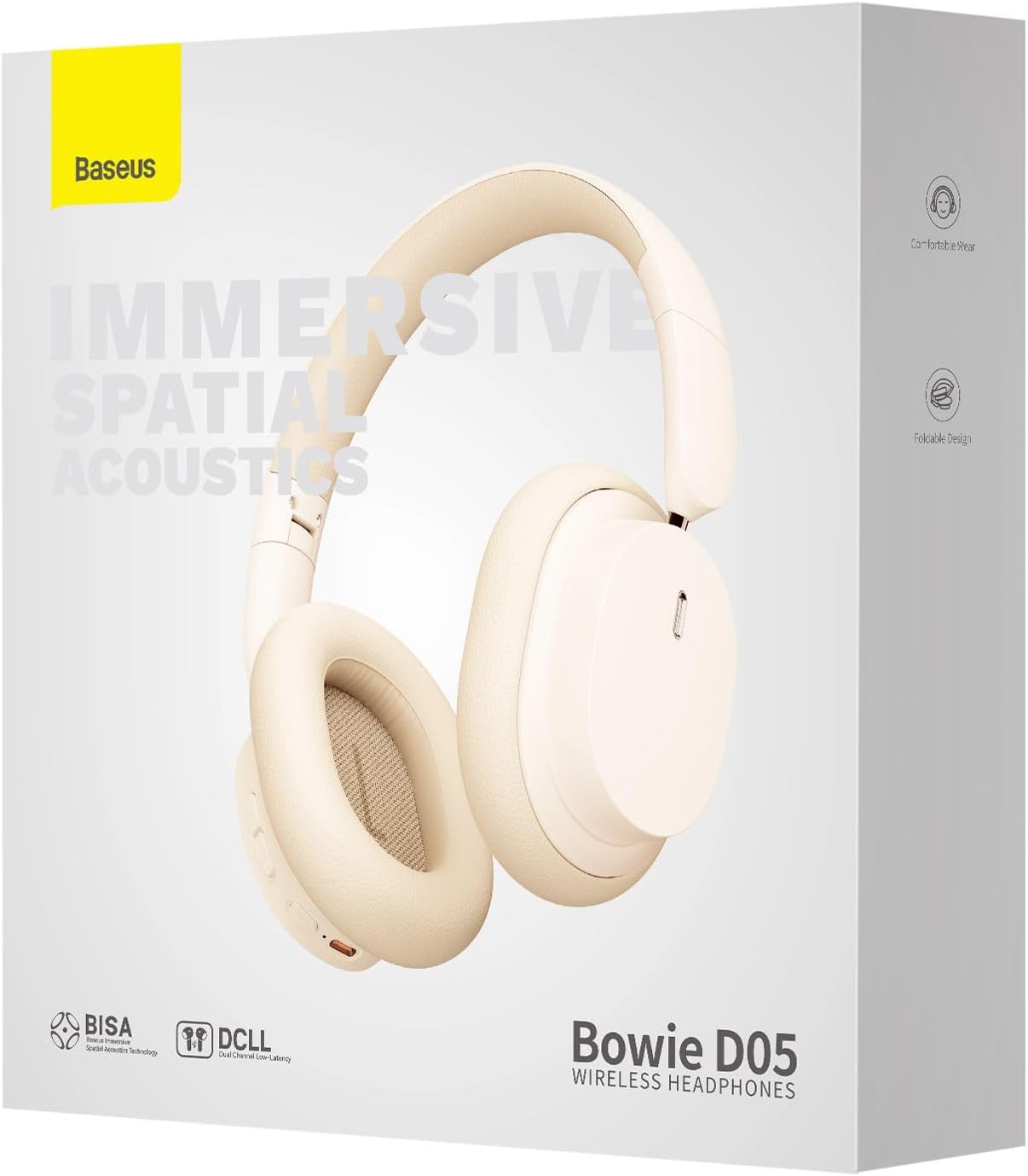
Image: The Baseus Bowie D05 headphones are depicted wirelessly connected to both a smartphone and a tablet, demonstrating their multi-device connectivity feature.
6. Nlekọta
Iji hụ na ekweisi gị dị ogologo ma rụọ ọrụ nke ọma, soro ntuziaka mmezi ndị a:
- Nhicha: Jiri akwa dị nro, kpọrọ nkụ, akwa na-enweghị lint hichaa ekweisi. Ejila ihe mkpocha abrasive, mmanya, ma ọ bụ ihe mgbaze kemịkal.
- Nchekwa: Mgbe ejighị ya, chekwaa ekweisi n'ebe dị jụụ, kpọrọ nkụ, pụọ na ìhè anyanwụ kpọmkwem na oke okpomọkụ.
- Zere mmiri mmiri: Debe ekweisi ka mmiri ghara ịdị na oke iru mmiri.
- Jiri Nlekọta Aka: Zere idobe ma ọ bụ idobe ekweisi na mmetụta siri ike.
7. Nchọpụta nsogbu
If you encounter any issues with your Baseus Bowie D05 headphones, please refer to the following common problems and solutions:
| Nsogbu | Ngwọta enwere ike |
|---|---|
| Igwe ekweisi anaghị agba ọkụ. | Hụ na ekweisi ndị ahụ chajịchara nke ọma. Jikọọ na isi iyi ọkụ wee nwaa ọzọ. |
| Enweghị ike ijikọ na ngwaọrụ. | Ensure headphones are in pairing mode (flashing blue/red). Turn off and on Bluetooth on your device. Clear previous Bluetooth connections on your device. Move headphones closer to the device. |
| Enweghị ụda ma ọ bụ obere olu. | Check headphone and device volume levels. Ensure headphones are properly connected. Try playing different audio. If using wired connection, ensure cable is fully inserted. |
| Ogo ụda adịghị mma. | Move closer to your device to avoid interference. Avoid obstacles between headphones and device. Try disconnecting and reconnecting. |
| Headphones disconnect frequently. | Ensure headphones are fully charged. Keep within Bluetooth range (typically 10 meters). Avoid strong electromagnetic interference. |
Ọ bụrụ na nsogbu ahụ dịgidere mgbe ịnwale azịza ndị a, biko kpọtụrụ nkwado ndị ahịa.
8. Nkọwapụta
Detailed technical specifications for the Baseus Bowie D05 Wireless Headphones:
- Aha nlereanya: NGTD020202
- Akara: Baseus
- Teknụzụ Njikọta: Ikuku (Bluetooth)
- Teknụzụ nzikọrịta ozi ikuku: Bluetooth
- Ntinye ntị: N'elu Ntị
- Ihe kpatara ụdị: N'elu Ntị
- Ụdị ọkwọ ụgbọala ọdịyo: Ọkwọ ụgbọala dị ike
- Nha Ngalaba Ọkwọ ụgbọala: 40mm
- Ndụ batrị: Up to 70 hours of audio playback (at 70% volume)
- Nchaji ọdụ ụgbọ mmiri: USB-C
- Jack ọdịyo: 3.5mm ọkpụrụkpụ
- Ihe: Plastic
- Ibu ihe: Ihe dị ka gram 209 (7.37 ounces)
- Agba: Creamy-White (as per product title, though spec says Black)
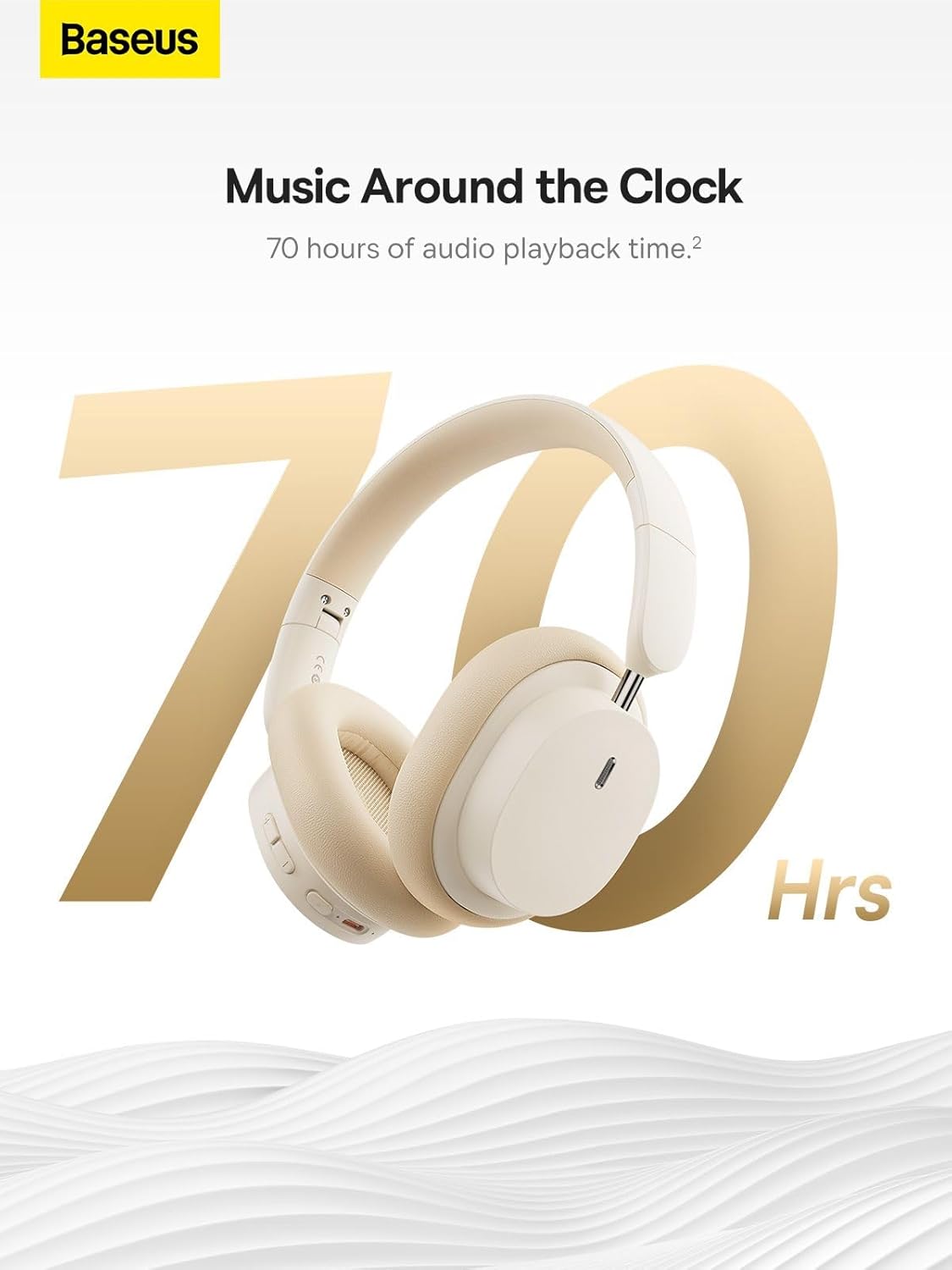
Image: The Baseus Bowie D05 headphones are featured with a prominent '70 Hrs' graphic, highlighting their extended audio playback time on a single charge.

Image: Two individuals are shown comfortably wearing the Baseus Bowie D05 headphones, emphasizing their lightweight design with the text 'Only 209g' for extended listening sessions.

Image: A visual representation of a 40mm large driver unit, illustrating its capability to deliver detailed high-end and fuller low-end audio performance.
9. Akwụkwọ ikike na nkwado
9.1 Ozi akwụkwọ ikike
Baseus products are covered by a limited warranty from the date of purchase. Please refer to the warranty card included in your product packaging or visit the official Baseus websaịtị maka nkọwa na usoro akwụkwọ ikike.
9.2 Nkwado ndị ahịa
For technical assistance, troubleshooting, or warranty claims, please contact Baseus customer support through the following channels:
- Ndị ọchịchị Websaịtị: Visit the Baseus official websaịtị maka FAQs, akụrụngwa nkwado, na fọm kọntaktị.
- Nkwado email: Rụtụ aka na nkwakọ ngwaahịa gị ma ọ bụ onye ọrụ gọọmentị webebe nrụọrụ weebụ maka adreesị ozi-e nkwado ndị ahịa.
- Authorized Retailer: Contact the retailer from whom you purchased the product for assistance.



