1. Okwu mmalite
Thank you for choosing the APPECK C6611-A Smart RGBCW LED Outdoor Wall Lights. These lights are designed to provide versatile and durable outdoor lighting with smart control features. This manual provides essential information for safe installation, operation, and maintenance of your new lighting fixtures.
Akụkụ ndị bụ isi:
- RGBCW Lighting: Offers 16 million color options and adjustable color temperature from 2200K-6500K for diverse lighting needs.
- Njikwa Smart APP: Manage lights remotely via the "Smart Life" application on your smartphone.
- Usoro ngụ oge: Program automatic on/off times for convenience and energy saving.
- Ihe mgbochi mmiri IP65: Durable aluminum construction ensures resistance to rain, snow, heat, and rust, suitable for outdoor use.
- Up Down Lighting: Provides aesthetic illumination both upwards and downwards.
- Voice Control Ready: Compatible with Amazon Alexa and Google Assistant (requires additional gateway, sold separately).
- Ụdị mmekọrịta egwu: Lights can synchronize with music for dynamic effects.
2. Kedu ihe dị na Igbe ahụ
- 2 x APPECK Outdoor Wall Lights (Model C6611-A)
- 2 x Expansion Screw Sets
- 1 x Akwụkwọ ntuziaka onye ọrụ
3. Ozi nchekwa
Biko gụọ ntuziaka nchekwa niile tupu itinye na ojiji. Ọ bụrụ na ị gbasoghị ntuziaka ndị a, ọ nwere ike ibute mgbawa eletriki, ọkụ, ma ọ bụ ihe egwu ndị ọzọ.
- Nchekwa Eletriki: Always turn off power at the circuit breaker before installing, servicing, or cleaning the fixture. Ensure all wiring connections are secure and comply with local electrical codes.
- Eletrik tozuru oke: Ọ bụrụ na obi adịghị gị mma maka usoro nrụnye ahụ, gakwuru ọkachamara ọkụ eletrik ruru eru.
- Ogo IP65: The fixture is IP65 rated for outdoor use, meaning it is protected against dust and low-pressure water jets. Do not submerge the fixture in water.
- Okpomọkụ arụ ọrụ: Ensure the operating environment is within the specified temperature range (-20°C to +40°C).
4. Ntọala na nwụnye
Follow these steps for proper installation of your APPECK outdoor wall lights:
- Gbanyụọ ike: Before beginning any electrical work, ensure the power supply to the installation area is turned off at the main circuit breaker.
- Tinye efere nkwụnye: Secure the mounting plate to the J-box on the wall using the provided screws. Ensure it is firmly attached.
- Jikọọ waya: Connect the fixture's wires to your household wiring. Typically, connect the black wire (live) to the black wire, the white wire (neutral) to the white wire, and the green/bare copper wire (ground) to the ground wire using wire nuts. Ensure connections are tight and insulated.
- Ndozi Ugwu: Align the wall light fixture with the mounting plate and secure it with the provided screws.
- Weghachi ike: Ozugbo etinyere ihe nrụnye ahụ nke ọma wee lelee njikọ niile, weghachi ike na ihe nbibi sekit.

Image: Step-by-step guide for installing the wall lights.
Video: A visual demonstration of the APPECK outdoor wall lights, showcasing their features and potential applications.
5. Ntuziaka ọrụ
Your APPECK wall lights are controlled via the "Smart Life" application.
5.1 Ngwa nbudata na ijikọ
- Download the "Smart Life" App from Google Play Store or Apple App Store. You can also scan the QR code provided in the product manual.
- Register or Log In to your Smart Life account.
- Gbaa mbọ hụ na agbanyere Bluetooth ekwentị gị.
- In the app, tap "Add Device" or the plus icon (+) in the top-right corner of the Home page.
- The app will automatically detect the lights via Bluetooth. Follow the on-screen prompts to complete the pairing process. This may take approximately 20 seconds.
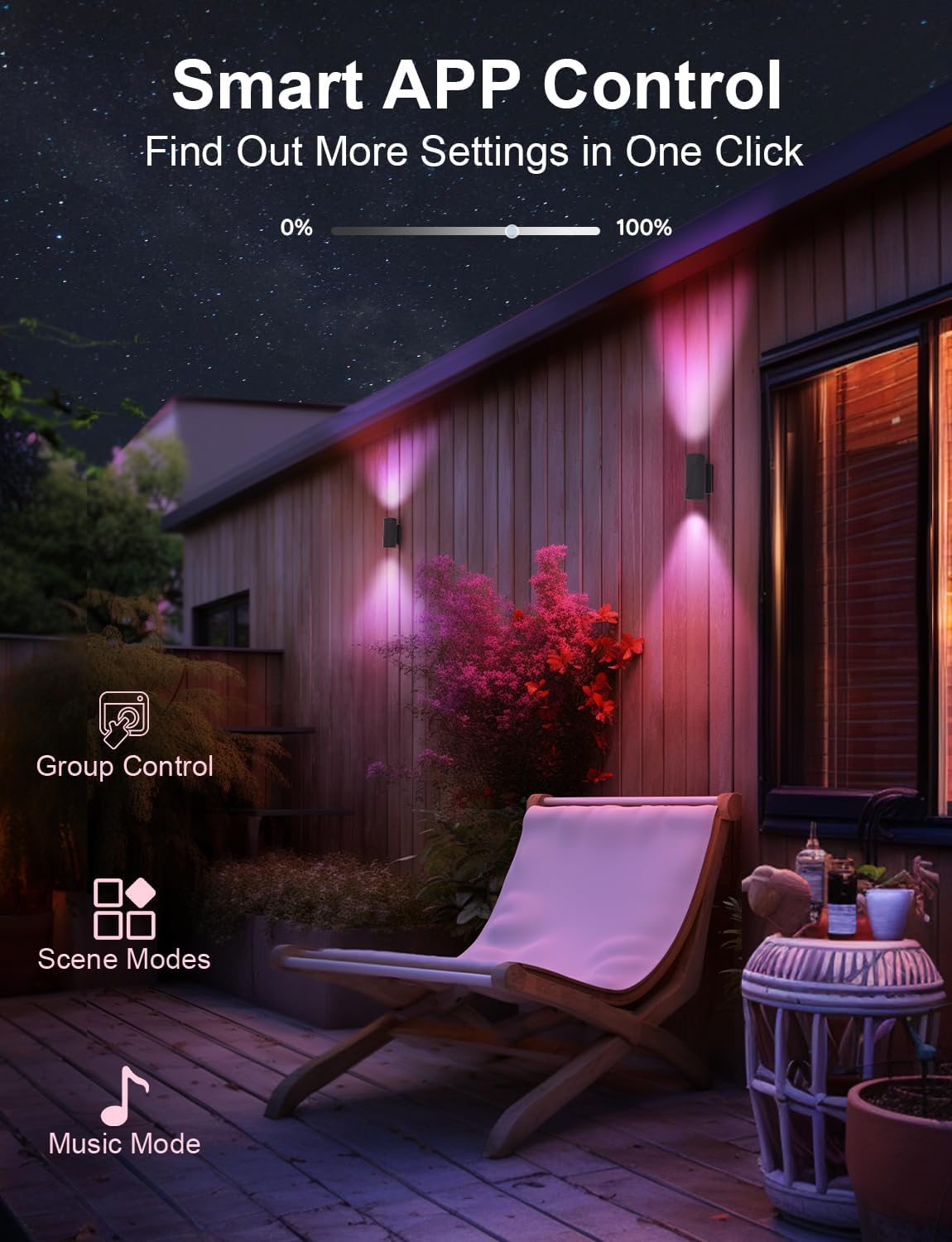
Foto: Ofeview of the Smart Life app interface for controlling the lights.
5.2 Light Control Features
- RGBCW Color Adjustment: Select from 16 million colors or adjust the white light color temperature (2200K-6500K) to create desired ambiance.
- Ndozi ihie: Dim or brighten the lights from 0% to 100%.
- Ụdị ihe nkiri: Choose from various pre-set scene modes for different occasions or create custom scenes.
- Ụdị mmekọrịta egwu: Activate this mode for the lights to change colors and intensity in rhythm with music played on your phone.
- Usoro ngụ oge: Set specific times for the lights to automatically turn on or off daily.
- Njikwa otu: If you have multiple APPECK smart lights, you can group them in the app to control them simultaneously.

Image: Illustration of the timer schedule feature, showing lights turning off in the morning and on at night.
5.3 Voice Control (Optional)
To enable voice control with Amazon Alexa or Google Assistant, an additional gateway device is required (sold separately). Once the gateway is set up and linked to your Smart Life account, you can use voice commands to control your lights.

Image: Depiction of voice control functionality with Amazon Alexa and Google Assistant, noting the requirement for a separate gateway.
6. Nlekọta
Regular maintenance helps ensure the longevity and optimal performance of your wall lights.
- Nhicha: Clean the exterior of the fixture with a soft, damp akwa . Ejila ihe nchacha ma ọ bụ ihe mgbaze, n'ihi na ha nwere ike imebi njedebe.
- Nyocha: Periodically inspect the wiring and connections for any signs of wear, damage, or loose connections.
- Isi mmalite LED: The LED light source is designed for long life and is non-removable. No bulb replacement is necessary.
7. Nchọpụta nsogbu
If you encounter issues with your APPECK wall lights, refer to the following common troubleshooting steps:
- Ọkụ anaghị agbanwu:
- Lelee ma ọ bụrụ na ike dị na ihe mgbawa sekit ahụ.
- Hụ na njikọ waya niile dị nchebe.
- Ensure the fixture is correctly installed on the mounting plate.
- Okwu Njikọta ngwa:
- Ensure your phone's Bluetooth is enabled and you are within range of the lights.
- Restart the Smart Life app and try pairing again.
- If remote Wi-Fi control is desired, confirm you have a compatible gateway and it is properly configured. These lights primarily use Bluetooth for direct control.
- Lights Not Responding to Commands:
- Check app connectivity as described above.
- Ensure the lights are powered on.
- Inconsistent Color/Brightness Across Multiple Lights:
- Ensure all lights are properly grouped within the Smart Life app for synchronized control.
- Individual adjustments may be needed if not grouped or if fine-tuning is required for exact color matching.
- Timer Schedule Not Working:
- Verify the schedule settings within the Smart Life app.
- Ensure the lights maintain a stable Bluetooth connection to execute scheduled commands.
8. Nkọwapụta
| Njirimara | Nkọwapụta |
|---|---|
| Ụdị | APPEK |
| Aha Nlereanya | C6611-A |
| Agba | Nwa |
| Ihe onwunwe | Aluminom |
| Ụdị | Oge a |
| Ụdị ihe nrụnye ọkụ | Mgbidi |
| Akụkụ ngwaahịa | 3.15"L x 3.15"W x 6.5"H |
| Ojiji ime ime/n'èzí | N'èzí |
| Isi Iyi Ike | Igwe ọkụ eletrik |
| Ụdị nwụnye | Ugwu mgbidi |
| Atụmatụ pụrụ iche | APP Control, Up Down Lighting, Dimmable, RGB Color Changing, Timer Setting, Auto on-off, Group Control, IP65 Waterproof |
| Usoro njikwa | Ngwa |
| Ụdị isi iyi ọkụ | Ikanam |
| Agba ọkụ | RBCW |
| Wattage | 16 watts (total for 2 lights, 8W per light) |
| Protocol Njikọta | Bluetooth |
| Icha ọkụ | 1200 Lumen |
| Ịrụ ọrụ | 75 lumen/watt |
| Ọkwa Nguzogide mmiri | Mmiri mmiri (IP65) |
| Okpomọkụ agba | 2200 Kelvin - 6500 Kelvin |
9. Akwụkwọ ikike na nkwado
The APPECK C6611-A Smart RGBCW LED Outdoor Wall Lights come with an extended warranty. For specific warranty terms and conditions, please refer to the documentation included with your purchase or contact APPECK customer support.
For technical assistance, troubleshooting, or any product-related inquiries, please contact APPECK customer support through the vendor's official channels or the platform where the product was purchased.


