1. Ngwaahịa gafereview
The LENCENT 100W GaN3 Universal Travel Adapter is a versatile charging solution designed for international travel. It features a universal AC outlet, two USB-C ports, and two USB-A ports, allowing for simultaneous charging of multiple devices. Equipped with advanced GaN III technology, it offers efficient and fast charging in a compact form factor.

Image: LENCENT 100W GaN3 Universal Travel Adapter, showcasing its multiple ports and compact design.
2. Ozi nchekwa dị mkpa
WARNING: This adapter is NOT a voltage ntụgharị. Ọ naghị agbanwe voltage. Gbaa mbọ hụ na ngwaọrụ gị dakọtara na voltage (100-250V) before use. Failure to do so may damage your devices or the adapter.
- Do not exceed the maximum load of 2500W (at 250V) or 10A.
- Equipped with integrated double 10A fuses for overload protection.
- Features a safety valve to prevent accidental contact with live parts.
- Constructed from fire-resistant materials.
- Debe ebe ụmụaka na-apụghị iru.
- Do not expose to liquids or extreme temperatures.
- Akpọsakwala ma ọ bụ nwaa ịrụkwa ihe nkwụnye ọkụ.
3. Ntọala na Nhọrọ Plọg
The LENCENT Universal Travel Adapter includes interchangeable plugs for various regions. To select the appropriate plug:
- Identify the required plug type for your destination (e.g., US, UK, EU, AUS).
- Slide the corresponding plug selector switch on the side of the adapter to extend the correct pins. Ensure the pins are fully extended and locked into place before use.
- To retract a plug, slide the selector switch back.

Image: Diagram illustrating the different international plug types (EU, UK, US, AUS) supported by the adapter.

Image: Visual representation of the universal AC socket, compatible with over 200 countries and various plug types (A, B, C, O, E/F, G, I, J, L, N).
4. Ntuziaka ọrụ
This adapter allows you to charge up to five devices simultaneously using its universal AC outlet, two USB-C ports, and two USB-A ports.
4.1 Ijikọ na ntinye ọkụ
- Ensure the correct plug type is extended for your destination.
- Insert the adapter firmly into the wall outlet.
4.2 Ngwaọrụ Nchaji
- Universal AC Outlet: Plug in devices such as laptops, electric toothbrushes, shavers, or cameras. This outlet supports up to 2500W (at 250V).
- USB-C Ports (C1, C2): Connect USB-C compatible devices for fast charging. USB-C1 supports up to 100W Max. When both C1 and C2 are used, C1 provides 65W and C2 provides 35W.
- USB-A Ports (A1, A2): Connect standard USB-A devices. Each USB-A port provides up to 18W.
The adapter intelligently identifies connected devices and delivers optimal charging current for fast and safe charging.

Image: The adapter connected to a wall outlet, fast charging a laptop via USB-C, demonstrating its 100W capability.

Image: The adapter in use, charging multiple devices (phone, laptop, landline phone base) simultaneously from a single wall outlet.
5. Nlekọta
- Clean the adapter with a dry, soft cloth. Do not use liquid cleaners.
- Chekwaa nkwụnye ahụ n'ebe dị jụụ, kpọrọ nkụ mgbe ọ naghị eji ya.
- Zere ịda ma ọ bụ itinye ihe nkwụnye ahụ n'ọnọdụ siri ike.
- The adapter includes a replaceable 10A fuse. If the adapter stops working, check and replace the fuse if necessary. A spare fuse is typically included.
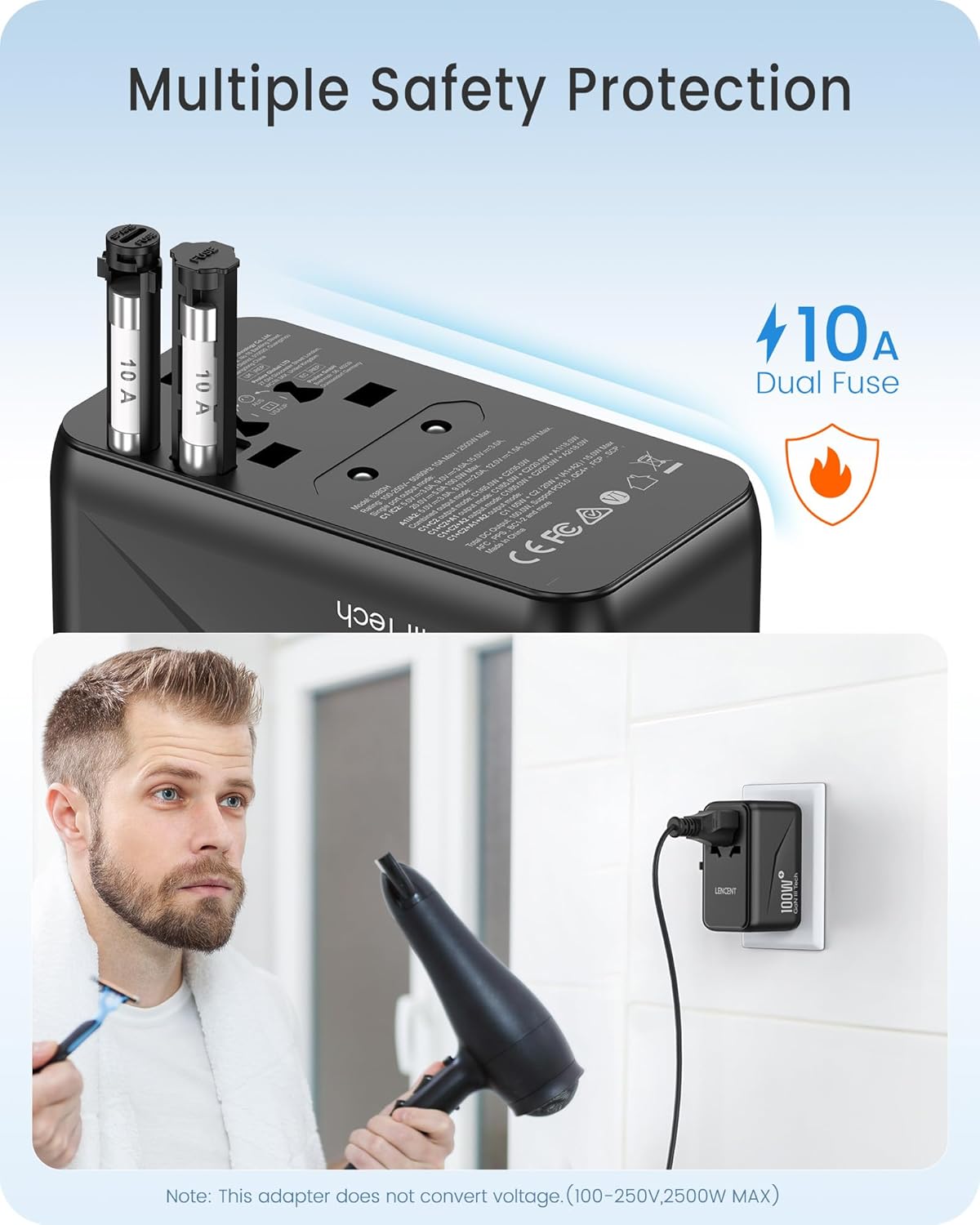
Foto: nso nso view of the adapter's side, highlighting the dual 10A fuses for safety and overload protection.
6. Nchọpụta nsogbu
- Adapter not working:
- Hụ na etinyere ihe nkwụnye ahụ nke ọma n'ime oghere mgbidi.
- Verify that the correct plug pins are fully extended and locked.
- Check if the device connected to the adapter is functioning correctly.
- Inspect the fuse. If blown, replace it with a new 10A fuse.
- Ngwaọrụ anaghị agbacha ma ọ bụ na-achaji nwayọ nwayọ:
- Ensure your device's charging cable is securely connected to both the adapter and the device.
- Confirm that your device is compatible with the adapter's output specifications (voltage na wattagna).
- If charging multiple devices, the total power output is shared. Disconnect some devices to see if charging speed improves for a specific device.
- ekpo oke ọkụ:
- Disconnect all devices and unplug the adapter from the wall. Allow it to cool down.
- Gbaa mbọ hụ na ngụkọta wattage of connected devices does not exceed the adapter's maximum capacity (2500W).
- Gbaa mbọ hụ na ikuku ikuku zuru oke gburugburu ihe nkwụnye ọkụ.
7. Nkọwapụta
| Nọmba nlereanya | 638DH |
| Ntinye Voltage | 100-250V ~ 50/60Hz |
| Mmepụta AC | 100-250V ~ 10A Max, 2500W Max |
| USB-C1 mmepụta | 5V/3A, 9V/3A, 12V/3A, 15V/3A, 20V/5A (100W Max) |
| USB-C2 mmepụta | 5V/3A, 9V/3A, 12V/2.9A (35W Max) |
| USB-A1/A2 mmepụta | 5V/3A, 9V/2A, 12V/1.5A (18W Max) |
| Mkpokọta mpụta USB | 100W Max |
| Akụkụ (L x W x H) | 3.62 x 2.13 x 2.09 sentimita (9.2 x 5.4 x 5.3 cm) |
| Ibu Ibu | 9.5 ounce (gram 268) |
| Nkà na ụzụ | GaN III, PD 3.0, QC 4.0, PPS |
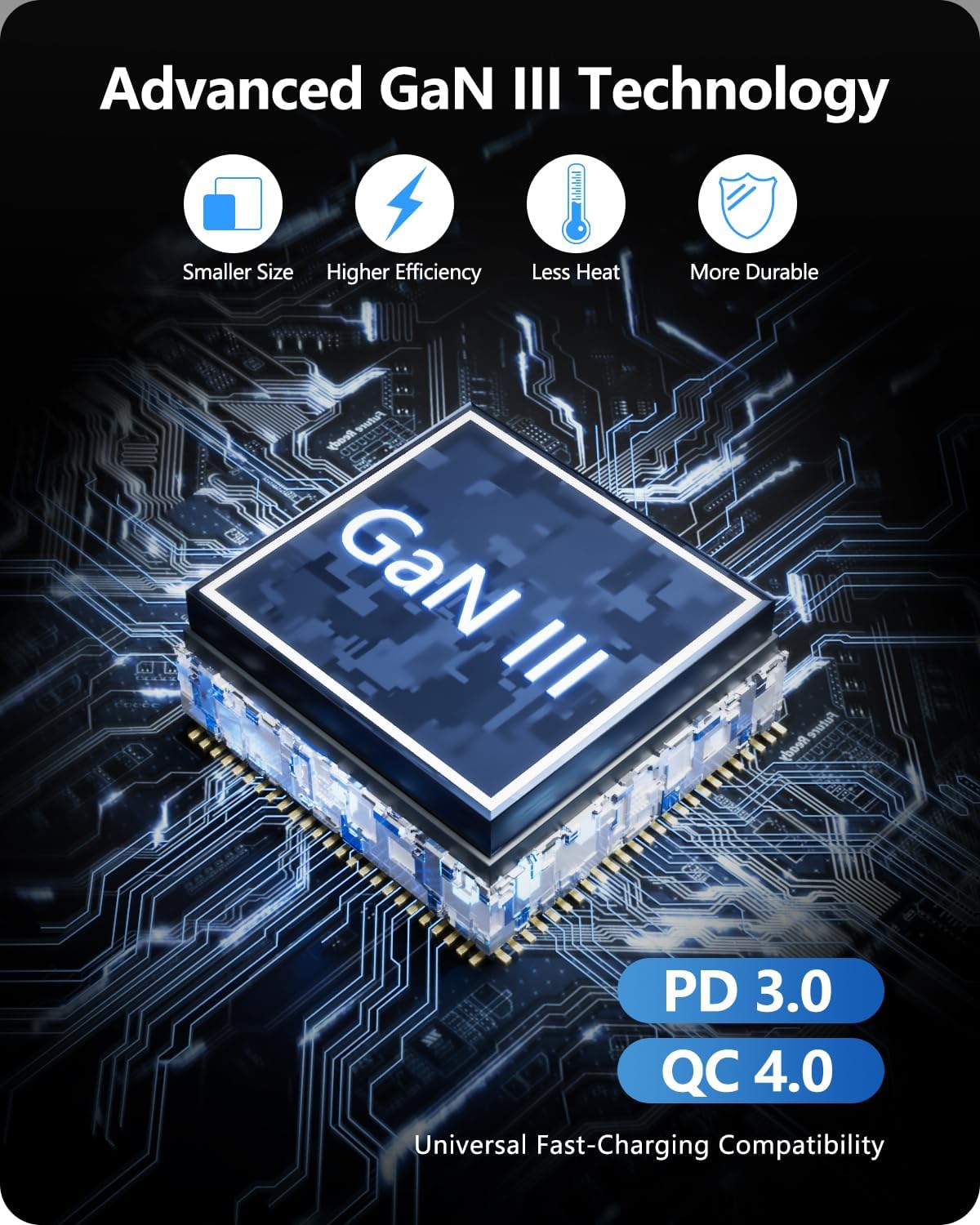
Image: Diagram illustrating the benefits of GaN III Technology: smaller size, higher efficiency, less heat, and increased durability.

Image: The adapter next to a smartphone, tablet, and smartwatch, emphasizing its compact size (2.05*3.62*2.09 inches).
8. Akwụkwọ ikike na nkwado
LENCENT products are manufactured with quality and reliability in mind. For warranty information or technical support, please refer to the official LENCENT website or contact their customer service directly. Please retain your proof of purchase for any warranty claims.
Onye nrụpụta: LENENT Technology Co., Ltd.
Maka enyemaka ọzọ, gaa na LENCENT Store on Amazon.


