Okwu mmalite
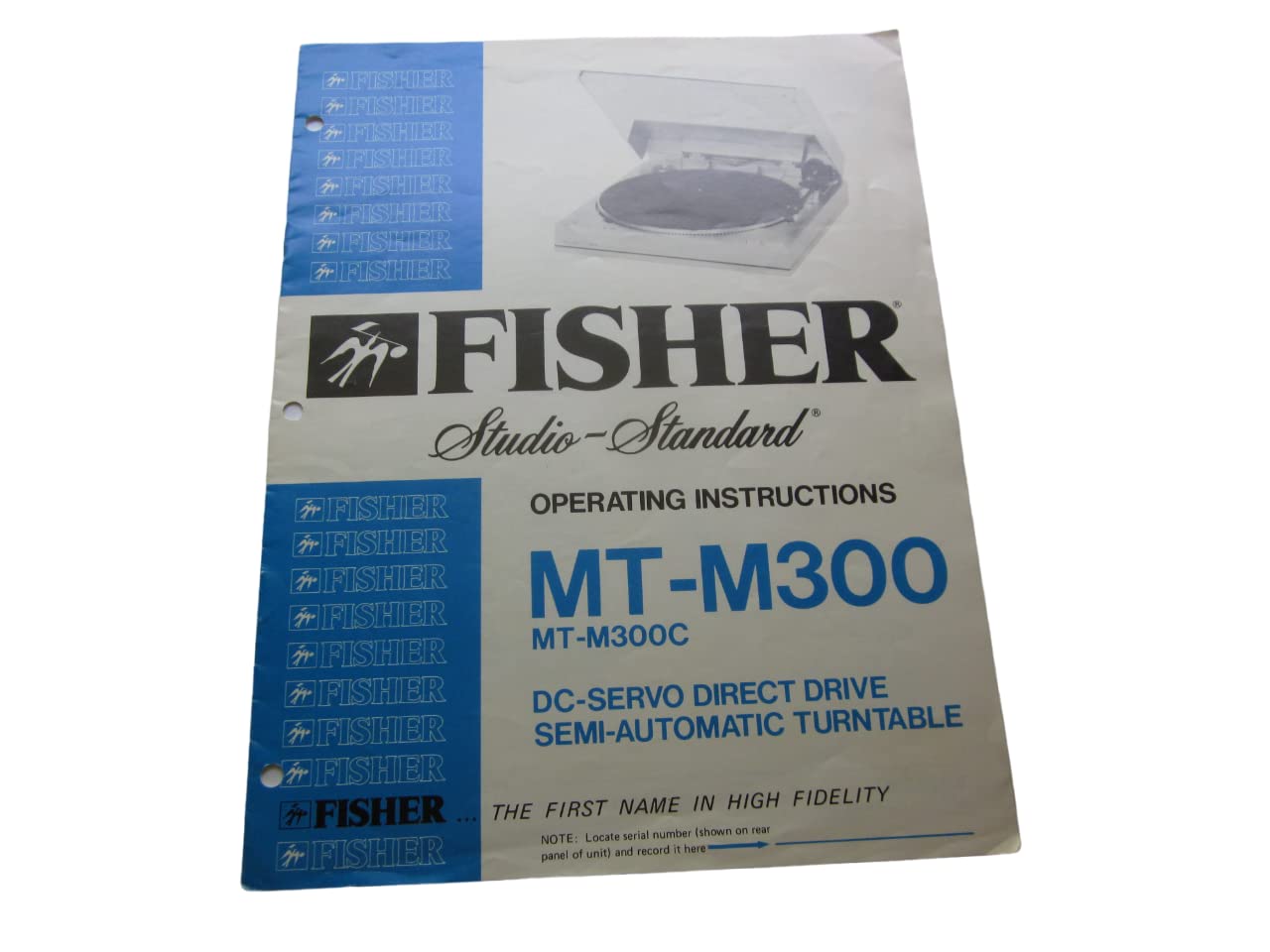
This document provides comprehensive operating instructions for the FISHER Studio-Standard MT-M300 and MT-M300C DC-Servo Direct Drive Semi-Automatic Turntable. Please read this manual thoroughly before operating your turntable to ensure proper setup, optimal performance, and longevity of the unit.
NOTE: Locate the serial number, typically found on the rear panel of the unit, and record it in a safe place for future reference, especially for warranty claims or service inquiries.
Ozi nchekwa
Adhere to the following safety guidelines to prevent damage to the unit and ensure user safety:
- Ewepụla unit ahụ na mmiri ozuzo ma ọ bụ mmiri.
- Do not open the cabinet. Refer all servicing to qualified personnel.
- Gbaa mbọ hụ na ikuku ikuku kwesịrị ekwesị; egbochila oghere ikuku.
- Place the unit on a stable, level surface away from direct sunlight, heat sources, and excessive dust.
- Jiri naanị ike ọkọnọ voltage.
- Debe ebe ụmụaka na-apụghị iru.
Ihe ngwugwu
Upon unpacking, verify that all the following items are present:
- FISHER Studio-Standard MT-M300 or MT-M300C Turntable Unit
- Ihe mkpuchi uzuzu
- Ebute
- Rubber Mat
- Ibu ibu
- Headshell with Cartridge and Stylus
- 45 RPM nkwụnye
- Operating Instructions Manual (this document)
Melite
Soro usoro ndị a ka ịtọlite turntable gị:
- Iwepu: Jiri nlezianya wepụ ihe niile dị na ngwugwu ahụ. Debe ngwugwu ahụ maka njem n'ọdịnihu.
- Nwụnye Platter: Place the platter onto the center spindle. Ensure it sits securely.
- Rubber Mat Placement: Lay the rubber mat evenly on top of the platter.
- Dust Cover Attachment: Attach the dust cover to the hinges at the rear of the turntable base.
- Tonearm Assembly:
- Tinye ihe mgbochi ahụ n'azụ ihe mgbochi ahụ. Tụgharịa ya ruo mgbe ihe mgbochi ahụ ga-adị n'otu n'ahịrị kwụ ọtọ.
- Install the headshell with the cartridge and stylus into the front of the tonearm. Secure it with the locking ring.
- Adjust the tracking force using the counterweight and tracking force dial according to the cartridge manufacturer's specifications (typically 1.5 to 2.5 grams).
- Set the anti-skate control to match the tracking force.
- Njikọ:
- Connect the RCA audio cables from the turntable to the PHONO input of your amplifier ma ọ bụ nnata.
- Connect the ground wire from the turntable to the ground terminal on your amplifier or receiver to minimize hum.
- Tinye eriri ọkụ AC n'ime oghere mgbidi dabara adaba.
Ntuziaka ọrụ
Follow these steps to play a record on your semi-automatic turntable:
- Ike Na: Press the POWER button to turn on the turntable.
- Ebe Ndekọ: Carefully place a record on the platter, ensuring it is centered. For 45 RPM records with a large center hole, use the provided adapter.
- Họrọ Ọsọ: Select the appropriate speed (33 or 45 RPM) using the SPEED selector button.
- Malite ịkpọghachi:
- Mmalite akpaaka: Press the START button. The tonearm will automatically move to the lead-in groove of the record and lower.
- Mmalite ntuziaka: Lift the tonearm using the cueing lever. Manually position the tonearm over the desired track. Lower the tonearm gently using the cueing lever.
- Gbanwee olu: Gbanwee olu na gị amplifier or receiver to the desired listening level.
- End Playback:
- Nkwụsị akpaaka: At the end of the record, the tonearm will automatically lift, return to its rest, and the platter will stop spinning.
- Nkwụsị akwụkwọ ntuziaka: Press the STOP button. The tonearm will lift, return to its rest, and the platter will stop. Alternatively, lift the tonearm with the cueing lever, return it to the rest, and then press STOP.
- Gbanyụọ: Press the POWER button to turn off the turntable when not in use.
Nlekọta
Regular maintenance ensures optimal performance and extends the life of your turntable:
- Mkpuchi uzuzu: Keep the dust cover closed when not in use to protect the platter and tonearm from dust. Clean the dust cover with a soft, dry cloth.
- Nhicha Stylus: Gently clean the stylus with a soft brush designed for stylus cleaning, brushing from back to front. Do not use excessive force.
- Nhicha ndekọ: Clean records before playing to prevent dust and debris from damaging the stylus and affecting sound quality.
- ihicha ụlọ ọrụ: Jiri obere ihe dị nro, nke dị ntakịrị hichaa kabinet turntable ahụ.amp akwa . Zere kemịkalụ siri ike ma ọ bụ ihe nhicha abrasive.
- Stylus Replacement: The stylus has a limited lifespan. Replace it when sound quality degrades or after approximately 500-1000 hours of play, depending on the cartridge.
Nchọpụta nsogbu
Rụtụ aka na tebụl na-esonụ maka okwu nkịtị na azịza ha:
| Nsogbu | Ihe nwere ike ime | Ngwọta |
|---|---|---|
| Enweghị ike | Power cord not connected; outlet not active | Check power cord connection; test outlet with another device |
| Enweghị ụda ma ọ bụ olu dị ala | Ntinye na-ezighi ezi ahọpụtara na amplifier; loose RCA cables; damaged stylus | Select PHONO input; ensure RCA cables are secure; inspect and replace stylus if necessary |
| mkpọtụ mkpọtụ | Ground wire not connected; interference | Connect ground wire to amplifier; move turntable away from other electronic devices |
| Ụda na-awụli elu ma ọ bụ na-agbagọ agbagọ | Incorrect tracking force; dirty stylus; warped record; unstable surface | Adjust tracking force; clean stylus; ensure record is flat; place turntable on a stable, level surface |
| Platter not spinning | Power off; motor issue | Ensure power is on; if problem persists, contact service |
Nkọwapụta
| Njirimara | Nkọwa |
|---|---|
| Nlereanya | MT-M300, MT-M300C |
| Ụdị | DC-Servo Direct Drive Semi-Automatic Turntable |
| Onye mbipụta | FISHER Corporation |
| Publication Date of Manual | Jenụwarị 1, 1981 |
| Asụsụ | Bekee |
| Print Length of Manual | 7 ibe |
| Reading Age (Manual) | Afọ 18 na karịa |
Akwụkwọ ikike na nkwado
For warranty information, please refer to the warranty card included with your product or contact FISHER Corporation customer support. Keep your purchase receipt and serial number handy for any service inquiries.
For technical assistance or service, please contact an authorized FISHER service center. Do not attempt to repair the unit yourself, as this may void your warranty and cause further damage.


