1. Okwu mmalite
This manual provides detailed instructions for the proper use and maintenance of your HOCO BS45 Deep Sound Sports Wireless Speaker. Please read this manual thoroughly before operating the device to ensure optimal performance and longevity. The HOCO BS45 is a portable wireless speaker featuring Bluetooth V5.0 connectivity, FM radio, and TF card support, designed for versatile audio playback.
2. Ihe ngwugwu
- HOCO BS45 Wireless Speaker
- Igwe nchaji USB
- Akwụkwọ ntuziaka onye ọrụ
3. Ngwaahịa gafereview
The HOCO BS45 speaker features a compact, spherical design with a durable mesh fabric finish. It incorporates a single speaker unit and intuitive controls for various functions.
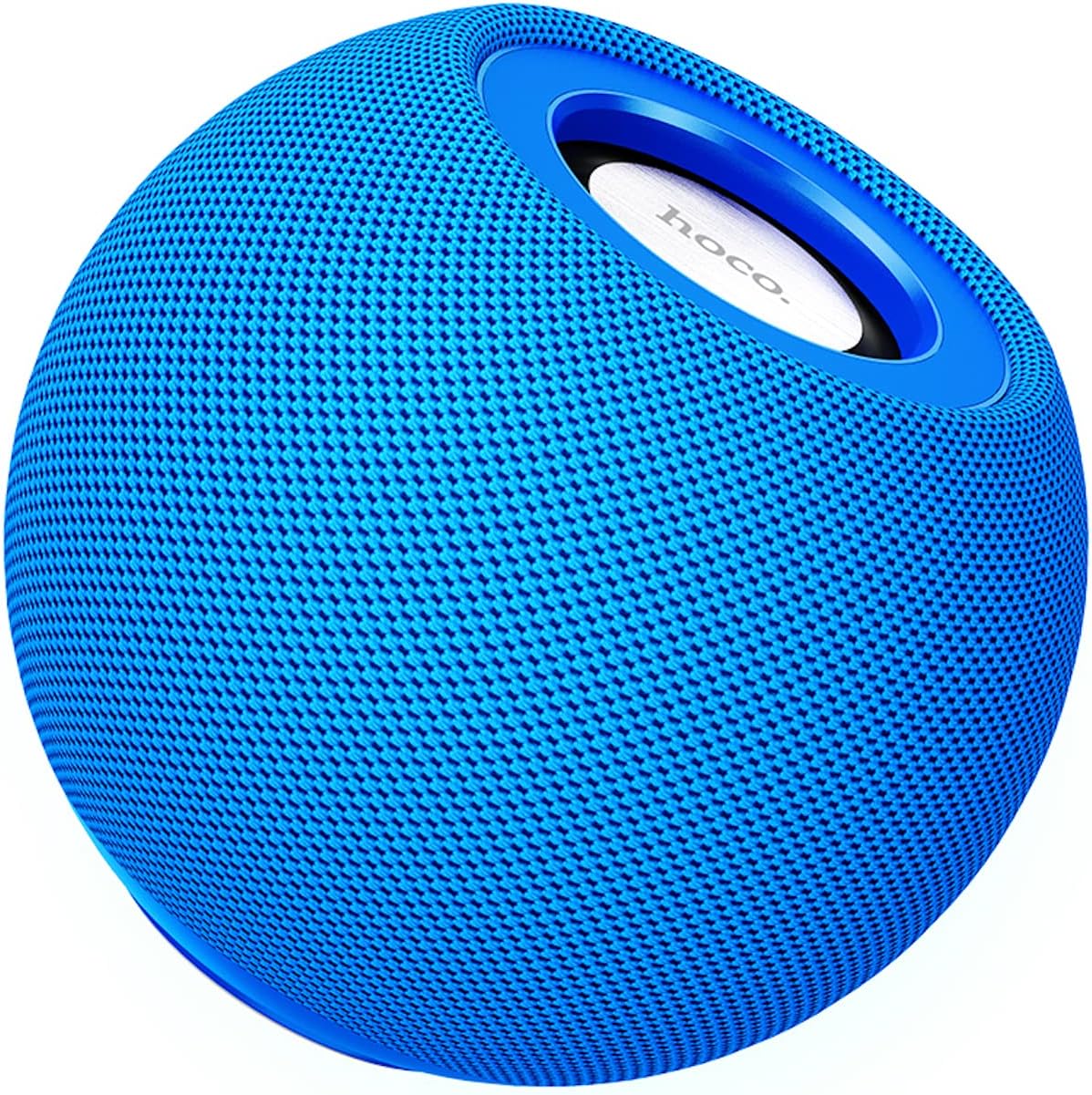
Foto 3.1: N'ihu view of the HOCO BS45 speaker, showcasing its blue mesh exterior and top-mounted control area with the HOCO logo.
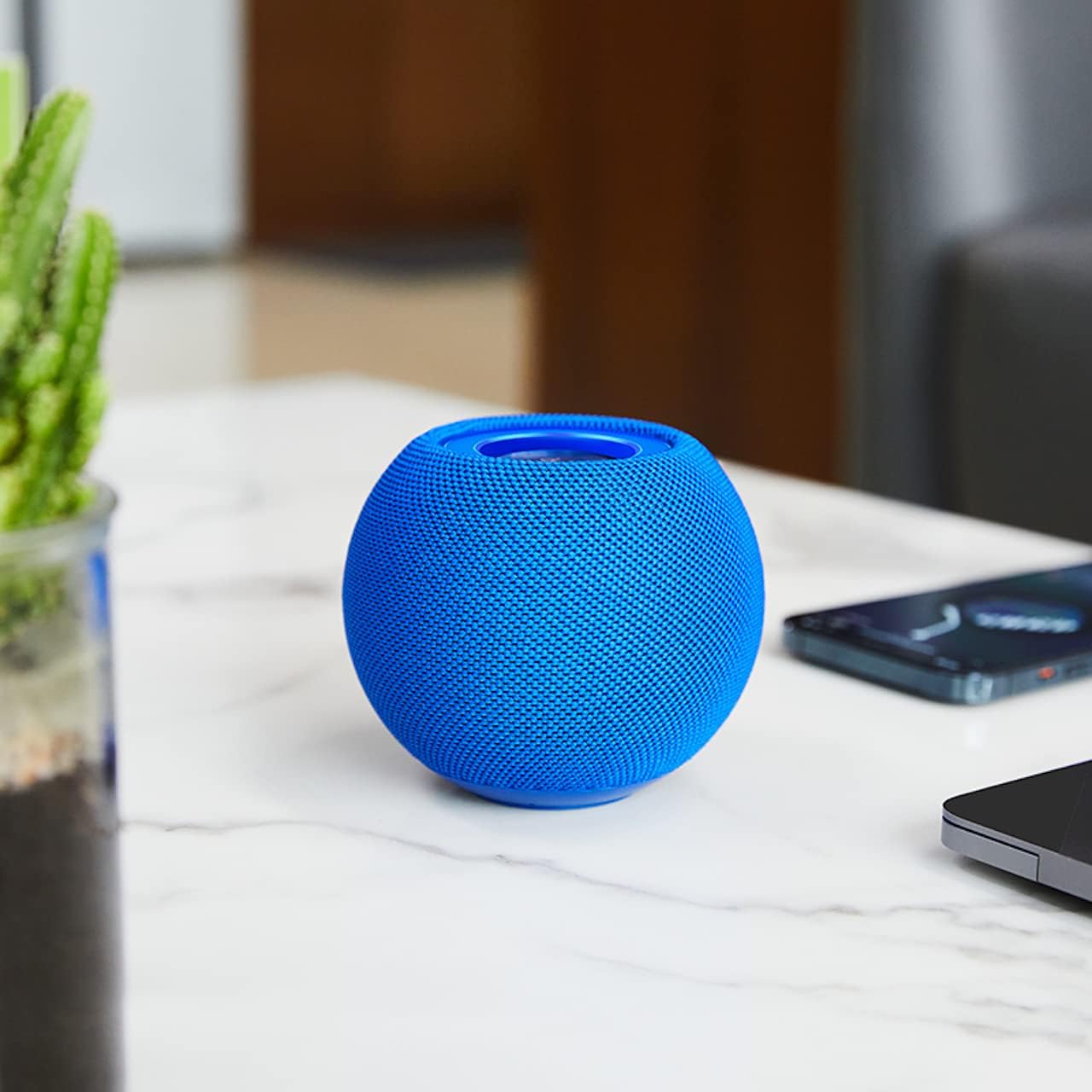
Foto 3.2: The HOCO BS45 speaker positioned on a tabletop, illustrating its compact size relative to a smartphone and a small plant, suitable for various indoor settings.
Foto 3.3: Technical diagram indicating the dimensions of the HOCO BS45 speaker: 85mm (3.3 inches) in width and 98mm (3.9 inches) in height.
4. Nhazi
4.1 Ịchaji ọkà okwu
- Jikọọ eriri USB na-ebunye na ọdụ ụgbọ mmiri dị na ọkà okwu.
- Jikọọ nsọtụ nke ọzọ nke eriri USB na ihe nkwụnye ọkụ USB dakọtara (anaghị etinye ya) ma ọ bụ ọdụ ụgbọ USB nke kọmputa.
- Ọkụ na-egosi nchaji ga-enwu n'oge ịchaji.
- Ịchaji zuru oke na-ewe ihe dị ka awa abụọ. Ọkụ ihe ngosi ahụ ga-agbanwe ma ọ bụ gbanyụọ ozugbo ịchajichara.
The speaker has a built-in 500mAh battery, providing approximately 2 hours of talk or music playback time on a full charge.
4.2 Gbanyụọ ma ọ bụ gbanyụọ
- To power on, press and hold the Power button (location not specified, typically a multi-function button) for a few seconds until you hear an audible prompt or see an indicator light.
- Iji gbanyụọ ọkụ, pịa ma jide bọtịnụ Ike ọzọ ruo sekọnd ole na ole ruo mgbe ị nụrụ mkpọtụ a na-anụ ma ọ bụ ọkụ ihe ngosi ahụ agbanyụọ.
4.3 Njikọ Bluetooth
- Ensure the speaker is powered on and in Bluetooth pairing mode (indicated by a flashing LED light, if present).
- On your mobile device (smartphone, tablet, laptop), enable Bluetooth.
- Chọọ maka available Bluetooth devices. The speaker will appear as "HOCO BS45" or similar.
- Select "HOCO BS45" from the list to connect.
- Once successfully paired, you will hear a confirmation sound, and the LED indicator will typically stop flashing and remain solid.
The HOCO BS45 uses Bluetooth 5.0 technology for a stable and reliable connection.
Njikọta 4.4 TWS (Ezigbo Stereo Wireless)
To achieve a stereo sound experience, you can pair two HOCO BS45 speakers together.
- Ensure both HOCO BS45 speakers are powered on and not connected to any other Bluetooth device.
- On one of the speakers (this will be the primary speaker), press and hold the TWS pairing button (if available, or a multi-function button) until you hear a pairing prompt.
- Ndị ọkà okwu abụọ ahụ ga-achọ ma jikọọ onwe ha na akpaghị aka. Ụda nkwenye ga-egosi njikọ TWS na-aga nke ọma.
- Once TWS paired, connect your mobile device to the primary speaker via Bluetooth as described in Section 4.3.
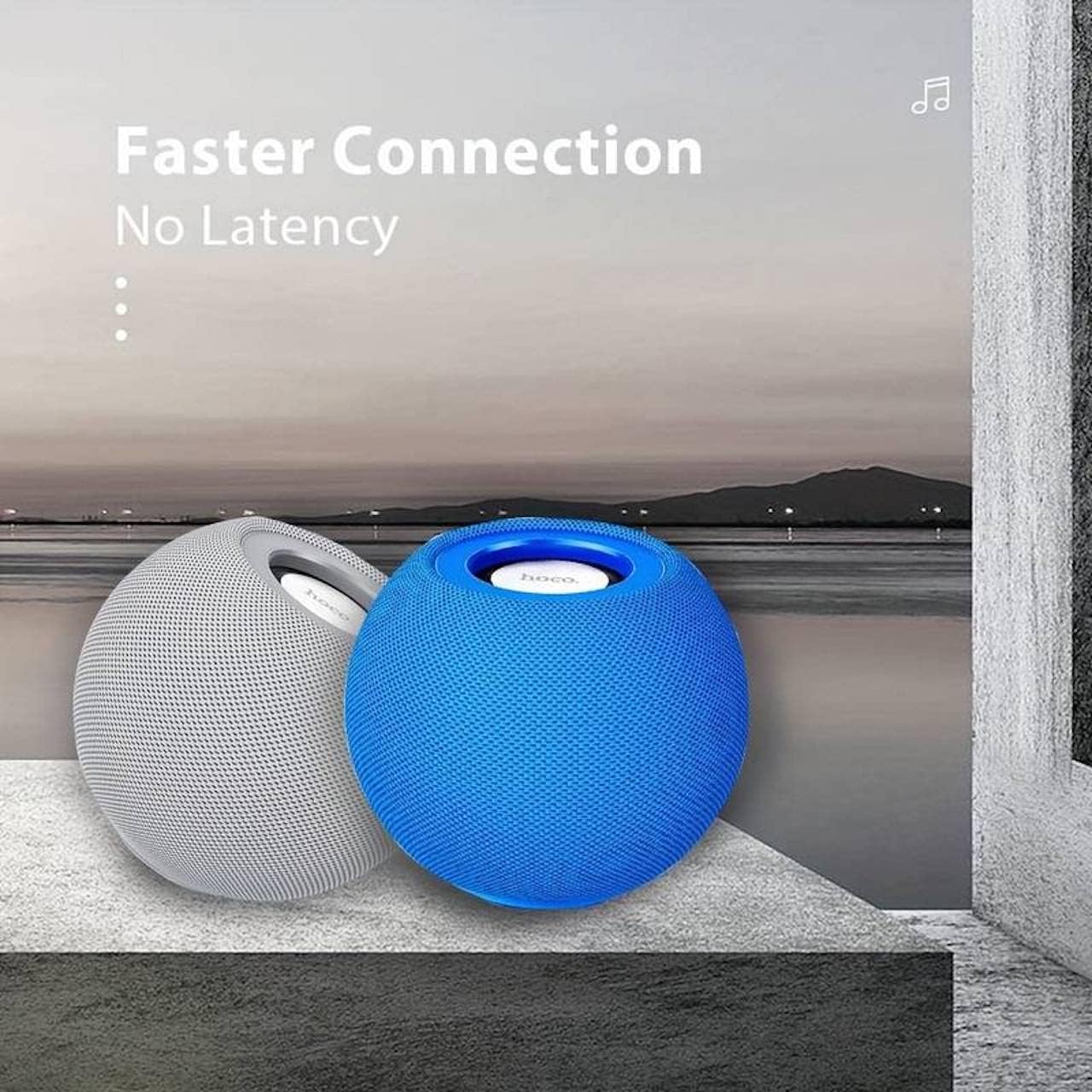
Foto 4.1: Two HOCO BS45 speakers, one grey and one blue, shown together to illustrate the True Wireless Stereo (TWS) pairing capability for enhanced audio.
5. Ụdị arụ ọrụ
5.1 Ọnọdụ Bluetooth
After successful Bluetooth pairing (Section 4.3), you can play audio from your connected device. Use your device's media player to control playback (play, pause, skip tracks) and volume. Some speaker models may also support these controls directly via integrated buttons.
Ọnọdụ redio FM 5.2
- Press the Mode button (if available) to switch to FM Radio mode.
- Press the Play/Pause button to initiate an automatic scan for FM stations. The speaker will save available stations.
- Use the Next/Previous track buttons to navigate between saved FM stations.
5.3 TF Card Mode
- Tinye kaadị TF (microSD) nwere ọdịyo files into the designated TF card slot on the speaker.
- The speaker should automatically switch to TF Card mode and begin playing music. If not, press the Mode button to select TF Card mode.
- Use the speaker's control buttons (e.g., Play/Pause, Next/Previous) to manage playback.
6. Njikwa
The HOCO BS45 speaker features integrated controls for easy operation. While specific button layouts may vary, common functions include:
- Bọtịnụ ike: Pịa ma jide ka ịgbanwuo/ gbanyụọ.
- Bọtịnụ Kwụsị/Kwụsị: Press to play or pause audio. In FM mode, press to auto-scan.
- Elu elu/Egwu na-esote: Pịa mkpirisi maka ibuli olu, ogologo pịa maka egwu ọzọ.
- Egwu ala/Oge gara aga: Pịa obere oge maka mbelata olu, pịa ogologo oge maka egwu gara aga.
- Bọtịnụ ụkpụrụ: Press to switch between Bluetooth, FM Radio, and TF Card modes.
- Call Siri / Voice Assistant: Some models support touch operation to activate voice assistants.

Foto 6.1: A black HOCO BS45 speaker, illustrating its high power capacity and support for various controls including song switching and voice assistant activation via touch operation.
7. Nlekọta
- Keep the speaker dry. Do not expose it to water or excessive moisture.
- Jiri akwa dị nro hichaa ọkà okwu. Ejila ihe nchacha abrasive ma ọ bụ ihe mgbaze.
- Zere oke okpomọkụ. Chekwaa ọkà okwu n'ebe dị jụụ na nke kpọrọ nkụ.
- Agbalịla ịkwatu ma ọ bụ rụzie ọkà okwu ahụ n'onwe gị. Nke a ga-eme ka akwụkwọ ikike ahụ ghara ịdị irè.
8. Nchọpụta nsogbu
| Nsogbu | Ihe nwere ike ime | Ngwọta |
|---|---|---|
| Ọkà okwu anaghị agba ọkụ. | Batrị dị ala. | Chajịa ọkà okwu opekata mpe awa 1.5. |
| Enweghị ike ijikọ site na Bluetooth. | Ọkà okwu adịghị n'ụdị njikọta; Bluetooth agbanyụrụ ngwaọrụ; ọ dị oke anya site na ngwaọrụ. | Ensure speaker is in pairing mode. Enable Bluetooth on your device. Move speaker closer to device (within 10 meters). |
| Enweghị ụda. | Volume too low; speaker not connected; incorrect mode. | Increase volume on both speaker and connected device. Re-pair Bluetooth. Ensure correct operating mode (Bluetooth, FM, TF card). |
| Nnabata redio FM adịghị mma. | Mgbaàmà na-adịghị ike; nnyonye anya gburugburu ebe obibi. | Move the speaker to a location with better signal. Avoid obstructions. |
9. Nkọwapụta
- Ụdị: BS45
- Ụdị Bluetooth: 5.0 (Chip: JL AC6965)
- Ike batrị: 500mAh
- Oge nchaji: Ihe dị ka awa 1.5
- Oge Okwu/Egwu: Ihe dị ka awa 2
- Ngalaba Ọkà Okwu: 57mm * 1
- Mpụta Ike Ọkà Okwu: 5W * 1
- Teknụzụ Njikọta: Bluetooth, FM, TF card, TWS
- Ụkpụrụ mmepụta ụda: Gburugburu
- Ụdị nkwụnye: N'elu tebụl
- Ụdị ọkà okwu: N'èzí
- Akụkụ ngwaahịa: 9.8 x 8.5 x 8.5 cm (3.9 x 3.3 x 3.3 inch)
- Arọ ngwaahịa: 242 g
- Ngwa dakọtara: Desktọpụ, Laptọọpụ, MP3 Player, Ama ekwentị, Mbadamba
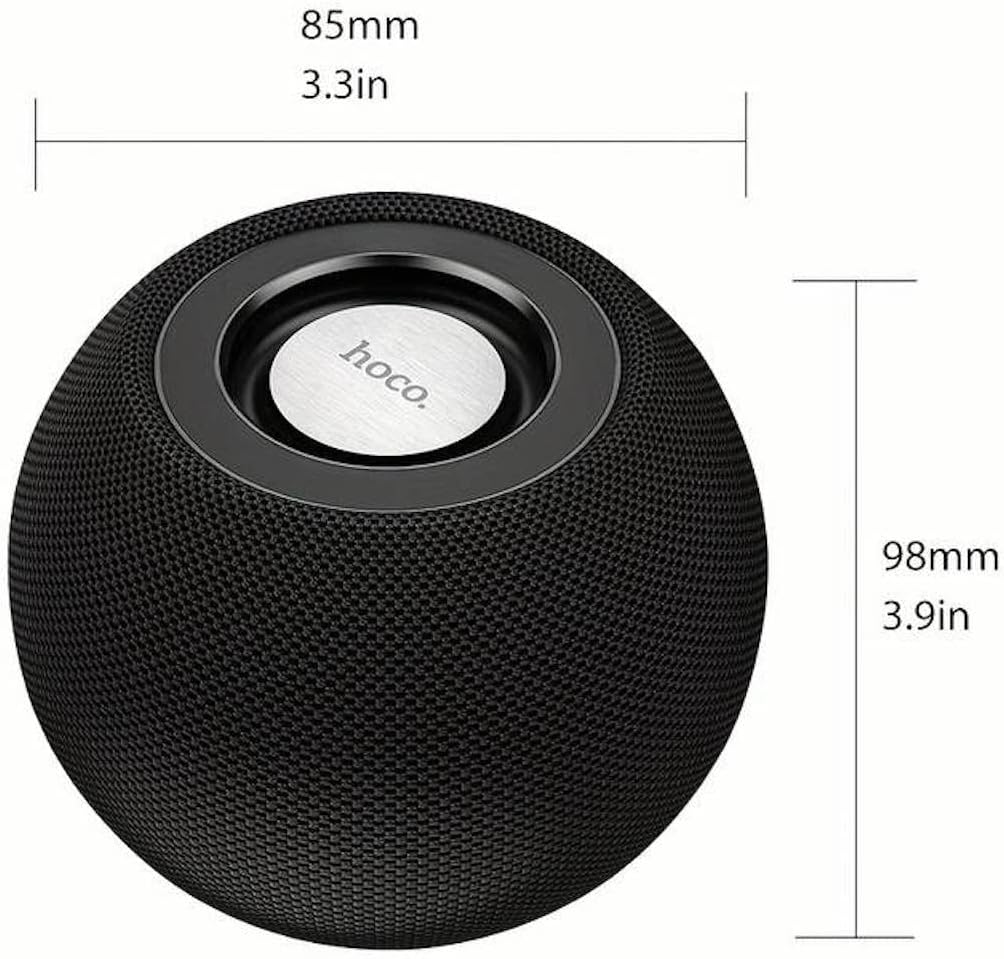
Foto 9.1: A display of four HOCO BS45 speakers in various colors (black, blue, red, grey), emphasizing core specifications such as Bluetooth 5.0, 2 hours of music playback, and a 500mAh battery capacity.
10. Ozi nchekwa
- Ekwela ka onye na-ekwu okwu nọrọ n'ọnọdụ okpomọkụ dị oke elu, anwụ kpọmkwem, ma ọ bụ ọkụ mepere emepe.
- Zere idobe ma ọ bụ idobe ọkà okwu na mmetụta siri ike.
- Debe ọkà okwu n'ebe ụmụaka nọ na anụ ụlọ.
- Use only the provided or a certified charging cable.
- Do not operate the speaker in wet environments or near water.
- Tụfuo ngwaahịa ahụ nke ọma dịka iwu mpaghara siri dị.
11. Akwụkwọ ikike na nkwado
Specific warranty details for the HOCO BS45 speaker may vary by region and retailer. Please refer to your purchase documentation or contact your point of sale for warranty information. For technical support or inquiries, please visit the official HOCO websaịtị ma ọ bụ kpọtụrụ ndị ahịa ha ọrụ.


