Okwu mmalite
This manual provides detailed instructions for the setup, operation, and maintenance of your VTech CS2000 DECT Cordless Home Phone. Please read this manual thoroughly before using your new phone to ensure proper functionality and to take full advantage nke atụmatụ ya.
The VTech CS2000 is designed for home use, offering reliable long-range communication, essential call management features, and user-friendly design.

Figure 1: VTech CS2000 DECT Cordless Home Phone, showing the handset docked in its base unit.
Melite
Ihe ngwugwu
Gbaa mbọ hụ na ihe niile dị na ngwugwu gị:
- VTech CS2000 Handset
- VTech CS2000 Base Unit
- Ihe nkwụnye ike maka nkeji isi
- Ụdọ ekwentị
- Rechargeable NiMH Battery (1 included)
Batrị nwụnye na Nchaji
The VTech CS2000 uses a rechargeable NiMH battery. Proper installation and initial charging are crucial for optimal performance.
- Chọta ebe batrị dị n'azụ ekwentị.
- Insert the supplied NiMH battery, ensuring the polarity matches the diagram inside the compartment.
- Mechie mkpuchi nke batrị batrị nke ọma.
- Place the handset on the base unit. The charging indicator on the handset should illuminate.
- Allow the handset to charge for at least 16 hours before initial use, even if the display indicates a full charge sooner. This ensures maximum battery capacity.
Ijikọ ngalaba ntọala
- Connect one end of the telephone line cord to the TEL LINE jack on the back of the base unit.
- Connect the other end of the telephone line cord to a telephone wall jack.
- Connect the small end of the power adapter to the POWER jack on the back of the base unit.
- Tinye nnukwu nsọtụ nke ihe nkwụnye ike ahụ n'ime oghere eletriki nkịtị.
- Gbaa mbọ hụ na njikọ niile echekwara.
Na-arụ ọrụ ekwentị gị
Ịkpọ na ịnata oku
Ịkpọ oku:
- Pịa KWURU button (green receiver icon) or lift the handset from the base.
- Kpọọ nọmba ekwentị ịchọrọ.
- Pịa N'ikpeazụ button (red receiver icon) or place the handset back on the base to end the call.
Ịnata oku:
Mgbe ekwentị na-ada, pịa KWURU button or lift the handset from the base to answer.
Hands-Free Speakerphone
The VTech CS2000 features a hands-free speakerphone function, allowing you to talk without holding the handset.
- Mgbe oku na-aga, pịa Ọkà okwu button (speaker icon).
- To switch back to the handset, press the KWURU bọtịnụ ọzọ.
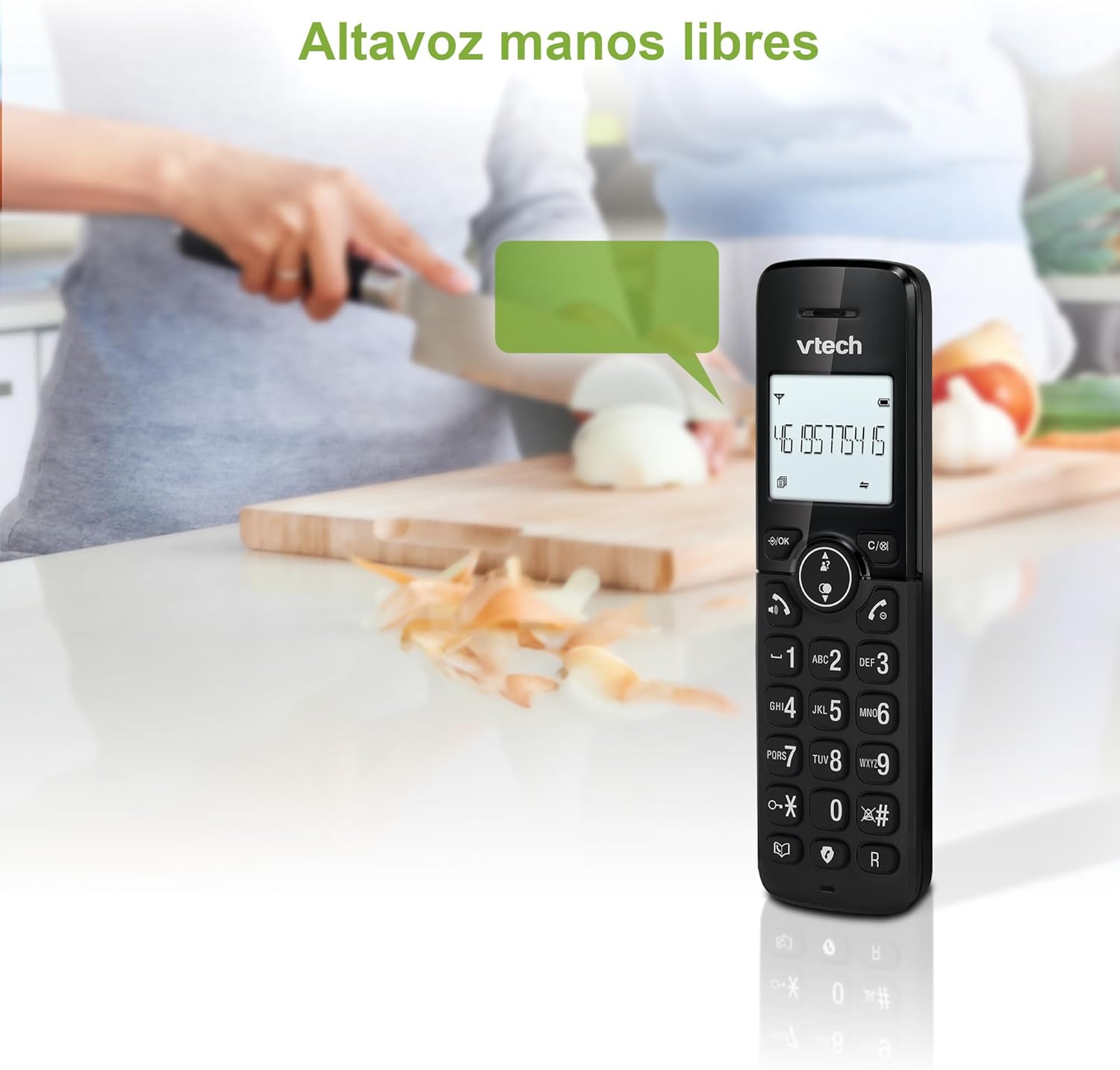
Figure 2: Using the hands-free speakerphone function.
Ịkpọchi oku
The call blocking feature allows you to prevent unwanted calls. You can block up to 30 numbers.
- To block a number during a call, press the Oku na-akpọ bọtịnụ.
- To add a number to the block list manually, navigate to the Call Block menu in the phone settings.
- Follow the on-screen prompts to add or remove numbers from the block list.
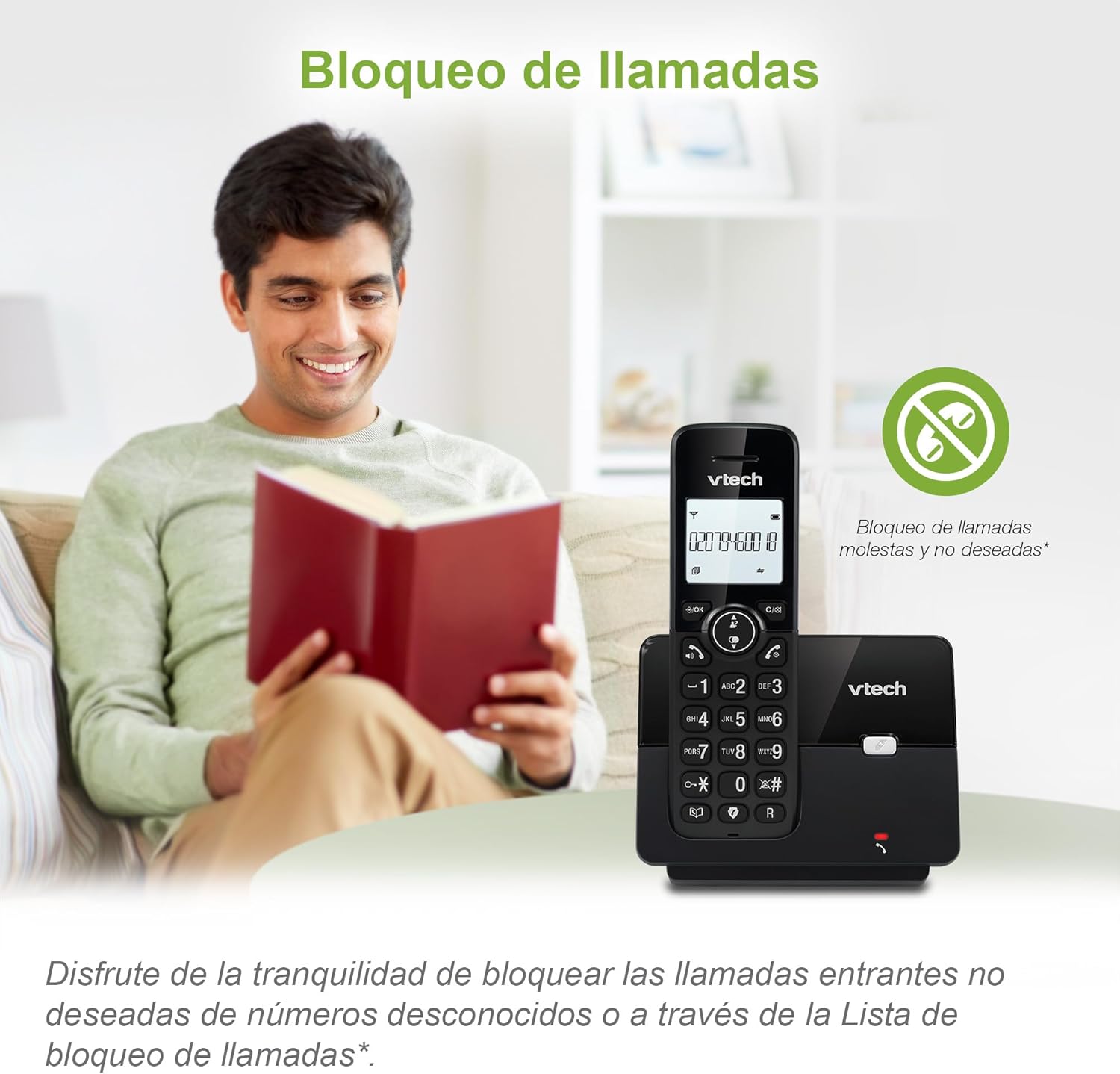
Figure 3: The call blocking feature helps manage unwanted calls.
Phonebook (Directory)
Store up to 30 names and numbers in the phonebook for quick dialing.
- Pịa NchNhr / OK bọtịnụ.
- Navigate to the "Phonebook" or "Directory" option.
- Select "Add New Entry" and follow the prompts to enter the name and number.
- To dial from the phonebook, press the Ntuziaka button and scroll to the desired entry, then press KWURU.

Figure 4: Managing contacts in the phonebook.
NJ onye ọkpụkpọ na echere oku
The phone stores up to 20 caller ID records with name and number (service subscription may be required).
When a new call comes in while you are on another call, the call waiting feature alerts you (service subscription may be required).
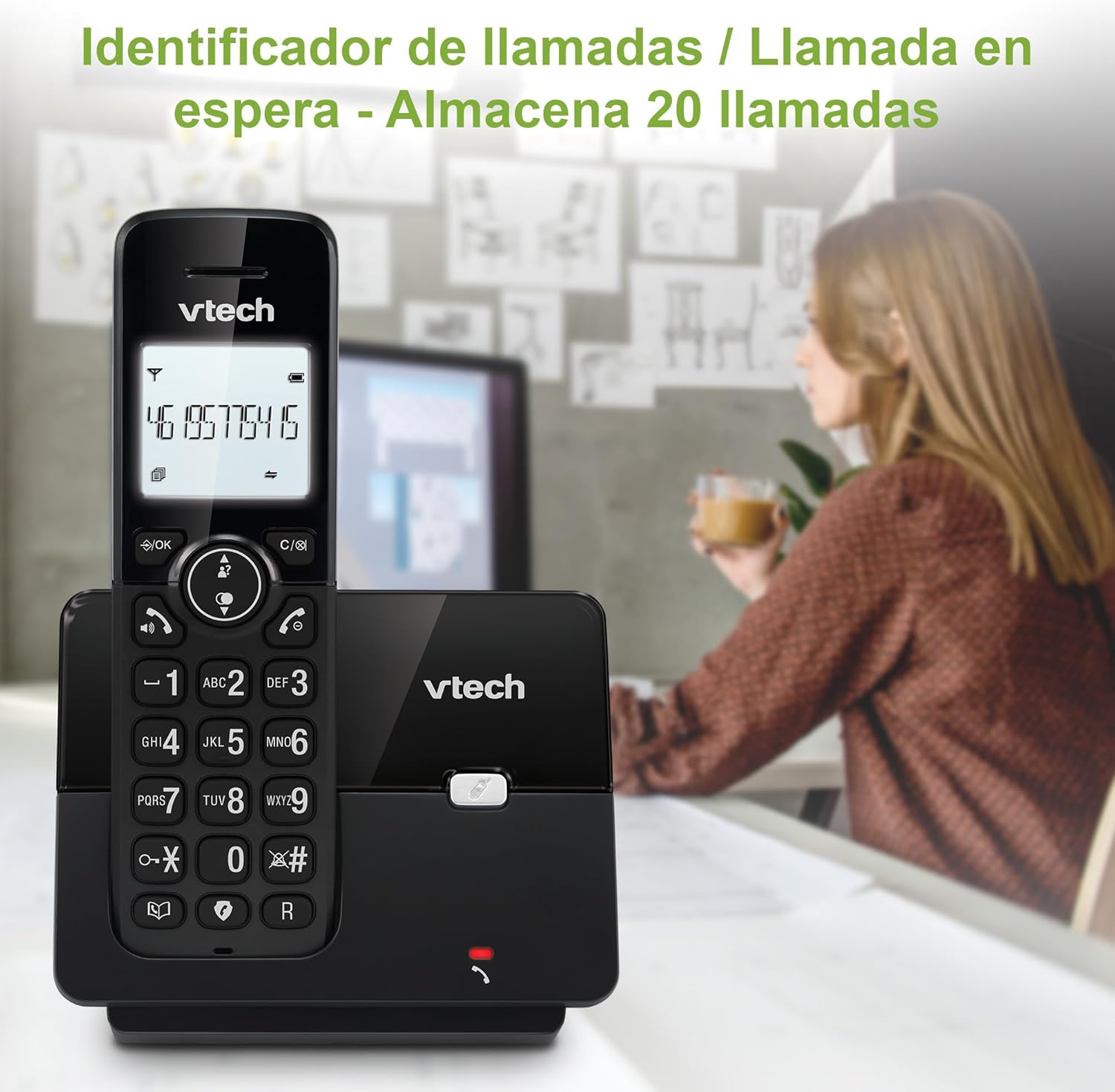
Figure 5: Caller ID display on the handset.
Ndepụta Mpịakọta
The phone stores the last 10 dialed numbers for quick redialing.
- Pịa AH RR. bọtịnụ.
- Scroll through the list using the navigation keys.
- Pịa KWURU to redial the selected number.

Figure 6: Accessing the redial list.
Ọnọdụ ECO
The ECO mode automatically adjusts the radio frequency power based on the distance between the handset and the base unit, helping to conserve energy.
Adjusting Ring Volume and Melody
You can customize the ring volume and melody of your handset.
- Pịa NchNhr / OK bọtịnụ.
- Navigate to "Settings" or "Ring Settings".
- Select "Ring Volume" or "Ring Melody" and choose your preference.
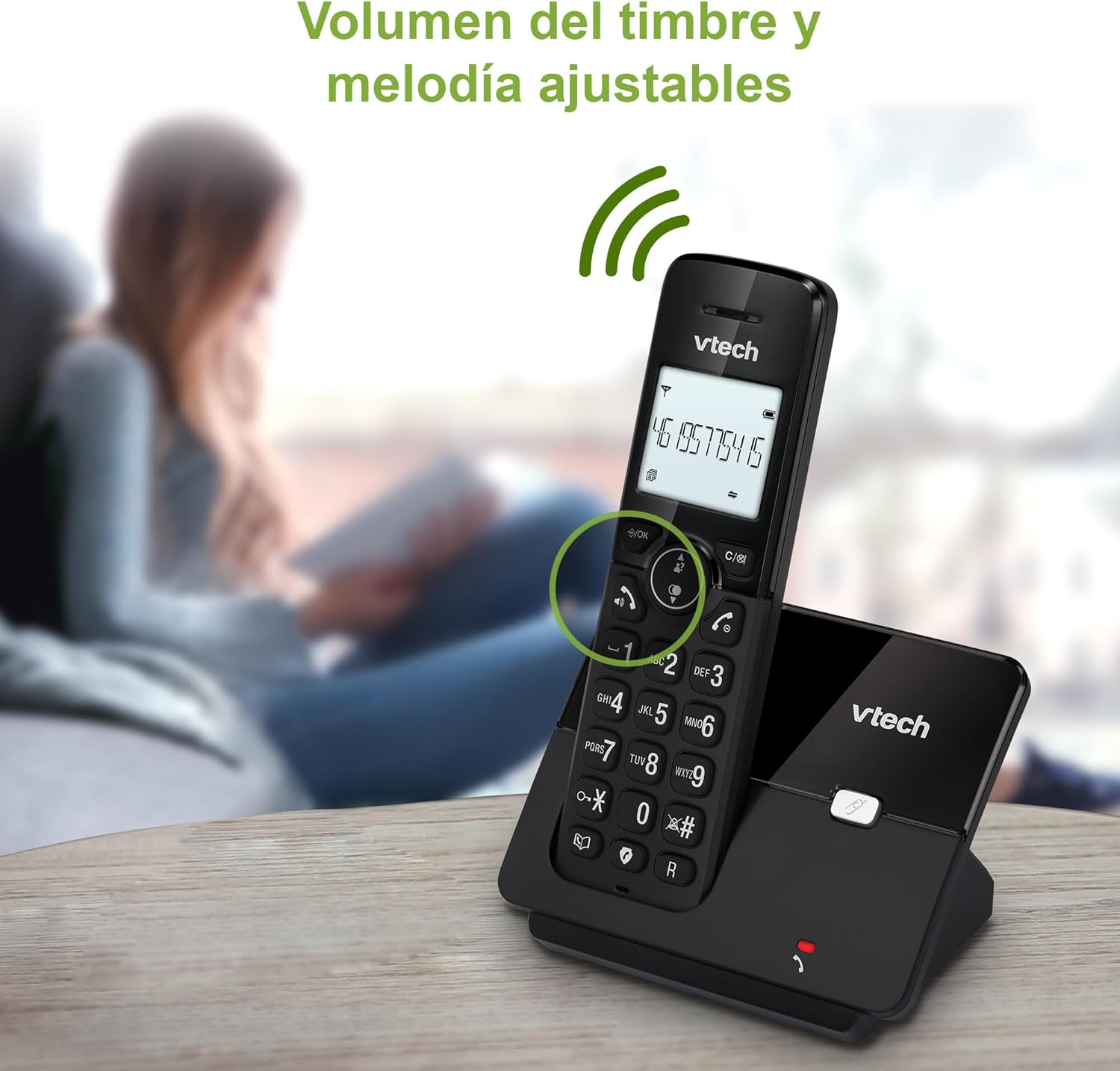
Figure 7: Adjusting ring volume and melody.
Alarm and Silence Function
The phone includes an alarm function and a silence mode for convenience.
- To set an alarm, navigate to the "Alarm" option in the menu and follow the prompts.
- To activate silence mode, typically press and hold the MUTU button or access the "Silence" option in the settings.

Figure 8: Alarm and silence functions.
Ngosipụta azụ
The 1.8-inch backlit display provides clear visibility, especially in low-light conditions.

Figure 9: The 1.8-inch backlit display for clear viewing.
Long Range Capability
The VTech CS2000 utilizes DECT technology to provide a stable operating range of up to 300 meters outdoors, ensuring clear communication throughout your home and property.

Figure 10: The phone offers reliable long-range coverage.
Nlekọta
Nhicha
Jiri nwayọ hichaa ekwentị na nkeji ntọala, damp cloth. Do not use cleaning sprays or abrasive cleaners, as they can damage the finish or electrical components.
Nlekọta batrị
- Only use the supplied rechargeable NiMH battery or an approved replacement.
- Ọ bụrụ na agaghị eji ekwentị ahụ ogologo oge, wepụ batrị ka ọ ghara ịpụpụ.
- Tụfuo batrị n'ụzọ ziri ezi dịka iwu obodo siri dị.
Nchọpụta nsogbu
If you experience issues with your VTech CS2000 phone, try the following solutions:
| Nsogbu | Ngwọta |
|---|---|
| Enweghị ụda ọkpụkpọ. | Ensure the telephone line cord is securely connected to both the base unit and the wall jack. Check if the power adapter is properly connected and plugged into a working outlet. |
| Ekwentị anaghị akwụ ụgwọ. | Ensure the handset is correctly placed on the base unit. Clean the charging contacts on both the handset and base unit with a dry cloth. Verify the power adapter is connected. |
| Ogo ụda adịghị mma ma ọ bụ kwụ ọtọ. | Move closer to the base unit. Ensure there are no large metal objects or other electronic devices interfering with the signal. Check for loose telephone line connections. |
| Enweghị ike ịkpọ ma ọ bụ nata oku. | Check if the phone line is active. Ensure the handset is registered to the base unit (refer to the full manual for registration steps if needed). Temporarily unplug the base unit's power adapter, wait a few seconds, then plug it back in. |
| NJ onye na-akpọ oku anaghị egosi. | Gbaa mbọ hụ na ị debanyere aha na ọrụ NJ oku site na onye na-ahụ maka ekwentị gị. |
Nkọwapụta
| Ụdị | VTech |
| Nọmba nlereanya | CS2000 |
| Agba | Nwa |
| Ụdị ekwentị | Ekwentị DECT enweghị eriri |
| Nha ihuenyo | 1.8 sentimita asatọ |
| Ngwakọta batrị | NiMH |
| Ọnụọgụ nke batrị | 1 (Product Specific - Included) |
| Ihe onwunwe | Plastic |
| Isi Iyi Ike | Akwanyere batrị |
| Ụdị ọkpụkpọ | Otu ahụ igodo |
| Ụdị Sistemu na-aza | Enweghị eriri |
| Ibu Ibu | 300 grams |
| Multi-line arụ ọrụ | Ịrụ otu ahịrị |
| Atụmatụ pụrụ iche | Cordless, Call Blocking, Hands-Free Speakerphone, Backlit Display, ECO Mode, Caller ID, Phonebook, Redial |
Akwụkwọ ikike na nkwado
For warranty information and technical support, please refer to the documentation included with your purchase or visit the official VTech websaịtị. Debe nnata nzụta gị ka ihe akaebe nke ịzụrụ.
Onye nrụpụta: VTECH TELECOMMUNICATIONS LTD
Mba onye si: China