Okwu mmalite
This manual provides essential instructions for the safe and effective operation of your VTech RM2751 Smart WiFi Video Baby Monitor. This system allows you to monitor your baby using a dedicated parent unit with a 2.8-inch display or remotely via a smartphone or tablet application. Key features include high-definition video, two-way communication, night vision, and various soothing functions.

Image: The VTech RM2751 Smart WiFi Video Baby Monitor, showing the parent unit and the baby unit (camera).
Ihe ngwugwu
Gbaa mbọ hụ na ihe niile dị na ngwugwu gị:
- Ngalaba ụmụaka (igwefoto)
- Parent Unit (Monitor with 2.8-inch display)
- Power Adapters (for both Baby Unit and Parent Unit)
- Akwụkwọ ntuziaka (akwụkwọ a)

Foto: N'ihu view of the VTech RM2751 baby monitor, displaying the parent unit and camera.
Melite
1. Powering the Baby Unit (Camera)
- Connect the small plug of the power adapter to the baby unit.
- Plug the large end of the power adapter into a wall outlet.
- The baby unit will power on automatically.
2. Powering the Parent Unit
- Connect the small plug of the power adapter to the parent unit.
- Plug the large end of the power adapter into a wall outlet.
- Press and hold the POWER button on the parent unit to turn it on.
3. Ịhazi ihe dị n'ime ụlọ nwa ahụ
- Place the baby unit at a distance from your baby that provides a clear view.
- Gbaa mbọ hụ na nkeji ahụ anọghị ụmụaka.
- Avoid placing the unit near sources of interference (e.g., microwaves, Wi-Fi routers).
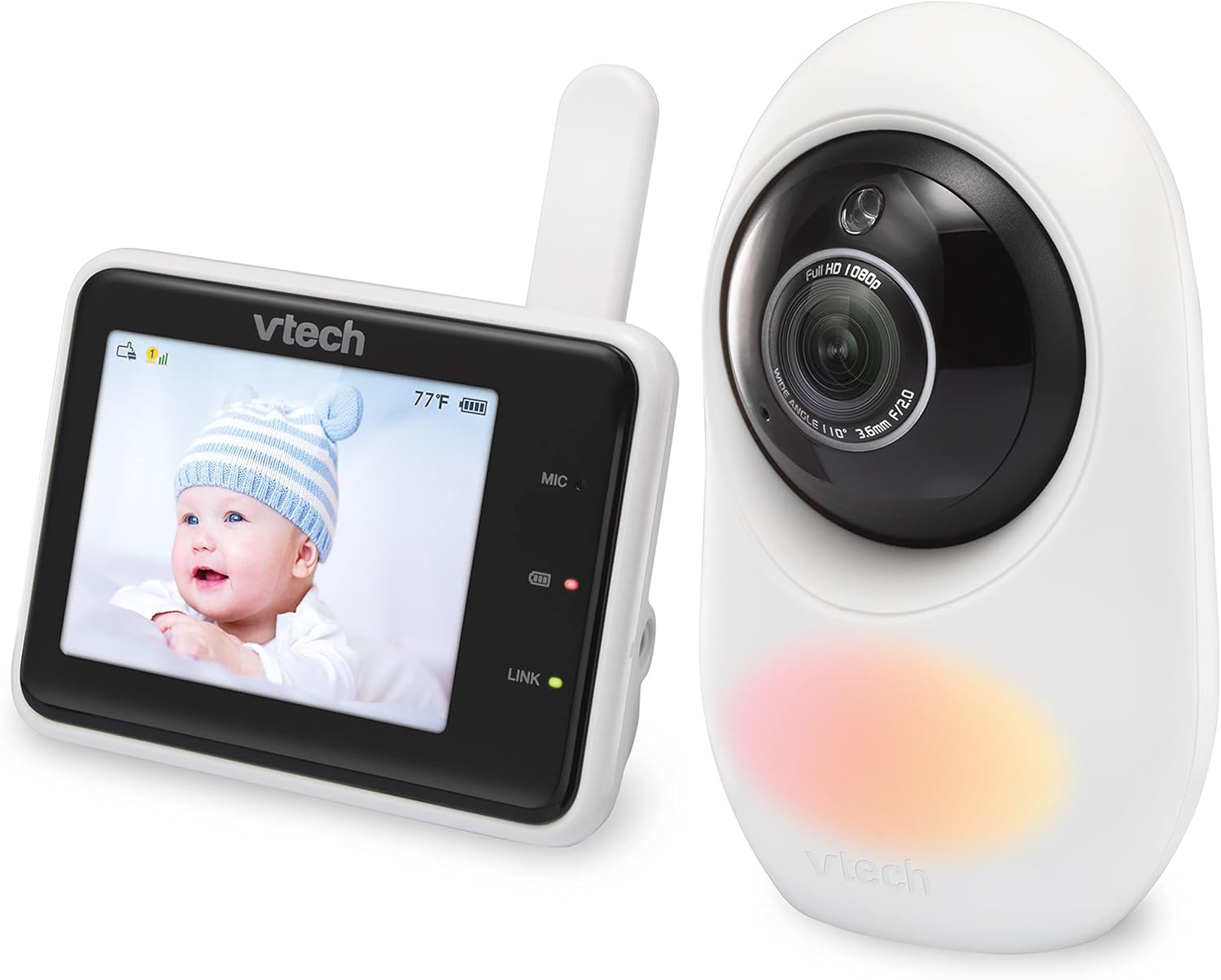
Foto: Akụkụ view of the VTech RM2751 baby monitor, showing the camera and parent unit.
4. Remote Access via MyBabyPro App
- Download the free MyBabyPro app from your device's app store.
- Create a password-protected account within the app.
- Follow the in-app instructions to pair your baby unit with your smartphone or tablet.
- Wi-Fi can be enabled or disabled anytime in the Parent Unit settings.

Image: A man viewing his baby on the MyBabyPro app on his smartphone, demonstrating remote access.
Ntuziaka ọrụ
Nleba anya vidiyo
- The baby unit provides 1080p high-definition video.
- View live video on the Super-slim 2.8-inch color LCD Parent Unit.
- Ime ime viewing is available on up to 8 smartphones/tablets via the MyBabyPro app.
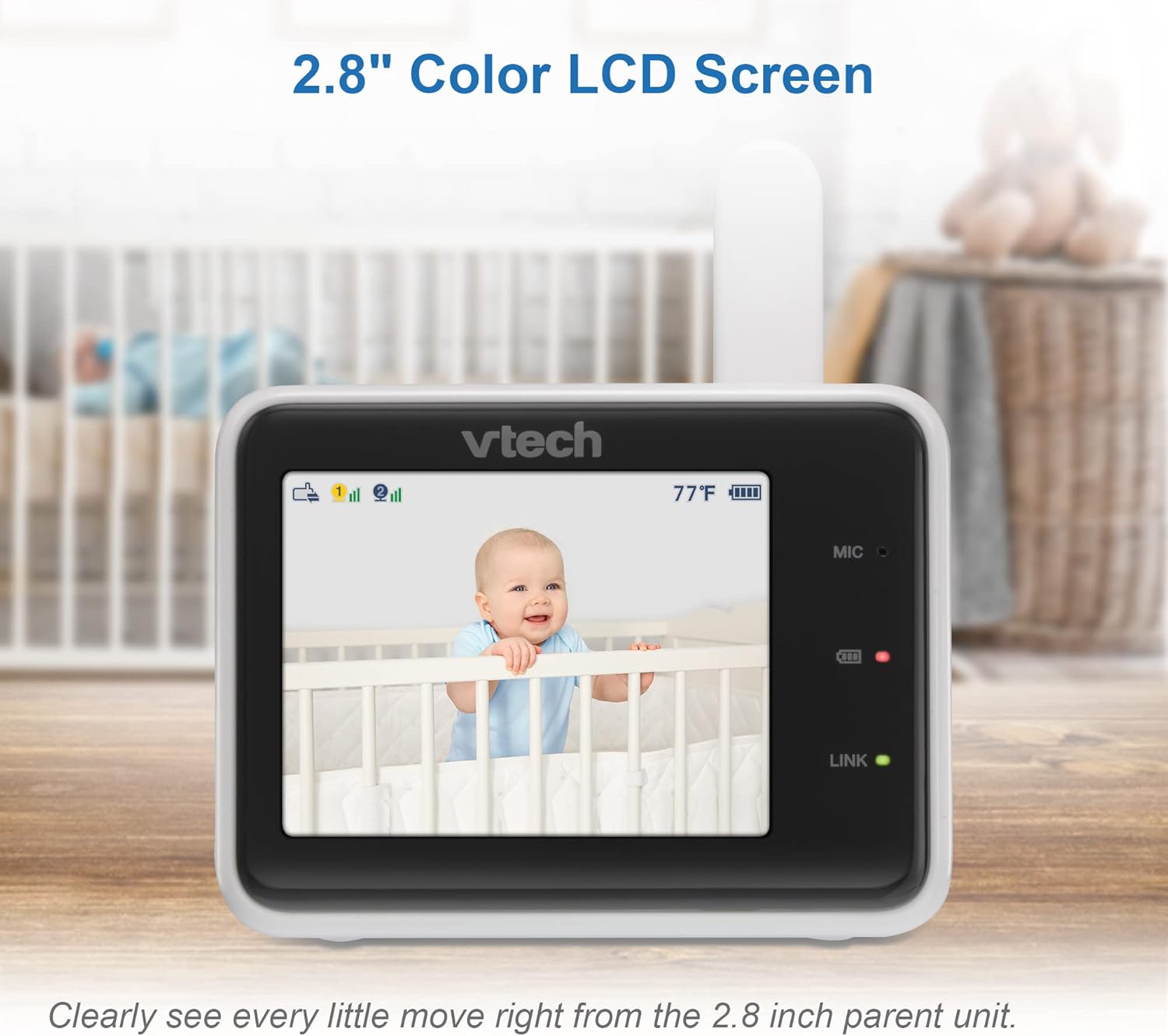
Image: The parent unit displaying a clear live video feed of a baby in a crib.
Two-Way Talk-Back Intercom
- Press and hold the Talk button on the parent unit to speak to your baby.
- You can also use the talk-back feature through the MyBabyPro app.
Dijitalụ mbugharị
- The mobile app supports up to 10x digital zoom.
- The parent unit supports up to 2x digital zoom.
- Use the zoom controls on the parent unit or within the app to magnify the view.
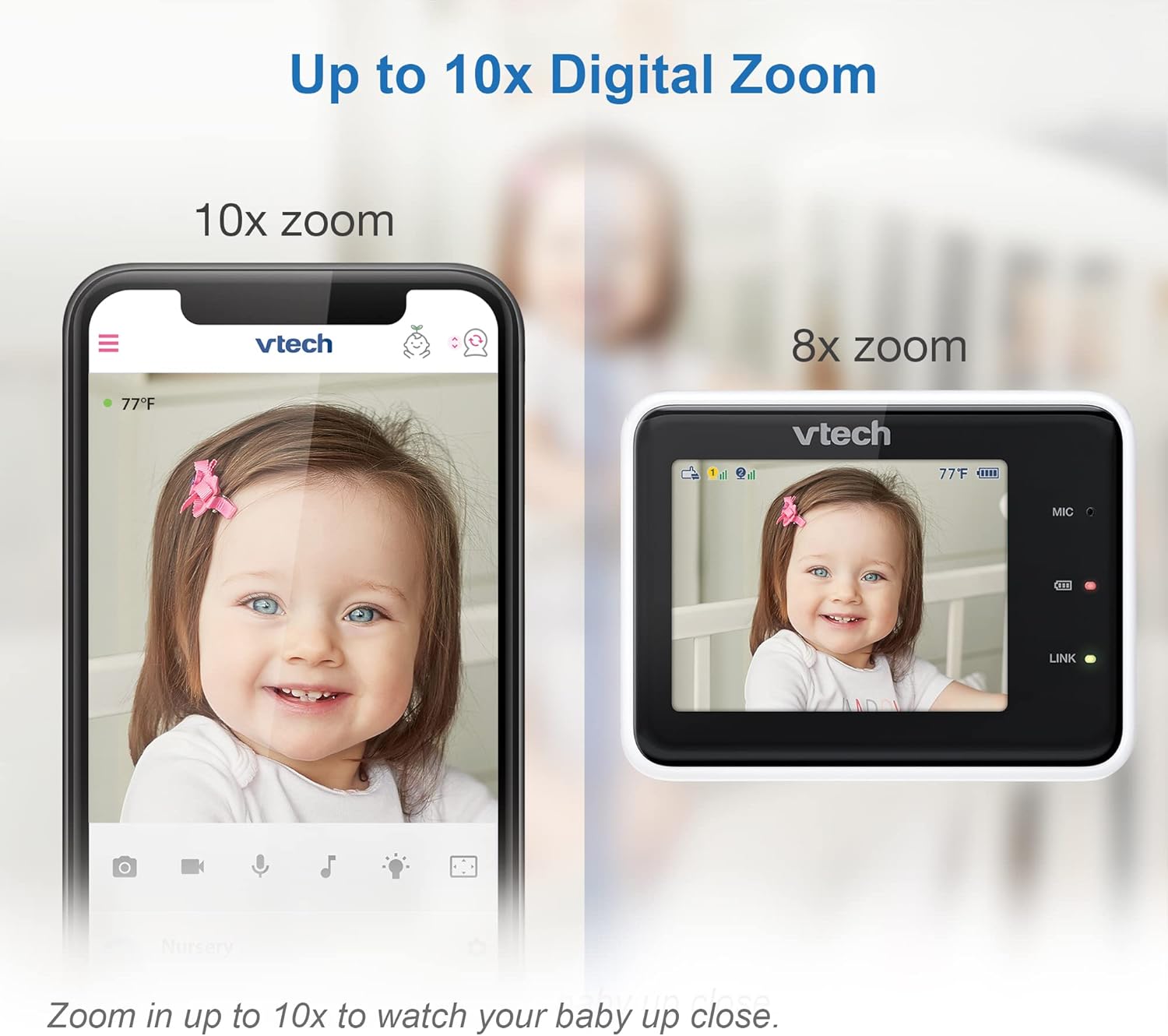
Image: A visual comparison showing the clarity of 10x digital zoom on a mobile app versus 2x zoom on the parent unit.
Ọhụụ abalị
- The baby unit features automatic infrared night vision for clear viewing na obere ìhè ọnọdụ.
- The monitor automatically switches to night vision mode when the room is dark.
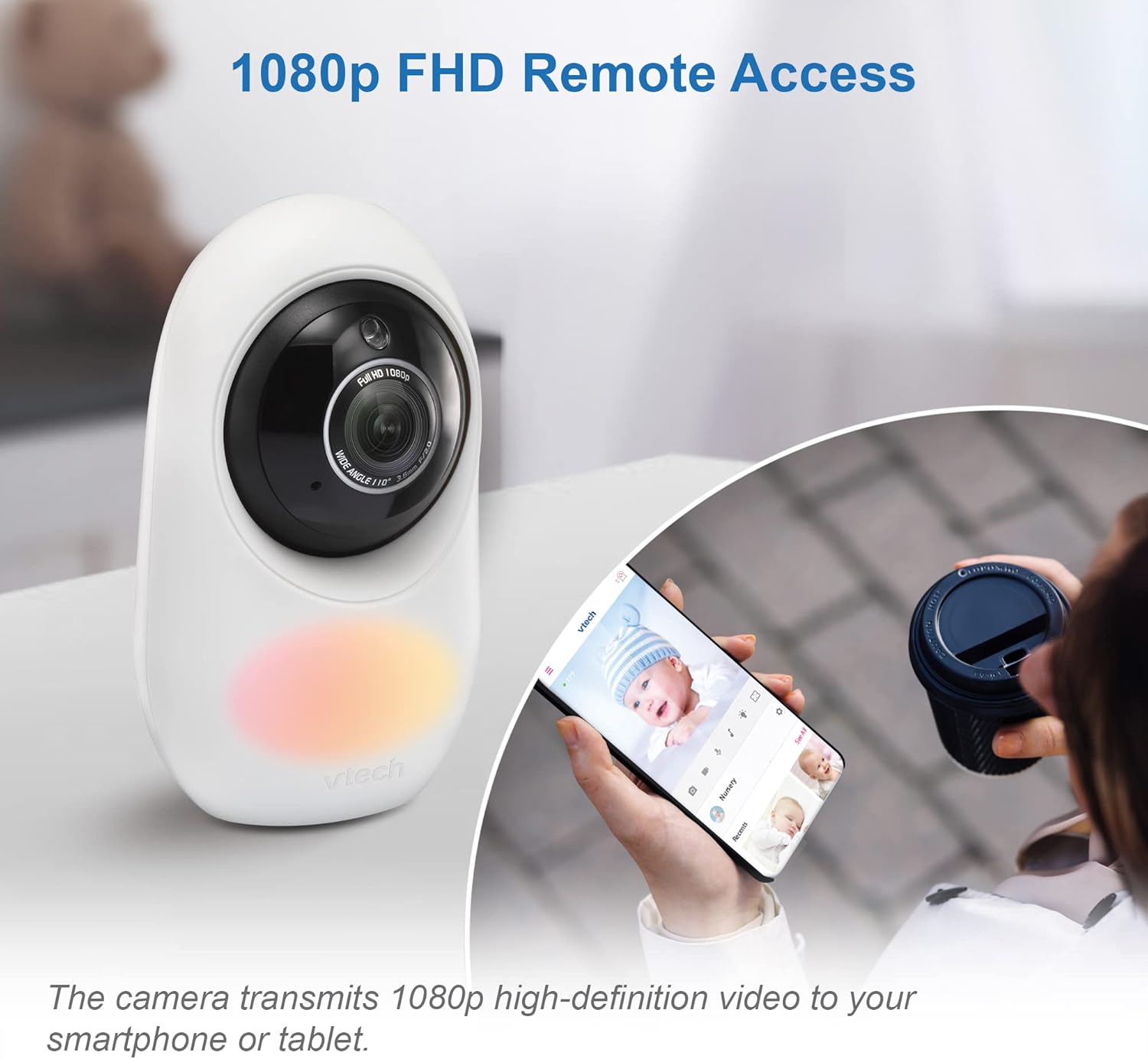
Image: The parent unit screen showing a clear black and white image of a baby sleeping in a crib, demonstrating automatic infrared night vision.
Adaptive Night Light & Soothing Sounds
- The baby unit includes a 7-color adaptive night light that automatically adjusts brightness.
- Five calming melodies and four soft ambient sounds (e.g., trickling stream, white noise) are available to help soothe your baby.
- These features can be controlled via the parent unit or the MyBabyPro app.

Image: The VTech baby monitor camera with its adaptive color night light feature illuminated.
WeeSleep Sound & Light Profile
- Enhance your baby’s sleep environment with the WeeSleep sound & light profile, recommended by experts.
- Access and activate this profile through the monitor settings or the MyBabyPro app.
Long Range Connectivity
- The monitor offers a range of up to 1000 feet for local monitoring with the parent unit.
- Remote access via Wi-Fi extends monitoring capabilities beyond this range.

Image: A diagram showing the VTech baby monitor's long range capability, covering up to 1000 feet within a home environment.
Nlekọta
- Clean the units with a soft, dry cloth.
- Do NOT place units under running water or use spray/liquid cleaners.
- Avoid direct sunlight exposure to prevent damage.
Nchọpụta nsogbu
If you experience issues with your VTech RM2751 monitor, consider the following common solutions:
- No Link/Connection Issues: Ensure both the baby unit and parent unit are powered on and within range. If using Wi-Fi, verify your network connection and ensure the MyBabyPro app is updated. Try restarting both units.
- Enweghị foto/ụda: Check power connections for both units. Ensure the parent unit's screen is not in sleep mode. Adjust volume settings.
- Ogo vidiyo na-adịghị mma: Ensure the camera lens is clean. Check for obstructions between the baby unit and parent unit. Verify strong Wi-Fi signal for remote access.
- Ntinye aka: Move the monitor units away from other electronic devices that may cause interference.
Nkọwapụta
| Njirimara | Nkọwa |
|---|---|
| Akụkụ ngwaahịa | 6.5 x 16 x 22 cm |
| Ibu Ibu | 500 g |
| Batrị | 1 batrị akọwapụtara nke ọma achọrọ (gụnyere) |
| Ihe mejupụtara | Plastic |
| Atụmatụ ngwaahịa ndị ọzọ | 1080p Camera, Dual Mode 2.4GHz FHSS and WiFi (optional), Free App |
| Ngwaahịa dakọtara | Smartphone, Mbadamba ụrọ |
| Teknụzụ nzikọrịta ozi | Wi-Fi |
| Ụdị isi iyi ike | Igwe ọkụ eletrik |
| Rtdị Alert | Audio na Motion |
Vidiyo ngwaahịa ngwaahịa
Watch these official videos for additional guidance and demonstrations:
VTimes Baby Monitor, 5" Screen
Vidiyo: Vidiyo a na-egosi etu esi echekwa iheview of the VTimes Baby Monitor, highlighting its 5-inch screen and various features. While not the exact model, it demonstrates similar functionalities of a video baby monitor.
Nettey's B2 Kit Baby Monitor Unboxing
Video: An unboxing video for the Nettey's B2 Kit Baby Monitor, showcasing the components and initial setup. This video provides a general idea of what to expect when unboxing a baby monitor system.
Akwụkwọ ikike na nkwado
For warranty information and customer support, please refer to the official VTech websaịtị ma ọ bụ kpọtụrụ ndị ahịa ha ozugbo.
- Onye nrụpụta: VTech
- Nkwado n'ịntanetị: Gaa leta Ụlọ Ahịa VTech na Amazon maka ozi ngwaahịa na akụrụngwa.


