Okwu mmalite
The Cecotec Conga 8290 Power Ultra Home Genesis is an advanced robot vacuum cleaner designed to provide comprehensive floor cleaning. Featuring laser navigation, powerful suction, and a 4-in-1 cleaning system (sweeping, vacuuming, scrubbing, and mopping), it offers an efficient and autonomous cleaning solution for your home. This manual provides essential information for proper setup, operation, and maintenance to ensure optimal performance and longevity of your device.

Image: The Conga 8290 robot vacuum cleaner, its self-emptying base, and a smartphone displaying the control application, along with included accessories like a dust bag and mop cloth.
Ntuziaka nchekwa
Biko gụọ ntuziaka nchekwa niile nke ọma tupu i jiri ngwa ahụ. Debe akwụkwọ ntuziaka a maka ntụaka n'ọdịnihu.
- Gbaa mbọ hụ na ike voltage matches the rating label on the charging base.
- Do not operate the robot in wet environments or near water sources.
- Keep children and pets away from the robot during operation.
- Do not use the robot to pick up large or sharp objects, liquids, or burning materials.
- Regularly clean the brushes and filters to maintain optimal performance.
- Unplug the charging base before cleaning or performing maintenance.
- Only use original accessories and spare parts provided by Cecotec.
Ngwa ngwaahịa
Your Cecotec Conga 8290 Power Ultra Home Genesis package includes the following items:
- Robot Vacuum Cleaner: The main unit with integrated laser navigation system.
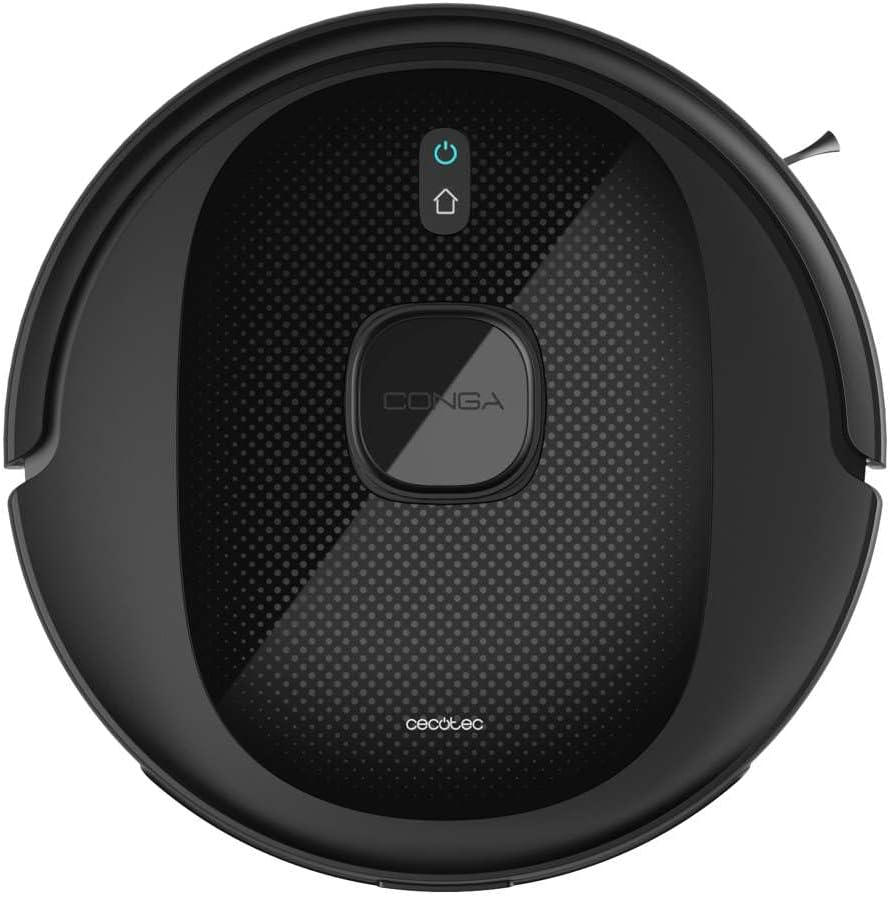
Foto: N'elu-ala view of the Conga 8290 robot vacuum cleaner, showing its sleek design and central control button.
- Isi ihe na-eme ka mmadụ wụfuo onwe ya: Automatically empties the robot's dustbin into a larger 3-liter bag.
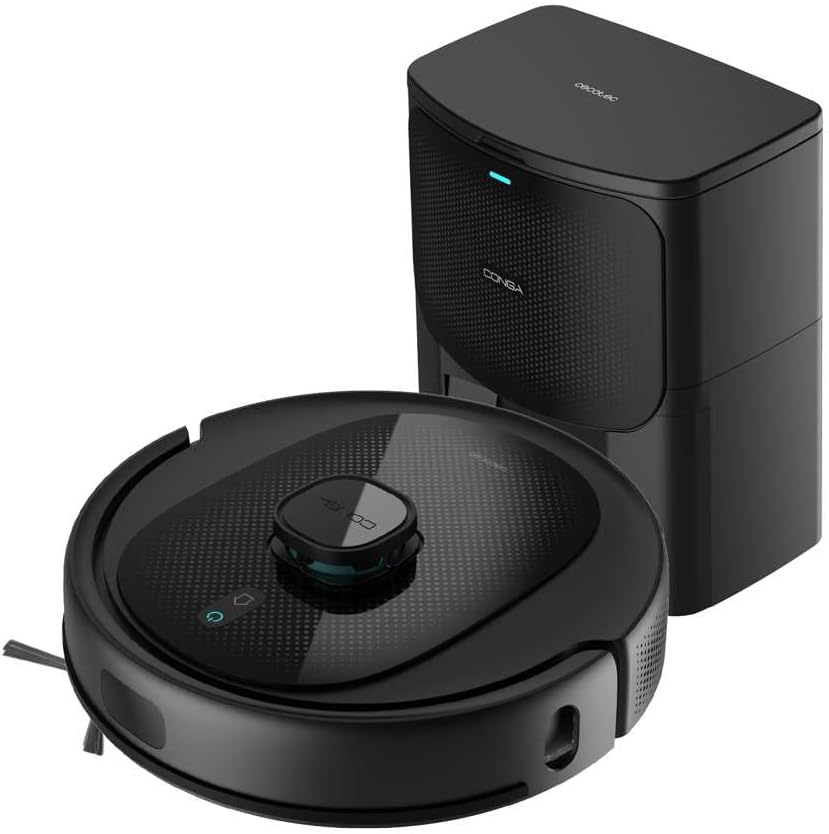
Image: The Conga 8290 robot vacuum cleaner positioned next to its self-emptying charging base.
- Multifunctional Brush: Main brush for effective cleaning on various surfaces.
- Ahịhịa akụkụ: For cleaning edges and corners.
- Mopping Cloth: For the scrubbing and mopping function.
- Dust Bags (3L): For the self-emptying base.
- Ihe nkwụnye ọkụ: To connect the charging base to the power outlet.
- Akwụkwọ ntuziaka onye ọrụ: Akwụkwọ a.
Melite
1. Iwepu ngwongwo
Jiri nlezianya wepụ ihe niile dị na ngwugwu ahụ. Debe ngwugwu ahụ maka nchekwa ma ọ bụ ibuga n'ọdịnihu.
2. Ntinye Isi Nchaji
Place the self-emptying charging base against a wall in an open area, ensuring at least 1 meter of clear space in front and 0.5 meters on each side. Connect the power adapter to the base and plug it into a wall outlet. Ensure there are no obstacles that could block the robot's return path.

Image: The robot vacuum cleaner approaching its self-emptying base, illustrating the automatic return feature.
3. Robot Charging
Place the robot onto the charging base. Ensure the charging contacts on the robot align with those on the base. The robot will begin charging automatically. For first use, fully charge the robot (approximately 4 hours and 40 minutes for full autonomy of 280 minutes).
4. Ntinye na Njikọ Ngwa
Download the "Cecotec" app from your smartphone's app store. Follow the in-app instructions to connect your robot vacuum cleaner to your home Wi-Fi network. This will enable remote control and access to advanced features.
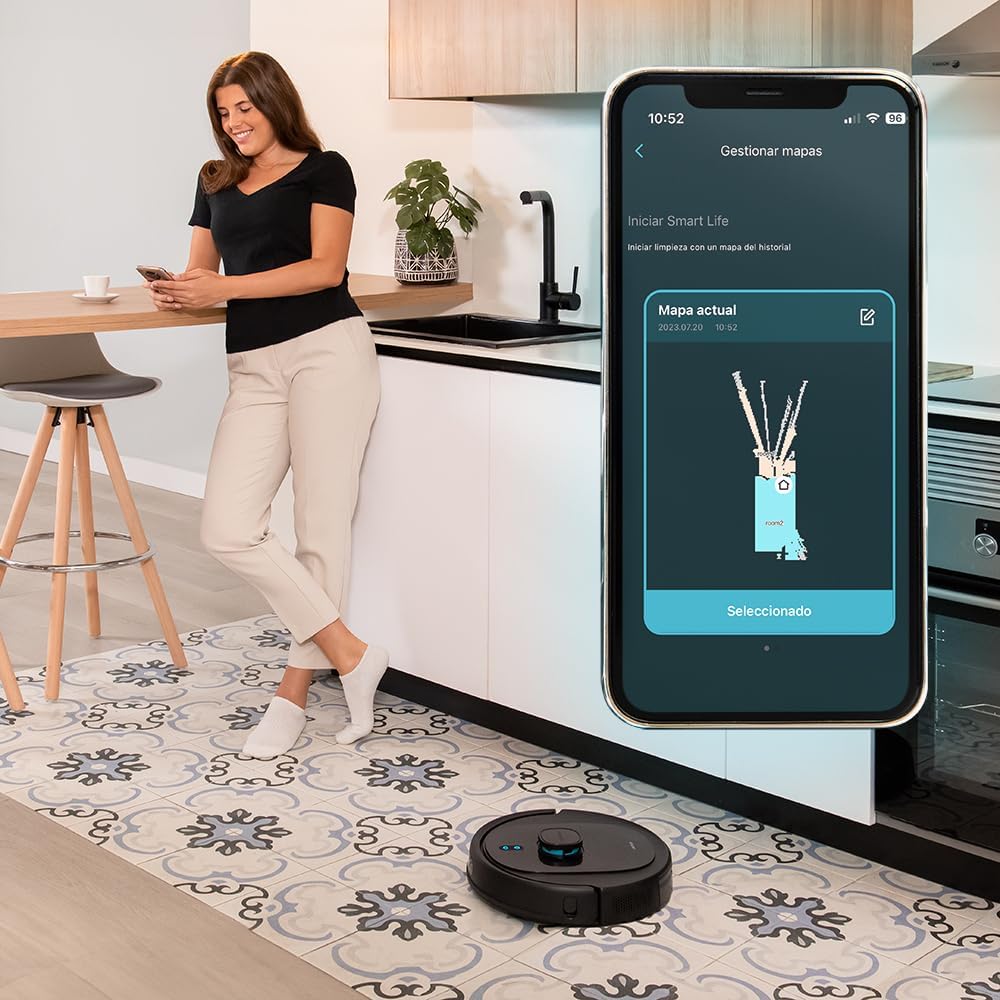
Image: A woman interacting with the Cecotec app on her smartphone, showing the robot's cleaning map and control options.
5. Nhazi Mbụ
Allow the robot to complete an initial mapping run of your home. This process uses its laser navigation system to create an accurate map, which is crucial for efficient cleaning and setting up customized cleaning plans.

Image: The robot vacuum cleaner actively mapping a room, indicated by a blue laser projection on the floor.
Ntuziaka ọrụ
Ụdị nhicha
The Conga 8290 offers 10 different cleaning modes to suit various needs. These can be selected via the mobile app.

Image: The robot vacuum cleaner with a graphic indicating its 10 available cleaning modes.
Ịhazi oge
Use the Cecotec app to set cleaning schedules for specific times and days. You can customize cleaning tasks for individual rooms or the entire house.
Mpaghara amachibidoro
Define virtual walls or restricted zones on the app's map to prevent the robot from entering certain areas. This is useful for protecting delicate items or areas you do not wish to be cleaned.

Image: The robot vacuum cleaner demonstrating its ability to avoid a digitally defined restricted zone, shown by red lines on the floor.
Suction and Water Flow Levels
Adjust the suction power (up to 7000 Pa) and water flow for mopping through the app, allowing you to customize cleaning intensity based on floor type and dirt level.
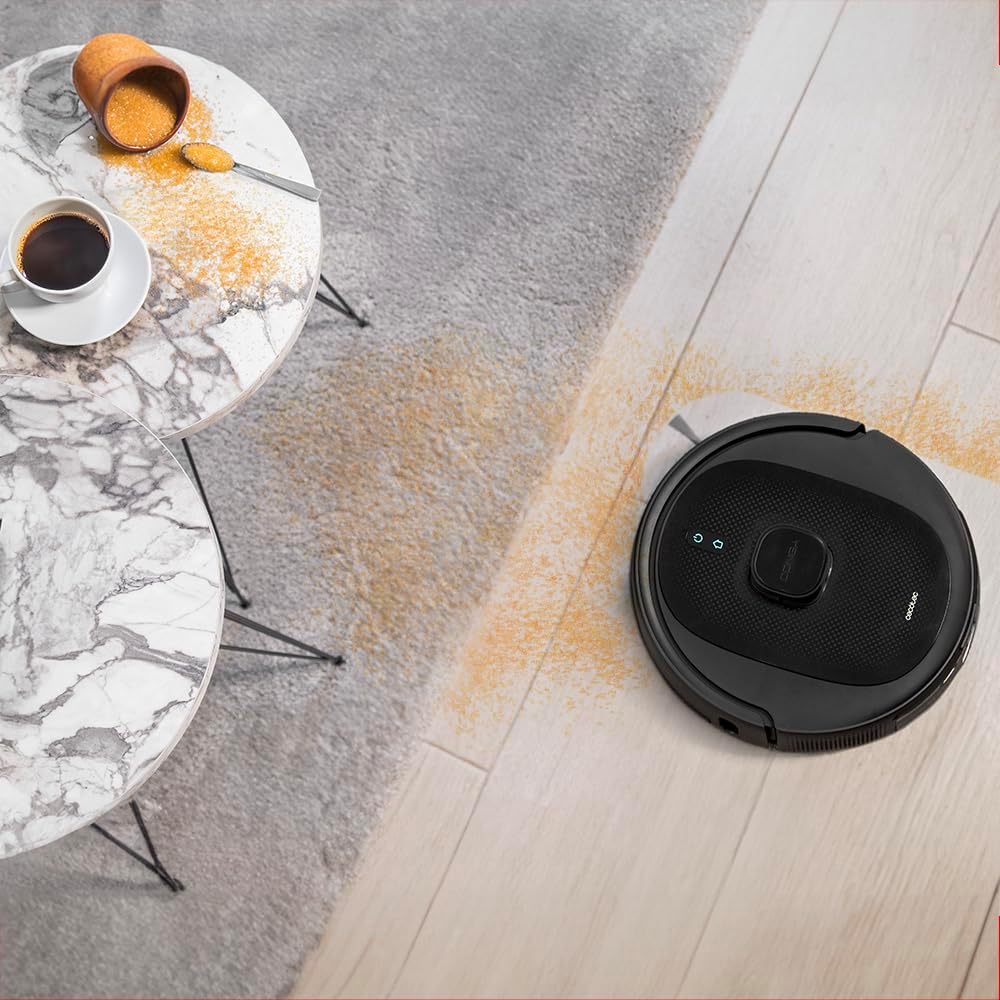
Image: The robot vacuum cleaner effectively cleaning a floor with scattered debris, highlighting its suction capability.
Using with Virtual Assistants
The robot supports virtual assistants, allowing for voice control of basic functions like starting or stopping cleaning.

Image: The robot vacuum cleaner shown alongside a virtual assistant device and a smartphone, indicating its compatibility with smart home systems.
Total Surface Function
If the robot's battery runs low during a cleaning cycle, it will automatically return to the charging base, recharge, and then resume cleaning from where it left off to complete the programmed task.

Image: The robot vacuum cleaner connecting to its self-emptying base, illustrating the "Total Surface" feature for continuous cleaning.
Nlekọta
Regular maintenance is crucial for the optimal performance and longevity of your robot vacuum cleaner.
Dust Bin / Self-Emptying Bag
The self-emptying base automatically transfers collected debris from the robot's internal dustbin to a 3-liter disposable bag. Check the bag indicator on the base or app. Replace the 3-liter bag approximately every 3-4 months, depending on usage and household debris levels.
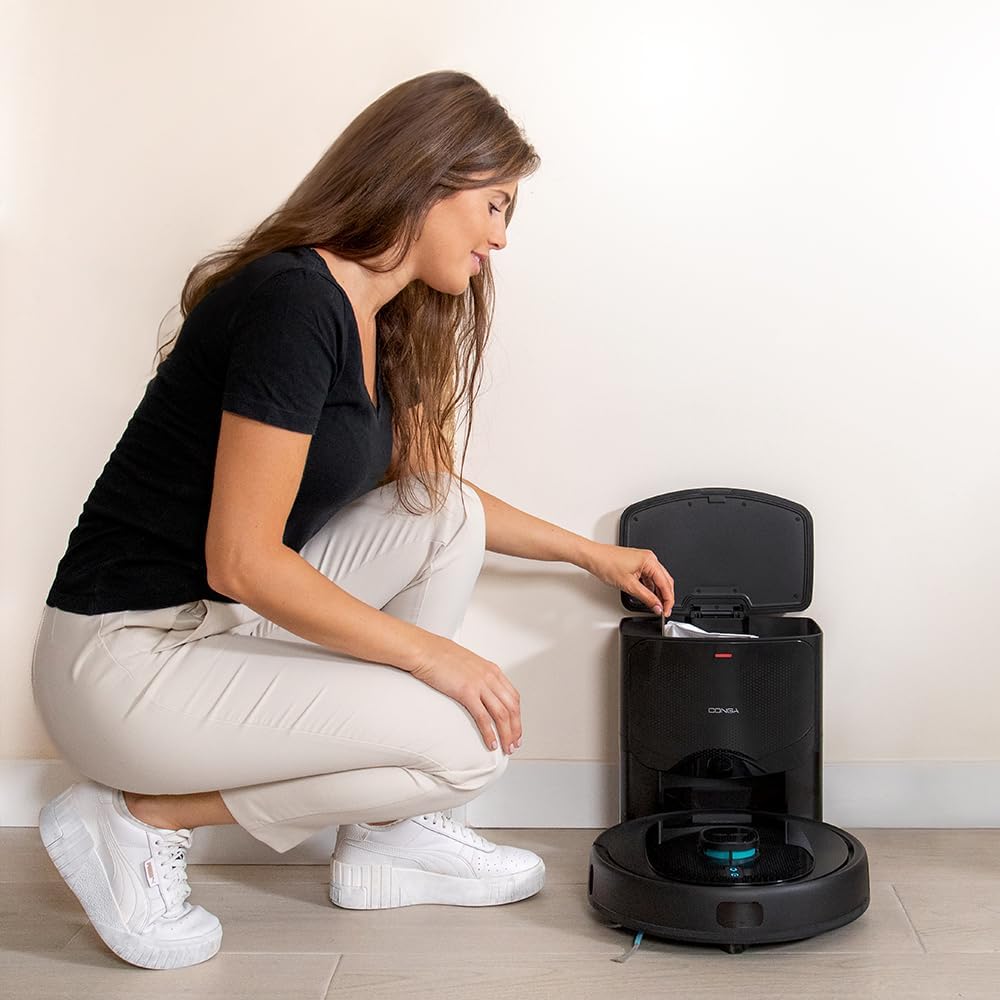
Image: A person opening the lid of the self-emptying base to access and replace the internal dust bag.

Image: A visual representation of the 3-liter dust bag used in the self-emptying station.
ahịhịa
- Multifunctional Brush: Remove the main brush and clean any tangled hair or debris using the cleaning tool provided. Inspect weekly.
- Nchicha akụkụ: Check for wear and tear. Clean any tangled hair. Replace if bristles are bent or damaged.
Akwa Mopping
After each mopping session, remove the mopping cloth and rinse it thoroughly with water. For deeper cleaning, the cloth can be machine washed weekly.
Ihe mmetụta
Wipe the anti-drop sensors and laser navigation sensor with a clean, dry cloth periodically to ensure accurate navigation and prevent falls.
Nlekọta batrị
To prolong battery life, ensure the robot is fully charged before long periods of inactivity. If storing for an extended time, charge it fully every 3 months.
Nchọpụta nsogbu
| Nsogbu | Ihe nwere ike ime | Ngwọta |
|---|---|---|
| Robot anaghị agbanye. | Low battery; power switch off. | Place robot on charging base; ensure power switch is on. |
| Robot enweghị ike ijikọ na Wi-Fi. | Incorrect Wi-Fi password; router too far; 5GHz network. | Verify password; move robot closer to router; ensure 2.4GHz network is used. |
| Arụmọrụ nhicha na-adịghị mma. | Full dustbin/bag; tangled brushes; dirty filters. | Empty dustbin/replace bag; clean brushes; clean/replace filters. |
| Robot na-arapara ọtụtụ oge. | Obstacles; dirty sensors. | Clear obstacles; clean all sensors. |
| Self-emptying not working. | Dust bag full or not installed correctly; suction port blocked. | Replace dust bag; ensure bag is correctly seated; clear any blockages in the base's suction port. |
Nkọwapụta
| Njirimara | Nkọwa |
|---|---|
| Ụdị | Cecotec |
| Aha Nlereanya | Conga 8290 Power Ultra Home |
| Nọmba nlereanya | 08071 |
| Ike imi | 7000 Pa |
| Ndụ batrị | Up to 280 minutes (5200 mAh) |
| Ụdị nsoroụzọ | Laser |
| Ọrụ nhicha | Sweeping, Vacuuming, Scrubbing, Mopping (4-in-1) |
| Ike Akpa Uzuzu (Ntọala) | 3 lita |
| Ụdị njikwa | App Control, Virtual Assistants |
| Number of Speeds/Modes | 10 |
| Akụkụ ngwaahịa (L x W x H) | 43.5 x 41.5 x 33.5 cm |
| Ibu Ibu | 4 kilogram |
| Ụdị nzacha | HEPA |
Akwụkwọ ikike na nkwado
Cecotec products are manufactured to high-quality standards. For information regarding warranty coverage, technical support, or spare parts availability, please refer to the official Cecotec website or contact their customer service directly. Spare parts are generally available for up to 10 years from the date of purchase.
Maka enyemaka ọzọ, biko gaa na: www.cecotec.com


