Okwu mmalite
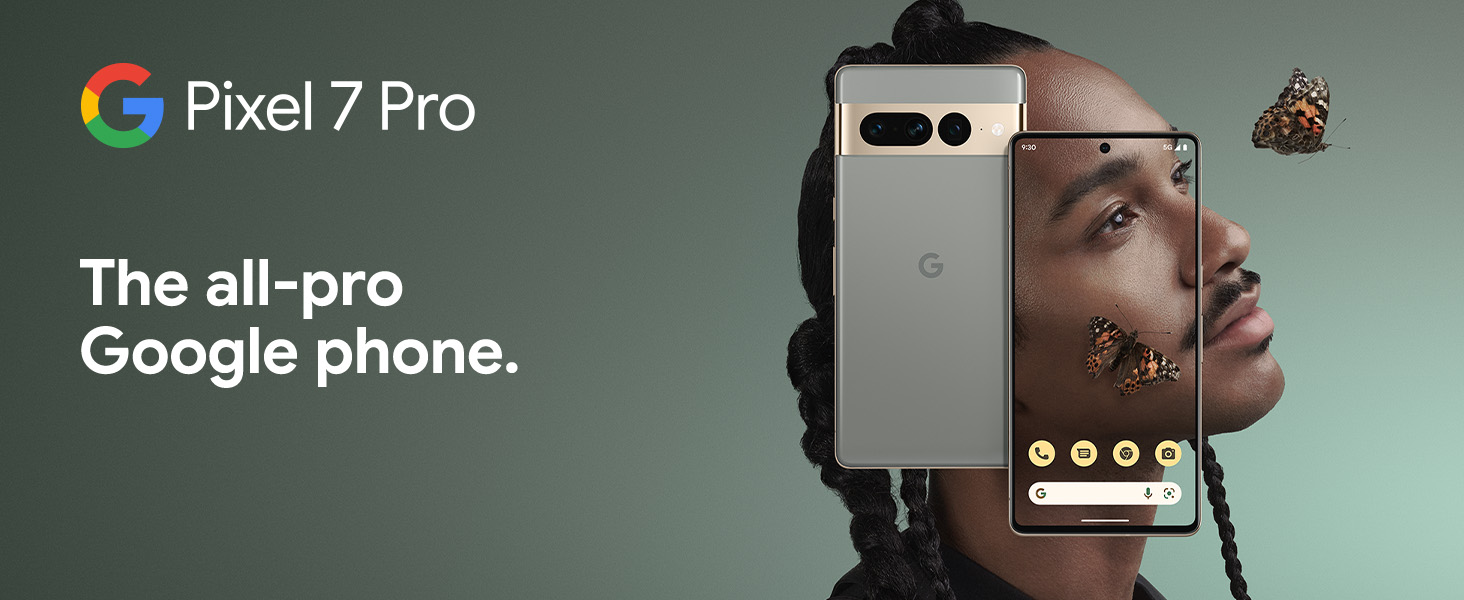
The Google Pixel 7 Pro is a powerful 5G Android smartphone designed for an exceptional user experience. Powered by the Google Tensor G2, it offers fast and secure performance, an immersive display, and extended battery life. This manual provides essential information for setting up, operating, maintaining, and troubleshooting your device.
Kedu ihe dị na Igbe ahụ
Upon unboxing your Google Pixel 7 Pro, you should find the following items:
- Cell Phone (Google Pixel 7 Pro)
- Eriri USB (maka ịchaji na nnyefe data)
- SIM Tray Ejector (for accessing the SIM card slot)
- Quick Switch Adapter (for easy data transfer from your old phone)
- Quick Start Guide (a brief setup guide)

Melite
Follow these steps to set up your new Google Pixel 7 Pro:
- Fanye SIM kaadị: Use the provided SIM tray ejector tool to open the SIM card slot on the side of the phone. Insert your nano-SIM card into the tray and reinsert it into the phone.
- Ike Na: Pịa ma jide bọtịnụ ike n'akụkụ ngwaọrụ ahụ ruo mgbe akara Google pụtara.
- Ntọala izizi: Follow the on-screen prompts to select your language, connect to Wi-Fi, and sign in with your Google account.
- Nyefee data: If you are transferring data from an old device, use the Quick Switch Adapter and follow the instructions. Note that some third-party apps and data may not transfer automatically. For more information, visit g.co/pixel/copydatahelp.
- Mkpọghe mkpịsị aka: Set up the on-screen fingerprint sensor for secure and convenient unlocking.

Na-arụ ọrụ ngwaọrụ gị
Atụmatụ igodo
- Ihe nrụpụta Google Tensor G2: Experience fast and efficient performance with improved AI capabilities for smarter features.
- Njikọ 5G: Enjoy high-speed internet access on major carrier networks (requires a 5G data plan, sold separately).
- Batrị na-agbanwe agbanwe: Designed to last over 24 hours with typical usage, extending up to 72 hours with Extreme Battery Saver mode.
- Smooth 120Hz Display: The 6.7-inch display intelligently adjusts its refresh rate for smooth scrolling and responsive interactions.
- Titan M2 mgbawa nchekwa: Multiple layers of hardware security protect your personal information and data.
- Google Assistant and Find My Device: Utilize hands-free voice commands and easily locate your device if lost.
- Durable and Water Resistant Design: Built to withstand daily use, with an IP68 rating for dust and water resistance.
Atụmatụ igwefoto
The Pixel 7 Pro features an advanced triple camera system, enabling you to capture stunning photos and videos in various conditions:
- 50MP Main Sensor: For high-resolution, detailed images.
- 12MP Ultrawide Lens: Capture broader scenes with a wider field of view.
- 48MP Telephoto Lens: Offers 4x optical zoom for clear, detailed shots from a distance.
Advanced features include Macro Focus for extreme close-ups, Cinematic Blur for professional-looking videos, and improved low-light photography.

Mgbochi mmiri na uzuzu (IP68)
Your Pixel 7 Pro is designed to be water and dust resistant, with an IP68 rating under IEC standard 60529. This means it can withstand submersion in up to 1.5 meters of fresh water for up to 30 minutes. While durable, water and dust resistance are not permanent conditions and may diminish over time with normal wear and tear. Avoid intentional submersion or exposure to harsh chemicals.

Nlekọta
To ensure the longevity and optimal performance of your Google Pixel 7 Pro, follow these maintenance guidelines:
- Nhicha: Jiri ákwà dị nro, nke na-enweghị lint hichaa ihuenyo na ahụ ekwentị ahụ. Maka ihe ndị siri ike, jiri obere d hichaa ya.ampen the cloth with water. Avoid abrasive materials or harsh cleaning agents.
- Nchedo: Tụlee iji ihe nchekwa na ihe nchekwa ihuenyo iji chebe onwe gị pụọ na ọkọ na ọdịda mberede.
- Okpomọkụ: Avoid exposing your phone to extreme temperatures (very hot or very cold) as this can affect battery life and internal components.
- Ịchaji: Use only Google-approved chargers and cables to prevent damage to the battery and charging port.
- Mmelite ngwanrọ: Keep your device's software updated to the latest version to benefit from security patches, bug fixes, and new features.
Nchọpụta nsogbu
Ọ bụrụ na ị zutere nsogbu na Pixel 7 Pro gị, gbalịa usoro nchọpụta nsogbu ndị a:
- Malitegharịa ngwaọrụ: A simple restart can often resolve minor software glitches. Press and hold the power button, then tap "Restart."
- Lelee maka mmelite: Ensure your Android operating system is up to date. Go to Settings > System > System update.
- Kpochapụ cache ngwa: Ọ bụrụ na otu ngwa na-akpata nsogbu, nwaa ihichapụ cache ya. Gaa na Ntọala> Ngwa> Hụ ngwa niile, họrọ ngwa ahụ, wee họrọ Nchekwa & cache> Kpochapụ cache.
- Ọnọdụ nchekwa: Booting into Safe Mode can help identify if a third-party app is causing problems. Press and hold the power button, then touch and hold "Power off." Tap "OK" when prompted to restart in Safe Mode.
- Tọgharia Factory: Dịka ihe ikpeazụ, ị nwere ike ịrụ nrụpụta ụlọ ọrụ mmepụta ihe. Ịdọ aka ná ntị: Nke a ga-ehichapụ data niile dị na ekwentị gị. Kwado data dị mkpa tupu ịga n'ihu. Gaa na Ntọala> Sistemu> Tọgharia nhọrọ> Hichapụ data niile (ntọgharị ụlọ ọrụ).
- Nkwado kọntaktị: If the issue persists, contact Google Support for further assistance.
Nkọwapụta
Detailed technical specifications for the Google Pixel 7 Pro (Obsidian, 256GB model):
| Njirimara | Nkọwapụta |
|---|---|
| Akụkụ ngwaahịa | 6.42 x 3.02 x 0.34 sentimita asatọ |
| Ibu Ibu | 7.4 ounces |
| ASIN | B0BCQVFQHD |
| Nọmba Nlereanya ihe | GE2AE |
| Batrị | 1 batrị lithium ion chọrọ. (gụnyere) |
| Sistemụ nrụọrụ | Android 13.0 |
| RAM | 12 GB |
| Ike Nchekwa ebe nchekwa | 256 GB |
| Teknụzụ nzikọrịta ozi ikuku | Bluetooth |
| Teknụzụ Njikọta | Bluetooth, Wi-Fi, NFC |
| GPS | Eziokwu |
| Ntinye Interface mmadụ | Ihuenyo mmetụ aka |
| Mkpebi nyocha | 2560 x1440 |
| Atụmatụ igwefoto ndị ọzọ | N'ihu, azụ |
| Jack ọdịyo | Enweghị jakị ekweisi |
| Ụdị Ihe | Ogwe |
| Agba | Obsidian |
| Ogo ike batrị | 4926 mAh |
| Oge Okwu Ekwentị | Awa 24 |
| Onye nrụpụta | |
| Ụbọchị mbụ dị | Ọktoba 6, 2022 |
| Ngosipụta ihuenyo guzoro ọtọ | 6.7 sentimita asatọ |
| Ọsọ CPU | 2.85 GHz |
| Ọnụego ume ọhụrụ | 120 Hz |
| Aha Nlereanya | Pixel 7 Pro |
| Onye na-ebu ikuku | Agbachi maka ndị na-ebu All |
Akwụkwọ ikike na nkwado
Your Google Pixel 7 Pro comes with a Akwụkwọ ikike nke onye nrụpụta afọ 1, providing comprehensive coverage for peace of mind.
For additional support, frequently asked questions, or to contact customer service, please visit the official Google Support website or the Google Store:


