Okwu mmalite
Thank you for choosing the MAJORITY Tru 1 Wireless Bluetooth Earbuds. This manual provides essential information for setting up, operating, and maintaining your new earbuds. Please read these instructions carefully before use and retain them for future reference.
For optimal performance and safety, always follow the guidelines provided in this manual.
Ihe ngwugwu

Image: The retail packaging for the MAJORITY Tru 1 earbuds, displaying the earbuds, charging case, USB-C cable, and three pairs of silicone ear tips.
Gbaa mbọ hụ na ihe niile dị na ngwugwu:
- 1x Set of MAJORITY Tru 1 Wireless Earbuds
- 1 x Igwe chaja ikuku
- 1 x USB-C eriri USB
- 3x Pairs of Silicone Ear Tips (various sizes)
- 1 x Akwụkwọ ntuziaka onye ọrụ (akwụkwọ a)
Ngwaahịa gafereview

Image: The MAJORITY Tru 1 wireless earbuds standing upright next to their open charging case, all in white.
The MAJORITY Tru 1 earbuds are designed for comfortable wear and high-quality audio. Each earbud features a touch-sensitive control area and an integrated microphone. The compact charging case protects the earbuds and provides additional battery life.

Image: An exploded diagram showing the internal components of a MAJORITY Tru 1 earbud, highlighting the 13mm driver and other acoustic elements.
The earbuds are equipped with 13mm drivers for clear sound reproduction and a built-in microphone for calls.
Melite
1. Ịchaji ihe ntị na akpa

Image: The MAJORITY Tru 1 earbuds placed inside their open charging case, illustrating the Type-C fast charge capability and long playtime.
- Ebube mbụ: Tupu i jiri ya nke mbụ, chajie ma ekweisi na ihe mkpuchi chaja ahụ nke ọma.
- Ịchaji ikpe ahụ: Connect the supplied USB-C cable to the charging port on the case and to a compatible USB power source. The LED indicator on the case will show charging status.
- Ịchaji ekwe ntị: Place the earbuds into their respective slots in the charging case. Ensure they are correctly seated. The earbuds will begin charging automatically.
A full charge of the earbuds provides approximately 7.5 hours of playtime. The charging case provides an additional 3 full charges, extending total playtime up to 30 hours. A quick 30-minute charge can provide up to 2 hours of playtime.
2. Ijikọ na ngwaọrụ Bluetooth
- Mee ka Bluetooth rụọ ọrụ: Ensure Bluetooth is enabled on your audio device (smartphone, tablet, laptop, etc.).
- Tinye Ụdị Mmakọ: Open the charging case and remove both earbuds. They will automatically enter pairing mode.
- Họrọ Ngwaọrụ: On your audio device, search for new Bluetooth devices. Select "MAJORITY Tru 1" from the list of available devices.
- Kwenye njikọ: Ozugbo ejikọrọ, ị ga-anụ ngwa ngwa odiyo, na ọkụ egosi earbuds ga-agbanwe.
The earbuds use Bluetooth 5.3 for a stable and efficient wireless connection. They will automatically reconnect to the last paired device when removed from the case, if Bluetooth is active on the device.
Ntuziaka ọrụ
Njikwa mmetụ
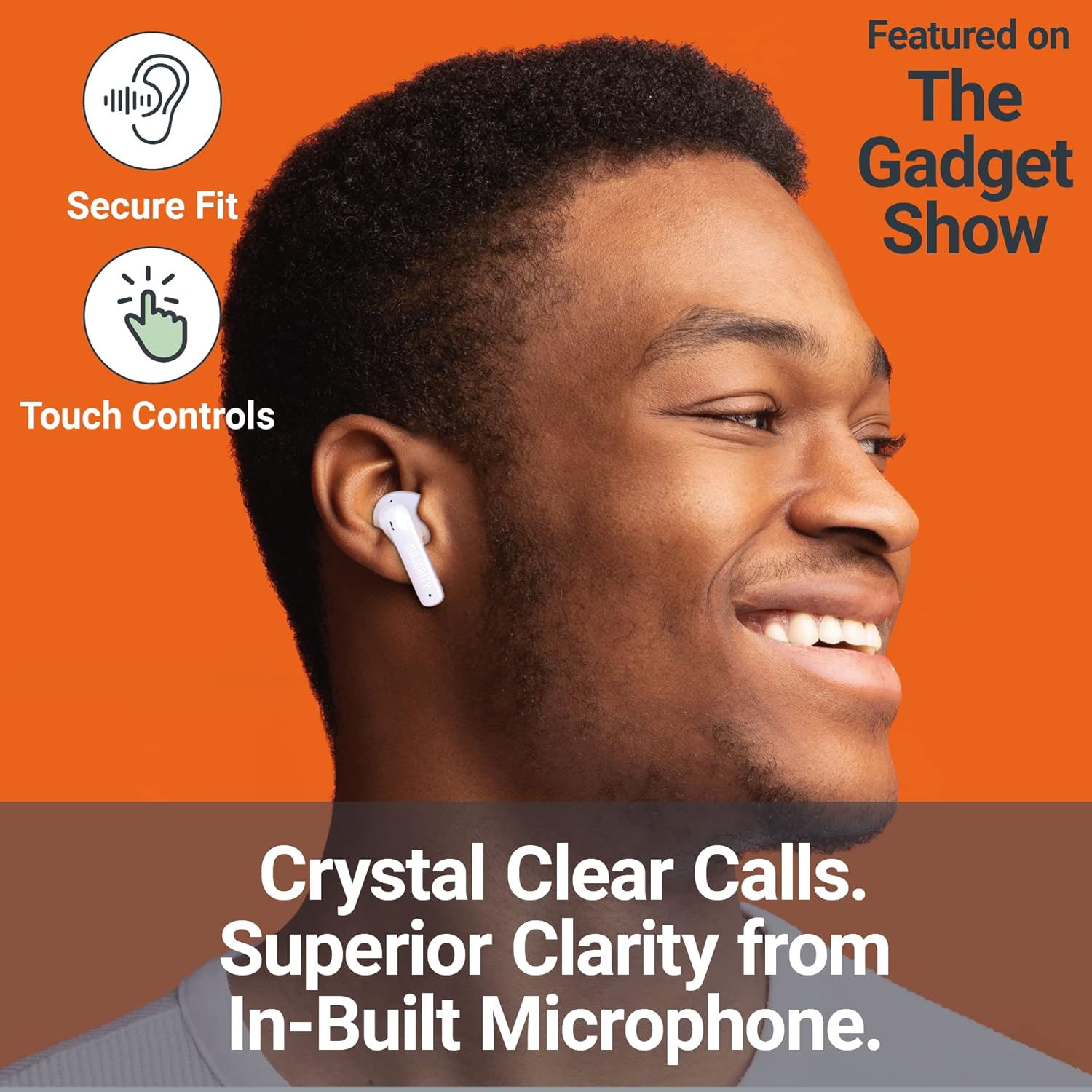
Image: A person smiling while wearing a MAJORITY Tru 1 earbud, emphasizing the secure fit, touch controls, and clear call quality from the built-in microphone.
The MAJORITY Tru 1 earbuds feature intuitive touch controls on each earbud. Specific functions may vary slightly depending on your device and operating system.
- Gwuo/kwụsịtụ: Otu mgbata na ntị ntị.
- Track na-esote: Pịa bọtịnụ ntị aka nri ugboro abụọ.
- Gara aga Track: Kpatụ ntị ugboro abụọ n'akụkụ aka ekpe.
- Azịza/Kwụsị Oku: Otu pịa ma ọ bụ ekwe ntị n'oge oku mbata ma ọ bụ oku nọ n'ọrụ.
- Jụ oku: Pịa ma jide otu ntị ntị maka sekọnd 2 n'oge oku mbata.
- Mee ka onye enyemaka olu rụọ ọrụ: Pịa ugboro atọ na ntị ntị (dịka, Siri, Google Assistant).
- Olu elu: Press and hold the right earbud.
- Olu ala: Press and hold the left earbud.
Ịkpọ na ịnata oku
The built-in microphone ensures clear communication during phone calls. Use the touch controls as described above to manage your calls.
Yi akwa ntị
Họrọ isi ntị ndị kacha mma ma dịkwa nchebe maka ịdị mma ụda na mwepụ mkpọtụ. Jiri nwayọ tinye isi ntị ọ bụla n'ime ọwa ntị gị wee tụgharịa ntakịrị iji jide ya.
Nlekọta
- Nhicha: Jiri akwa dị nro, kpọrọ nkụ na-adịghị na-ehicha ntị ntị na chaja mgbe niile. Ejila kemịkalụ siri ike ma ọ bụ ihe abrasive.
- Nguzogide mmiri: The earbuds are IPX7 waterproof, meaning they can withstand immersion in water up to 1 meter for 30 minutes. However, the charging case is not waterproof. Ensure earbuds are completely dry before placing them back in the charging case to prevent damage.
- Nchekwa: Mgbe ị na-ejighị ya, debe ekweisi ntị n'ime akpa chaja ha iji chebe ha ma mee ka ha dị ọkụ. Debe ha n'ebe dị jụụ ma kpọọ nkụ, ebe okpomọkụ na-adịghị oke njọ.
- Nlekọta batrị: Iji mee ka batrị dị ogologo, zere iwepụ isi ekwe ntị na igbe ahụ mgbe niile. Chaji ha mgbe niile, ọbụlagodi na ọ bụghị mgbe niile ka a na-eji ha.
Nchọpụta nsogbu
| Nsogbu | Ngwọta |
|---|---|
| Igwe ntị anaghị ejikọta ọnụ |
|
| Enweghị ụda sitere na otu ntị ntị |
|
| Nchaji anaghị akwụ ụgwọ |
|
| Ogo ụda adịghị mma |
|
Nkọwapụta
| Njirimara | Nkọwa |
|---|---|
| Aha Nlereanya | TRU 1 |
| Njikọta | Bluetooth 5.3 |
| Mmiri Nguzogide | IPX7 (naanị ekwe ntị) |
| Nha ọkwọ ụgbọ ala | 13mm |
| Oge egwu ntị | Ruo awa iri abụọ |
| ngụkọta oge egwuregwu (ya na ikpe) | Ruo awa iri abụọ |
| Nchaji ngwa ngwa | Ana m akwụ ụgwọ nkeji 30 maka awa 2 oge egwuregwu |
| Ụdị batrị | Lithium ion (gụnyere) |
| Nchaji ọdụ ụgbọ mmiri | USB-C |
| Ihe onwunwe | Plastic |
| Akụkụ ngwugwu | 11.3 x 9.9 x 3.2 cm |
| Ibu | 100 g (package) |
Akwụkwọ ikike na nkwado
MAJORITY offers an extended 3-year warranty for the Tru 1 Wireless Bluetooth Earbuds upon registration. To register your product and activate the extended warranty, please visit the official MAJORITY websaịtị:
For any support inquiries, troubleshooting assistance, or to learn more about MAJORITY products, please refer to the contact information provided on the official MAJORITY website. MAJORITY is a Cambridge, UK-based audio brand committed to providing reliable products and customer service.

Image: The side of the MAJORITY product box, showing details about the extended warranty and a QR code for registration.


