1. Okwu mmalite
Thank you for choosing the Noorio B200 Security Camera. This wireless outdoor magnetic camera is designed to provide comprehensive home security with its 1080p resolution, AI motion detection, two-way talk, and long-lasting battery. This manual will guide you through the setup, operation, and maintenance of your new security camera.
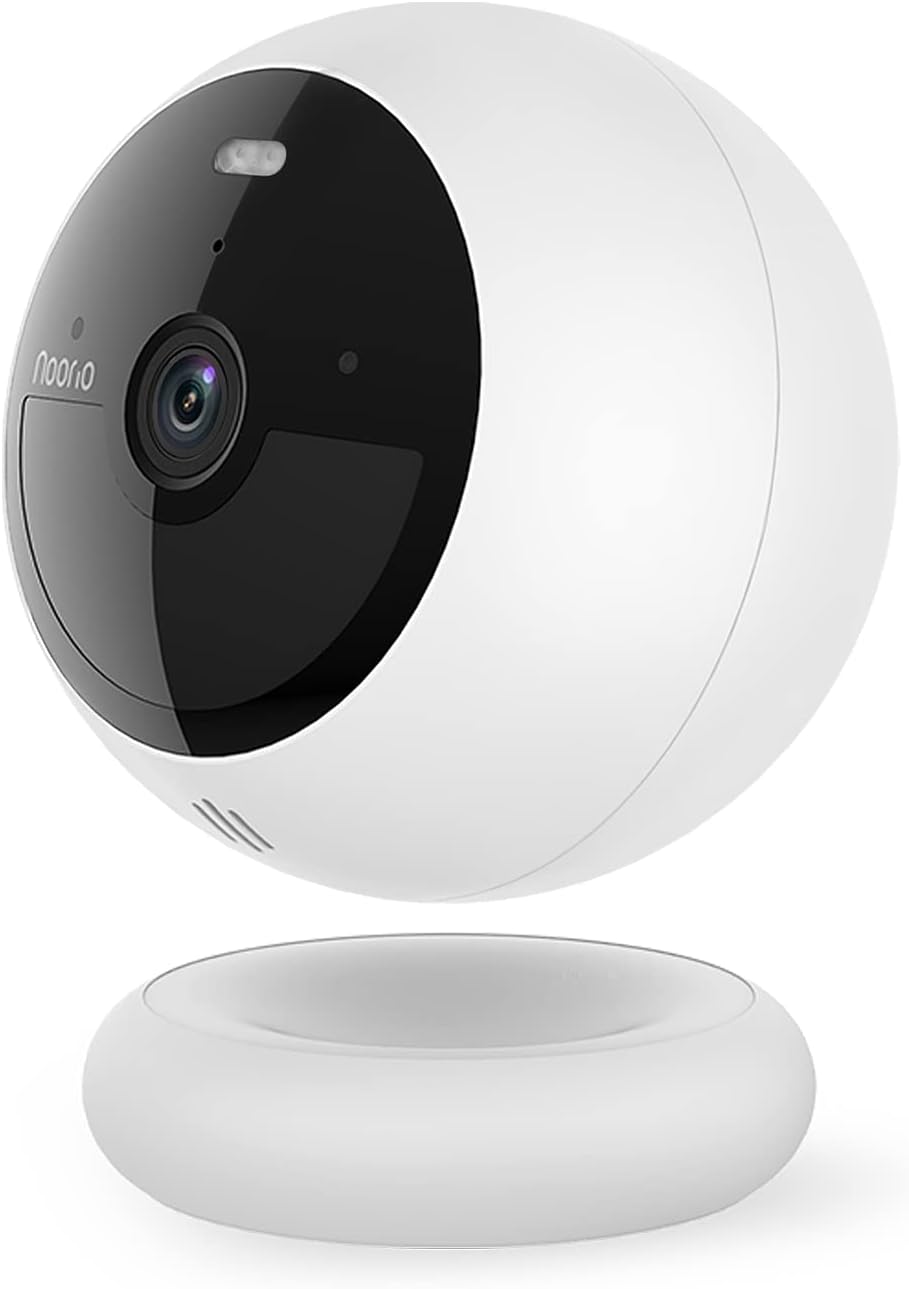
Figure 1: Noorio B200 Security Camera
2. Kedu ihe dị na Igbe ahụ
- Security Camera x 1
- Magnetic Mount x 1
- Screw Mount x 1
- Ịchaji eriri x 1
- Mkpọ ihe nkedo x 2
- Positioning Sticker x 2
- Ihe mmado ịdọ aka ná ntị x 2
- Ndenye Malite Guide x 1
3. Atụmatụ igodo

3.1 1080p HD Clarity
Experience crystal clear 1080p Full HD video, allowing you to see the finest details of your surroundings.

3.2 Advanced AI Motion Detection
The camera features advanced AI that distinguishes human motion from other subjects like animals or cars, minimizing false alarms and ensuring you only get relevant alerts.

3.3 Color Night Vision with Built-in Spotlight
Equipped with a motion-activated spotlight, the camera illuminates the area when motion is detected, providing clear color night vision and deterring unwanted visitors.

3.4 Audio ụzọ abụọ
Communicate with visitors or deter intruders using the built-in microphone and speaker, accessible through the mobile app.

3.5 100% Wire-Free & Long Battery Life
Enjoy flexible placement options with no wires. The built-in rechargeable battery provides up to 180 days of operation on a single charge, depending on usage.

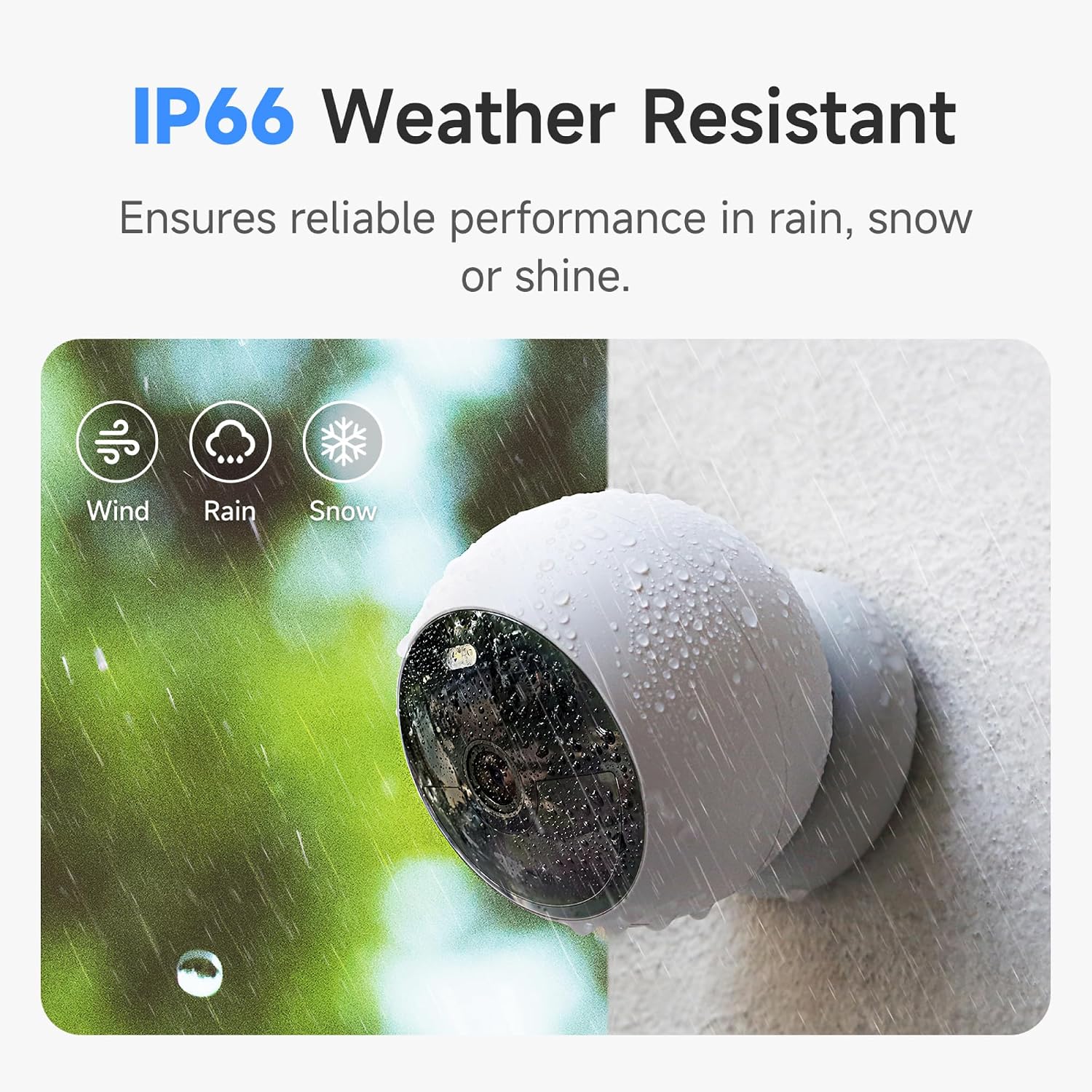
3.6 IP66 Weather Resistance
Designed to withstand various weather conditions, the IP66 rating ensures reliable performance in rain, snow, or shine.
3.7 8GB Local Storage & Cloud Option
Store up to 3000 pieces of footage directly on the camera's built-in 8GB local storage without any subscription fees. Optional cloud service is also available.
4. Ntọala & nwụnye
The Noorio B200 offers flexible installation options. Before starting, ensure your camera is fully charged using the provided USB-C cable.
4.1 Ntọala Ngwa Mkpanaka
Download the 'Noorio' app from your device's app store (available on Android and iOS). Follow the in-app instructions to create an account, add your device by scanning the QR code on the camera's back, and connect it to your 2.4GHz Wi-Fi network.
Video 1: Detailed setup and feature overview of the Noorio B200 camera via the mobile app.
4.2 Nhọrọ nrịgo
The camera supports both magnetic and screw mounting for versatile placement.
Igwe Ọdụdọ
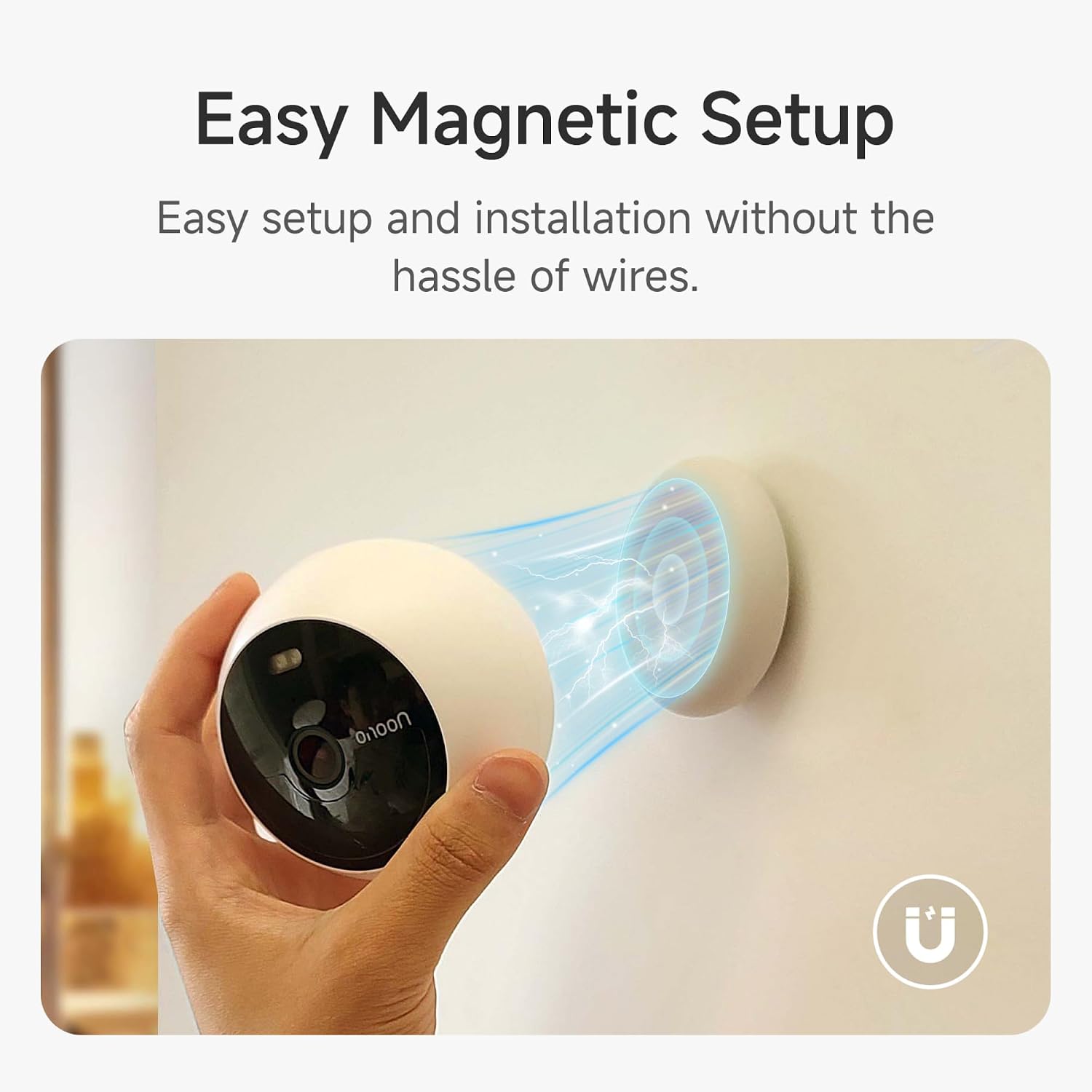
The magnetic mount allows for easy attachment to any metallic surface. Simply place the camera onto the magnetic base. This method is ideal for temporary placement or frequent repositioning.
Rewghasa Ugwu
For a more permanent installation, use the provided screw mount. Attach the mount to your desired surface using the screw pack, then secure the camera to the mount. This is suitable for both indoor and outdoor use.
Video 2: Demonstrates the magnetic mounting and general usage of the Noorio security camera.
5. Na-arụ ọrụ igwefoto
The Noorio app provides full control over your camera's functions.
5.1 Ndụ View
Access the live feed from your camera anytime, anywhere through the app. Simply tap on your camera's name to view vidiyo ahụ n'oge ahụ.
Video 3: Shows the camera's live view and two-way audio features in action.
5.2 Audio ụzọ abụọ
Site na ndụ view, tap the phone icon to initiate two-way communication. Speak into your phone, and your voice will be projected through the camera's speaker, allowing you to interact with anyone on the other end.
5.3 Nchọpụta na Ịdọ Aka Ná Ntị
Configure motion detection settings, including sensitivity and activity zones, to receive instant alerts on your phone when human motion is detected. You can also enable or disable person detection.
5.4 Night Vision & Spotlight Control
Switch between full color night vision and infrared night vision modes. You can manually turn the built-in spotlight on or off via the app.
5.5 Video Storage & Playback
The camera continuously records and stores footage on its 8GB built-in memory. Access recorded events and playback video clips directly from the app. You can rewind and watch any moment from the past days.
6. Nkọwapụta
| Njirimara | Nkọwa |
|---|---|
| Aha Nlereanya | B200 |
| Mkpebi ịse vidiyo | 1080p |
| Teknụzụ Njikọta | Igwe ikuku (Wi-Fi 2.4GHz) |
| Isi Iyi Ike | Akwanyere batrị |
| Ndụ batrị | Up to 180 days (single charge) |
| Nchekwa mpaghara | 8GB built-in eMMC |
| Nguzogide ihu igwe | IP66 |
| Ubi nke View | 140 ogo |
| Oke ọhụụ abalị | 26.25 ụkwụ |
| Akụkụ (L x W x H) | 3.35 x 3.35 x 2.98 sentimita asatọ |
| Ibu Ibu | 1.3 pound |
7. Nlekọta
- Ịchaji: Recharge the camera using the provided USB-C cable when the battery level is low.
- Nhicha: Jiri nwayọ hichaa oghere igwefoto na ahụ ya jiri nwayọ, damp cloth to remove dust and debris. Avoid harsh chemicals.
- Mmelite femụwe: Regularly check the Noorio app for firmware updates to ensure optimal performance and security.
8. Nchọpụta nsogbu
- Igwefoto na-anọghị n'ịntanetị: Ensure the camera is within range of your 2.4GHz Wi-Fi network. Restart your router and the camera.
- Mkpu ngagharị ụgha: Adjust the motion sensitivity settings in the app. Define specific activity zones to reduce unwanted alerts.
- Ọhụụ abalị dara ogbenye: Ensure the camera lens is clean. Check for any obstructions blocking the spotlight or infrared sensors.
- Na-agbapụ batrị ọsọ ọsọ: Frequent live view access, high motion detection sensitivity, and continuous spotlight usage can reduce battery life. Adjust settings as needed.
- No Two-Way Audio: Check the microphone and speaker settings in the app. Ensure your phone's volume is up.
9. Akwụkwọ ikike & Nkwado
For detailed warranty information, please refer to the Quick Start Guide or the User Manual (PDF) provided with your product. You can also visit the official Noorio websaịtị maka akụrụngwa nkwado.
Ndị ọrụ nlekọta ndị ahịa:
- Phone: 800-642-5905 (9 AM - 6 PM ET, Business Day)
- Email: support@nooriolife.com


