1. Ngwaahịa gafereview
The Oladance OWS1 Open Ear Headphones offer a unique open-ear design for comfort and situational awareness. These wireless Bluetooth 5.2 headphones feature dual 16.5mm drivers for high-quality sound and extended battery life, making them suitable for various activities.
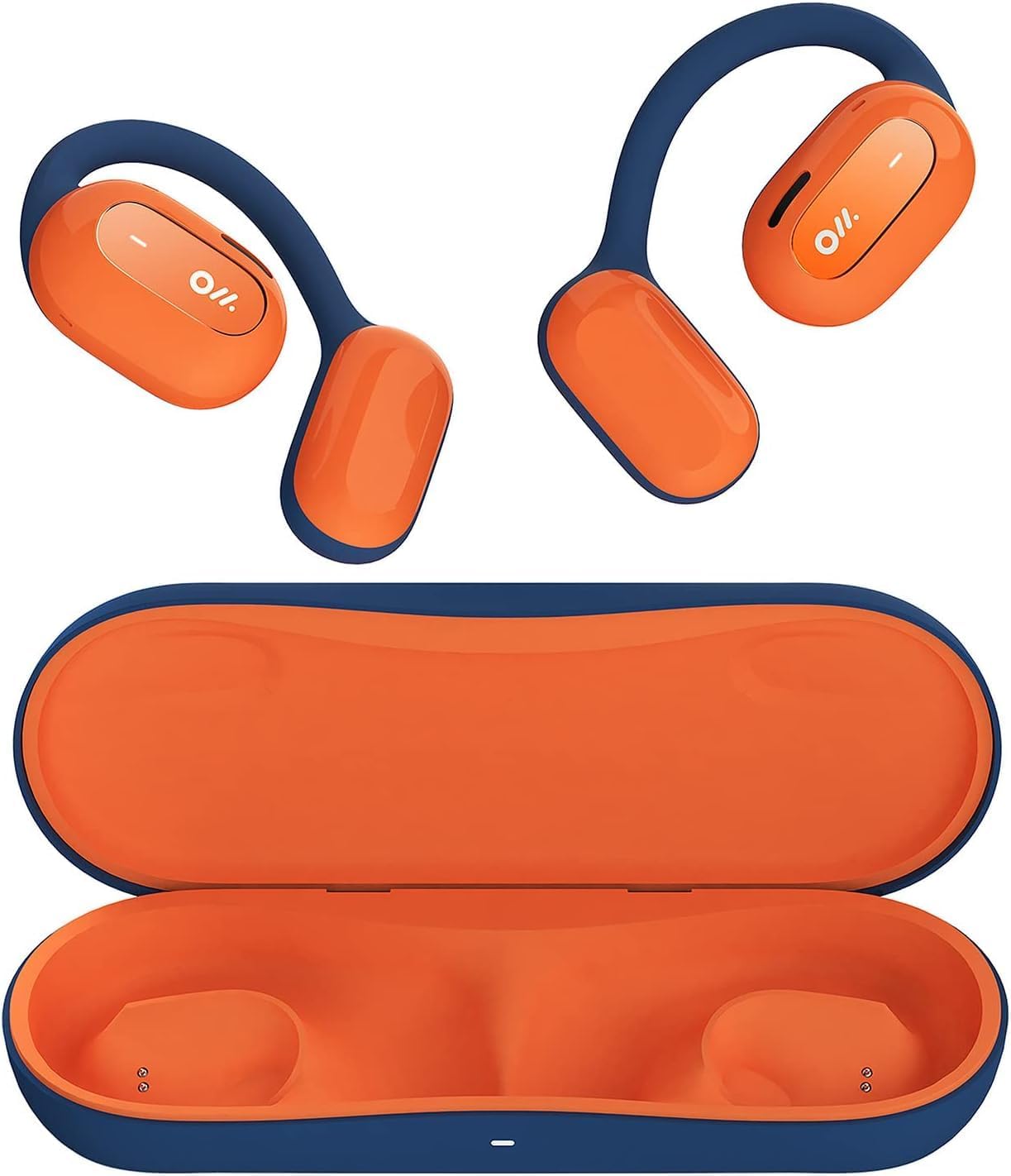
Image 1: Oladance OWS1 Open Ear Headphones and their carry case.
2. Kedu ihe dị na Igbe ahụ
- 1 × Oladance Wearable Stereo (Pair of Open Ear Headphones)
- 1 × Non-charging Carry Case
- 1 × Ụdị-C USB
- 1 × Akwụkwọ ntuziaka onye ọrụ
3. Atụmatụ igodo
- True Open Ear Design: Earbuds rest gently on top of the ear, avoiding insertion into the ear canal for enhanced comfort and situational awareness.
- 360° Superior Sound: Equipped with dual powerful 16.5mm dynamic drivers and bio-diaphragm technology for rich, clear audio across all volume levels.
- Anti-Hearing Loss Focus: Designed to prevent common health issues associated with traditional earbuds by not blocking the ear canal, reducing pressure and potential hearing damage.
- Extended 16-Hour Playtime: Features a built-in 160mAh battery and low-consumption algorithms, providing up to 16 hours of continuous playback on a single charge. Note: A separate charging case is required for extended playtime beyond the included carry case.
- Ọ dị mma ma dị mma: Multi-point support system distributes weight evenly across the ear, ensuring a stable and comfortable fit for various activities.

Image 2: The Oladance OWS1 headphones are designed for a secure and comfortable fit, ideal for activities like yoga.
4. Ntuziaka Nhazi
4.1 Nchaji izizi
Before first use, fully charge your Oladance OWS1 headphones. Connect the provided Type-C cable to the charging port on the headphones and a compatible USB power source. The LED indicator will show charging status.
4.2 Gbanyụọ/ gbanyụọ
- Iji gbanye: Press and hold the power button (location typically on one of the earbud units) for approximately 2-3 seconds until you hear an audible prompt or see an LED indicator light up.
- Iji gbanyụọ: Press and hold the power button for approximately 3-5 seconds until you hear an audible prompt or the LED indicator turns off.
4.3 Njikọ Bluetooth
- Gbaa mbọ hụ na agbanyụrụ ekweisi.
- Press and hold the power button for approximately 5-7 seconds until the LED indicator flashes red and blue alternately. This indicates the headphones are in pairing mode.
- Na ngwaọrụ gị (smartphone, mbadamba, kọmputa), gaa na ntọala Bluetooth.
- Chọọ maka "Oladance OWS1" in the list of available devices.
- Select "Oladance OWS1" to connect. Once connected, the LED indicator will typically flash blue slowly or turn off, and you will hear a confirmation tone.
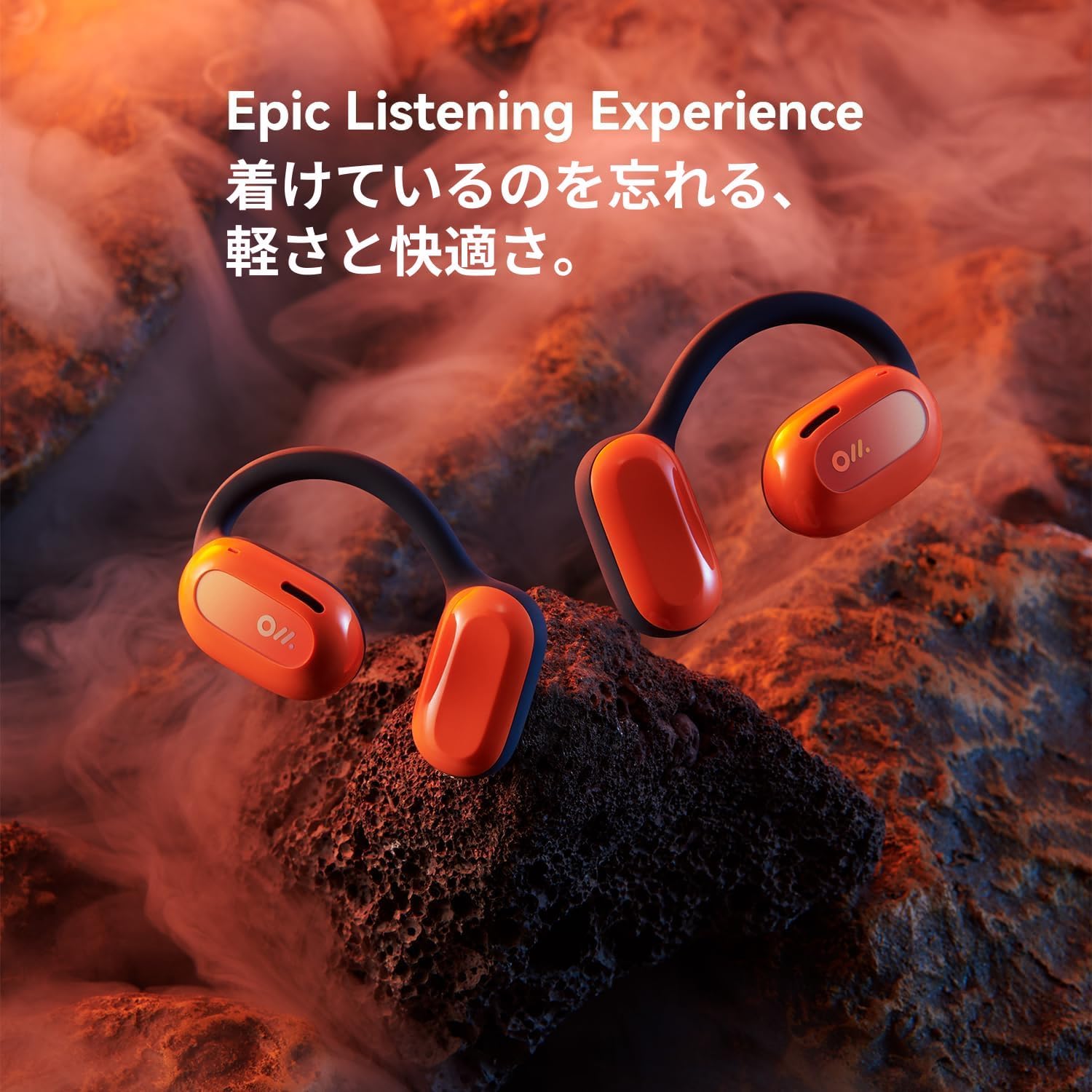
Image 3: The Oladance OWS1 headphones are designed for an ergonomic and stable fit during various activities.
5. Ntuziaka ọrụ
5.1 Njikwa ntọala
| Ọrụ | Omume |
|---|---|
| Kpọọ/kwụsịtụ egwu | Otu pịa bọtịnụ Multi-function. |
| Track na-esote | Pịa bọtịnụ Multi-function ugboro abụọ. |
| Egwu gara aga | Pịa bọtịnụ Multi-function. |
| Elu elu | Single press the Volume + button. |
| Mpịakọta ọnụ | Single press the Volume - button. |
| Zaa/Kwụsị Oku | Single press the Multi-function button during an incoming call or active call. |
| Jụ oku | Pịa ma jide bọtịnụ ọtụtụ ọrụ maka sekọnd 2 n'oge oku mbata. |
| Mee ka onye enyemaka olu rụọ ọrụ | Pịa ma jide bọtịnụ ọtụtụ ọrụ maka sekọnd iri na abụọ. |
5.2 Multi-Point Njikọ
The Oladance OWS1 headphones support multi-point connection, allowing them to be connected to two Bluetooth devices simultaneously. This enables seamless switching between devices without re-pairing.
- Ensure the headphones are paired with the first device.
- Put the headphones into pairing mode again (usually by holding the power button until the LED flashes red and blue).
- On the second device, search for "Oladance OWS1" in the Bluetooth settings and connect.
- The headphones should now be connected to both devices. Audio will automatically switch to the device playing content or receiving a call.

Image 4: The open-ear design allows for comfortable extended wear, even during work or calls.
6. Nlekọta na nlekọta
- Nhicha: Use a soft, dry cloth to wipe the headphones. Avoid using harsh chemicals or abrasive materials.
- Nchekwa: Store the headphones in their provided non-charging carry case when not in use to protect them from dust and damage.
- Nguzogide mmiri: The headphones are water-resistant (IPX4 rated). Avoid submerging them in water or exposing them to high-pressure water jets. Dry thoroughly if they get wet.
- Okpomọkụ: Zere ikpughe ekweisi gị n'ọnọdụ okpomọkụ dị oke elu (ọkụ ma ọ bụ oyi) ma ọ bụ oke iru mmiri.

Image 5: The included carry case protects your Oladance OWS1 headphones during transport and storage.
7. Nchọpụta nsogbu
- Enweghị ike ịgbanwuo
- Ensure the headphones are fully charged. Connect them to a power source using the Type-C cable.
- Enweghị ike ijikọ na ngwaọrụ
- Ensure the headphones are in pairing mode (LED flashing red and blue).
- Gbanyụọ ma gbanye Bluetooth nke ngwaọrụ gị.
- Hichapụ njikọ Bluetooth gara aga na ngwaọrụ gị.
- Bugharịa ekweisi nso na ngwaọrụ gị.
- Enweghị ụda ma ọ bụ ụda dị ala
- Lelee ọkwa olu na ma ekweisi yana ngwaọrụ ejikọrọ.
- Gbaa mbọ hụ na ejikọrọ ekweisi nke ọma na ngwaọrụ gị.
- Gbalịa ịkpọ ụda sitere na ngwa ma ọ bụ isi mmalite dị iche.
- Njikọ na-adịte aka
- Gbaa mbọ hụ na enweghị ihe mgbochi n'etiti ekweisi na ngwaọrụ gị.
- Zere nnukwu nnyonye anya elektrọnik.
- Keep the headphones within the effective Bluetooth range (typically 10 meters).
8. Nkọwapụta ngwaahịa
| Njirimara | Nkọwa |
|---|---|
| Nọmba nlereanya | OLA02 |
| Ụdị | Oladance |
| Teknụzụ Njikọta | Ikuku (Bluetooth 5.2) |
| Ntinye ntị | Mepee Ntị |
| Ụdị Ihe | Mepee Ntị |
| Nha ọkwọ ụgbọ ala | Dual 16.5mm Dynamic Drivers |
| Ndụ batrị (Ọkara) | Ruo awa 16 |
| Oge Nchaji | Ihe dị ka awa 2 |
| Ọkwa Nguzogide mmiri | Mmiri na-eguzogide mmiri (IPX4) |
| Usoro igwe okwu | Wuru n'ime |
| Ụdị njikwa | Media Control (Buttons) |
| Ihe onwunwe | Plastic |
| Akụkụ ngwaahịa | 13 x 11 x 457.2 cm |
| Ibu Ibu | 260 g |

Image 6: A close-up of the Oladance OWS1 headphones, highlighting their design and color.
9. Akwụkwọ ikike na nkwado
Oladance products are covered by a limited warranty. For detailed warranty information, product support, or service inquiries, please refer to the official Oladance websaịtị ma ọ bụ kpọtụrụ ndị ahịa ha ozugbo. Debe ihe akaebe nke ịzụrụ ihe maka akwụkwọ ikike.
Maka enyemaka ọzọ, biko gaa na: www.oladance.com