1. N'eluview
The Nubwo N1 Pro Gaming Headphones are designed to provide an immersive audio experience for gaming and multimedia. Featuring a comfortable on-ear design, a noise-reduction microphone, and versatile connectivity, these headphones are suitable for extended use.

Image 1.1: Nubwo N1 Pro Gaming Headphones with their 3.5mm audio jack, microphone jack, and USB connector for LED lighting.
2. Ihe ngwugwu
Biko chọpụta na ihe niile dị na ngwugwu:
- Nubwo N1 Pro Gaming Headphones
- Okpu ntị (etinyere ya na mbụ)
- Headband (pre-installed)
- Akwụkwọ ntuziaka (akwụkwọ a)
3. Nhazi ntuziaka
3.1 Connecting the Headphones
- Njikọ Audio: Locate the 3.5mm audio jack (green connector) on your headphones. Plug this into the audio output port (usually green) on your computer, gaming console controller, or other audio device.
- Njikọ igwe okwu: Locate the 3.5mm microphone jack (orange connector) on your headphones. Plug this into the microphone input port (usually pink) on your computer or device.
- USB Power for LED Lighting: Plug the USB connector into an available USB port on your computer or gaming console to power the headphone's LED lighting feature. The headphones will function for audio and microphone without the USB connection, but the lights will not illuminate.
3.2 System Configuration (Windows Example)
After connecting, you may need to configure your operating system's sound settings:
- Right-click the speaker icon in your taskbar and select 'Sound Settings' or 'Playback devices'.
- Under 'Output', select 'Speakers (Realtek High Definition Audio)' or similar entry corresponding to your 3.5mm jack.
- Under 'Input', select 'Microphone (Realtek High Definition Audio)' or similar entry.
- Adjust volume levels as needed.
4. Ntuziaka ọrụ
4.1 Njikwa olu
The headphones feature an integrated volume knob for convenient audio adjustment.
- Dịkwuo Mpịakọta: Rotate the volume knob upwards.
- Belata Mpịakọta: Rotate the volume knob downwards.
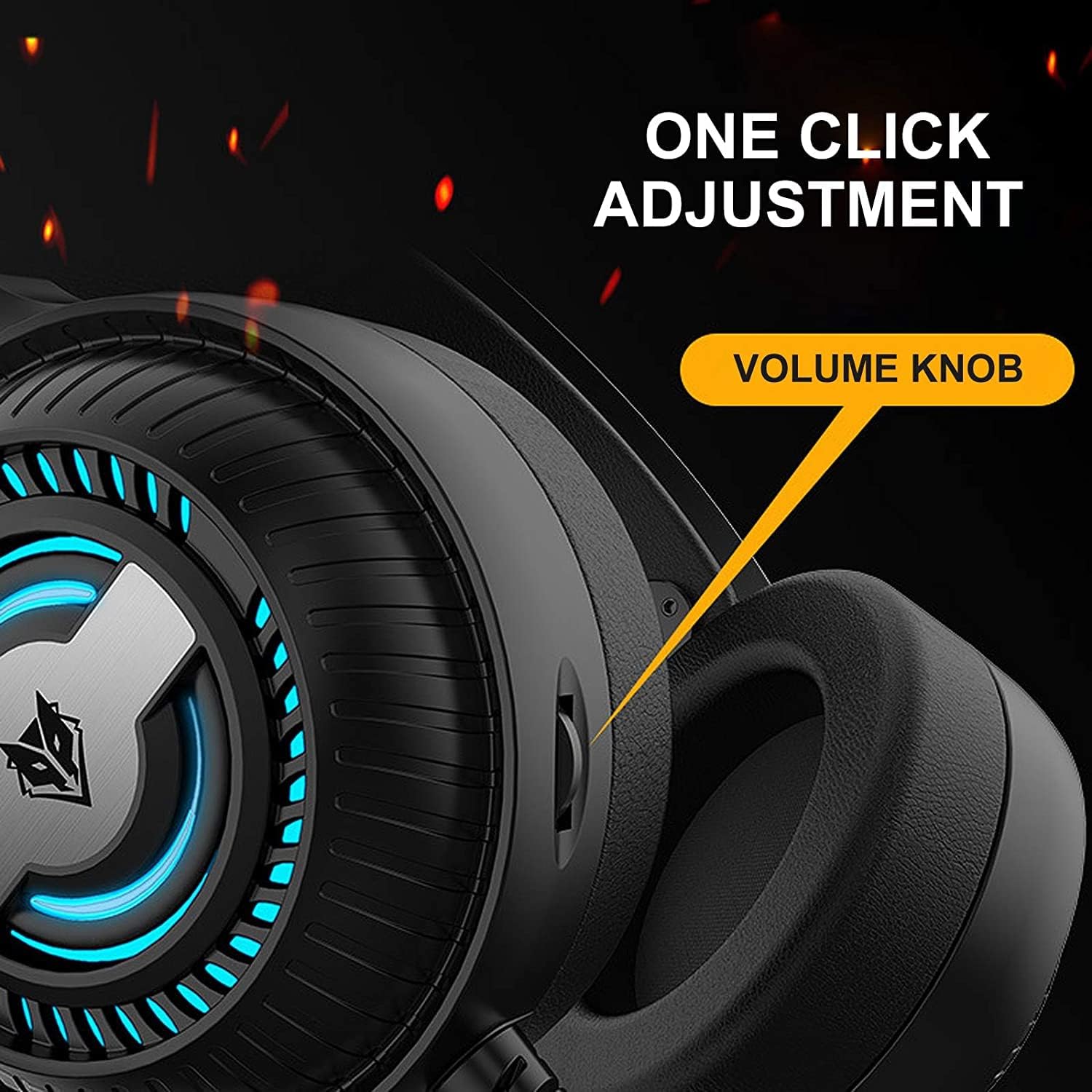
Image 4.1: The volume knob located on the left ear cup for quick audio adjustments.
4.2 Igwe okwu
The flexible microphone is equipped with noise reduction technology for clear communication.
- Ndokwa: Adjust the flexible microphone boom to a comfortable position near your mouth for optimal voice pickup.
- Mbelata mkpọtụ: The integrated sponge on the microphone helps to reduce ambient noise, ensuring your voice is transmitted clearly.

Image 4.2: The flexible microphone with noise reduction capabilities, shown in various positions.
4.3 ọkụ ọkụ LED
The headphones feature a breathing lamp effect with 7 different colors, powered via the USB connection.
- The LED lights will automatically cycle through 7 colors when the USB connector is plugged into a powered USB port.
- There is no manual control for changing or turning off the LED colors; they operate in a continuous breathing cycle.

Image 4.3: The ear cup illuminated with the 7-color breathing lamp mmetụta.
5. Nlekọta
5.1 Nhicha
- Jiri akwa dị nro ma kpọọ nkụ hichapụ elu elu nke ekweisi.
- Maka ohiri isi ntị, jiri obere ude hichaa ya nke ọma.amp akwa ma kwe ka ikuku kpoo kpamkpam tupu ejiri ya.
- Ejila kemịkalụ siri ike, ihe mgbaze, ma ọ bụ ihe nchacha.
5.2 Nchekwa
- Chekwaa ekweisi n'ebe dị jụụ, kpọrọ nkụ na-adịghị na ìhè anyanwụ kpọmkwem na oke okpomọkụ.
- Zere itinye ihe dị arọ na ekweisi.
5.3 Nlekọta USB
- Zere ịgbagọ nke ọma ma ọ bụ ịdọpụ eriri waya ndị ahụ gabiga ókè iji gbochie mmebi.
- Always grasp the plug, not the cable, when disconnecting.
6. Nchọpụta nsogbu
6.1 Enweghị ụda site na ekweisi
- Ensure the 3.5mm audio jack is fully inserted into the correct audio output port.
- Check the volume knob on the headphones and your device's system volume.
- Verify that the headphones are selected as the default playback device in your sound settings.
- Nwalee ekweisi ahụ site na iji ngwaọrụ ọzọ iji wepụ nsogbu nke ngwaọrụ ahụ kpọmkwem.
6.2 Igwe okwu anaghị arụ ọrụ
- Ensure the 3.5mm microphone jack is fully inserted into the correct microphone input port.
- Verify that the microphone is selected as the default recording device in your sound settings.
- Lelee ntọala nzuzo nke igwe okwu na sistemụ arụmọrụ gị.
- Nwalee igwe okwu ahụ site na iji ngwaọrụ ma ọ bụ ngwa ọzọ.
6.3 LED Lights Not Illuminating
- Ensure the USB connector is securely plugged into a powered USB port.
- Gbalịa ọdụ ụgbọ USB dị iche.
7. Nkọwapụta
Key technical specifications for the Nubwo N1 Pro Gaming Headphones:
| Njirimara | Nkọwapụta |
|---|---|
| Aha Nlereanya | N1 Pro |
| Aha ika | Generic (Nubwo) |
| Teknụzụ Njikọta | Wired (3.5mm Audio, 3.5mm Mic, USB for LED) |
| Ụdị ekweisi | Na Ntị |
| Etinye ntị ekweisi | Na Ntị |
| Jack ekweisi | 3.5mm ọkpụrụkpụ |
| Mmetụta | 96 dB |
| Njikwa mkpọtụ | None (Microphone features noise reduction) |
| Agba | Nwa |
| Ngwa gụnyere | Ear Cushions, Headband |
| Akụkụ ngwugwu | 25.2 x 19.9 x 12.6 cm |
| Ibu | 450 g |
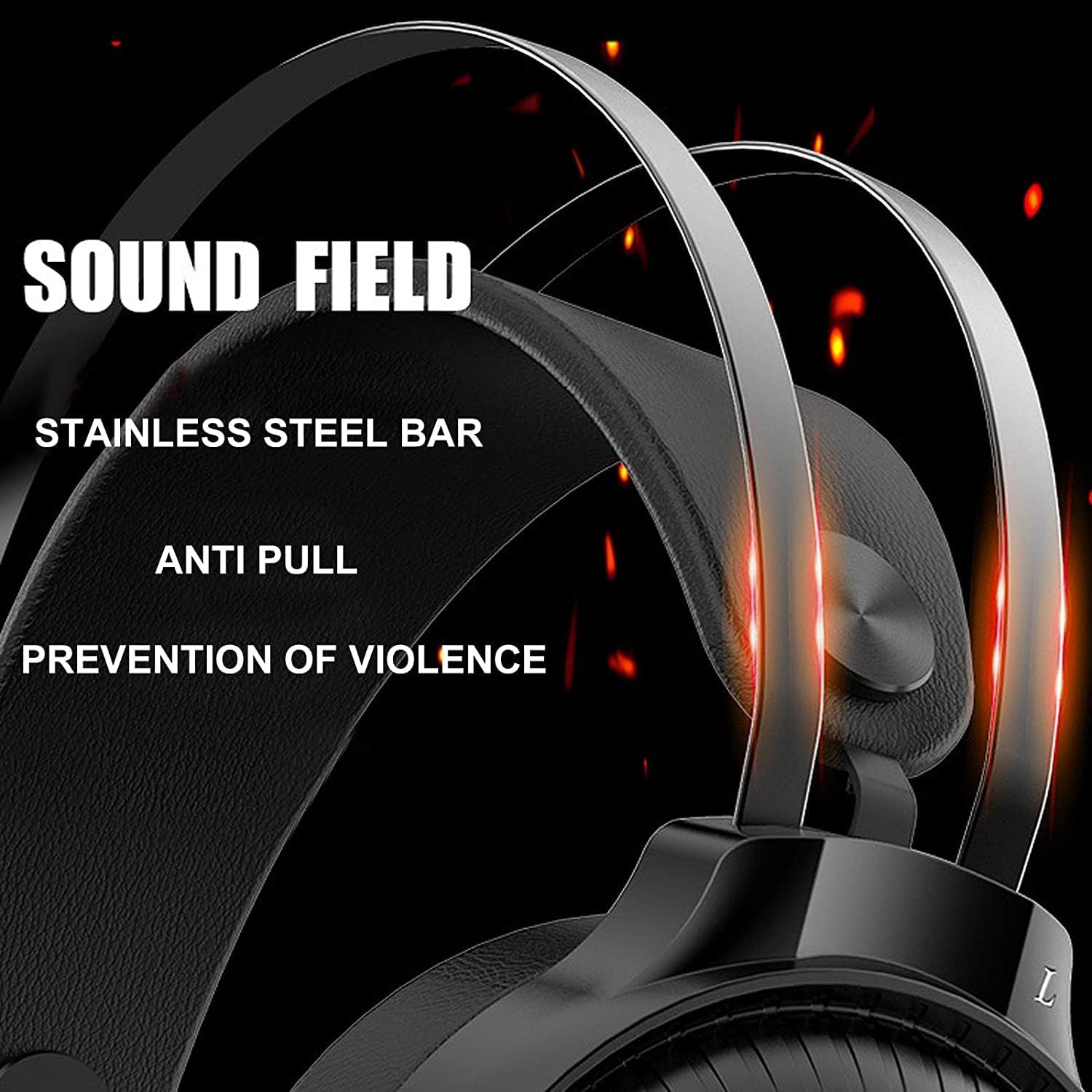
Image 7.1: Illustration of the 50mm horn for sound field and the durable stainless steel bar construction.
8. Akwụkwọ ikike na nkwado
For information regarding warranty coverage and technical support, please refer to the retailer or the official Nubwo website where the product was purchased. Keep your proof of purchase for warranty claims.
If you encounter issues not covered in this manual, please contact customer support for assistance.