1. Okwu mmalite
The Logitech Signature M650 for Business is a versatile wireless mouse designed to enhance productivity and comfort. It offers dual connectivity options, a SmartWheel for adaptive scrolling, and SilentTouch technology for quiet operation. Available in two sizes, it caters to various hand sizes for optimal ergonomic support.
Akụkụ ndị bụ isi:
- Njikọta abụọ: Connect via Logi Bolt USB receiver for secure connections or directly via Bluetooth Low Energy.
- SmartWheel Scrolling: Automatically switches between line-by-line precision and free-spin mode.
- Teknụzụ SilentTouch: Na-ebelata mkpọtụ pịa site na 90% maka gburugburu ọrụ dị jụụ.
- Nhazi Ergonomic: Contoured shape and soft thumb area for comfort, available in two sizes (M650 and M650 L).
- Bọtịnụ enwere ike ịhazi ya: Side buttons can be customized for various functions.
- Ogologo ndụ batrị: Ruo ọnwa iri abụọ na anọ na otu batrị AA.
- Ndakọrịta ọtụtụ Platform: Works seamlessly with Windows, macOS, Linux, Chrome OS, iPadOS, and Android.

Image: Logitech Signature M650 for Business Wireless Mouse and its packaging, showcasing the product and its box.
2. Nhazi
2.1. Kedu ihe dị na Igbe ahụ
Tupu ịmalite, hụ na akụrụngwa niile dị:
- Logitech mbinye aka M650 ikuku ikuku
- Logi Bolt USB nnata
- Batrị AA 1 (etinyegoro ya na mbụ)

Image: The Logitech M650 mouse, a Logi Bolt USB receiver, and a 1-meter USB cable, representing the items included in the product packaging.
2.2. Ntinye batrị
The mouse comes with one AA battery pre-installed. If you need to replace it:
- Open the battery compartment cover on the underside of the mouse.
- Insert a new AA battery, ensuring correct polarity (+/-).
- Mechie mkpuchi nke batrị batrị nke ọma.
2.3. Ijikọ gị òké
The Signature M650 offers two connection methods: Logi Bolt USB Receiver or Bluetooth Low Energy.
Option 1: Logi Bolt USB Receiver (Recommended for Secure Connections)
- Locate the Logi Bolt USB receiver, typically found inside the mouse's battery compartment or packaged separately.
- Tinye ihe nnata USB Logi Bolt n'ime ọdụ USB dị na kọmputa gị.
- Gbanye òké ahụ site na iji ihe mgba ọkụ dị n'okpuru ya. Òké ahụ kwesịrị ijikọ na akpaghị aka.

Image: The Logi Bolt USB receiver securely plugged into a laptop's USB port, demonstrating its compact size and integration.
Nhọrọ nke 2: Bluetooth Ike Dị Ala
- Gbanye òké ahụ site na iji ihe mgba ọkụ dị n'okpuru ya.
- Press and hold the connect button on the underside of the mouse until the LED indicator starts blinking rapidly, indicating pairing mode.
- Na kọmputa ma ọ bụ ngwaọrụ gị, mepee ntọala Bluetooth.
- Select "Logitech M650" from the list of available devices and follow the on-screen prompts to complete pairing.

Image: The Logitech M650 mouse positioned on a mousepad, with visual cues for both Bluetooth and Logi Bolt connectivity options.
3. Operating Your Mouse
3.1. Mpịakọta SmartWheel
The SmartWheel automatically adapts to your scrolling needs:
- Ụdị nkenke: For detailed, line-by-line scrolling, gently scroll the wheel.
- Ụdị Ntụgharị N'efu: For rapid, long document or web page navigation, give the wheel a quick flick. It will spin freely.
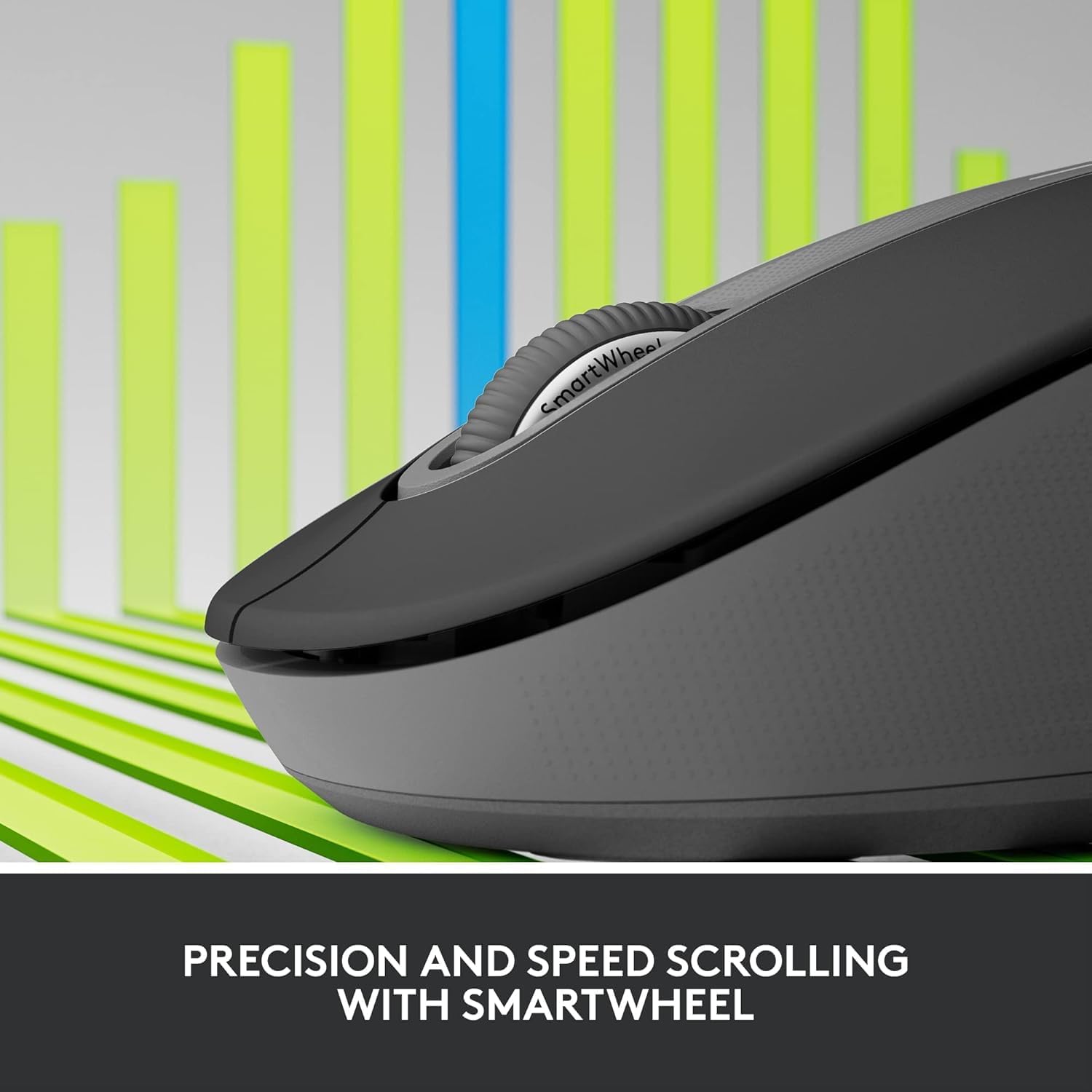
Image: A detailed close-up of the Logitech M650 mouse's SmartWheel, emphasizing its design for both precision and speed scrolling.
3.2. Bọtịnụ Akụkụ A Na-ahazi
The Signature M650 features two customizable side buttons. By default, these buttons may perform forward/back navigation in web browsers. To customize their functions, download and install the Logitech Options+ software from the official Logitech websaịtị.
3.3. Teknụzụ SilentTouch
Experience a quieter workspace with SilentTouch technology, which significantly reduces the sound of clicks without compromising the tactile feel.
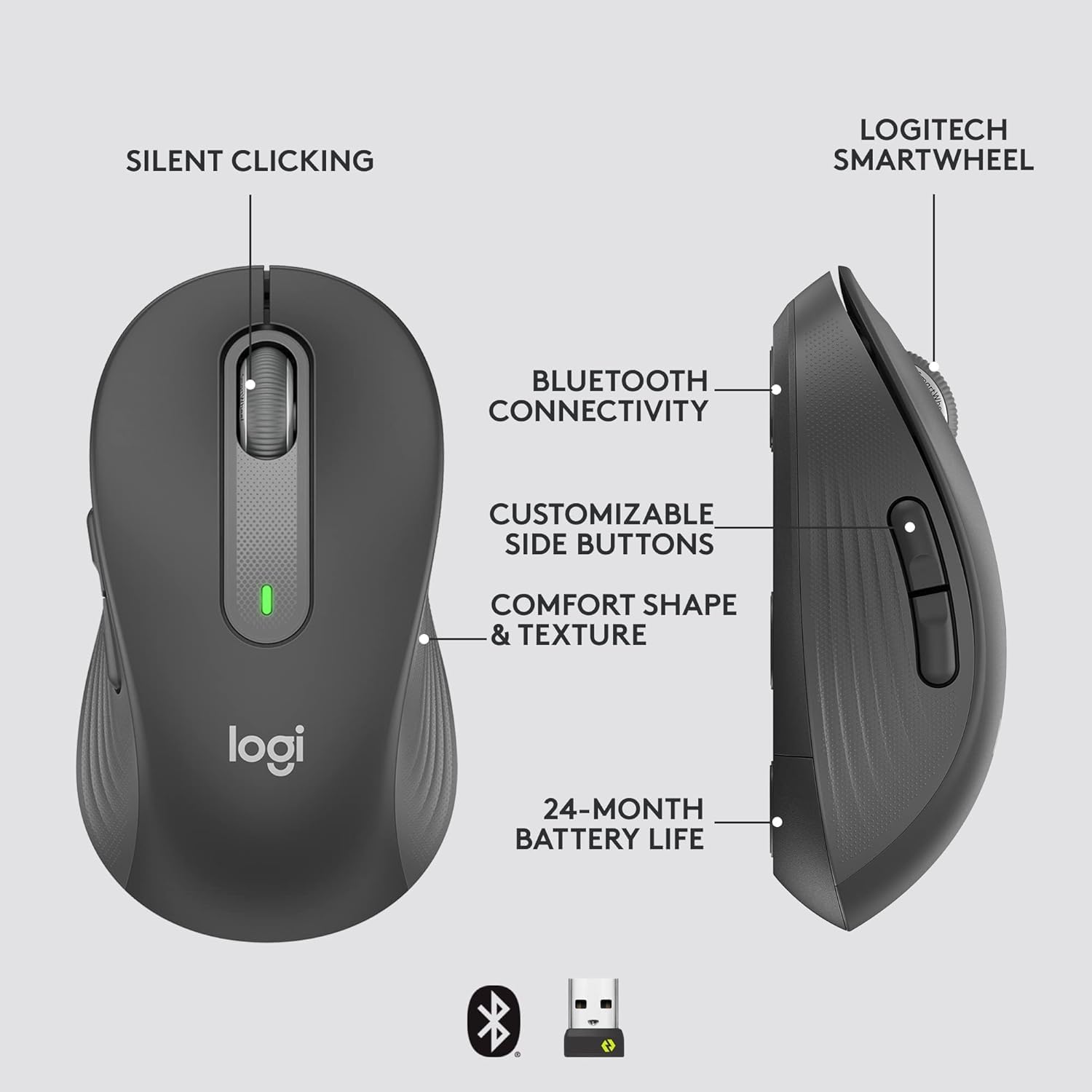
Image: An annotated diagram of the Logitech M650 mouse, highlighting key features such as Silent Clicking, Bluetooth Connectivity, Customizable Side Buttons, Comfort Shape & Texture, 24-Month Battery Life, and the Logitech SmartWheel.
4. Nlekọta
4.1. Ngbanwe batrị
The mouse uses one AA battery. When the battery is low, the LED indicator on the mouse may flash. Replace the battery as described in Section 2.2.
4.2. Nhicha
Iji hichaa òké gị, jiri ákwà dị nro, nke na-enweghị ntụpọ. Maka unyi siri ike, jiri obere dampen akwa na mmiri. Zere iji kemịkalụ siri ike ma ọ bụ ihe na-emebi emebi.
5. Nchọpụta nsogbu
5.1. Mouse Not Responding
- Lelee batrị: Hụ na etinyere batrị ahụ nke ọma ma nwee ike ịchaji zuru oke. Dochie ya ma ọ bụrụ na ọ dị mkpa.
- Ike Na: Verify the mouse is turned on using the power switch.
- Meghachi njikọ:
- Logi Bolt: Try plugging the receiver into a different USB port. Ensure no obstructions are between the mouse and receiver.
- Bluetooth: Go to your device's Bluetooth settings, remove the mouse, and re-pair it.
- Ntinye aka: Move the mouse closer to the receiver or device. Avoid using the mouse near other wireless devices that might cause interference.
5.2. Erratic Cursor Movement
- Ihe mmetụta dị ọcha: Ensure the optical sensor on the underside of the mouse is clean and free of debris.
- Elu: Use the mouse on a clean, non-reflective, and uniform surface. A mouse pad is recommended.
6. Nka na ụzụ nkọwa
| Njirimara | Nkọwapụta |
|---|---|
| Nọmba nlereanya | 910-006272 |
| Njikọta | Logi Bolt USB Receiver, Bluetooth Low Energy |
| Ihe Nchịkwa Ihe Nchịkwa | Ngwa anya |
| Ụdị batrị | 1 x AA batrị (gụnyere) |
| Ndụ batrị | Ruo ọnwa isii |
| Dimensions (M650) | 4.22 x 2.43 x 1.49 sentimita (10.7 x 6.17 x 3.78 cm) |
| Ibu | 3.57 ounces (101.2 g) |
| Agba | Graphite |
| Ndakọrịta sistemụ arụmọrụ | Windows, macOS, Linux, Chrome OS, iPadOS, Android |

Image: A visual comparison of the Logitech M650 and M650 L mouse sizes, indicating their respective lengths of 10.5cm and 11.5cm.
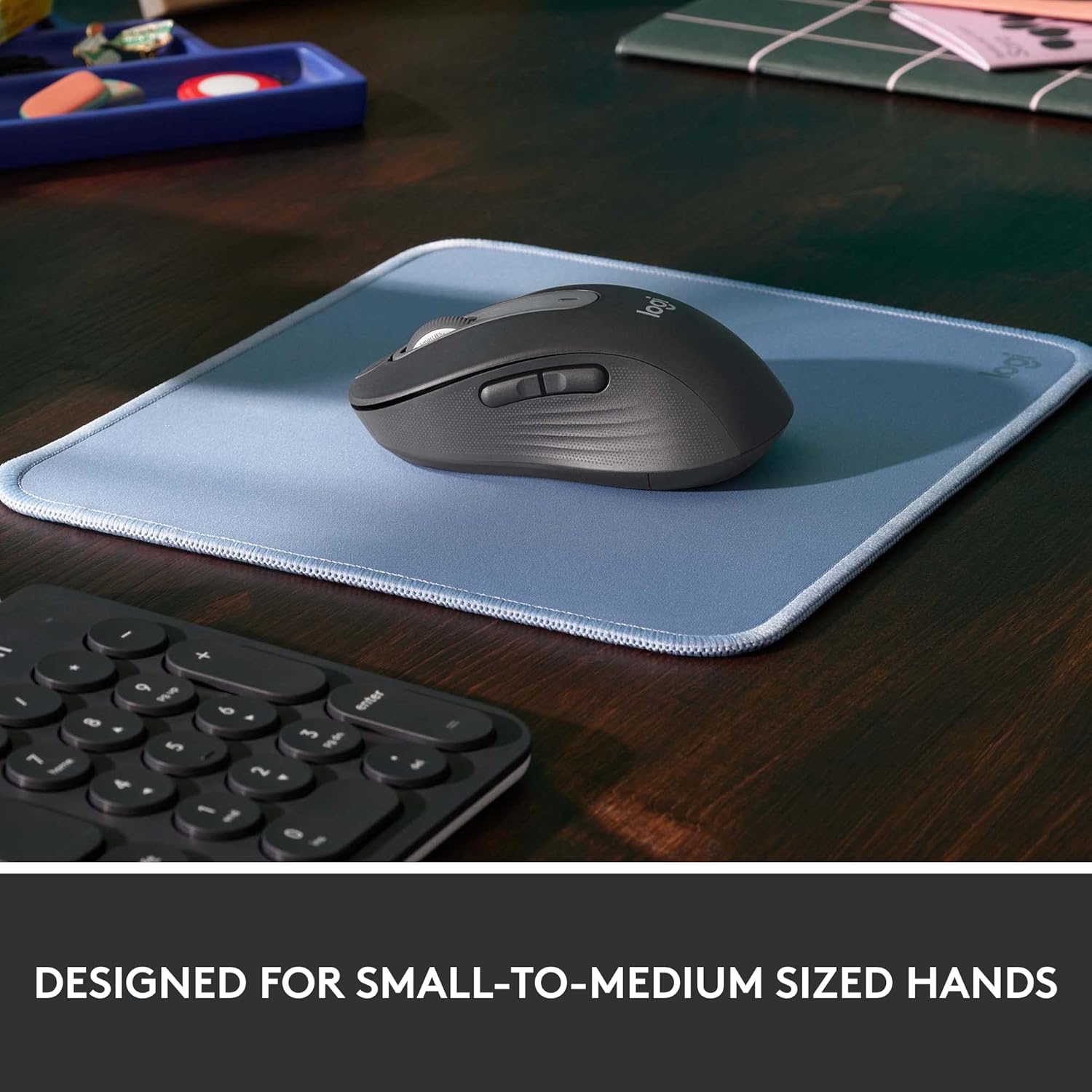
Image: The Logitech M650 mouse resting on a light blue mousepad, illustrating its ergonomic shape designed to fit comfortably in small to medium-sized hands.
7. Akwụkwọ ikike na nkwado
Logitech products are manufactured to the highest quality standards. For detailed warranty information, please refer to the warranty card included with your product or visit the official Logitech support websaịtị.
For technical assistance, troubleshooting, or to download the latest software and drivers, please visit the Logitech Support page:


