Okwu mmalite
Thank you for choosing the Final ZE3000 True Wireless Earbuds. This manual provides essential information for the proper setup, operation, and maintenance of your earbuds to ensure an optimal audio experience. Please read this manual thoroughly before use.
Kedu ihe dị na Igbe ahụ
- Final ZE3000 True Wireless Earbuds (Left and Right)
- Nchaji case
- USB-C eriri USB
- Akwụkwọ ntuziaka (akwụkwọ a)
- Eartips (nha dị iche iche)

Image: Final ZE3000 True Wireless Earbuds and their charging case, displayed in black.
Ngwaahịa gafereview
The Final ZE3000 earbuds are designed for high-fidelity sound reproduction with a focus on comfort and stable wireless connectivity. Each earbud features a touch control panel and an LED indicator.

Foto: nso nso view of the Final ZE3000 earbuds, highlighting their unique geometric design and audiophile-level quality.

Image: The Final ZE3000 charging case, showcasing its premium SHIBO textured finish.
Melite
1. Ịchaji ihe ntị na akpa
Before first use, fully charge the earbuds and charging case. Connect the supplied USB-C cable to the charging port on the case and a USB power source. The LED indicator on the case will show charging status. A full charge takes approximately 1.5 hours.

Image: Final ZE3000 earbuds placed inside their charging case.
2. Ijikọ na ngwaọrụ
- Open the charging case. The earbuds will automatically enter pairing mode, and the LED indicators on the earbuds will flash.
- Na ngwaọrụ gị (smartphone, mbadamba, wdg), gbanye Bluetooth.
- Chọọ maka available Bluetooth devices and select "ZE3000" from the list.
- Once connected, the LED indicators on the earbuds will stop flashing.
The ZE3000 uses Bluetooth 5.2 for a stable connection up to 10 meters.

Image: A smartphone screen showing the 'ZE3000' listed as an available Bluetooth device for pairing.
3. Ịtinye ihe ntị
Proper fit is crucial for sound quality and comfort. Choose the eartips that provide the best seal and comfort for your ears. Gently insert the earbuds into your ear canals and twist slightly until they feel secure.
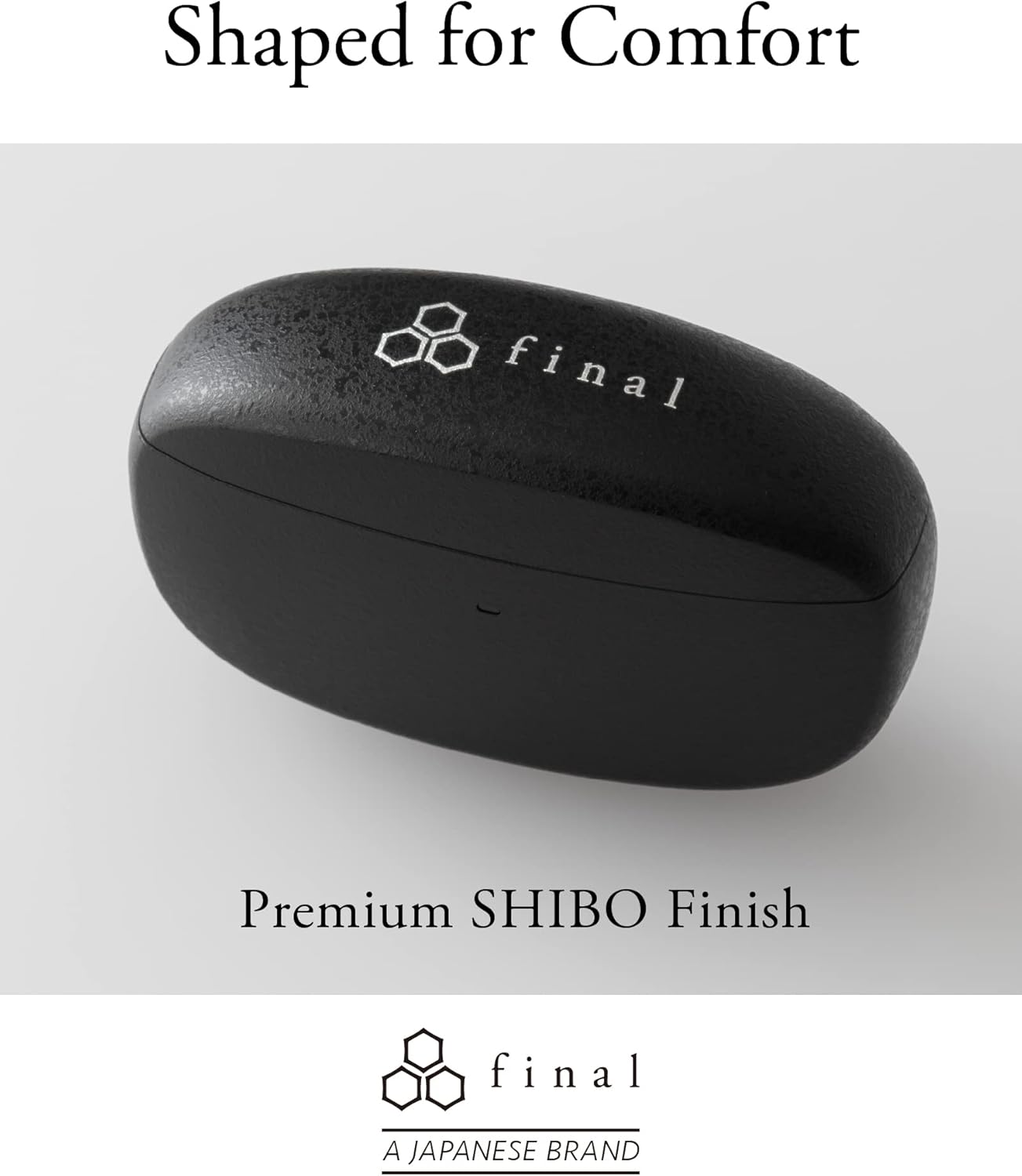
Image: A person demonstrating the correct way to wear the Final ZE3000 earbuds for a secure and comfortable fit.
Ntuziaka ọrụ
Njikwa mmetụ
The ZE3000 earbuds feature intuitive touch controls on the outer surface of each earbud.

Image: Diagram illustrating the location of the touch control panel, microphone, and LED indicator on the earbud.
| Omume | Ọrụ |
|---|---|
| Otu mgbata (aka ekpe/aka nri) | Kpọọ/Kwụsịtụ egwu, zaa/Kwụsị oku |
| Pịa ugboro abụọ (aka nri) | Egwu na-esote |
| Pịa ugboro abụọ (aka ekpe) | Egwu gara aga |
| Pịa ugboro atọ (aka nri) | Elu elu |
| Pịa ugboro atọ (aka ekpe) | Mpịakọta ọnụ |
| Pịa ogologo (aka ekpe/aka nri) | Mee onye enyemaka olu rụọ ọrụ |
Gbanyụọ/ Gbanyụọ
- Ike Na: Mepee igbe chaja, ekweisi ga-agbanye ma jikọọ na ngwaọrụ ikpeazụ ejikọtara na ya na akpaghị aka.
- Gbanyụọ: Tinye ihe ntị ntị n'ime akpa nchaji wee mechie mkpuchi. Ha ga-agbanyụ ozugbo wee malite ịchaji.
Nlekọta
Nhicha
Regularly clean your earbuds and charging case to maintain performance and hygiene.
- Jiri akwa dị nro, kpọrọ nkụ, akwa na-enweghị lint ka ihichapụ ntị ntị na akpa nchaji.
- Wepụ isi ntị ma jiri ncha na mmiri dị nro hichaa ha, wee kpọọ nkụ nke ọma tupu ị tinyeghachi ya.
- Jiri nwayọ hichaa kọntaktị chaja dị na ntị ntị na akpa ahụ site na iji ákwà owu kpọrọ nkụ hichaa ya.
Nchekwa
Mgbe ị naghị eji ya, debe ekweisi ntị n'ime akpa chaja ha iji chebe ha ma hụ na ha na-achaji.
Nguzogide mmiri (IPX4)
The Final ZE3000 earbuds are IPX4 water-resistant, meaning they are protected against splashing water from any direction. They are not designed for submersion in water. Avoid exposing them to heavy rain, showering, or swimming.
Nchọpụta nsogbu
- Enweghị nsogbu ụda/njikọ:
- Gbaa mbọ hụ na akwụgoro ihe ekwe ntị.
- Hụ na Bluetooth agbanyere na ngwaọrụ gị ma họrọ ekweisi.
- Nwaa ịtọpụ ma jikọta ekweisi ndị ahụ na ngwaọrụ gị ọzọ.
- Hụ na e nweghị ngwaọrụ ndị ọzọ ejikọtara na ekweisi.
- Otu ntị anaghị arụ ọrụ:
- Place both earbuds back in the case, close the lid, wait a few seconds, then open again.
- Check charging contacts for debris.
- Njikwa mmetụ anaghị anabata:
- Gbaa mbọ hụ na mkpịsị aka gị dị ọcha ma kpọọ nkụ.
- Try restarting the earbuds by placing them in the case and closing the lid.
Nkọwapụta
| Njirimara | Nkọwa |
|---|---|
| Nọmba nlereanya | ZE3000 |
| Teknụzụ Njikọta | Bluetooth 5.2 |
| Nkwukọrịta ikuku | Bluetooth |
| Ụdị ọkwọ ụgbọ ala ọdịyo | Ọkwọ ụgbọala dị ike |
| Oke ugboro ugboro | 20 Hz - 20,000 Hz |
| Ndụ batrị (Earbuds) | Ruo awa iri abụọ |
| Oge Mkpọghachi (na Ikpe) | Ruo awa iri abụọ |
| Oge Nchaji | Ihe ruru. awa 1.5 |
| Ụdị njikwa | Njikwa aka |
| Ọkwa Nguzogide mmiri | IPX4 (mmiri na-eguzogide) |
| Oke Bluetooth | 10 mita |
| Ibu Ibu | gram 42 (mkpokọta) |
| Akụkụ ngwaahịa | 1.38 x 2.76 x 0.98 sentimita asatọ |
Nkwado
For further assistance or inquiries, please visit the official Final store or contact customer support.