1. Okwu mmalite
The Apple 67W USB-C Power Adapter is designed to provide fast and efficient charging for compatible USB-C devices, including MacBook Pro, MacBook Air, iPhone, and iPad models. This manual provides important information regarding the proper setup, operation, maintenance, and safety of your power adapter.
2. Ihe ngwugwu
Verify that your package contains the following item:
- Apple 67W USB-C nkwụnye ọkụ
Note: A USB-C charging cable is sold separately and is required for use with this power adapter.
3. Atụmatụ
- Fast, Efficient Charging: Delivers 67 watts of power for rapid charging.
- Ndakọrịta USB-C zuru ụwa ọnụ: Works with a wide range of USB-C enabled devices.
- Recommended Pairing: Ideal for 13-inch MacBook Pro (2016 and later) and 14-inch MacBook Pro with Apple M1 Pro chip (8-core CPU).
- Fast-Charging for MacBook Air: Enables 0 to 50 percent charge in approximately 30 minutes with MacBook Air M2 chip models.
- Nhazi kọmpat: Lightweight and portable for use at home, office, or while traveling.
4. Ozi nchekwa
Read all safety information below before using the power adapter to avoid injury or damage to your device.
- Nchekwa Eletriki:
- Use only with compatible power outlets (120 Volts AC).
- Do not use the adapter if it is damaged, frayed, or has exposed wires.
- Avoid using in wet environments or near liquids.
- Agbalịla ịgbasa ma ọ bụ gbanwee ihe nkwụnye ahụ.
- Okpomọkụ: The power adapter may become warm during normal operation. Ensure adequate ventilation and do not cover it.
- Ụmụaka: Keep the power adapter and cables out of reach of children.
- Njikọ kwesịrị ekwesị: Ensure the adapter is fully inserted into the power outlet and the USB-C cable is securely connected to both the adapter and your device.
5. Nhazi
- Wepu ihe nkwụnye ahụ: Carefully remove the Apple 67W USB-C Power Adapter from its packaging.
- Jikọọ eriri USB-C: Obtain a compatible USB-C charging cable (sold separately). Connect one end of the USB-C cable to the USB-C port on the power adapter.
- Tinye n'ime oghere ọkụ: Extend the prongs on the power adapter and plug it firmly into a standard electrical wall outlet (120V).
- Jikọọ na ngwaọrụ: Connect the other end of the USB-C cable to the charging port on your compatible device (e.g., MacBook, iPhone, iPad).
The device should indicate that it is charging. If not, ensure all connections are secure and the power outlet is active.

Image: Apple 67W USB-C Power Adapter with its foldable prongs extended.
6. Ntuziaka ọrụ
Once connected, the Apple 67W USB-C Power Adapter will automatically begin charging your device. The charging speed will depend on your device's battery level and its power management system.
- Nchaji ngwa ngwa: For devices that support fast charging, such as the MacBook Air with M2 chip, the adapter can charge the battery from 0% to 50% in approximately 30 minutes.
- Arụmọrụ kacha mma: For best results, use the adapter with Apple-recommended USB-C charging cables.
- Ịkwụsị: To disconnect, first unplug the USB-C cable from your device, then unplug the adapter from the wall outlet.
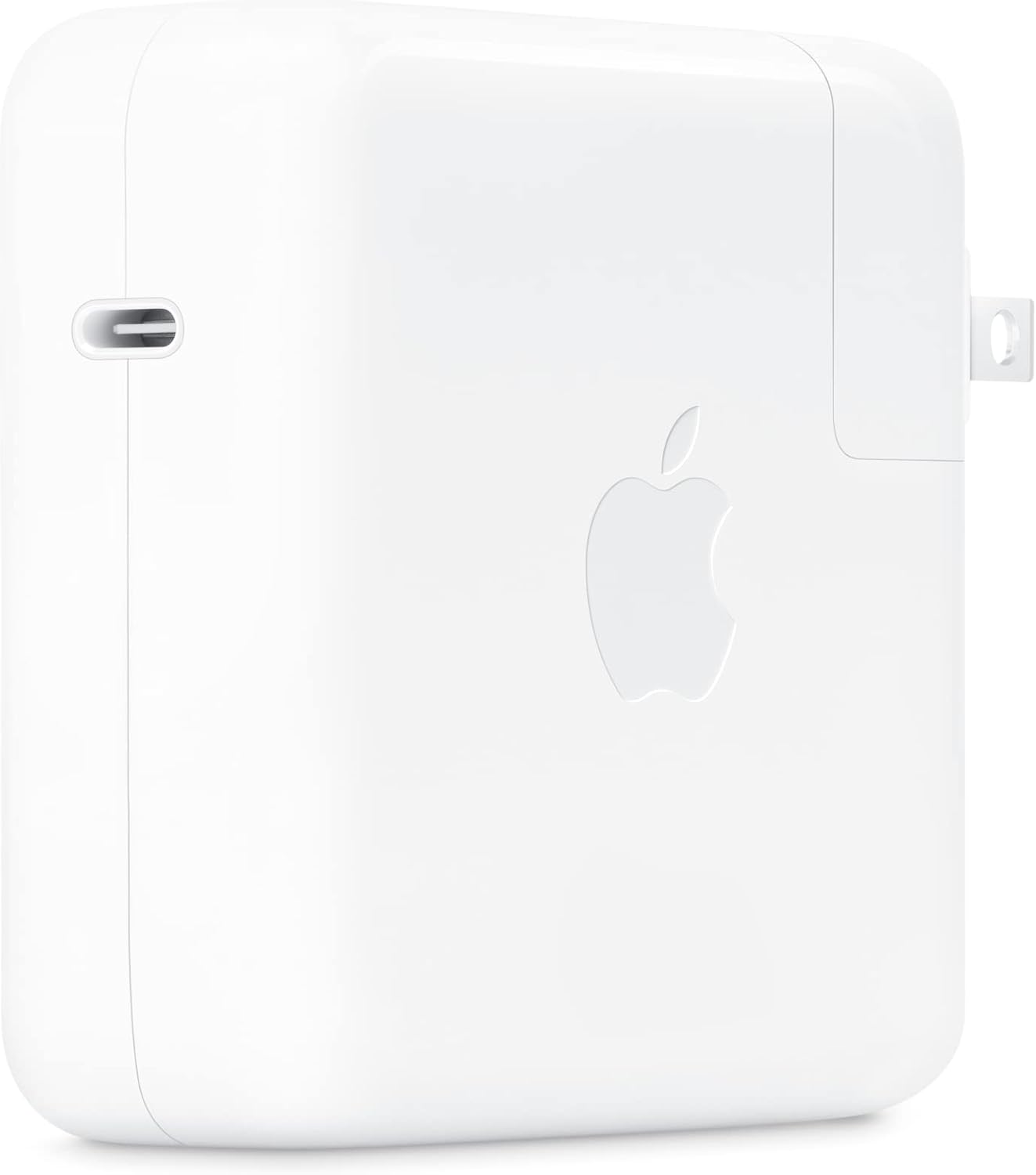
Foto: Akụkụ view of the Apple 67W USB-C Power Adapter, highlighting the USB-C port.
7. Nlekọta
- Nhicha: Disconnect the adapter from power before cleaning. Use a soft, dry, lint-free cloth. Do not use liquid cleaners or aerosols.
- Nchekwa: Debe ihe nkwụnye ahụ n'ebe dị jụụ ma kpọọ nkụ mgbe a naghị eji ya. Zere oke okpomọkụ.
- Nlekọta USB: Avoid bending or crimping the charging cable excessively, as this can damage the internal wires.
8. Nchọpụta nsogbu
| Nsogbu | Ngwọta |
|---|---|
| Ngwaọrụ anaghị akwụ ụgwọ. |
|
| Nchaji nwayọ. |
|
| Ihe nkwụnye ahụ na-ekpo ọkụ. |
|
9. Nkọwapụta
| Nọmba nlereanya | MKU63AM/A |
| Wattage | 67W |
| Ntinye Voltage | 120 volts |
| Ụdị njikọ | USB Ụdị-C |
| Mgbakọta ọdụ ụgbọ mmiri USB | 1 |
| Akụkụ ngwaahịa | 4.21 x 4.21 x 1.28 sentimita asatọ |
| Ibu Ibu | 8.8 ounces |
| Ngwa dakọtara | Phone, tablet, computer (e.g., iPhone 15/16 series, MacBook Pro, MacBook Air, iPad) |
| Atụmatụ pụrụ iche | Fast Charging, Lightweight Design, Retractable Plug, Travel-friendly |
10. Akwụkwọ ikike na nkwado
The Apple 67W USB-C Power Adapter typically comes with a akwụkwọ ikike nwere oke otu afọ site na ụbọchị ịzụrụ ya. Akwụkwọ ikike a na-ekpuchi ntụpọ nrụpụta n'oge ojiji nkịtị.
For detailed warranty terms, technical support, or service, please visit the official Apple Support websaịtị ma ọ bụ kpọtụrụ ọrụ ndị ahịa Apple ozugbo. Debe ihe akaebe nke ịzụrụ ihe gị maka nkwupụta akwụkwọ ikike.
Nkwado Apple Websaịtị: nkwado.apple.com


