1. Ngwaahịa gafereview
The QCY T16 Mini Wireless Earbuds are designed for a comfortable audio experience with advanced features. This manual provides instructions for optimal use.

Image: QCY T16 Mini Wireless Earbuds and charging case.
Akụkụ ndị bụ isi:
- Ultra Light-Weight: Each earbud weighs approximately 4g for comfortable wear.
- Comfortable In-Ear Design: Ergonomic design with cozy eartips for extended use.
- Premium Immersive Sound: Features Qualcomm aptX Adaptive audio technology and dual composite dynamic drivers.
- Ogologo oge egwuregwu: Ruo awa ise n'otu chaji, yana awa iri abụọ na ise n'ime mkpokọta ya na akpa chaja.
- Customized EQ: Adjustable sound settings via the QCY App.
- IPX5 Mgbochi mmiri: Protection against sweat and light splashes.
2. Ntọlite na Pairing
Mmakọ izizi:
- Open the lid of the charging case. The earbuds will automatically enter connectable mode (one LED will blink green).
- On your phone, navigate to Bluetooth settings and search for "QCY-T16".
- Tap on "QCY-T16" to connect. The LED on the earbud will turn off once connected.

Image: Earbuds in charging case next to a smartphone displaying Bluetooth pairing options.
One-Step Connectable Mode:
- Place both earbuds into the charging case and open the lid.
- Pịa ma jituo bọtịnụ dị na igbe nchaji maka sekọnd 4.
- The earbuds will then automatically enter connectable mode.
Video: Demonstrates how to connect the QCY T16 earbuds to a device.
3. Ntuziaka ọrụ
Njikwa egwu:
- Gwuo/kwụsịtụ: Double touch either earbud panel.
- Gaa n'ihu Track: Keep touching the right earbud panel for 1.5 seconds.
- Mafee Track azu: Keep touching the left earbud panel for 1.5 seconds.
Ijikwa oku:
- Azịza/Kwụsị Oku: Double touch either earbud.
- Chefuo oku: Keep touching either earbud for 1.5 seconds.
Enyemaka Olu:
- Mee ka onye enyemaka olu rụọ ọrụ: Triple touch the left earbud panel.
Ọnọdụ egwuregwu:
- Gbanwee Ọnọdụ Egwuregwu: Triple touch the right earbud panel to switch on/off.
Video: Demonstrates music control, call handling, voice assistant activation, and gaming mode toggle.
4. Nlekọta
Ịchaji:
- Connect the charging case to a power source using a USB Type-C cable.
- The earbuds will charge when placed inside the case.
- Chajị nkeji iri na-enye ihe dị ka otu awa nke egwuregwu ahụ.
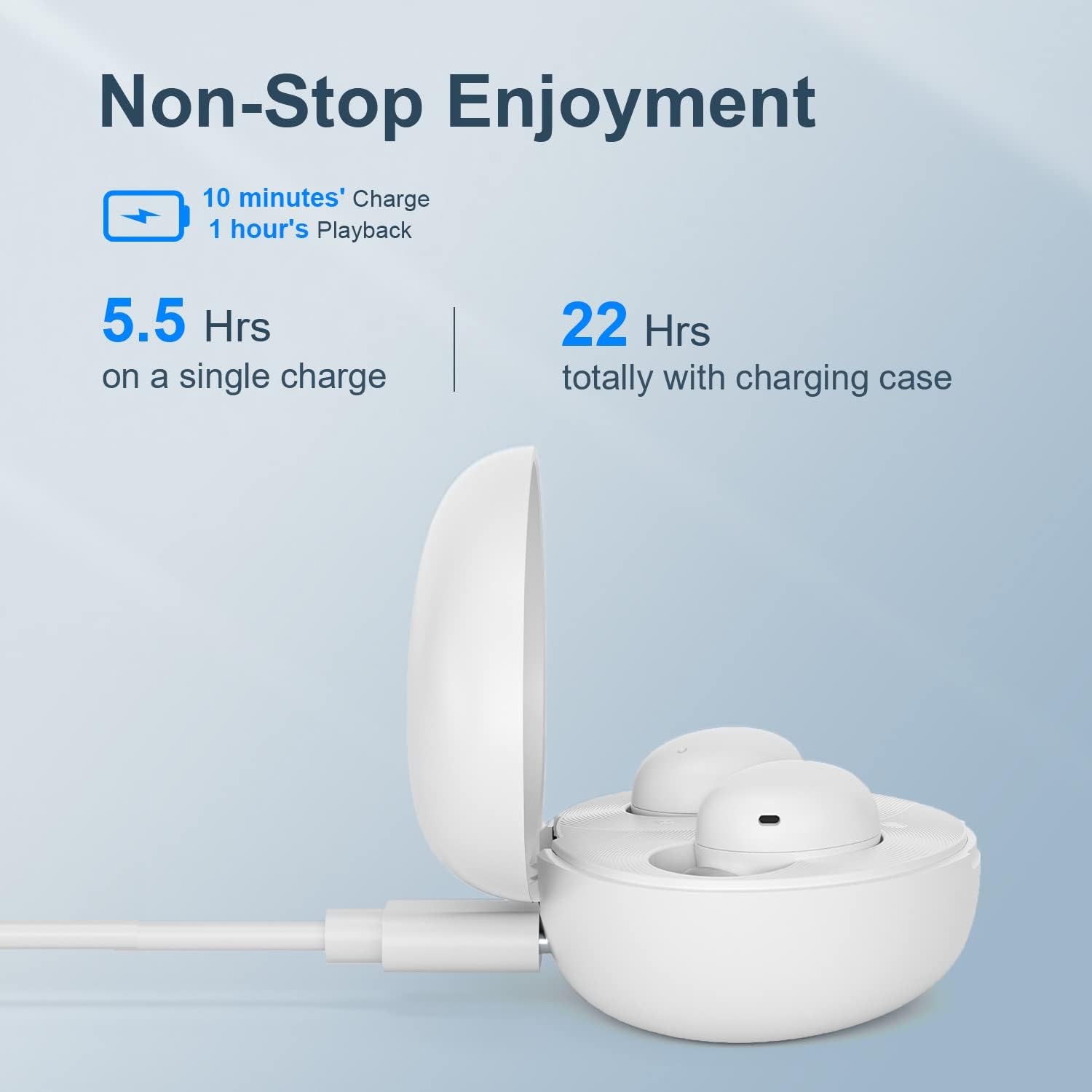
Image: QCY T16 charging case being charged via a USB-C cable.
Nhicha:
- Regularly clean the earbuds and charging contacts with a soft, dry cloth to ensure optimal performance and charging.
- Remove eartips and clean them with water and mild soap if necessary, ensuring they are completely dry before reattaching.
5. Nchọpụta nsogbu
Master-Slave Switch:
- If one earbud is placed back into the charging case and the lid is closed, the other earbud will continue to function independently.
- To re-pair the inside earbud with the other, open the lid of the charging case. The LED will blink green and then turn off.
Disconnecting & Reconnecting:
- Place both earbuds into the charging case and keep the lid open.
- Press and hold the charging case button for 4 seconds or until the LED on the case blinks green to disconnect from the device.
Tọgharia Factory:
- Place both earbuds into the charging case and keep the lid open.
- Press and hold the charging case button for 10 seconds or until the LED on the case blinks red 5 times to set to factory settings.
Video: Demonstrates master-slave switch functionality, disconnecting, and factory reset procedures.
6. Nkọwapụta
| Njirimara | Nkọwa |
|---|---|
| Ụdị | QCY |
| Aha Nlereanya | T16 Obere |
| Teknụzụ Njikọta | Ikuku |
| Teknụzụ nzikọrịta ozi ikuku | Bluetooth 5.2 |
| Ntinye ntị | Na Ntị |
| Ụdị Ihe | Na Ntị |
| Ihe onwunwe | Plastic, silicone |
| Ibu Ibu | 0.141 ounces (approx. 4 grams per earbud) |
| Ọkwa Nguzogide mmiri | Mmiri na-eguzogide mmiri (IPX5) |
| Usoro njikwa | N'ime ime (Njikwa aka) |
| Ụdị ọkwọ ụgbọ ala ọdịyo | Ọkwọ ụgbọala dị ike |
| Oke Bluetooth | 10 mita |
| Ndụ batrị (Earbuds) | Awa 5.5 (otu ụgwọ) |
| Mkpokọta ndụ batrị (ya na ikpe) | Awa 22 |
| Atụmatụ pụrụ iche | Lightweight, Microphone Included, Wireless, AptX Adaptive, EQ |
7. Akwụkwọ ikike na nkwado
For warranty information and technical support, please refer to the official QCY webma ọ bụ kpọtụrụ onye na-ere ahịa gị. Debe ihe akaebe nke ịzụrụ ihe gị maka akwụkwọ ikike ọ bụla.
Ị nwere ike ịga na QCY Store on Amazon maka ozi ngwaahịa ọzọ na akụrụngwa nkwado.


