1. Okwu mmalite
Thank you for choosing Kinganda Q71 Bluetooth Earbuds. This manual provides detailed instructions for setting up, operating, and maintaining your new wireless earbuds. Please read this manual carefully before use to ensure proper functionality and to maximize your listening experience.
2. Ozi nchekwa
- Do not expose the earbuds or charging case to extreme temperatures, humidity, or corrosive environments.
- Zere ige ntị n'ogo dị elu ruo ogologo oge iji gbochie mmebi ntị.
- Debe ngwaọrụ ahụ n'ebe ụmụaka nọ na anụ ụlọ.
- Agbalịla ịgbasa ma ọ bụ gbanwee ngwaahịa ahụ. Nke a ga-eme ka akwụkwọ ikike ahụ ghara ịdị irè.
- Jiri naanị akwa dị nro hichaa ntị ntị na chaja.
3. Ihe ngwugwu
Biko lelee na ihe niile dị na ngwugwu gị:
- Kinganda Q71 Bluetooth Earbuds (Left and Right)
- Nchaji case
- Igwe nchaji USB
- Ọnụ ọgụgụ dị ukwuu nke ndụmọdụ ntị
- Akwụkwọ ntuziaka onye ọrụ
4. Ngwaahịa gafereview
Familiarize yourself with the components of your Kinganda Q71 Bluetooth Earbuds.
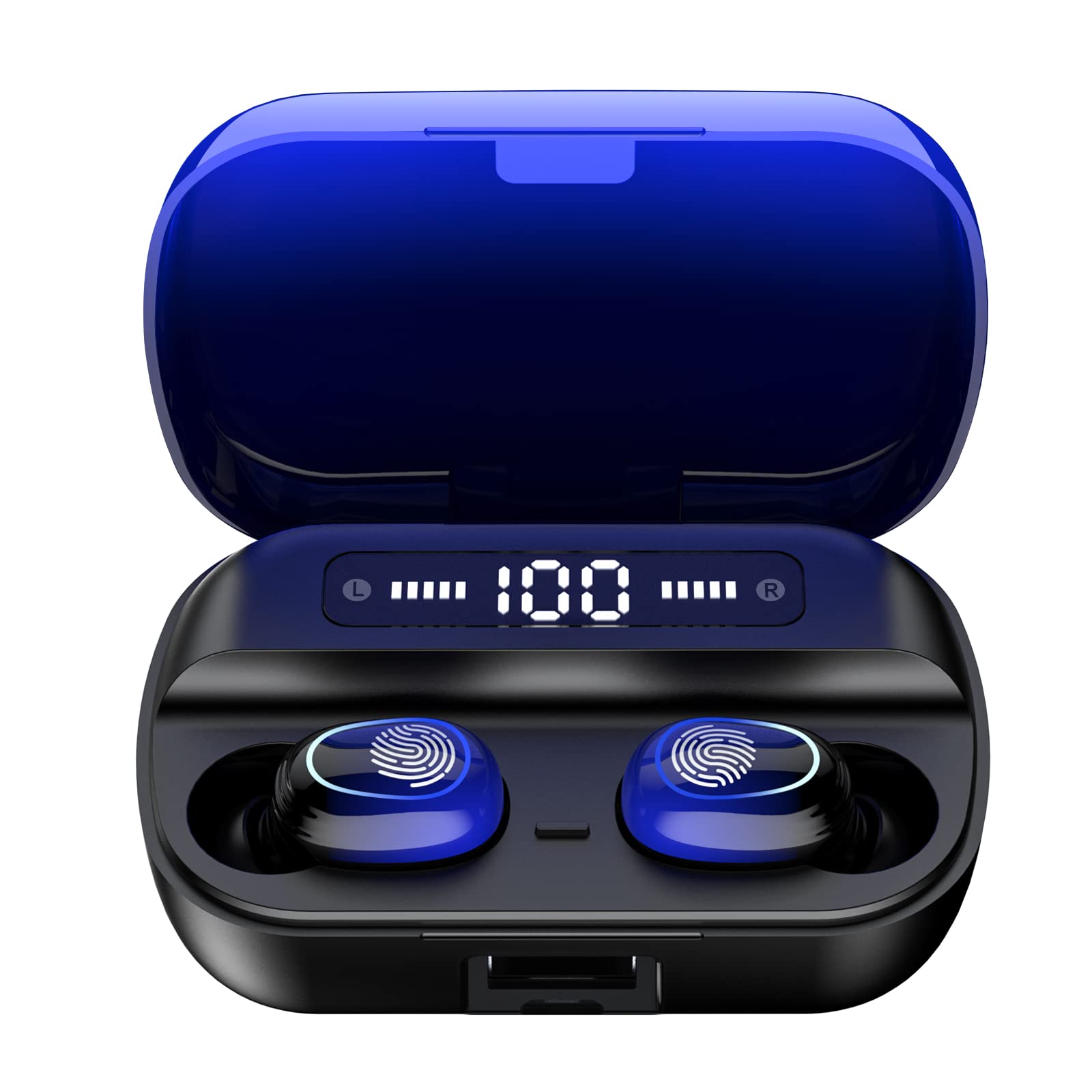
Foto 4.1: Ofeview of Kinganda Q71 Bluetooth Earbuds and key features including Bluetooth 5.1, low latency, low power consumption, touch control, clear calls, 10mm speakers, compatibility with iOS and Android, and a 33-foot signal range.
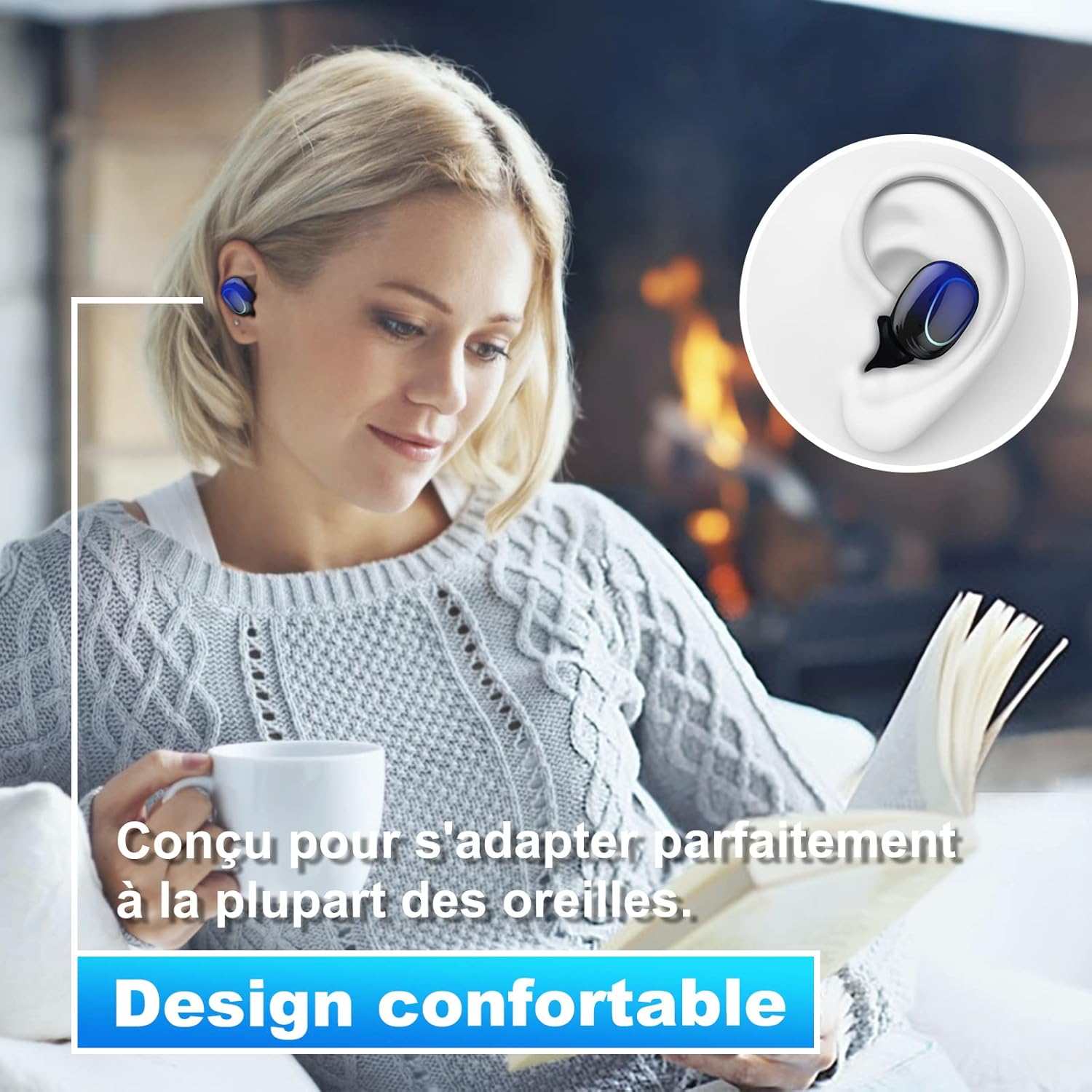
Image 4.2: The Kinganda Q71 earbuds are designed for a comfortable and secure fit in most ears.
5. Nhazi
5.1 Ịchaji ntị na akpa
Tupu ojiji nke mbụ, chajie chaja chaja na ihe ntị ntị.
- Tinye ntị ntị n'ime akpa nchaji. Gbaa mbọ hụ na ha nọ ọdụ nke ọma.
- Jikọọ eriri USB na nchaji na ọdụ ụgbọ mmiri na akpa ahụ yana na isi iyi ike (dịka ọmụmaatụ, eriri USB nkwụnye, ọdụ ụgbọ USB kọmputa).
- The indicator lights on the case will show the charging status. Once fully charged, the lights will indicate completion or turn off.

Image 5.1: The charging case has a 3500mAh battery. Earbuds provide approximately 5 hours of playback, and the case extends total usage to about 150 hours. A full recharge takes approximately 1.5 hours.
5.2 Ijikọ na ngwaọrụ Bluetooth
Ekwe ntị ndị a na-eji Bluetooth 5.1 eme njikọ kwụsiri ike.
- Mepee igbe nchaji. Igwe ntị ga-agbanye na-akpaghị aka wee banye ọnọdụ njikọta.
- Na ngwaọrụ gị (smartphone, mbadamba, wdg), gbanye Bluetooth.
- Chọọ maka available Bluetooth devices and select "Kinganda Q71" (or similar name) from the list.
- Once connected, you will hear a confirmation tone, and the indicator lights on the earbuds will change.
5.3 Yiri ekwe ntị
For optimal sound quality and comfort, choose the correct ear tip size and ensure a snug fit.
- Select the ear tips that best fit your ear canals.
- Gently insert each earbud into your ear, twisting slightly until it feels secure and comfortable.
6. Ntuziaka ọrụ
The Kinganda Q71 earbuds feature touch controls for easy operation.

Image 6.1: Touch controls for various functions including power, music playback, call management, and voice assistant activation.
6.1 Ọrụ ndị bụ isi
- Gbanyụọ/ Gbanyụọ: Earbuds power on automatically when removed from the case and power off when placed back in the case. Alternatively, long-press the touch area for manual power on/off.
- Gwuo/kwụsịtụ: Otu mgbata na ntị ntị.
- Track na-esote: Kpatụ ntị ntị aka nri ugboro abụọ.
- Gara aga Track: Kpatụ ntị ntị aka ekpe ugboro abụọ.
- Azịza/Kwụsị Oku: Naanị otu ọpịpị na ntị ntị n'oge oku mbata.
- Jụ oku: Long-press on either earbud during an incoming call.
- Mee ka Onye Enyemaka Olu (Siri) rụọ ọrụ: Pịa ugboro atọ na ntị ntị.
Ụdị ojiji 6.2
The Kinganda Q71 earbuds support various listening modes.

Image 6.2: The earbuds can be used in mono mode (single earbud) to stay aware of surroundings, TWS stereo mode for immersive sound, or twin mode to share music with another person.
- Ọnọdụ Mono: Use a single earbud (left or right) to listen to audio while keeping the other ear open to your surroundings. Simply remove one earbud from the case.
- TWS Stereo Mode: Use both earbuds for a full stereo audio experience. Both earbuds will automatically connect to each other and your device when removed from the case.
- Ụdị ejima: Share your music with a friend by giving them one earbud. Both earbuds will play the same audio.
7. Nlekọta
7.1 Nhicha
Ịdị ọcha mgbe niile na-enyere aka ịnọgide na-adị mma na ịdị ọcha.
- Jiri akwa dị nro, kpọrọ nkụ, akwa na-enweghị lint ka ihichapụ ntị ntị na akpa nchaji.
- Remove ear tips and clean them with mild soap and water if necessary, then dry thoroughly before reattaching.
- Ejila kemịkalụ siri ike ma ọ bụ ihe abrasive.
7.2 Nchekwa
Mgbe ejighị ya, chekwaa earbuds n'ime akpa nchaji ha iji chebe ha ma debe ha ebubo.
8. Nchọpụta nsogbu
Ọ bụrụ na ị na-enwe nsogbu, gbalịa ngwọta ndị a:
- Igwe ntị anaghị ejikọta: Ensure both earbuds are charged. Place them back in the case, close it, then open it again to re-initiate pairing mode. Check your device's Bluetooth settings and try reconnecting.
- Naanị otu earbud na-arụ ọrụ: Place both earbuds back in the charging case, close the lid, wait a few seconds, then open the lid and remove them simultaneously. This should force them to re-sync.
- Enweghị ụda: Check the volume level on your device and ensure the earbuds are properly connected.
- Nsogbu ịchaji: Ensure the charging cable is securely connected to both the case and the power source. Try a different charging cable or power adapter.
- Ogo ụda adịghị mma: Ensure the earbuds are clean and properly seated in your ears. Try different ear tip sizes for a better seal.
9. Nkọwapụta
| Aha Nlereanya | Q71 |
| Ụdị | Kinganda |
| Teknụzụ Njikọta | Ikuku (Bluetooth 5.1) |
| Ikuku iche | Ruo 33 ụkwụ (mita 10) |
| Ụdị ọkwọ ụgbọ ala ọdịyo | Onye ọkwọ ụgbọ ala dị ike (10mm) |
| Usoro njikwa | Njikwa aka |
| Ihe onwunwe | Plastic, silicone |
| Ọkwa Nguzogide mmiri | Ihe mgbochi mmiri (IPX7) |
| Ndụ batrị earbud | Ihe ruru. awa 5 |
| Nchaji ndụ batrị | Approx. 150 hours (with case) |
| Ịchaji ikike | 3500mAh |
| Oge nkwụghachi | Ihe ruru. awa 1.5 |
| Ngwa dakọtara | Bluetooth-enabled devices (iOS, Android) |
| Njirimara Pụrụ Iche | Dị fechaa |

Image 9.1: The 10mm immersive drivers deliver enhanced sound quality with deeper bass.

Image 9.2: With an IPX7 waterproof rating, the earbuds are protected against sweat and water splashes, making them suitable for sports.
10. Akwụkwọ ikike na nkwado
Kinganda products are designed for reliability and performance. This product comes with a standard manufacturer's warranty. For specific warranty details, please refer to the warranty card included in your package or contact Kinganda customer support.
If you have any questions, require technical assistance, or need to claim warranty service, please contact our customer support team through the contact information provided on the Kinganda official websaịtị ma ọ bụ ikpo okwu ịzụrụ ihe.


