Okwu mmalite
The Koss TWS250i True Wireless Earbuds offer a seamless audio experience with Bluetooth 5.0 connectivity, intuitive touch controls, and a portable USB-C charging case. This manual provides essential information for setting up, operating, maintaining, and troubleshooting your earbuds.
Ngwaahịa gafereview
Your Koss TWS250i package includes the true wireless earbuds and a compact charging case. The earbuds are designed for comfort and secure fit, ensuring optimal sound delivery.

Image: Koss TWS250i True Wireless Earbuds and charging case on a wooden surface.
The charging case not only protects your earbuds but also provides additional battery life on the go. Inside the case, you'll find designated slots for each earbud (Left and Right).
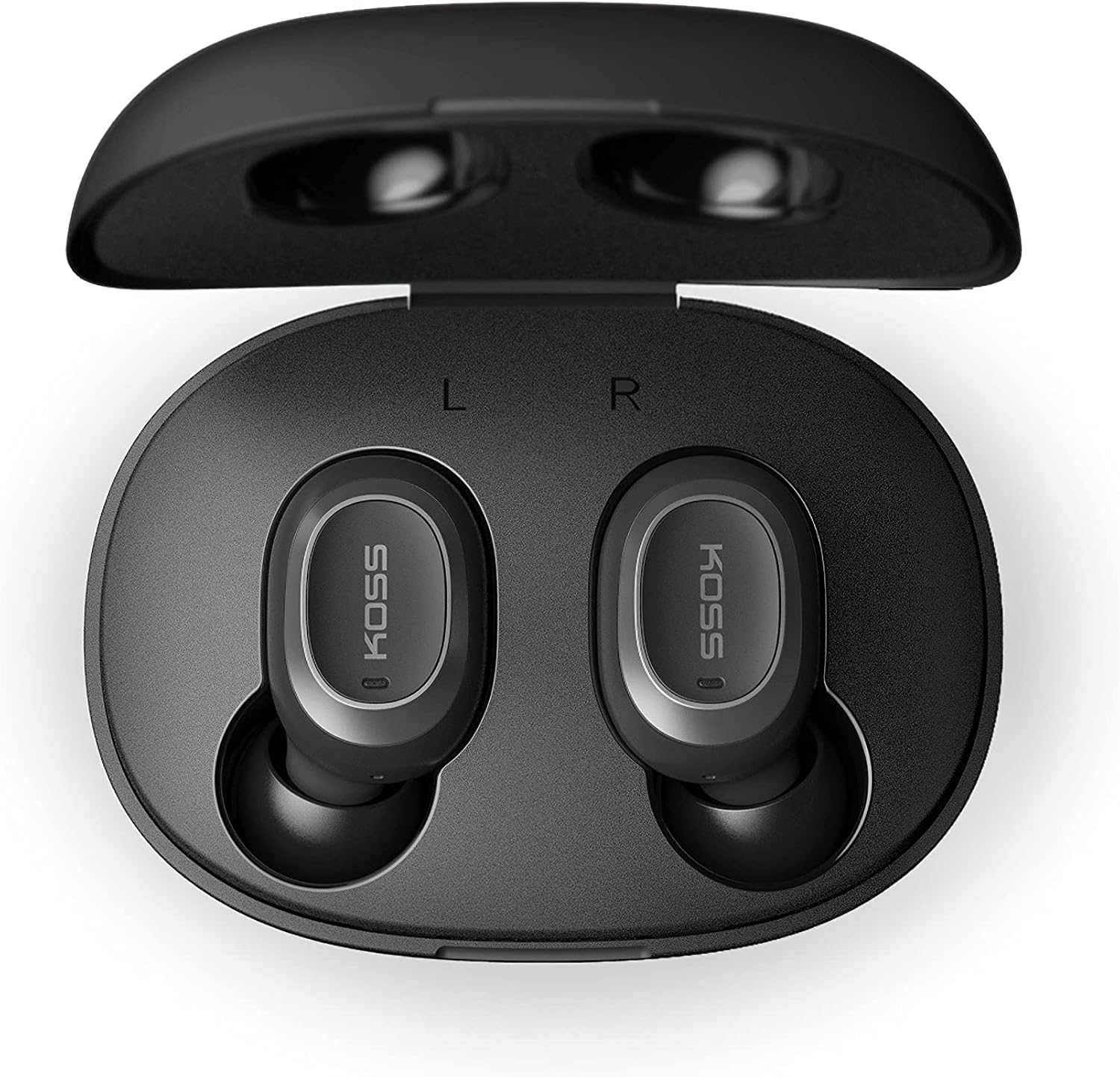
Image: Open Koss TWS250i charging case with both earbuds inside, showing L and R indicators.
To ensure the best fit and sound quality, the earbuds come with multiple sizes of silicone ear tips (Small, Medium, Large). Experiment with these to find the size that provides a comfortable and secure seal in your ear canal.

Image: Single Koss TWS250i earbud next to small, medium, and large silicone ear tips.
Melite
1. Ịchaji
Before initial use, ensure both the earbuds and the charging case are fully charged. Connect the provided USB-C cable to the charging port on the case and to a power source. LED indicators on the front of the case will illuminate to show the charging status. When earbuds are placed inside the case, they will automatically begin charging.
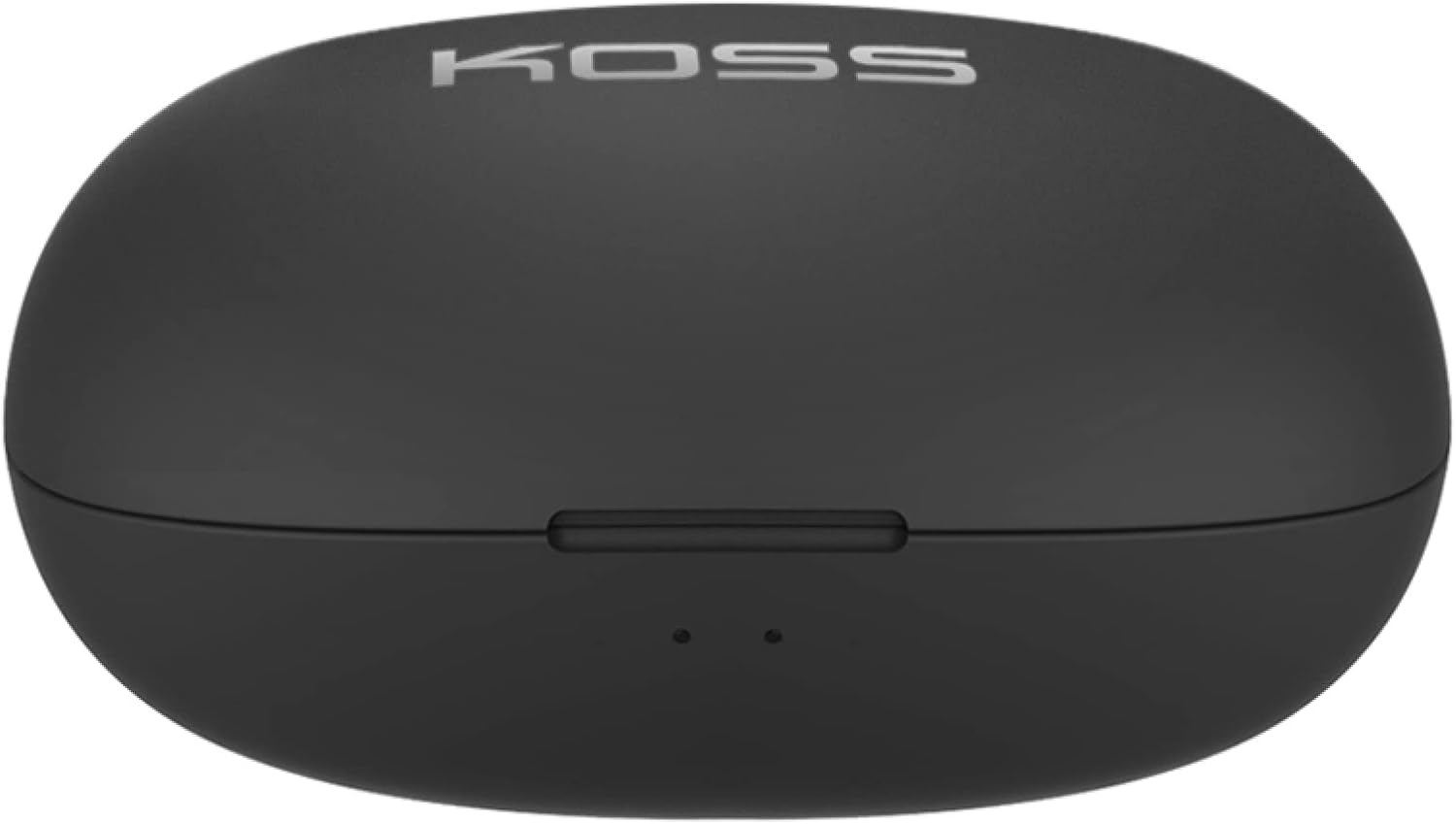
Image: Closed Koss TWS250i charging case, showing the USB-C charging port.
Video: Official product video demonstrating the Koss TWS250i True Wireless Earbuds, including their design, charging case, and basic features.
2. Njikota
- Remove both earbuds from the charging case. They will automatically enter pairing mode, indicated by a flashing red and blue light on one of the earbuds.
- Na ama gị, mbadamba, ma ọ bụ ngwaọrụ Bluetooth ọzọ, gaa na ntọala Bluetooth.
- Select "Koss TWS250i" from the list of available devices to connect.
- Once successfully paired, the earbuds will connect automatically to your device whenever they are removed from the charging case.
3. Kwesịrị ekwesị
Choosing the correct ear tip size is essential for both comfort and sound performance. Experiment with the included Small, Medium, and Large silicone ear tips to find the best fit for your ears. A proper seal will enhance bass response and passive noise isolation.

Image: Man wearing a Koss TWS250i earbud, smiling and looking at his phone.
Ntuziaka ọrụ
1. Aka njikwa
The Koss TWS250i earbuds feature intuitive touch controls on their outer surface:
- Gbanyụọ/ Gbanyụọ: Long press the touch surface until the earbuds power on or off.
- Kpọọ/Kwụsị Egwu: Otu mgbata na ntị ntị.
- Azịza/Kwụsị Oku: Otu mgbata na ntị ntị.
- Olu elu: Single tap on the Right ntị ntị.
- Olu ala: Single tap on the Aka ekpe ntị ntị.
- Gaa n'ihu Track: Longer touch on the Right ntị ntị.
- Mafee Track azu: Longer touch on the Aka ekpe ntị ntị.
2. Dual Connect Functionality
The TWS250i earbuds support dual connect, allowing each earbud to function independently. This means you can use one earbud while the other charges, or share one earbud with a friend. Both earbuds have built-in microphones, ensuring clear communication regardless of whether you use one or both.
Nlekọta
- Nhicha: Jiri akwa dị nro na-ehicha ihe ntị ntị na chaja mgbe niile. Zere iji ihe na-emebi emebi ma ọ bụ kemịkalụ siri ike.
- Nchekwa: Debe ekweisi ntị gị mgbe niile n'ime akpa chaja ha mgbe ị na-ejighị ya iji chebe ha ma mee ka ha nwee ike chaja.
- Okpomọkụ: Avoid exposing the earbuds and case to extreme temperatures, direct sunlight, or high humidity.
Nchọpụta nsogbu
- Enweghị ụda ma ọ bụ ụda adịghị mma:
- Ensure earbuds are properly seated in your ears with a good seal. Try different ear tip sizes.
- Lelee ọkwa olu dị na ma ngwaọrụ gị ejikọtara ma ekweisi.
- Verify that the earbuds are correctly paired and within the Bluetooth range of your device.
- Igwe ntị anaghị ejikọta:
- Gbaa mbọ hụ na ejirila ntị ekwe ntị zuru.
- Remove both earbuds from the case to activate pairing mode (indicated by flashing red/blue lights).
- Na ngwaọrụ gị,
Akwụkwọ ndị emetụtara - TWS250i

KOSS TWS250i True Wireless Earbuds User Manual
User guide for KOSS TWS250i True Wireless Earbuds, covering setup, pairing, touch controls, charging, specifications, and safety warnings.
Ntuziaka onye ọrụ isi ekweisi Bluetooth Koss, nkọwapụta na ozi nchekwa
Ntuziaka onye ọrụ zuru oke maka isi okwu Bluetooth Koss, gụnyere ụdị KOSS BT115i V2, KOSS BT232i V2, KOSS BT221i V2, KOSS KSC35 Wireless V2, na KOSS Utility UBTA. Na-ekpuchi ịdọ aka ná ntị nchekwa, akwụkwọ ikike, nkọwa nka na mmezi batrị.
Ntuziaka na Ntuziaka maka Ntuzi na Earbuds Koss TWS150i True Wireless
Nduzi zuru oke maka iji ekwe ntị Koss TWS150i True Wireless gị, na-ekpuchi ntọala, njikọta, njikwa, chaja, na ozi nchekwa.
Koss KPH30 ntuziaka onye ọrụ ekweisi ikuku
Ntuziaka onye ọrụ maka Koss KPH30 ekweisi ikuku, nhazi mkpuchi, ọrụ, nchekwa na nkọwapụta.
Ọkà okwu Bluetooth KOSS BTS1: Ntuziaka onye ọrụ, atụmatụ na ozi nchekwa
Ntuziaka zuru oke maka KOSS BTS1 ọkà okwu Bluetooth, na-akọwapụta atụmatụ ya, njikọta, ụdị ntị, chaja, ihe ngosi ọkụ, ịdọ aka ná ntị nchekwa, akwụkwọ ikike na ozi nnabata.
Ntuziaka onye ọrụ ekweisi na ntị Koss Porta Pro
Ntuziaka onye ọrụ maka Koss Porta Pro Wireless On-Ear ekweisi, na-ekpuchi njikwa ihu na azụ, chaja, njikọta Bluetooth, yana ọrụ egwu/oku.