1. Okwu mmalite
The ABUS HomeTec Pro CFF3100 Bluetooth Remote Control is designed to provide convenient, keyless access to your home when used in conjunction with the ABUS HomeTec Pro Bluetooth CFA3100 electronic door lock actuator. This remote control allows you to lock, unlock, and open your door with a simple press of a button, enhancing ease of entry and exit.
2. Akụrụngwa Ngwaahịa
- ndakọrịta: Exclusively designed for use with the ABUS HomeTec Pro Bluetooth CFA3100 electronic door lock actuator.
- Keyless Operation: Lock, unlock, and open your door remotely with dedicated buttons.
- Ngosipụta ọnọdụ: Query the current status of your door lock (locked or unlocked) via an integrated LED indicator. A green light indicates locked, while a red light indicates unlocked.
- Njikwa ngwaọrụ ọtụtụ: Capable of controlling up to two separate HomeTec Pro Bluetooth CFA3100 door lock actuators simultaneously.
- Akwadoro batrị: Operates on one CR2032 3V button cell battery. Battery status can be monitored via the associated ABUS application.
- Nchekwa emelitere: Features AES 128-bit encryption for secure communication between the remote control and the door lock actuator.
3. Ntọlite na Pairing
3.1 Ntinye batrị
The remote control comes with one CR2032 3V button cell battery. To install or replace the battery:
- Chọta mkpuchi mkpuchi batrị n'azụ nke njikwa anya.
- Carefully open the cover using a small tool or coin.
- Fanye batrị CR2032 n'akụkụ dị mma (+) chere ihu n'elu.
- Mechie mkpuchi nke batrị batrị nke ọma.
3.2 Pairing with HomeTec Pro CFA3100
Before using the remote control, it must be paired with your ABUS HomeTec Pro Bluetooth CFA3100 electronic door lock actuator. Ensure the CFA3100 is already installed and operational.

Image 1: ABUS HomeTec Pro CFF3100 Bluetooth Remote Control. This image shows the black remote control with two distinct buttons, one for locking and one for unlocking, and a keyring attachment at the bottom.
The remote control includes an ABUS card for the pairing process. Follow the specific pairing instructions provided with your HomeTec Pro Bluetooth CFA3100 actuator and the remote control. Generally, this involves activating a pairing mode on the CFA3100 and then initiating pairing from the remote control using the ABUS card.
4. Ọrụ
4.1 Locking and Unlocking the Door
- Iji igbachi the door: Press the top button (lock symbol) once.
- Iji kpọghee the door: Press the bottom button (unlock symbol) once.
- Iji meghere the door (fully retract the latch): Press the bottom button (unlock symbol) twice in quick succession.
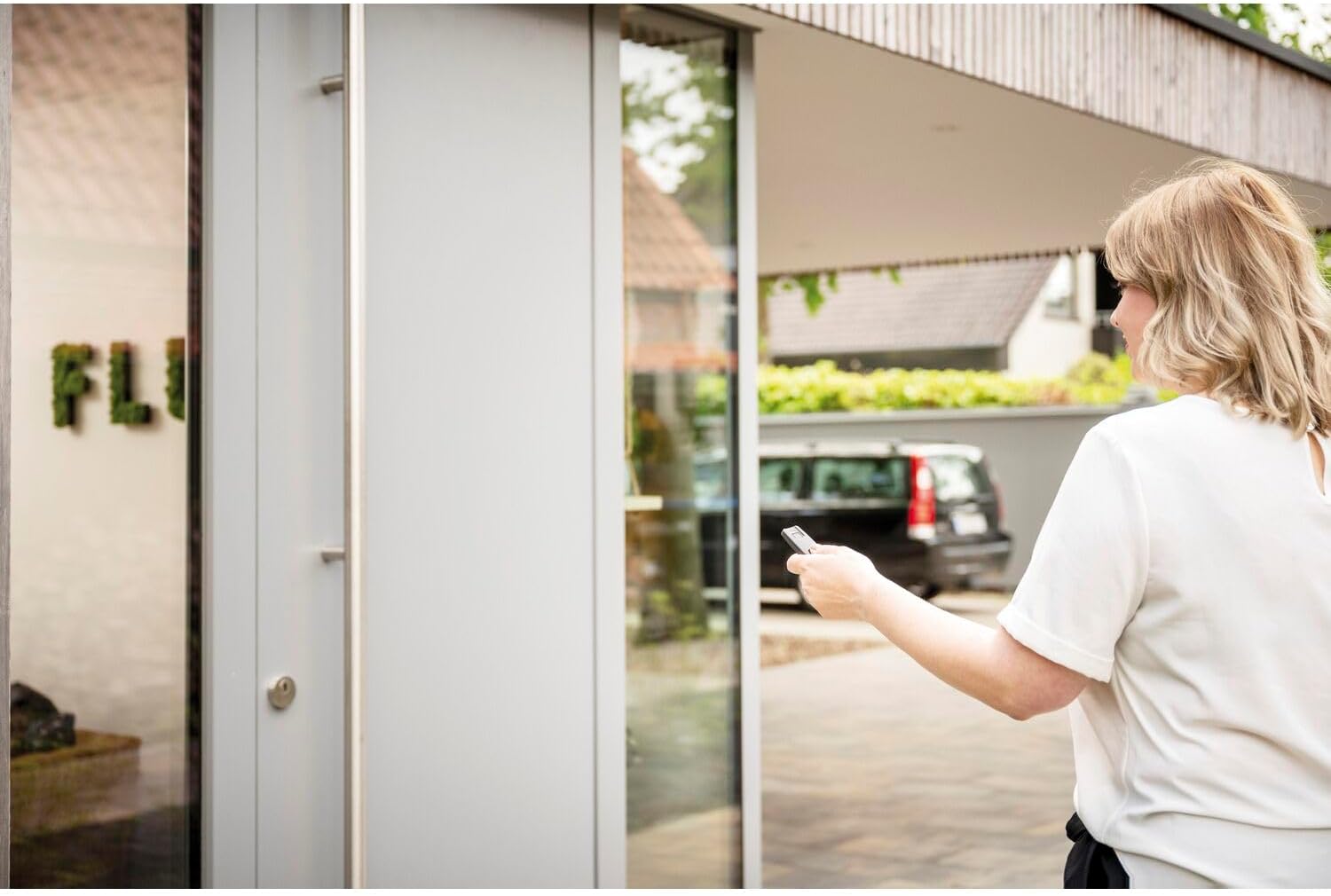
Image 2: A person holding the ABUS remote control, pointing it towards a modern glass door, indicating remote operation from outside the building.
4.2 Checking Door Status
To determine if the door is currently locked or unlocked:
- Press both the lock and unlock buttons simultaneously.
- Observe the LED indicator on the remote control:
- A ìhè akwụkwọ ndụ akwụkwọ ndụ indicates the door is locked.
- A ìhè uhie indicates the door is unlocked.

Image 3: A person holding the ABUS remote control, standing inside what appears to be a garage or entryway, operating a door remotely.
4.3 Controlling Multiple Actuators
If configured, your remote control can manage up to two different HomeTec Pro Bluetooth CFA3100 actuators. The method for switching between or assigning control to different actuators will be detailed in the specific pairing instructions for your setup.
5. Nlekọta
5.1 nnọchi batrị
When the battery level is low, the remote control's performance may degrade, or the LED indicator might behave erratically. Replace the CR2032 battery as described in Section 3.1.
5.2 Nhicha
Clean the remote control with a soft, dry cloth. Do not use abrasive cleaners or solvents, as these can damage the surface or internal components.
6. Nchọpụta nsogbu
- Remote anaghị aza: Check the battery. Ensure you are within Bluetooth range of the CFA3100 actuator. Re-pair the remote if necessary.
- Incorrect door status indication: Ensure the CFA3100 actuator is properly calibrated and functioning correctly. Re-query the status by pressing both buttons simultaneously.
- Okwu njikọta: Refer to the detailed pairing instructions provided with your ABUS HomeTec Pro system. Ensure both devices are in pairing mode.
7. Nkọwapụta
| Nkọwapụta | Nkọwa |
|---|---|
| Nọmba nlereanya | CFF3100 |
| Akụkụ (L x W x H) | 6.3 x 3 x 1.1 cm |
| Ibu | 61 grams |
| Agba | Nwa |
| Ihe onwunwe | Plastic |
| Njikọta | Bluetooth |
| Ụdị batrị | 1 x CR2032 3V Button Cell |
| Izo ya ezo | AES 128-bit |
| Ndakọrịta | ABUS HomeTec Pro Bluetooth CFA3100 |
8. Akwụkwọ ikike na nkwado
For warranty information, technical support, or further assistance, please refer to the documentation included with your ABUS HomeTec Pro system or visit the official ABUS website. Contact details for customer service can typically be found there.

Image 4: The ABUS Security Tech Germany logo, featuring the brand name in red with the tagline 'Security Tech Germany' below it.


