Okwu mmalite
This manual provides comprehensive instructions for the setup, operation, and maintenance of your Reflex Active Series 3 Smart Watch. This device features a color screen, crown navigation, and up to 7 days of battery life. It is designed to help you manage notifications, track activities, and monitor health metrics.

Image: The Reflex Active Series 3 Smart Watch with a black strap and rose gold case, showing the time 10:56 and the date on its circular color display.
Kedu ihe dị na Igbe ahụ
Your Reflex Active Series 3 Smart Watch package includes the following items:
- Reflex Active Series 3 Smart Watch (with sealed rechargeable battery)
- Chaja USB
- Akwụkwọ ntuziaka (akwụkwọ a)
- 2-Year Manufacturer Guarantee Information

Image: The white Reflex Active presentation gift box, indicating the product's packaging.
Melite
1. Ịchaji ngwaọrụ
Before first use, fully charge your smart watch. Connect the provided USB charger to a power source and attach the magnetic end to the charging points on the back of your watch. A full charge typically provides up to 7 days of battery life.

Foto: A nso nso view of the black USB charging cable with magnetic contacts, used to charge the smart watch.
2. Downloading the Reflex Active App
To unlock all features and synchronize data, download the free Reflex Active App from your device's app store. The app is compatible with both iOS and Android operating systems.
- For iOS devices: Search "Reflex Active" in the Apple App Store.
- For Android devices: Search "Reflex Active" in the Google Play Store.
3. Ijikọ ngwaọrụ
- Gbaa mbọ hụ na agbanyere Bluetooth na ekwentị gị.
- Open the Reflex Active App.
- Follow the on-screen instructions within the app to search for and connect to your smart watch.
- Kwenye arịrịọ maka njikọta na ma elekere gị na ama ama gị.

Image: A person holding a smartphone displaying the Reflex Active app interface, showing activity tracking data, while wearing the smart watch.
Ntuziaka ọrụ
Nsoro ụzọ
The Reflex Active Series 3 Smart Watch features a color touchscreen and crown navigation for easy interaction.
- Ihuenyo mmetụ aka: Swipe left, right, up, or down to navigate through menus and screens. Tap to select options.
- Okpueze: Rotate the crown to scroll through lists or adjust settings. Press the crown to return to the home screen or confirm selections.
Isi atụmatụ na ọrụ
Your smart watch offers a range of functionalities to enhance your daily life:

Image: A graphic illustrating the key features of the Reflex Active Smart Watch, including message notifications, step counter, sleep tracker, calorie counter, weather updates, call notifications, distance tracker, sports tracking, remote selfie camera, and find phone function.
- Ozi oku na ozi: Receive alerts for incoming calls and messages directly on your watch.
- Ndepụta mmemme: Track specific activities such as running, walking, cycling, and climbing in real-time.
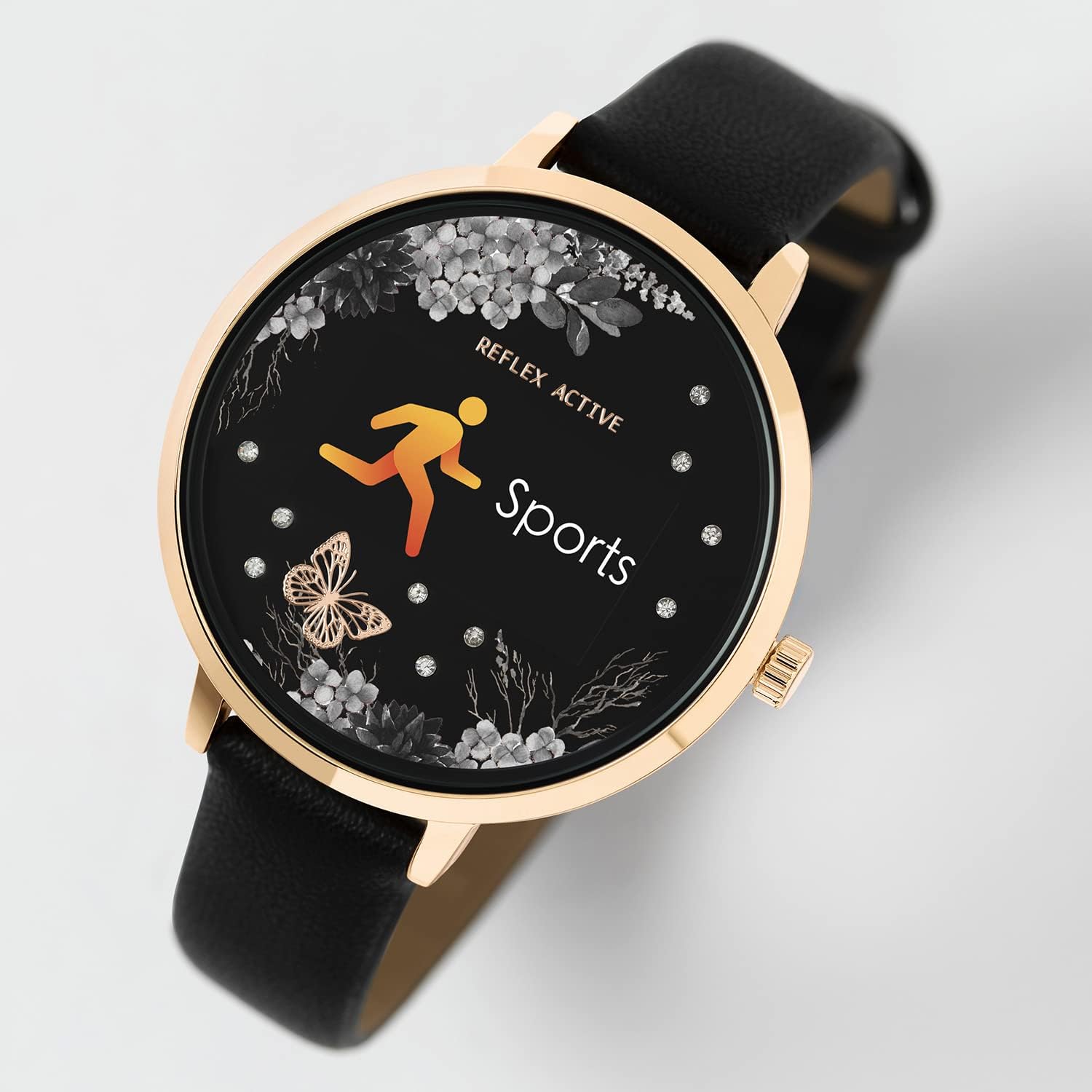
Image: The smart watch display showing the "Sports" icon and text, indicating an active workout tracking mode.
- Distance, Steps, and Calorie Tracking: Monitor your daily movement and calorie expenditure.
- Mmelite Ihu Igwe Dị Ndụ: Get current weather information directly on your watch.
- Selfie Camera Control: Use your watch as a remote shutter for your smartphone's camera.
- Find Your Phone Function: Locate your misplaced smartphone by triggering an alert from your watch.
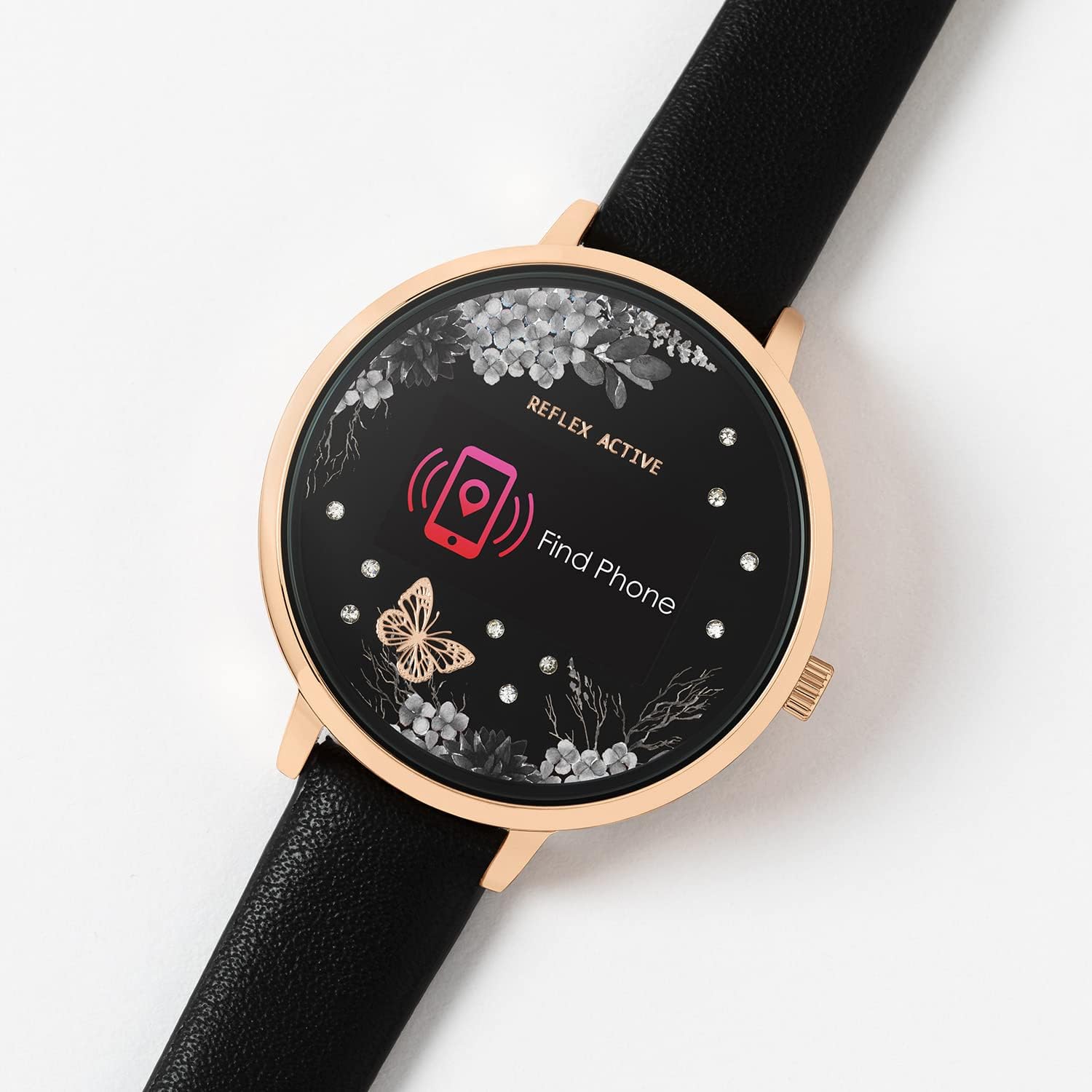
Image: The smart watch display showing a "Find Phone" icon and text, indicating the feature to locate a connected smartphone.
- Nchicha ụra: Monitor your sleep patterns and quality.
- Alarm and Reminders: Set alarms and reminders to help you stay organized.
Nlekọta
Na-ehicha elekere gị
To maintain the appearance and functionality of your watch, clean it regularly. Use a soft, dry, lint-free cloth to wipe the screen and case. For the strap, follow material-specific cleaning instructions.
Mmiri Nguzogide
The Reflex Active Series 3 Smart Watch is splashproof only. It is designed to withstand splashes, rain, or brief exposure to water. Do not submerge the watch in water, wear it while swimming, showering, or engaging in water sports. Exposure to excessive moisture can cause damage.
Nlekọta batrị
To prolong battery life, avoid exposing the watch to extreme temperatures. Charge the watch fully before long periods of inactivity. Do not attempt to replace the sealed rechargeable battery yourself.
Nchọpụta nsogbu
If you encounter issues with your Reflex Active Series 3 Smart Watch, refer to the following common solutions:
| Okwu | Ngwọta enwere ike |
|---|---|
| Lelee anaghị agbanwuo | Ensure the watch is fully charged. Connect it to the USB charger and allow it to charge for at least 30 minutes before attempting to power on. |
| Enweghị ike ijikọ na smartphone |
|
| Data not syncing to app |
|
| Nchọgharị ọrụ na-ezighi ezi | Ensure the watch is worn snugly on your wrist. Calibrate the watch through the app if available. Ensure your personal profile (height, weight) is accurate in the app. |
Nkọwapụta
Key technical specifications for the Reflex Active Series 3 Smart Watch (Model: RA03-2076):
- Aha nlereanya: Usoro 3 Smart Watch
- Nọmba nlereanya: RA03-2076
- Ụdị ngosi: Digital, Color Screen
- Dayameta ikpe: 38 mm (approximate, based on product details)
- Ndụ batrị: Ruo ụbọchị 7 (ojiji nkịtị)
- Ụdị batrị: 1 Lithium Ion battery (included, sealed rechargeable)
- Njikọta: Bluetooth, USB (maka ịchaji)
- Ndakọrịta sistemụ arụmọrụ: iOS & Android
- Nguzogide mmiri: Splashproof only
- Atụmatụ pụrụ iche: Alarm Clock, Calorie Tracking, Notifications, Activity Tracking, Sleep Tracking, Find Phone, Remote Camera Control, Weather Updates.
- Ibu ihe: 1.06 ounces (approx. 0.03 Kilograms)
- Akụkụ (Ngwugwu): 4.96 x 3.54 x 2.87 sentimita asatọ
Akwụkwọ ikike na nkwado
Your Reflex Active Series 3 Smart Watch comes with a 2-afọ emeputa nkwa. Biko dowe ihe akaebe nke ịzụrụ ihe maka akwụkwọ ikike.
For further support, troubleshooting, or warranty inquiries, please refer to the contact information provided in your product packaging or visit the official Reflex Active websaịtị.
Remember to download the free Reflex Active App for the best experience and access to detailed features and updates.


