1. Okwu mmalite
This manual provides essential information for the installation, operation, and maintenance of your Lorex 4K Metal Bullet Camera, Model E841CAB. This camera is designed to enhance your security system with high-resolution video surveillance capabilities for both indoor and outdoor environments.
2. Ngwaahịa gafereview
The Lorex 4K Metal Bullet Camera offers advanced features for reliable surveillance:
- Ultra HD Clarity: Captures video in stunning 4K resolution with a wide 105-degree field of view, providing detailed footage.
- Agba Ọhụụ abalị: Delivers full-color video in well-lit conditions and automatically transitions to crisp black and white video using powerful infrared LEDs in low-light, extending night vision up to 130 feet.
- Weatherproof Durability: Features a rugged IP65-rated metal housing, ensuring resistance to harsh weather conditions, from -22°F (-30°C) to 140°F (60°C).
- Effortless PoE Installation: Utilizes Power over Ethernet (PoE) technology, allowing a single Ethernet cable to provide both power and video transmission, simplifying installation up to 300 feet.
- Ndakọrịta NVR: Designed to work seamlessly with compatible Lorex NVRs, including N841, N842, N861B, N862B, N881B, LNR600X, LNR6100, LNR6100X, NR900X, N843, N844, N845, N846, N863B, and NR810 series recorders.
3. Kedu ihe dị na Igbe ahụ
Your Lorex 4K Metal Bullet Camera package includes the following components:
- 1 x IP Bullet Camera
- 1 x eriri Ethernet
- 1 x Mounting Kit (screws and anchors)
- 1 x Nlebanya elu
- 1 x Allen igodo
4. Nhazi
4.1 Ebe nwụnye
Choose a suitable location for your camera, considering the desired field of view and proximity to your NVR or PoE switch. The camera is rated for both indoor and outdoor use.
4.2 na -arịgo igwefoto
- Use the provided mounting template to mark the drill holes on your chosen surface.
- Drill pilot holes and insert the wall anchors if mounting on drywall or masonry.
- Secure the camera's mounting base to the surface using the provided screws.
- Adjust the camera's angle to achieve the desired coverage.
4.3 PoE Connection
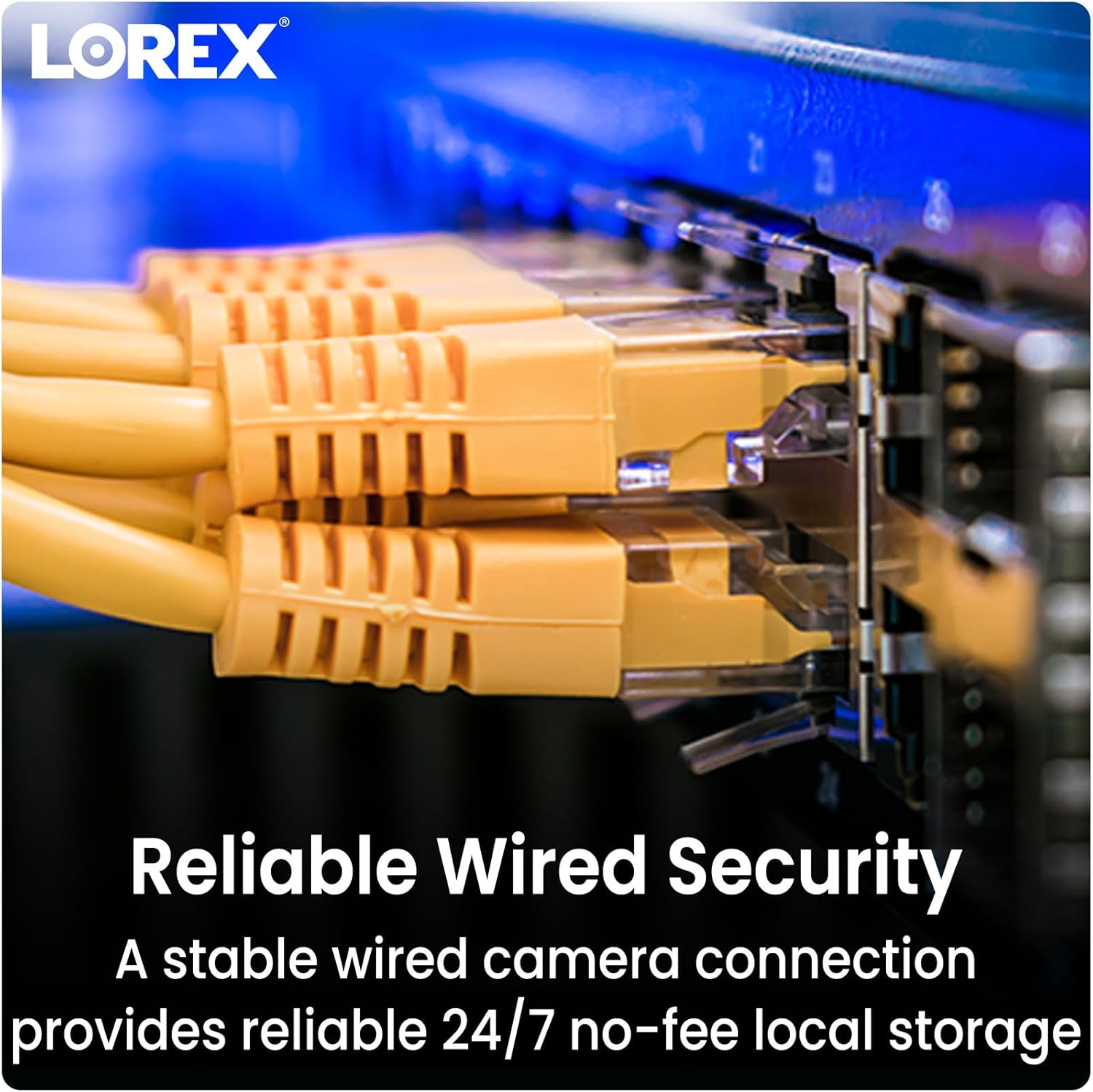
Connect one end of the Ethernet cable to the camera's PoE port and the other end to an available PoE port on your compatible Lorex NVR or a PoE switch. The camera will receive power and transmit video data through this single connection.
4.4 NVR Compatibility
Ensure your NVR is one of the compatible models listed in the Product Overview section for seamless integration and functionality.
5. Ntuziaka ọrụ
5.1 Accessing Live View
Once connected to your NVR, access the live video feed through your NVR's interface or the Lorex Home app on your smartphone or tablet. Refer to your NVR's manual for specific instructions on adding and viewing cameras.
Ụdị ọhụụ abalị 5.2
The camera automatically switches between day and night vision modes. In low light, the infrared LEDs activate for black and white night vision. In sufficiently lit conditions, Color Night Vision provides full-color detail.

5.3 Nchọpụta ngagharị
The camera is equipped with motion detection capabilities. Configure motion detection zones and sensitivity settings via your NVR or the Lorex Home app to receive alerts for activity in specific areas. This model provides motion-only alerts.
Ogo vidiyo 5.4
The camera records in 4K Ultra HD, providing superior clarity and digital zoom capabilities. Ensure your NVR is configured to record at the highest resolution supported by the camera.

6. Nlekọta
To ensure optimal performance and longevity of your Lorex 4K Metal Bullet Camera, follow these maintenance guidelines:
- Nhicha mgbe niile: Jiri nwayọ hichaa oghere igwefoto n'oge oge, damp cloth to remove dust, dirt, or water spots that may obstruct the view. Avoid abrasive cleaners.
- Nyocha USB: Inspect the Ethernet cable for any signs of wear, damage, or loose connections, especially in outdoor installations.
- Mmelite femụwe: Lelee Lorex website or your NVR's settings for available firmware updates to ensure your camera has the latest features and security enhancements.
- Nchekwa ihu igwe: While the camera is weatherproof (IP65 rated), ensure it is installed securely to prevent movement or damage during extreme weather events.

7. Nchọpụta nsogbu
If you encounter issues with your Lorex 4K Metal Bullet Camera, consider the following:
- No Video/Power: Verify that the Ethernet cable is securely connected to both the camera and the NVR/PoE switch. Ensure the NVR/PoE switch is powered on.
- Ogo vidiyo na-adịghị mma: Check the camera lens for obstructions or dirt. Ensure the camera is configured for 4K resolution in your NVR settings. Verify network cable integrity.
- Nchọpụta ngagharị anaghị arụ ọrụ: Review motion detection settings in your NVR or Lorex Home app. Adjust sensitivity and detection zones as needed.
- Ndakọrịta NVR: Confirm that your NVR model is listed as compatible. Incompatible NVRs may not fully support all camera features or may not detect the camera at all.
- Okwu netwọkụ: If experiencing connectivity problems, restart your NVR and network router. Ensure there are no network conflicts or bandwidth limitations.
8. Nkọwapụta
| Njirimara | Nkọwapụta |
|---|---|
| Aha Nlereanya | E841CAB |
| Ojiji ime ime/n'èzí | Ime ụlọ, n'èzí |
| Ngwa dakọtara | NVR (N841, N842, N861B, N862B, N881B, LNR600X, LNR6100, LNR6100X, NR900X, N843, N844, N845, N846, N863B, NR810 series) |
| Isi Iyi Ike | Corded Electric (PoE) |
| Protocol Njikọta | Ethernet |
| Ụdị njikwa | Ngwa |
| Ụdị nkwụnye | Ugwu elu ụlọ |
| Mkpebi ịse vidiyo | 4K (8 MP Effective Still Resolution) |
| Agba | Nwa |
| Ọnụọgụ nke ihe | 1 |
| Ngwa gụnyere | IP Bullet Camera, Ethernet Cable, Mounting Kit, Mounting Template, Allen Key |
| Teknụzụ nzikọrịta ozi ikuku | Wi-Fi (for app control, not primary video transmission) |
| Ụdị Ihe | Mgbo |
| Viewna n'akuku | 105 ogo |
| Oke ọhụụ abalị | 130 ụkwụ |
| Ọnụego Frame | 15fps |
| Ihe onwunwe | Ọla |
| Wattage | 3.7 watt |
| Achọrọ batrị? | Mba |
| Ibu Ibu | 2.77 pound (1.26 Kilogram) |
| Teknụzụ ọkụ dị ala | Agba abalị |
| Rtdị Alert | Naanị ngagharị |
| Ogo nchekwa mba ụwa | IP65 |
| UPC | 695529028538 |
9. Akwụkwọ ikike na nkwado
Your Lorex 4K Metal Bullet Camera is covered by a manufacturer's warranty. For detailed warranty information, product support, or technical assistance, please visit the official Lorex websaịtị ma ọ bụ kpọtụrụ ndị ahịa ha ọrụ. Debe akwụkwọ nnata ịzụrụ maka akwụkwọ ikike.


