1. Nhazi
1.1 Kedu ihe dị na igbe ahụ
- Razer Huntsman V2 Analog Gaming Keyboard
- Magnetic Plush Leatherette Wrist Rest
- Ntuziaka ozi ngwaahịa dị mkpa
1.2 Ijikọ ahụigodo gị
Connect the keyboard's braided USB cable to an available USB port on your PC. The keyboard is designed for plug-and-play functionality.

The keyboard also features a USB 3.0 passthrough port, allowing you to connect other USB devices directly to your keyboard for convenience.

1.3 Ntinye Ngwanrọ (Razer Synapse)
For full customization and advanced features, install Razer Synapse software on your Windows 11 PC. This software allows you to configure lighting, key assignments, actuation points, and more.
2. Operating Your Razer Huntsman V2 Analog
2.1 Analog Optical Switches
The Razer Huntsman V2 Analog features Analog Optical Switches, providing adjustable actuation points for precise control. You can set a desired actuation point to match your playstyle or use analog input for smoother, more nuanced in-game movement, similar to a joystick.

2.2 Rapid Trigger Mode
Unlock maximum speed and response with Rapid Trigger Mode. This feature allows keys to be released and repeatedly pressed at a faster rate, enhancing responsiveness in competitive gaming. This mode is enabled and configured within the Actuation tab of Razer Synapse.
2.3 Customizable RGB Lighting (Razer Chroma RGB)
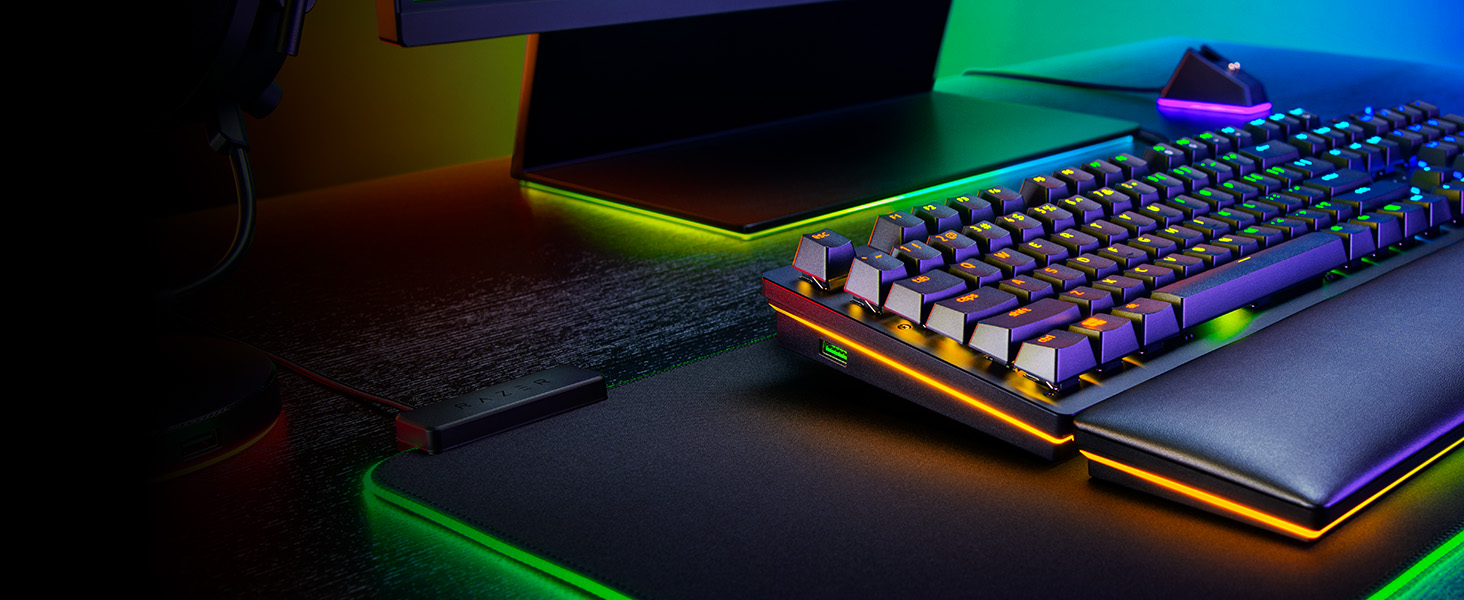
The keyboard is powered by Razer Chroma RGB, offering 16.8 million colors and a suite of dynamic lighting effects. You can synchronize the keys and underglow lighting with other Razer Chroma-enabled devices and enjoy immersive reactions with over 150 integrated games. Customization is managed through Razer Synapse.

2.4 Dedicated Media Keys and Digital Dial
Control your entertainment effortlessly with dedicated media keys and a multi-function digital dial. These controls allow for quick adjustments to volume, playback, and other media functions without interrupting your gameplay or workflow.

2.5 Doubleshot PBT Keycaps
The keyboard features Doubleshot PBT Keycaps, which are harder and more durable than traditional ABS keycaps. These keycaps resist wear and tear, ensuring that their legends will never fade, even with extensive use.

3. Nlekọta na nlekọta
3.1 Cleaning Your Keyboard
To maintain optimal performance and appearance, regularly clean your keyboard. Use a soft, lint-free cloth to wipe down the keycaps and chassis. For deeper cleaning, you may use compressed air to remove debris from between the keys. Avoid harsh chemicals or abrasive materials.
3.2 Wrist Rest Care
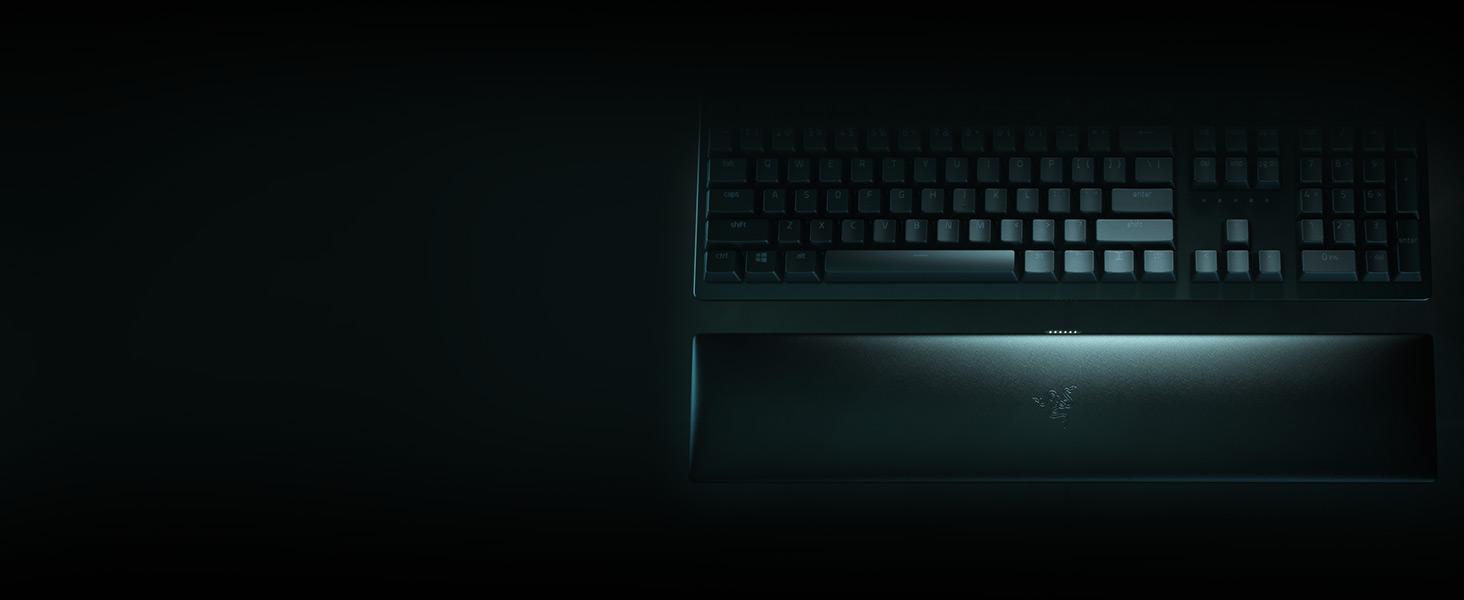
The ergonomic, magnetic wrist rest is made of plush leatherette for maximum comfort. To clean, gently wipe with a damp cloth. Avoid prolonged exposure to direct sunlight or extreme temperatures to preserve its material integrity.
4. Nchọpụta nsogbu
4.1 Ahụigodo anaghị azaghachi
- Ensure the USB cable is securely connected to your PC.
- Gbalịa ijikọ ahụigodo na ọdụ ụgbọ USB dị iche.
- Malitegharịa ekwentị gị na kọmputa.
- Check Razer Synapse for any driver updates or configuration issues.
4.2 RGB ọkụ okwu
- Verify that Razer Synapse is running and updated.
- Check lighting effects settings within Razer Synapse.
- Ensure the keyboard's brightness is not set to zero.
4.3 Keys Not Registering Correctly
- Clean the affected key to remove any debris.
- Check key assignment settings in Razer Synapse.
- If using Analog Optical Switches, ensure actuation points are set appropriately for your use case.
5. Nka na ụzụ nkọwa
| Njirimara | Nkọwa |
|---|---|
| Ụdị | Raza |
| Usoro | Ihe analog nke Huntsman V2 |
| Nọmba Nlereanya ihe | RZ03-03610200-R3U1 |
| Ngwaike Platform | PC |
| Sistemụ nrụọrụ | Windows 11 |
| Ibu Ibu | 4.72 pound |
| Akụkụ ngwaahịa | 3.55 x 17.53 x 1.2 sentimita asatọ |
| Agba | Oji oji |
| Isi Iyi Ike | Igwe ọkụ eletrik |
| Teknụzụ Njikọta | USB |
| Nkọwa ahụigodo | Gaming, Multi Functional |
| Eji akwadoro maka ngwaahịa | Ịgba egwu |
| Njirimara Pụrụ Iche | Ergonomic, Media Keys, Wrist Rest |
| Nkwado agba azụ azụ kiiboodu | RGB |
| Ụdị | Huntsman V2 |
6. Akwụkwọ ikike Ozi
The Razer Huntsman V2 Analog Gaming Keyboard comes with a 2-year manufacturer's warranty. Please retain your proof of purchase for warranty claims. For detailed terms and conditions, refer to the Important Product Information Guide included in the box or visit the official Razer support websaịtị.
7. Nkwado
For further assistance, technical support, or to download the latest version of Razer Synapse, please visit the official Razer support websaịtị ahụ. I nwekwara ike ịchọta Ajụjụ Ndị A Na-ajụkarị na ogbako obodo maka enyemaka ọzọ.


