1. Okwu mmalite
The VOLTA 2.0 USB Charging Cable Set is designed to simplify your charging experience by providing a single magnetic cable compatible with multiple device types. This set includes one USB-A cable with an open magnetic end and three interchangeable magnetic tips: USB-C, Micro-USB, and Type A. The cable supports 3 Amp fast charging and USB 2.0 data transfer capabilities.
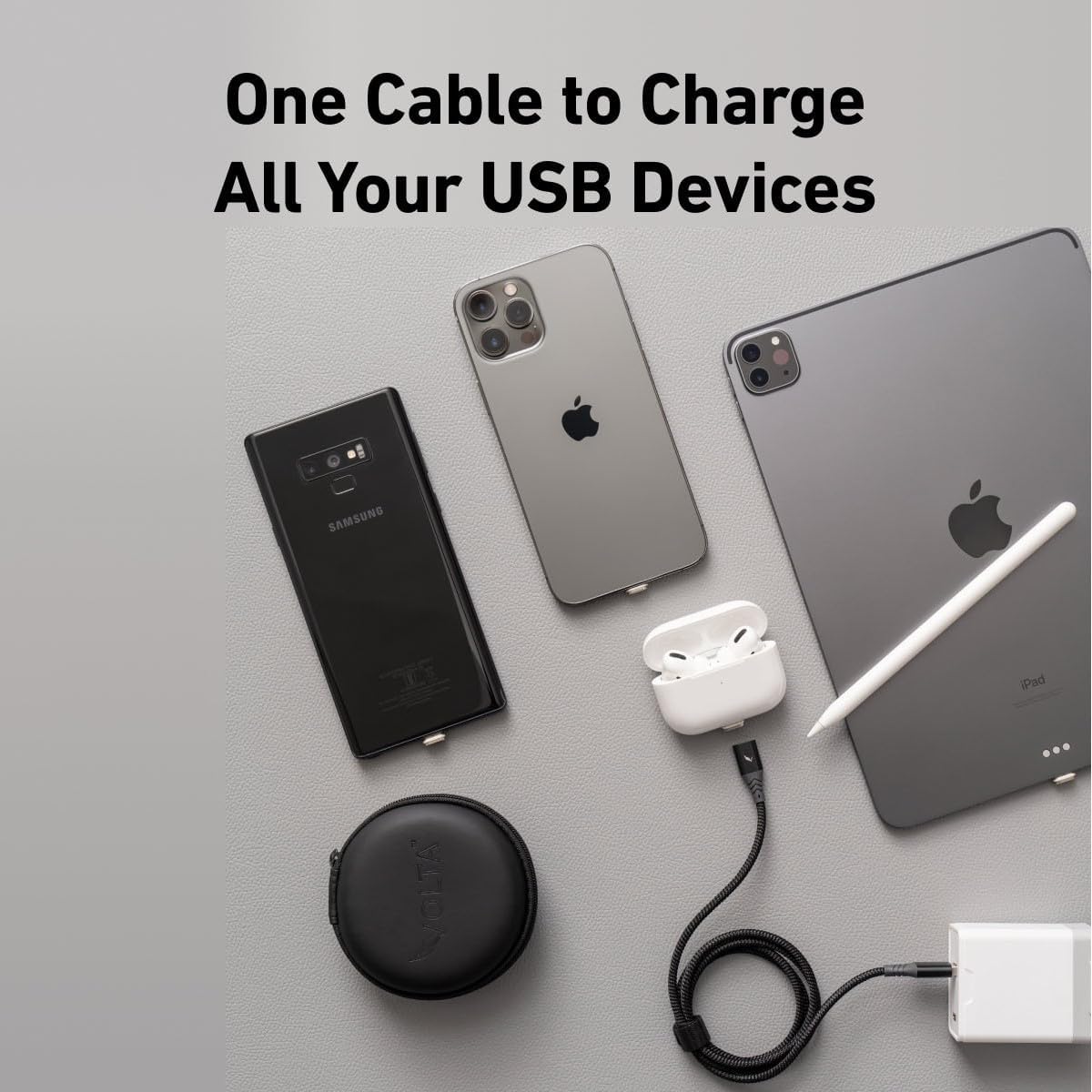
Image 1.1: The VOLTA 2.0 cable connected to multiple USB devices, demonstrating its universal compatibility for charging.
2. Ihe ngwugwu
- 1x VOLTA 2.0 Magnetic USB-A Cable (6.4ft)
- 1x Magnetic USB-C Tip
- 1x Magnetic Micro-USB Tip
- 1x Magnetic Type A Tip
3. Nhazi
- Insert Magnetic Tip: Select the appropriate magnetic tip (USB-C, Micro-USB, or Type A) for your device. Carefully insert the tip into your device's charging port. This tip can remain in your device for convenience.
- Connect Cable to Power Source: Plug the USB-A end of the VOLTA 2.0 cable into a compatible USB power adapter (e.g., wall charger, power bank, computer USB port). For fast charging, it is recommended to use your device's Original Equipment Manufacturer (OEM) wall/power brick.
- Attach Cable to Device: Bring the magnetic end of the VOLTA 2.0 cable close to the magnetic tip inserted in your device. The strong magnetic connection will automatically snap into place, initiating charging or data transfer.
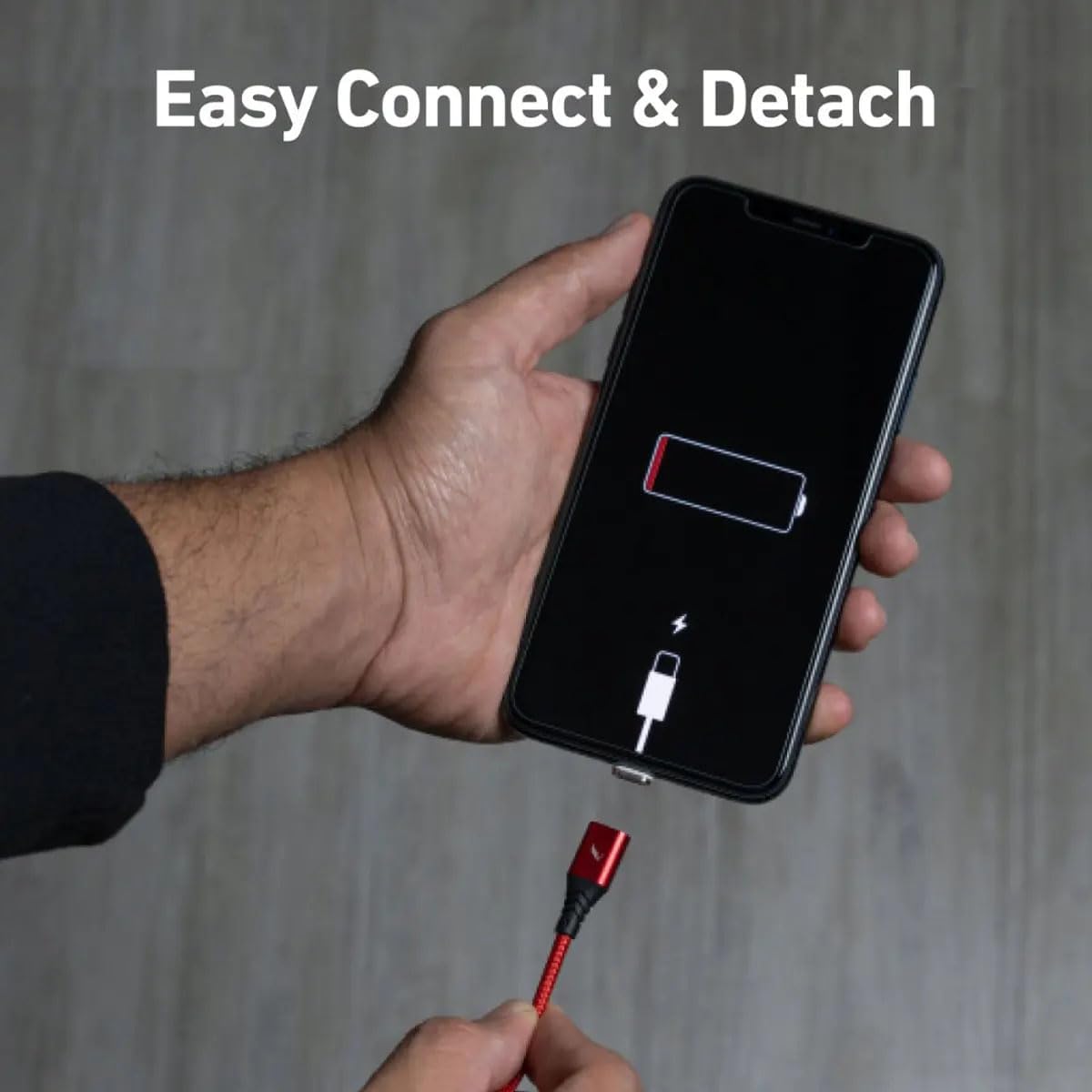
Image 3.1: Demonstrating the easy magnetic connection of the VOLTA 2.0 cable to a smartphone.
Video 3.1: A demonstration of connecting the magnetic tips and cable to various devices for charging and data transfer.
4. Ntuziaka ọrụ
- Ịchaji: Once the magnetic cable is connected to your device and a power source, your device will begin charging. The VOLTA 2.0 cable supports 3 Amp fast charging with Quick Charge 3.0 (QC 3.0) compatible power adapters.
- Nyefee data: The cable also supports USB 2.0 data transfer. Connect your device to a computer using the VOLTA 2.0 cable to transfer files, photos, and other data.
- Reversible Connection: The magnetic connection is reversible, allowing for easy attachment in any orientation.
- Strong Magnetic Connection: The upgraded connection slot design ensures a secure and instant magnetic connection every time.
5. Nlekọta
- Nhicha: Keep the magnetic tips and cable ends clean and free from dust or debris to ensure optimal connection. Use a dry, soft cloth for cleaning.
- Nchekwa: Store the cable and tips in a clean, dry environment when not in use. Avoid extreme temperatures.
- Ijikwa: While the cable is made from military-grade braided nylon for durability, avoid excessive bending or pulling at the connectors to prolong its lifespan.
6. Nchọpụta nsogbu
- Ngwaọrụ anaghị akwụ ụgwọ:
- Ensure the magnetic tip is fully inserted into your device's port.
- Verify the magnetic connection between the cable and the tip is secure.
- Check if the USB-A end of the cable is properly connected to a working power source.
- Gbalịa ihe nkwụnye ọkụ dị iche ma ọ bụ ọdụ ụgbọ USB.
- Inspect the magnetic contacts on both the cable and tip for any debris or damage.
- Nchaji nwayọ:
- Ensure you are using a power adapter that supports fast charging (e.g., QC 3.0 compatible).
- Using the device's Original Equipment Manufacturer (OEM) wall/power brick is recommended for optimal charging speeds.
- Mechie ngwa ndabere na-adịghị mkpa na ngwaọrụ gị.
- Okwu mbufe data:
- Ensure the cable is securely connected to both your device and the computer.
- Check your device's settings to ensure it is set to 'File Transfer' or 'MTP' mode when connected to a computer.
- Gbalịa jikọọ na ọdụ ụgbọ USB dị iche na kọmputa gị.
7. Nkọwapụta
| Ụdị | VOLTA |
| Nọmba nlereanya | 3V2-2M |
| Ụdị njikọ | USB-C, Micro-USB, Type A (Magnetic Tips) |
| Ụdị USB | USB-A to Magnetic |
| Ogologo eriri USB | 6.4ft (mita 2) |
| Ịchaji ugbu a | 3 Amps (Fast Charging) |
| Ọsọ mbufe data | USB 2.0 |
| Njirimara Pụrụ Iche | Fast Charging, Magnetic Connection |
| Ngwa dakọtara | Smartphones, Tablets, Laptops, Power Banks, Cameras, Smart Watches (with compatible ports) |
| Ihe onwunwe | Military-grade braided nylon cable |
8. Akwụkwọ ikike Ozi
The VOLTA 2.0 USB Charging Cable Set comes with a Akwụkwọ ikike ndụ. This warranty covers manufacturing defects and ensures the cable's durability under normal use. For warranty claims or further details, please contact VOLTA customer support.
9. Nkwado
For additional assistance, product information, or to report any issues, please visit the official VOLTA website or contact their customer support team. Refer to the product packaging for specific contact details.


