Okwu mmalite
The Gioteck VX-4 Wired Controller is designed for PlayStation 4 and PC, offering a comfortable and responsive gaming experience. It features quick-fire triggers, a precision D-pad, and anti-slip rubber thumb sticks for enhanced performance, providing a next-level immersive gaming experience.
Akụkụ ndị bụ isi:
- Quick Fire triggers
- Ergonomic imewe
- Traditional PlayStation layout
Ọdịnaya ngwugwu:
- Gioteck VX-4 Wired Controller
- Akwụkwọ ntuziaka (akwụkwọ a)
Ngwaahịa gafereview:
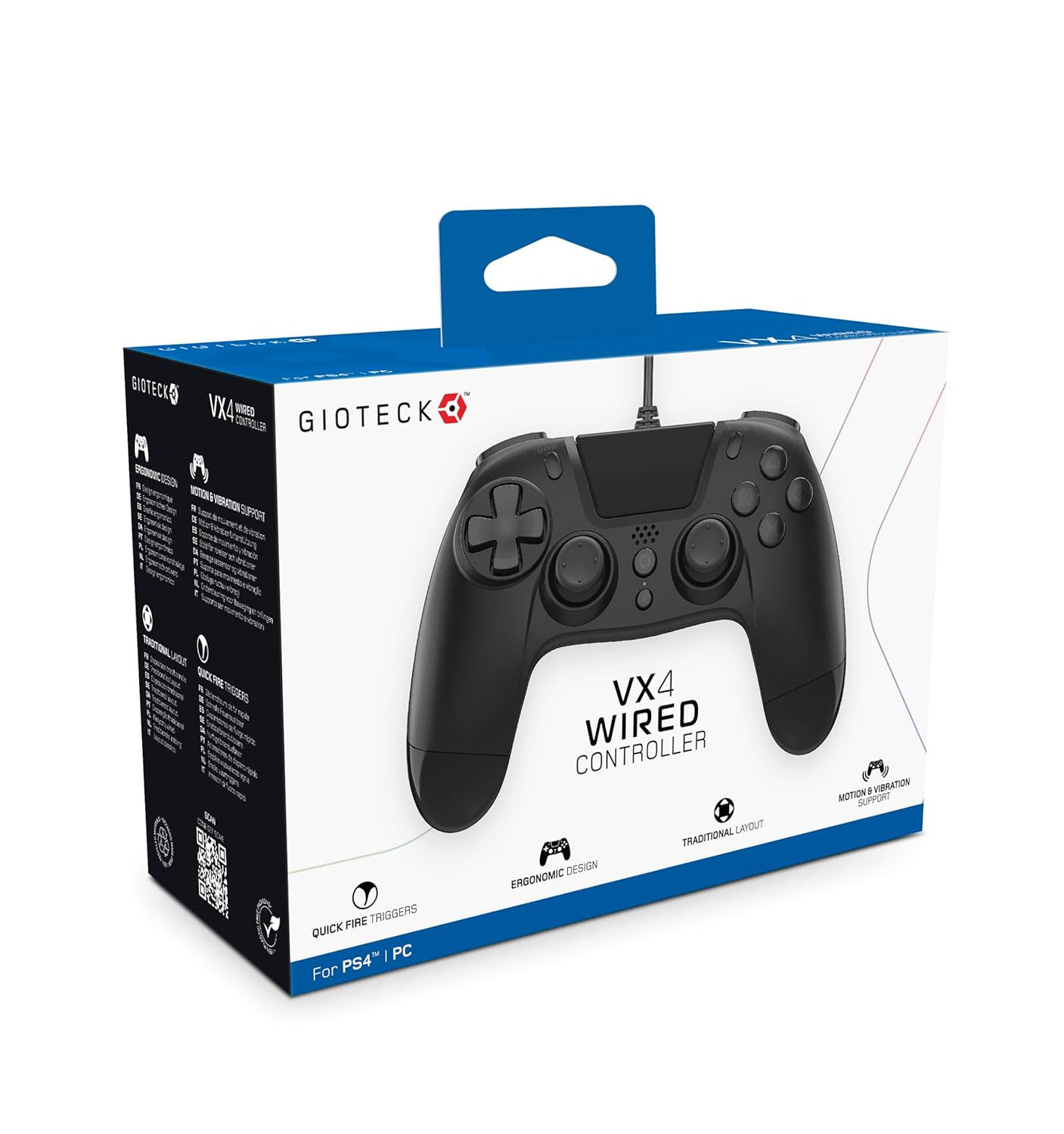
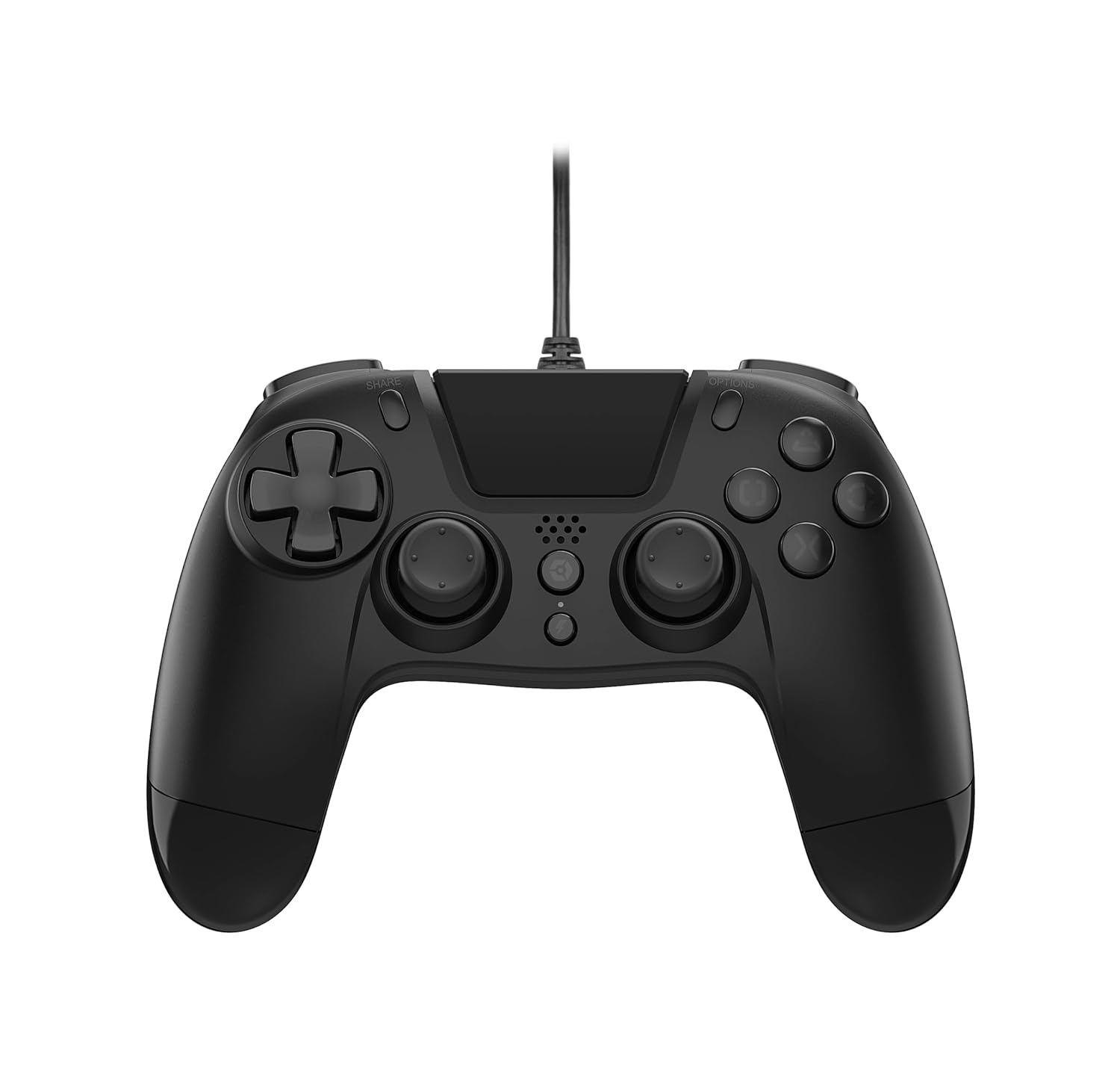
Melite
Connecting to PlayStation 4:
- Jide n'aka na agbanyere njikwa PlayStation 4 gị.
- Insert the USB connector of the VX-4 Wired Controller into an available USB port on your PlayStation 4 console.
- The controller should be automatically recognized and ready for use.
Jikọọ na PC:
- Gbaa mbọ hụ na agbanyere PC gị.
- Insert the USB connector of the VX-4 Wired Controller into an available USB port on your PC.
- The PC operating system should automatically install the necessary drivers. If prompted, allow the driver installation to complete.
- The controller will be ready for use with compatible PC games.

Ntuziaka ọrụ
Nhazi bọtịnụ:
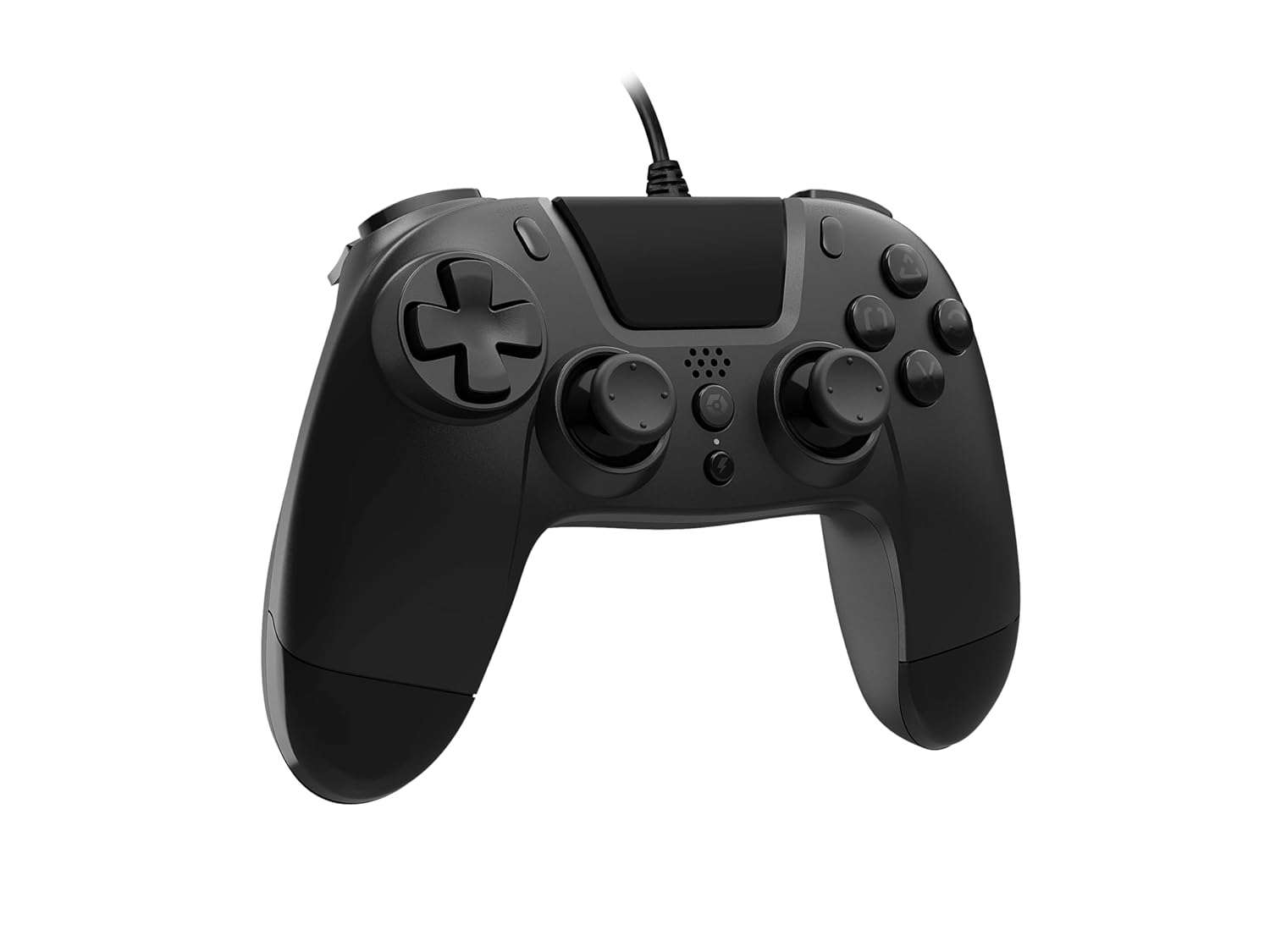
The VX-4 Wired Controller features a traditional PlayStation layout:
- Mpempe akwụkwọ ntuziaka (D-Pad): For precise directional input.
- Mkpanaka Analọg Aka ekpe: Njikwa ngagharị nke izizi.
- Ogwe aka nri Analọg: Igwefoto ma ọ bụ njikwa ebumnuche.
- Bọtịnụ Ihe Omume (Triangle, Gburugburu, Obe, Square): Context-sensitive actions in games.
- Bọtịnụ KEERE: Share gameplay moments (PS4 only).
- Bọtịnụ nhọrọ: Access in-game menus or pause (PS4 only).
- bọtịnụ PS: Access the PlayStation Home screen or power on/off the console (PS4 only).
- Bọtịnụ L1/R1: Shoulder buttons, typically for quick actions.
- Ihe ndị na-akpali L2/R2: Analog triggers for precise input, such as acceleration or firing.
Iji njikwa:
Once connected, the controller functions similarly to a standard PlayStation 4 controller for compatible games. For PC, ensure the game supports XInput or DirectInput controllers for optimal performance.
Nlekọta
Nhicha:
To clean the controller, use a soft, dry cloth. For stubborn dirt, a slightly damp cloth can be used, but ensure no moisture enters the controller's internal components. Do not use harsh chemicals or abrasive cleaners, as these may damage the finish or internal electronics.
Nchekwa:
Store the controller in a cool, dry place away from direct sunlight and extreme temperatures. Avoid placing heavy objects on the controller to prevent damage to the cable or buttons.
Nlekọta USB:
Do not sharply bend, twist, or pull on the controller cable. Always grasp the plug, not the cable, when connecting or disconnecting it from your console or PC to prevent internal wire damage.
Nchọpụta nsogbu
Onye njikwa anaghị aza:
- Ensure the USB cable is securely plugged into both the controller and the console/PC.
- Try plugging the controller into a different USB port on your console/PC.
- Malitegharịa ekwentị gị ma ọ bụ kọmputa gị.
- If on PC, check Device Manager to ensure the controller is recognized and drivers are installed correctly.
Buttons or Sticks Not Working Correctly:
- Check for any physical obstructions or debris around the buttons or analog sticks.
- Ensure the controller is clean (refer to Maintenance section).
- Test the controller with another game or application to determine if the issue is specific to one program.
Ịma jijiji anaghị arụ ọrụ:
- Verify that the game or application you are playing supports vibration feedback.
- Lelee ntọala egwuregwu ahụ iji hụ na agbanyere mkpọtụ ahụ.
Nkọwapụta
| Njirimara | Nkọwa |
|---|---|
| Nọmba nlereanya | SWIAGJC |
| Njikọta | USB eriri |
| Ndakọrịta | PlayStation 4, PC |
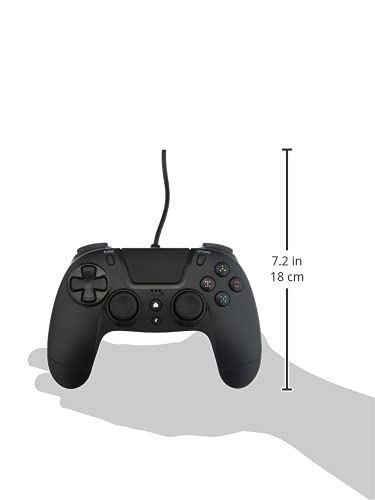
| Product Dimensions (Controller) | Approximately 7.2 inches (18 cm) in height |
| Ibu Ibu | 7.41 ounce (210 grams) |
| Onye nrụpụta | Gioteck |
Akwụkwọ ikike na nkwado
For warranty information and technical support regarding your Gioteck VX-4 Wired Controller, please refer to the official Gioteck website or contact their customer service directly. It is recommended to keep your proof of purchase for any warranty claims.
Manufacturer: Gioteck
Date First Available: September 10, 2020


