Okwu mmalite
The Seagate One Touch 5TB Portable External Hard Drive offers a convenient and reliable solution for expanding your digital storage. Designed for both PC and Mac users, this drive provides ample space for photos, videos, documents, and more. Its compact and stylish design makes it ideal for on-the-go use, ensuring your important files are always accessible.

Image: The Seagate One Touch drive is designed for portability, fitting comfortably in your hand.
Melite
Follow these steps to set up your Seagate One Touch drive:
- Jikọọ eriri USB: Plug the small end of the included USB 3.0 cable into the port on your Seagate One Touch drive.
- Jikọọ na Kọmputa: Plug the standard USB-A end of the cable into an available USB 3.0 port on your PC or Mac. For optimal performance, use a USB 3.0 port.
- Ike Na: The drive is bus-powered and will turn on automatically when connected to your computer. A small LED indicator on the drive may illuminate.
- Nkwenye izizi: Your computer should automatically detect the new drive. For Windows, it will appear in 'This PC' or 'My Computer'. For Mac, it will appear on the desktop or in Finder.
- Formatting (Mac Users): The drive comes pre-formatted for Windows. If you plan to use it primarily with a Mac and wish to use Time Machine for backups, reformatting the drive may be required. Refer to your Mac's Disk Utility for formatting options.
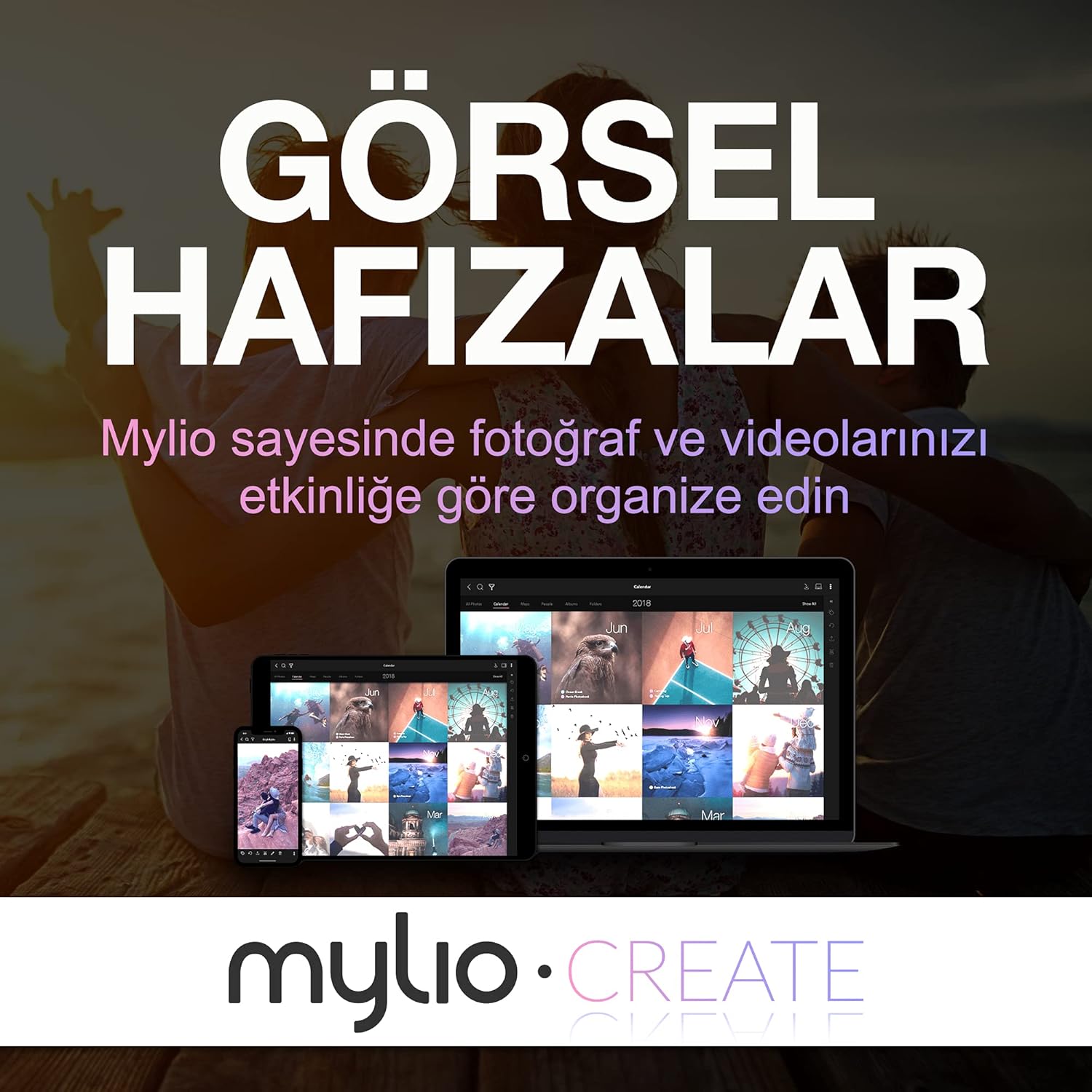
Image: The Seagate One Touch drive is easily connected to a laptop using the provided USB cable.
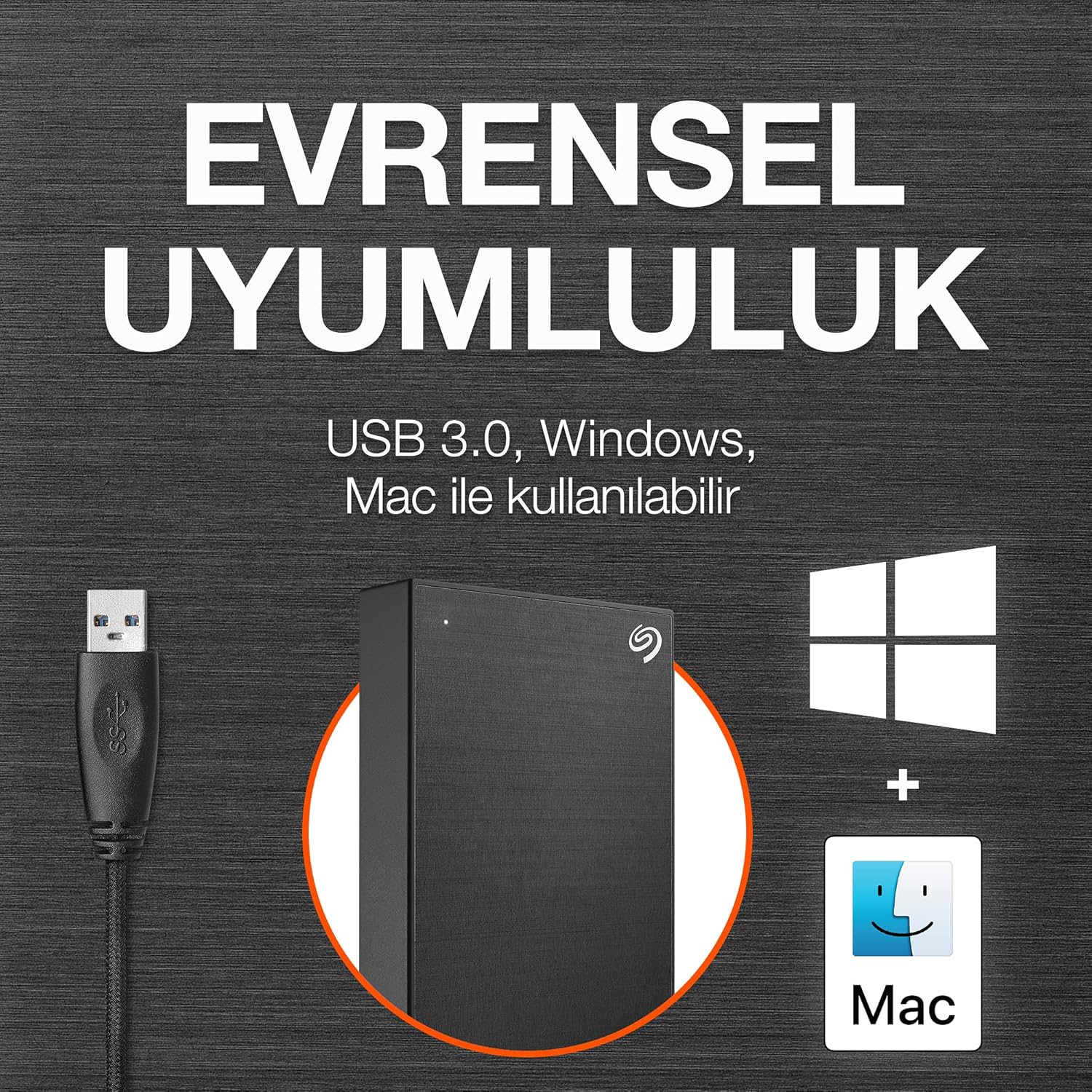
Image: The drive is compatible with both Windows and Mac operating systems.
Na-arụ ọrụ
Once connected, your Seagate One Touch drive is ready for use:
- Nyefee data: Dọrọ na dobe files directly to and from the drive, just like any other folder on your computer.
- One-Click Backup: Utilize the included Seagate Toolkit software to perform one-click backups of your important files.
- Scheduled Backups: Configure automatic daily, weekly, or monthly backups through the Seagate Toolkit to ensure your data is always protected.
- Nchedo okwuntughe: The drive supports password protection and hardware encryption to prevent unauthorized access to your data. This feature is managed through the Seagate Toolkit software.
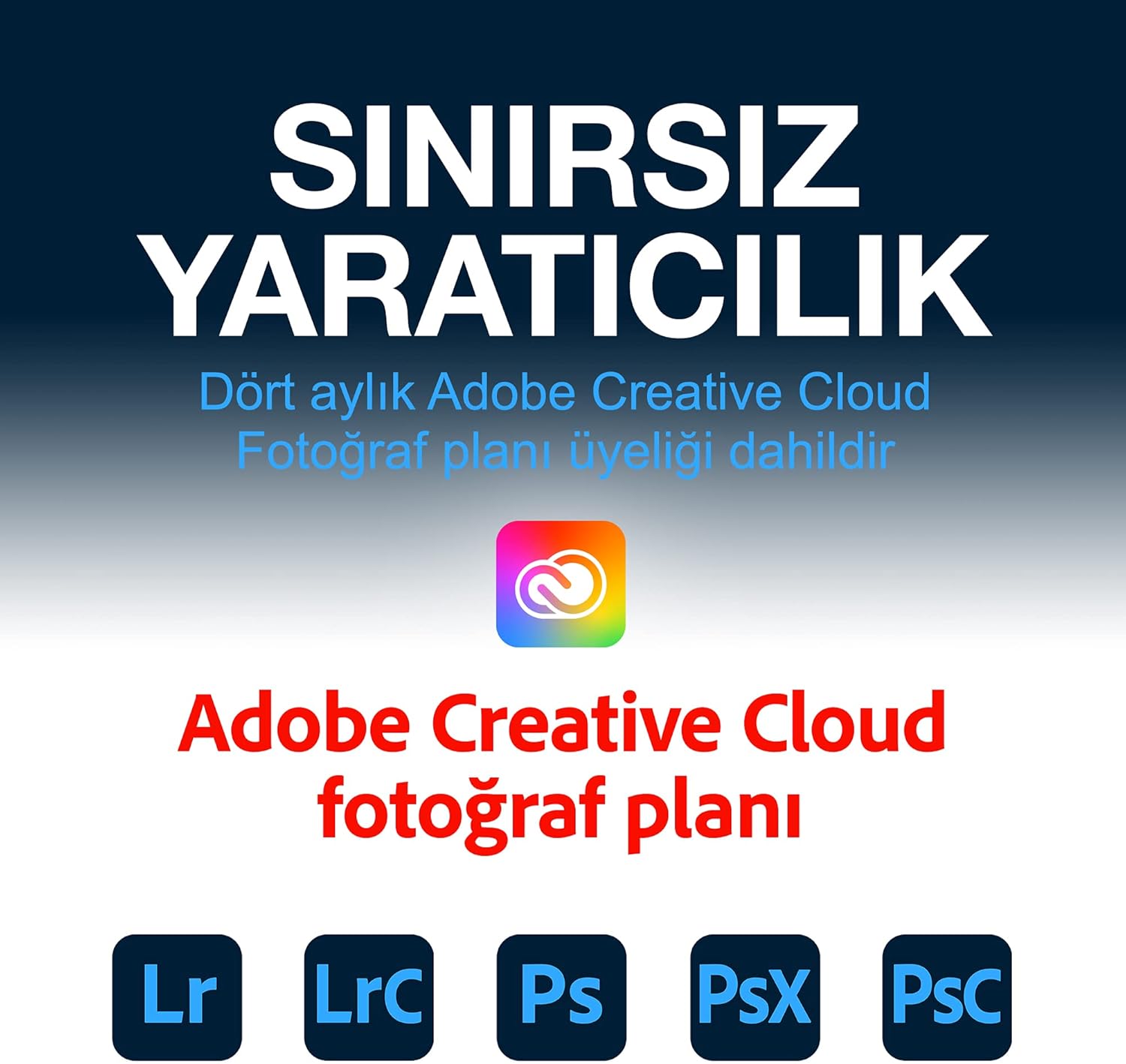
Image: Easily manage and transfer files to your Seagate One Touch drive from your laptop.

Image: The Seagate Toolkit software provides options for automatic and one-click backups.
Included Software Bundles
Your Seagate One Touch drive includes complimentary subscriptions to enhance your creative workflow:
- Mylio Create: A one-year complimentary subscription to Mylio Create helps you organize, edit, and share photos across your devices.
- Adobe Creative Cloud Photography Plan: A four-month membership to Adobe Creative Cloud Photography plan, including Photoshop and Lightroom, allows for advanced photo editing and management.

Image: Mylio Create helps manage your photos across multiple devices.

Image: The Adobe Creative Cloud Photography plan offers powerful editing tools.
Nlekọta
To ensure the longevity and optimal performance of your Seagate One Touch drive:
- Mgbapụ adịghị mma: Always safely eject the drive from your computer before disconnecting the USB cable to prevent data corruption.
- Nlekọta anụ ahụ: Keep the drive in a clean, dry environment. Avoid exposing it to extreme temperatures, direct sunlight, or excessive moisture.
- Ndabere oge niile: While the drive itself is a backup solution, consider backing up critical data to multiple locations for maximum security.
- Mmelite femụwe: Lelee nkwado Seagate kwa oge website for any available firmware updates for your drive.
Nchọpụta nsogbu
If you encounter issues with your Seagate One Touch drive, try the following:
- Achọpụtaghị mbanye:
- Hụ na eriri USB ahụ jikọtara nke ọma na draịvụ ahụ na kọmputa ahụ.
- Gbalịa ijikọ draịvụ ahụ na ọdụ ụgbọ USB dị iche na kọmputa gị.
- Jiri eriri USB dị iche nwalee ma ọ dị.
- Malitegharịa ekwentị gị na kọmputa.
- Ọsọ mbufe nwayọ:
- Verify that the drive is connected to a USB 3.0 port on your computer. USB 2.0 ports will result in slower speeds.
- Mechie ngwa ọ bụla na-adịghị mkpa na-agba n'azụ nwere ike na-eri akụrụngwa sistemụ.
- Hụ na draịva kọmputa gị dị ọhụrụ.
- Nsogbu Nhazi:
- If you are having trouble formatting the drive, use your operating system's built-in disk utility (Disk Management for Windows, Disk Utility for Mac).
- Ensure no files are actively being accessed on the drive during formatting.
Nkọwapụta
| Njirimara | Nkọwa |
|---|---|
| Ụdị draịvụ ike | 5 TB Mechanical Hard Disk |
| Ụdị | Seagate |
| Usoro | Otu aka |
| Nọmba nlereanya | STKC5000404 |
| Ngwaike Platform | Mac, PC |
| Ibu Ibu | 9.5 ounces |
| Akụkụ ngwaahịa | 8 x 2.09 x 11.53 sentimita asatọ |
| Agba | Oghere isi awọ |
| Interface Hard Drive | USB 2.0 / 3.0 |
| Ike Nchekwa Dijitalụ | 5 TB |
| Teknụzụ Njikọta | USB |
| Njirimara Pụrụ Iche | Enwere ike ibugharị |
Akwụkwọ ikike na nkwado
Your Seagate One Touch drive is backed by comprehensive support:
- Akwụkwọ ikike nwere oke: Enjoy long-term peace of mind with the included two-year limited warranty.
- Rescue Data Recovery Service: The drive comes with a two-year Rescue Data Recovery Service plan, providing expert assistance in case of unexpected data loss.
- Nkwado n'ịntanetị: For further assistance, FAQs, and driver downloads, please visit the official Seagate support websaịtị.