Okwu mmalite
This user manual provides comprehensive instructions for the installation, operation, and maintenance of your Voger Outdoor Security Camera. Please read this manual thoroughly before using the product to ensure proper functionality and safety. Keep this manual for future reference.
The Voger Outdoor Security Camera is designed to provide reliable and clear surveillance for your home or property, offering a wide 360-degree viewing angle, 1080P Full HD resolution, and robust weather resistance.
Atụmatụ igodo
360° Wider Angle & PTZ Control

The camera offers a 355-degree horizontal rotation and 110-degree vertical rotation, providing a comprehensive 360-degree view. Remotely control the Pan/Tilt/Zoom (PTZ) functions via the app to eliminate blind spots and monitor all desired angles with just one camera.
IP66 Weatherproof Design

Rated IP66 for water and dust resistance, this outdoor camera is built to withstand various weather conditions, including rain, snow, and extreme heat (14°F to 122°F). It ensures continuous operation and protection for your home regardless of the climate.
Accurate Motion Detection & Tracking

Equipped with advanced motion detection technology and body tracking, the camera provides real-time alerts to your device. With adjustable sensitivities, you can customize detection zones to receive precise notifications about activity around your property.
Smoother Two-Way Audio

Communicate directly with people outdoors using the built-in microphone and speaker. The two-way audio feature allows for convenient interaction, whether it's greeting visitors or deterring unwanted guests.
Ọhụụ abalị nke ọma
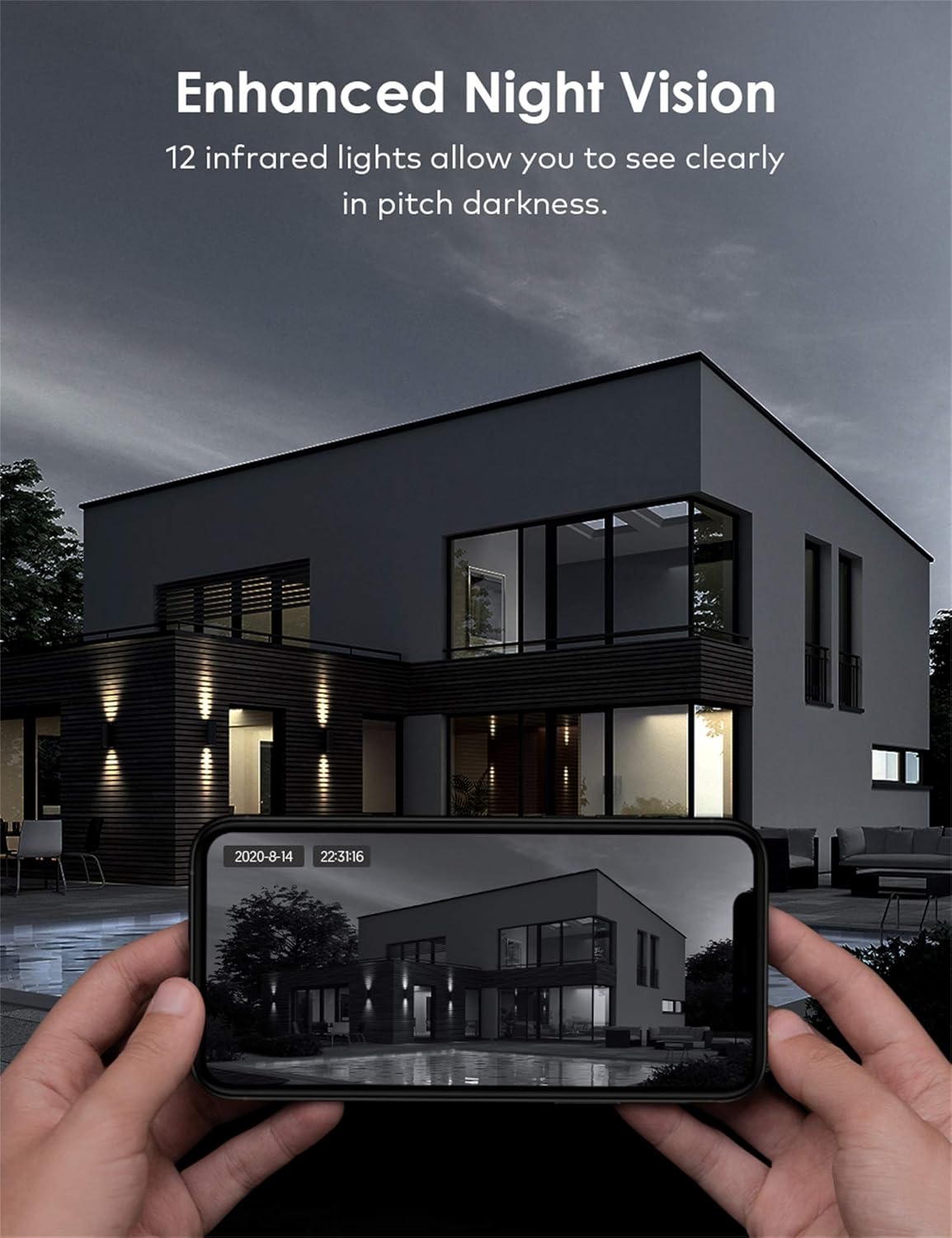
With 12 infrared lights, the camera provides clear night vision, allowing you to see in pitch darkness. This ensures 24/7 surveillance and peace of mind, even in low-light conditions.
Ọtụtụ Nhọrọ Nchekwa

The camera supports both local storage via a TF (Micro SD) card and secure cloud storage. Important moments are saved privately, and the encrypted protocol ensures only authorized users can access the surveillance footage.
Ndakọrịta Smart Home

Seamlessly integrate your Voger camera with Amazon Alexa and Google Home. Use voice commands to view live feeds or control camera functions, enhancing your smart home experience.
Ntuziaka nhazi
1. Ihe ngwugwu
- Voger Outdoor Security Camera
- Ihe nkwụnye ọkụ
- Ihe mgbakwasị ụkwụ na arịlịka
- Waterproof Kit (for cable connections)
- Akwụkwọ ntuziaka onye ọrụ
2. Nwụnye
- Họrọ ebe: Select an outdoor location with a clear view of the area you wish to monitor. Ensure it is within range of your Wi-Fi network or has access to a LAN cable connection.
- Ugwu igwefoto: Use the provided mounting template to mark drill holes. Drill holes, insert anchors, and secure the camera base to the wall or ceiling using the screws.
- Njikọ ike: Connect the power adapter to the camera and plug it into a power outlet. Ensure the connection is secure and protected from weather using the waterproof kit if necessary.
- Njikọ netwọk:
- Wi-Fi: Ensure your Wi-Fi network is 2.4GHz (5GHz is not supported).
- LAN (Optional): For a more stable connection, connect an Ethernet cable from your router to the camera's LAN port.
3. Nbudata na Njikọ Ngwa
- Budata ngwa: Chọọ maka the recommended app (e.g., Tuya Smart or equivalent as per packaging) on your smartphone's app store (App Store for iOS, Google Play Store for Android).
- Debanye aha/Banye: Mepee ngwa ahụ wee mepụta akaụntụ ọhụrụ ma ọ bụ banye ma ọ bụrụ na ịnweelarị otu.
- Tinye ngwaọrụ: Tap the "+" icon to add a new device. Select "Security Camera" or "Smart Camera".
- Nyochaa koodu QR: Power on the camera. When prompted by the app, scan the QR code displayed on the camera or in the manual. Follow the on-screen instructions to connect the camera to your Wi-Fi network.
- Name Your Camera: Once connected, give your camera a recognizable name (e.g., "Front Door Camera").
Ọrụ
1. Ndụ View
Open the app and select your camera from the device list to access the live video feed. You can view ezigbo oge footage si ebe ọ bụla nwere njikọ ịntanetị.
2. Pan/Tilt/Zoom Control
Na ndụ view screen, use the directional controls or swipe gestures to remotely adjust the camera's viewing angle (355° horizontal, 110° vertical). Pinch to zoom in or out on the video feed.
3. Audio Ụzọ Abụọ
Tap the microphone icon in the app to speak through the camera's speaker. Tap the speaker icon to listen to audio from the camera's surroundings.
4. Nchọpụta na Ịdọ Aka Ná Ntị
Access the camera settings in the app to configure motion detection sensitivity, detection zones, and alert notifications. You will receive push notifications on your smartphone when motion is detected.
5. Recording & Playback
Recordings can be stored on a Micro SD card (up to 128GB, not included) or via cloud storage subscription. Access the playback feature in the app to review edekọ footage by date and time.
6. Smart Home Integration
To connect with Alexa or Google Home, enable the camera's skill/action in the respective smart home app. Follow the on-screen instructions to link your Voger account and discover devices. You can then use voice commands like "Alexa, show me the front door camera" or "Hey Google, show the backyard camera."
Nlekọta
- Nhicha: Regularly wipe the camera lens with a soft, dry cloth to ensure clear image quality. Do not use harsh chemicals or abrasive materials.
- Mmelite femụwe: Check the app periodically for firmware updates. Keeping your camera's firmware up-to-date ensures optimal performance, security, and access to new features.
- Lelee njikọ: Periodically verify the stability of your Wi-Fi or LAN connection to the camera.
- Ịnye ọkụ: Ensure the power adapter and cable are free from damage and properly connected.
Nchọpụta nsogbu
| Nsogbu | Ihe nwere ike ime | Ngwọta |
|---|---|---|
| Camera offline/Cannot connect | Weak Wi-Fi signal, incorrect Wi-Fi password, camera too far from router, power issue. | Check Wi-Fi signal strength, ensure correct password, move camera closer to router, restart camera and router, try LAN connection. |
| Imagedị mma adịghị mma | Dirty lens, insufficient lighting, network bandwidth issues. | Clean the lens, ensure adequate lighting (especially for night vision), check internet speed. |
| Motion alerts too frequent/infrequent | Sensitivity settings, detection zone configuration. | Adjust motion detection sensitivity in the app. Configure specific detection zones to reduce false alarms. |
| Audio ụzọ abụọ anaghị arụ ọrụ | Microphone/speaker muted in app, network delay. | Ensure microphone and speaker icons are not muted in the app. Check network connection for stability. |
Nkọwa nka nka
| Nkọwapụta | Nkọwa |
|---|---|
| Ụdị | Voger |
| Aha Nlereanya | VG360 |
| Nọmba Nlereanya ihe | VG360 |
| Akụkụ ngwaahịa | 15 x 11 x 5 cm; 785 grams |
| Mkpebi ịse vidiyo | 1080p |
| Teknụzụ Njikọta | Ikuku, ikuku (Wi-Fi) |
| Protocol nzikọrịta ozi | Wi-Fi |
| Atụmatụ pụrụ iche | Ọhụụ abalị, Sensọ ngagharị |
| Ngwa dakọtara | Smartphone, Mbadamba ụrọ |
| Isi Iyi Ike | Igwe ọkụ eletrik |
| Ụdị njikwa | Onye enyemaka Google |
| Ụdị nkwụnye | Ugwu mgbidi |
| Ụbọchị mbụ dị | Septemba 25, 2020 |
Akwụkwọ ikike na nkwado
For warranty information and technical support, please refer to the contact details provided on the product packaging or the official Voger websaịtị. Debe nnata nzụta gị dị ka ihe akaebe nke ịzụrụ maka nkwupụta ikike.


