Okwu mmalite
Thank you for choosing the havit MS72 Wired USB Gaming Mouse. This manual provides essential information for the proper installation, operation, and maintenance of your new gaming mouse. Please read this manual thoroughly before using the product to ensure optimal performance and longevity.
The havit MS72 features an ergonomic design, an anti-slipping surface, and adjustable DPI settings (800-1200 DPI) for precise control. It also includes RGB lighting for an enhanced aesthetic experience.
Ihe ngwugwu
- havit MS72 Wired USB Gaming Mouse
- Akwụkwọ ntuziaka onye ọrụ
Melite
Follow these steps to set up your havit MS72 Gaming Mouse:
- Jikọọ eriri USB: Locate an available USB port on your computer (desktop or laptop). Insert the USB connector of the havit MS72 mouse into the USB port.
- Nwụnye ọkwọ ụgbọ ala akpaaka: Your operating system (Windows, macOS, Linux) should automatically detect the mouse and install the necessary drivers. This process may take a few moments.
- Nyochaa arụmọrụ: Once the drivers are installed, the mouse's RGB lighting should illuminate, and the cursor should respond to movement. Test the left, right, and scroll wheel functions.
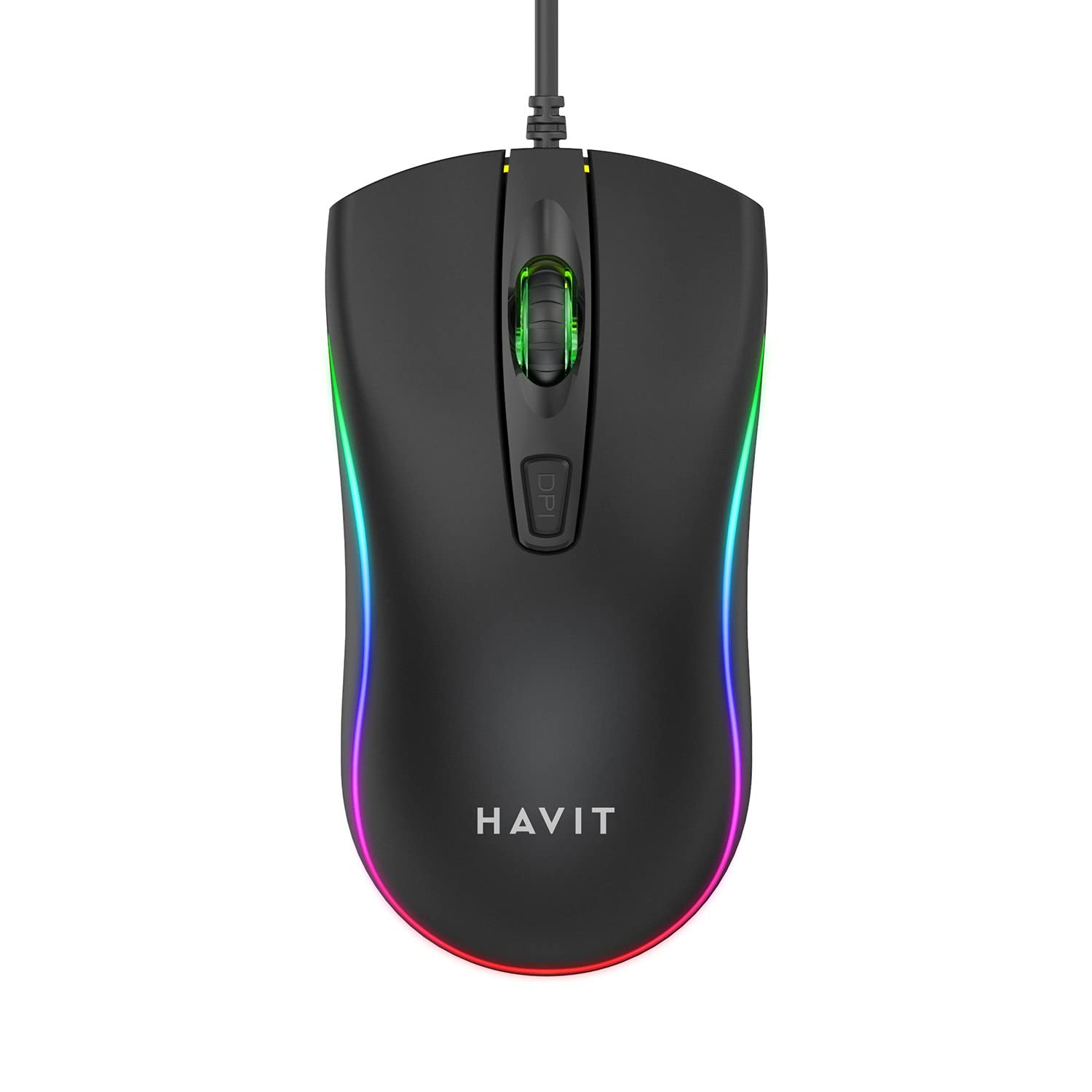
Image: The havit MS72 Gaming Mouse with its USB cable connected, showcasing its ergonomic design and RGB lighting.
Ntuziaka ọrụ
The havit MS72 Gaming Mouse is designed for intuitive use. Here are its primary functions:
- Bọtịnụ Pịa aka ekpe: Standard isi pịa ọrụ.
- Pịa aka nri bọtịnụ: Standard secondary click function, typically for context menus.
- Mpempe akwụkwọ mpịakọta: A na-eji ya agagharị n'akwụkwọ na web peeji. Ọ nwekwara ike ịrụ ọrụ dị ka bọtịnụ pịa etiti.
- Bọtịnụ mmezi DPI: Located behind the scroll wheel. Press this button to cycle through the available DPI settings (800 DPI and 1200 DPI). The mouse's sensitivity will change with each press.
- Bọtịnụ akụkụ (Gawa n'ihu/Azu): Typically located on the left side of the mouse. These buttons are commonly used for navigation (e.g., forward/backward in web browsers) or can be programmed for specific in-game actions.
- RGB ọkụ: The mouse features integrated RGB lighting that cycles automatically. There are no user-adjustable controls for the lighting patterns or colors.
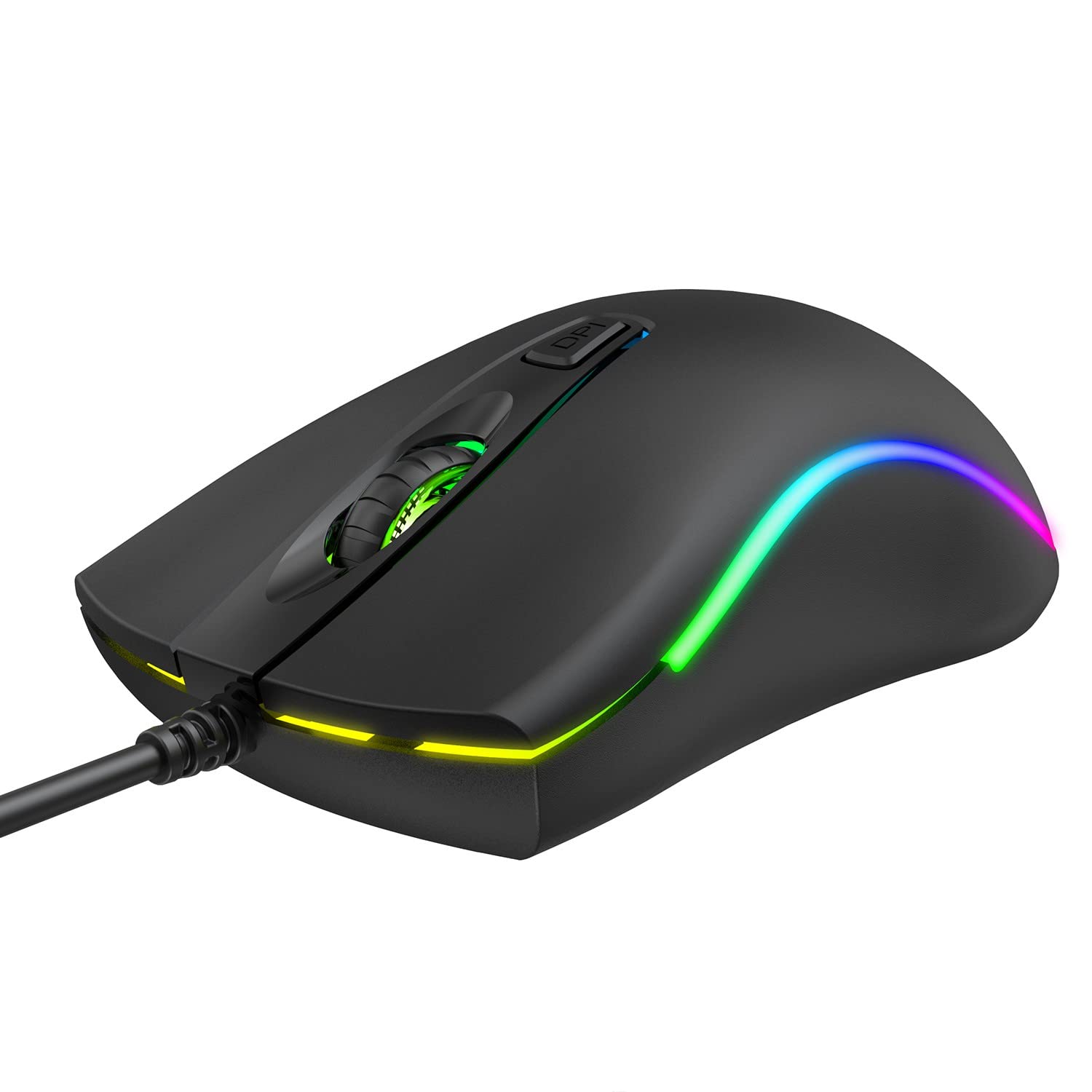
Foto: Top view of the havit MS72 Gaming Mouse, highlighting the scroll wheel and the DPI adjustment button.

Foto: Akụkụ view of the havit MS72 Gaming Mouse, illustrating the placement of the forward and backward side buttons.
Nlekọta
Proper maintenance ensures the longevity and optimal performance of your gaming mouse:
- Nhicha: Jiri akwa dị nro, kpọrọ nkụ hichapụ elu òké ahụ. Maka unyi isi ike, ntakịrị dampen akwa na mmiri ma ọ bụ a nwayọọ ihicha ngwọta. Zere kemịkalụ siri ike ma ọ bụ ihe na-emebi emebi.
- Ihe mmetụta anya: Periodically clean the optical sensor on the underside of the mouse with a cotton swab to prevent tracking issues.
- Nlekọta USB: Avoid sharply bending or twisting the USB cable. Store the mouse in a way that prevents stress on the cable connection.
- Nchekwa: Mgbe a naghị eji ya ruo ogologo oge, debe òké ahụ n'ebe dị ọcha ma kpọọ nkụ, ebe anwụ na-anaghị anwụ kpọmkwem ma ọ bụ oke okpomọkụ dị oke njọ.
Nchọpụta nsogbu
If you encounter issues with your havit MS72 Gaming Mouse, refer to the following common solutions:
| Nsogbu | Ihe nwere ike ime | Ngwọta |
|---|---|---|
| Òké anaghị aza | Njikọ USB rụrụ arụ, ọdụ ụgbọ USB adịghị mma, nsogbu ọkwọ ụgbọ ala. |
|
| Ntugharị cursor na-adịghị agbanwe agbanwe ma ọ bụ na-awụlikwa elu | Ihe mmetụta anya ruru unyi, elu mpempe òké na-adịghị mma. |
|
| Bọtịnụ DPI anaghị agbanwe nghọta | Esemokwu ngwanrọ, bọtịnụ adịghị arụ ọrụ. |
|
| RGB ọkụ anaghị arụ ọrụ | Nsogbu ike, nsogbu dị n'ime. |
|
Nkọwapụta
| Ụdị | ntụpọ |
| Nlereanya | MS72 |
| Teknụzụ Njikọta | USB (Ejikere) |
| Teknụzụ nchọpụta ngagharị | Ngwa anya |
| Ntọala DPI | 800-1200 DPI (Two gears) |
| Ntuzi aka | Ambidextrous |
| Atụmatụ pụrụ iche | Ergonomic Design, Anti-Slipping Surface, RGB Light |
| Sistemu eji arụ ọrụ dakọtara | Linux, Windows 7, Windows XP, macOS |
| Ngwaike Platform | Laptọọpụ, Kọmputa nkeonwe |
| Akụkụ ngwaahịa (LxWxH) | 11.4 x 6 x 3.8 cm |
| Ibu Ibu | 150 g |
Akwụkwọ ikike na nkwado
The havit MS72 Wired USB Gaming Mouse comes with a standard manufacturer's warranty. Please refer to the warranty card included with your product for specific terms and conditions.
For technical support, warranty claims, or any product-related inquiries, please contact the importer/manufacturer directly:
- Onye mbubata: Origin Marketing Private Limited
- adreesị: 121 Raj Ratna Industrial Estate, Liberty Garden, Malad West, Mumbai 400064
- Ekwentị: 022 40224087
- Email: service@originmarketing.in
When contacting support, please have your product model (MS72) and purchase details readily available.


