Okwu mmalite
This manual provides detailed instructions for the installation, operation, and maintenance of your Eogifee UC7083T Ceiling Fan Remote Control. This remote is designed as a replacement for original Hampton Bay and Harbor Breeze UC7083T remote controls, offering 3-speed fan control, light control, and a reverse function. Please read these instructions carefully before use to ensure proper functionality and safety.
Ngwaahịa gafereview
The Eogifee UC7083T remote control is a transmitter unit designed to operate compatible ceiling fan receivers. It features intuitive buttons for fan speed adjustment, light control, and fan direction reversal.
Akụkụ ndị bụ isi:
- 3-njikwa ọsọ ọsọ: Adjust fan speed to High, Medium, or Low.
- Njikwa ọkụ: Turn the fan light On or Off. Dimmable for incandescent bulbs; On/Off only for LED bulbs.
- Laghachi azụ ọrụ: Change fan blade direction for seasonal comfort (requires a receiver with reverse function).
- ndakọrịta: Designed to replace Hampton Bay and Harbor Breeze UC7083T remotes.
- Mgbidi Mgbidi: Includes a wall mount holder for convenient storage.
Ọdịnaya ngwugwu:
- Eogifee UC7083T Remote Control (Transmitter)
- Ihe njide Wall Mount
- Ịkwanye kposara
Note: A 23A 12V battery and a compatible receiver are NOT included in this package.

Image: The Eogifee UC7083T remote control, its packaging, and the included wall mount holder with screws.
Ntuziaka nhazi
1. Ntinye batrị
- Chọta mkpuchi mkpuchi batrị n'azụ nke njikwa anya.
- Press firmly below the arrow on the cover and slide it off.
- Insert one 12V "A23" battery, ensuring the correct polarity (+/-).
- Dochie mkpuchi oghere batrị.
- Ihe dị mkpa: If the indicator light on the remote stays on, the battery may be low and needs replacement.

Foto: N'azụ view of the remote control, highlighting the battery compartment and the location of the dip switches.
2. Setting the Dip Switches
For the remote control to communicate with your ceiling fan receiver, the dip switches on the remote must match the dip switches on your receiver. The receiver is typically located inside the ceiling fan canopy.
- With the battery cover removed, locate the 4 dip switches inside the battery compartment of the remote.
- Identify the dip switches on your ceiling fan's receiver.
- Using a small screwdriver or a ballpoint pen, slide the switches on the remote (transmitter) to match the exact "ON" or "OFF" (up or down) positions of the switches on your receiver.
- Once matched, replace the battery cover on the remote.
- Mara: Ensure your fan is operated in "HIGH" speed and the light is in the "ON" condition at the switch knob before attempting to pair the remote.
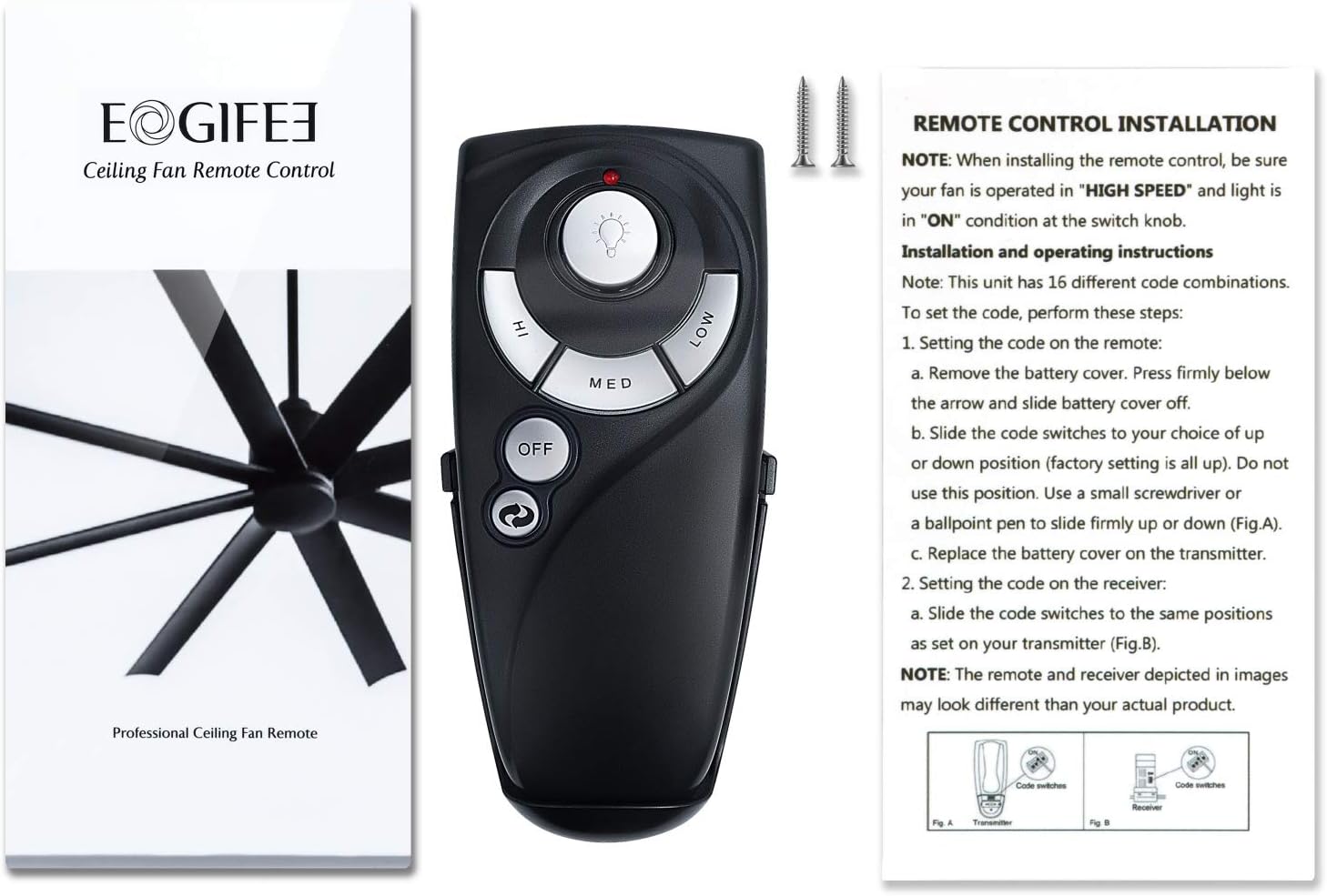
Image: The remote control alongside its instruction sheet, illustrating the dip switch configuration process.
3. Mgbidi Ugwu nwụnye
- Choose a convenient location on a wall for the remote holder.
- Use the provided screws to secure the wall mount holder to the wall.
- Place the remote control into the installed holder for easy access.
Ntuziaka ọrụ
Once the dip switches are matched and the battery is installed, your remote is ready for use.
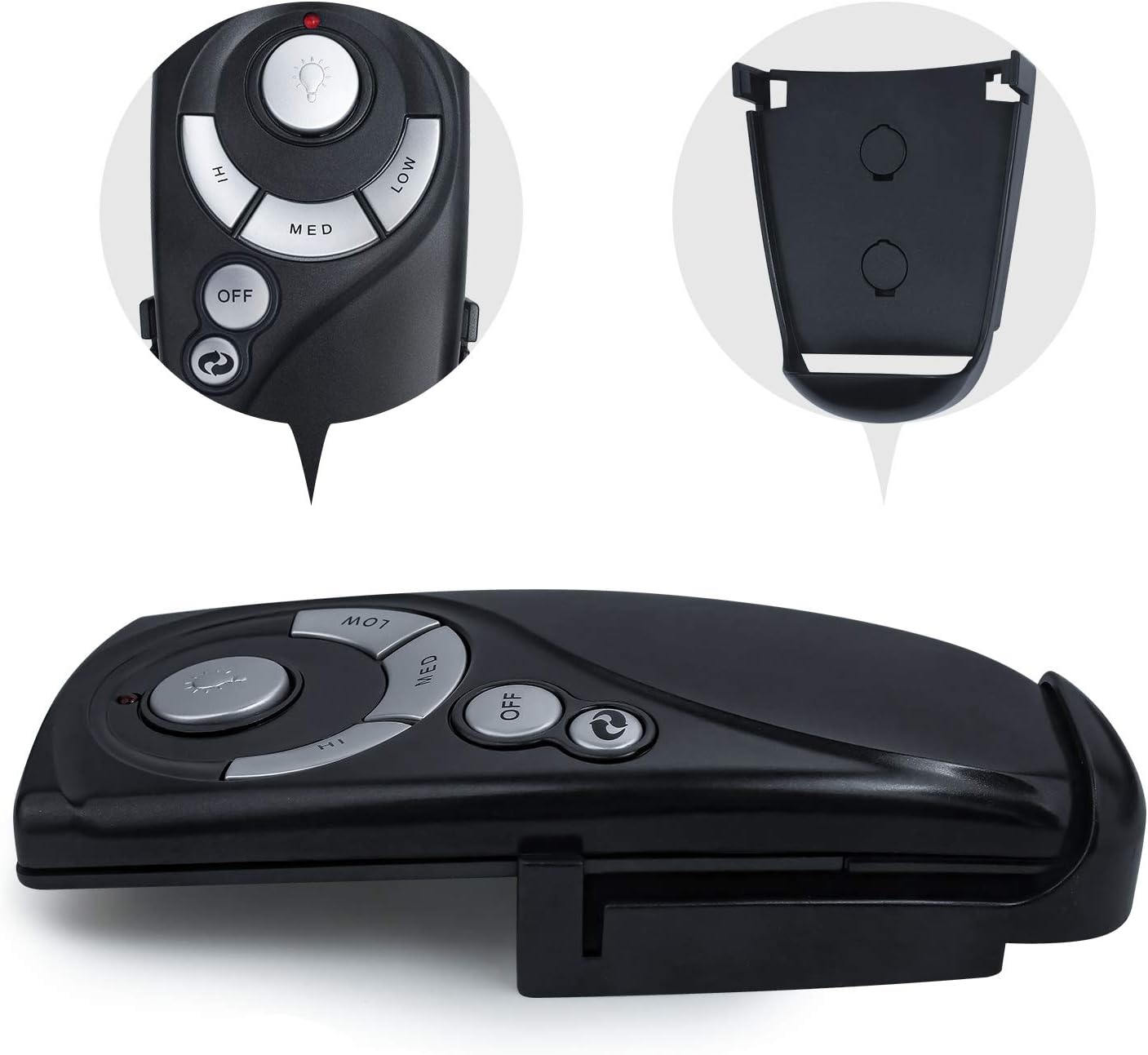
Foto: nkọwa zuru ezu view of the remote control's buttons for fan speed, light, and power.
Njikwa ọsọ fan:
- Press the "HI" button for high fan speed.
- Press the "MED" button for medium fan speed.
- Press the "LOW" button for low fan speed.
- Press the "OFF" button to turn the fan off.
Njikwa ọkụ:
- Pịa 💡 (light bulb) button to turn the light On or Off.
- If using incandescent bulbs, press and hold the 💡 button to dim or brighten the light.
- If using LED bulbs, the light button will only control On/Off functionality.
Laghachi azụ ọrụ:
- Pịa 🔁 (reverse) button to change the direction of the fan blades.
- This function is only active if your ceiling fan's receiver supports the reverse feature.
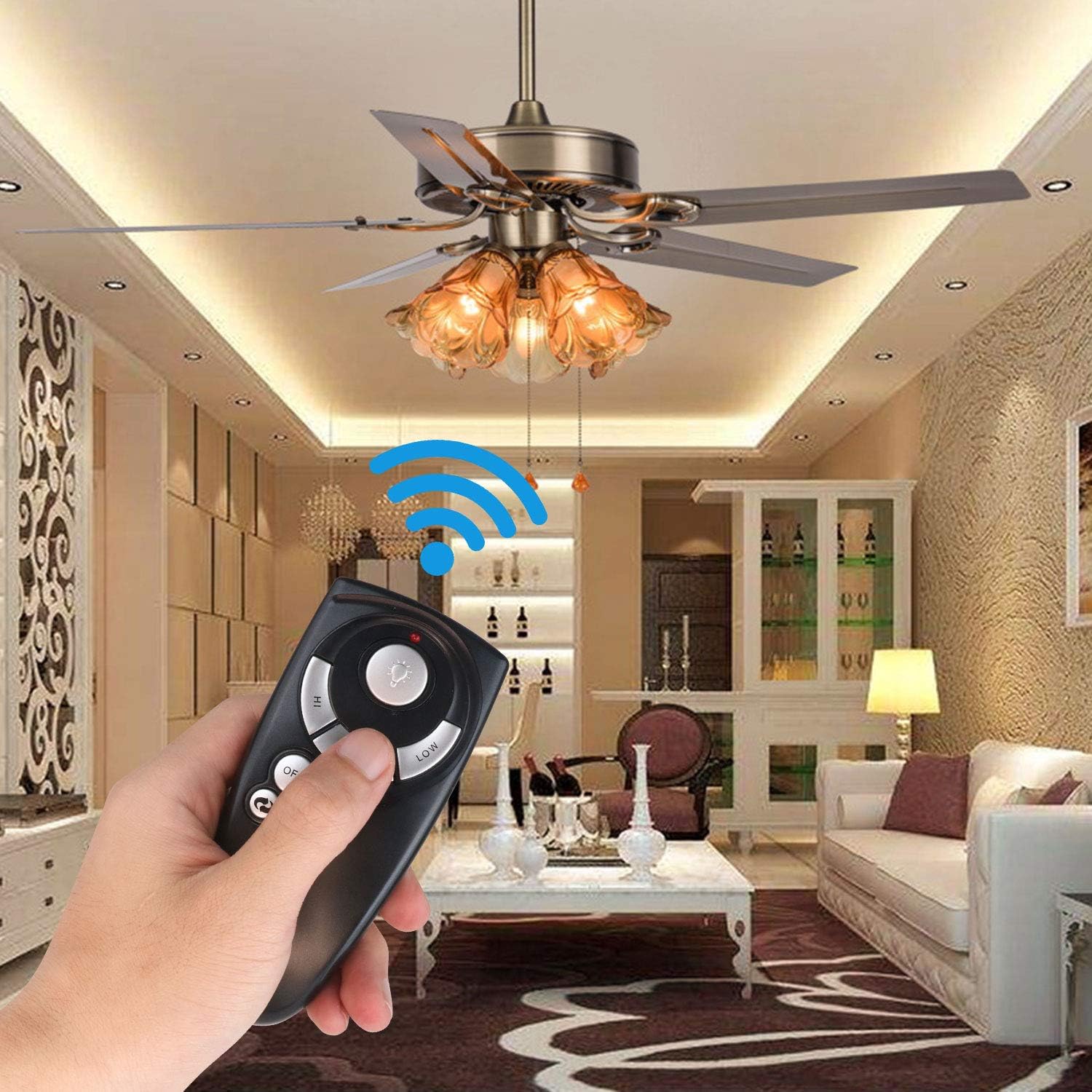
Image: A user demonstrating the remote control's functionality by operating a ceiling fan in a room.
Nchọpụta nsogbu
Ọ bụrụ na njikwa remote gị anaghị arụ ọrụ dịka a tụrụ anya ya, biko lee nsogbu na ngwọta ndị a na-ahụkarị:
- Remote anaghị aza:
- Check the battery: Ensure a fresh 12V "A23" battery is installed with correct polarity. If the indicator light stays on, the battery is low.
- Verify dip switches: Confirm that the 4 dip switches inside the remote's battery compartment precisely match the settings on your ceiling fan's receiver.
- Ensure fan power: Make sure the ceiling fan's wall switch (if applicable) is set to "ON" and the fan's pull chain (if any) is set to high speed, and the light pull chain is set to "ON".
- Ìhè na-adịghị ebelata:
- The dimming function only works with incandescent bulbs. If you are using LED bulbs, the light button will only turn the light On or Off.
- Reverse function not working:
- The reverse button will only work if your ceiling fan's receiver has the reverse function built-in.
Nkọwapụta
| Njirimara | Nkọwa |
|---|---|
| Nọmba nlereanya | UC7083T |
| Ụdị | Eogifee |
| Ibu Ibu | 3.38 ounces |
| Akụkụ ngwaahịa | 4 x 2 x 0.01 sentimita asatọ |
| Agba | Nwa |
| Isi Iyi Ike | 1 x 12V "A23" Battery (Not Included) |
| Atụmatụ pụrụ iche | Universal (for compatible models), 3-Speed Control, Light On/Off/Dim, Reverse Function |
| Ngwa dakọtara | Ceiling Fans with compatible receivers (Hampton Bay, Harbor Breeze UC7083T) |
| Teknụzụ Njikọta | Infrared |
Akwụkwọ ikike na nkwado
For warranty information or technical support, please contact Eogifee customer service directly. Details are typically provided with your purchase documentation or on the manufacturer's official websaịtị.


