Okwu mmalite
Thank you for choosing the Thomson WT040 Filter Coffee Machine. This appliance is designed to brew delicious filter coffee efficiently. With a 1.25-liter capacity, it can prepare 10 to 12 cups, making it suitable for both home and office use. This manual provides essential information for safe operation, proper setup, maintenance, and troubleshooting to ensure optimal performance and longevity of your coffee machine.
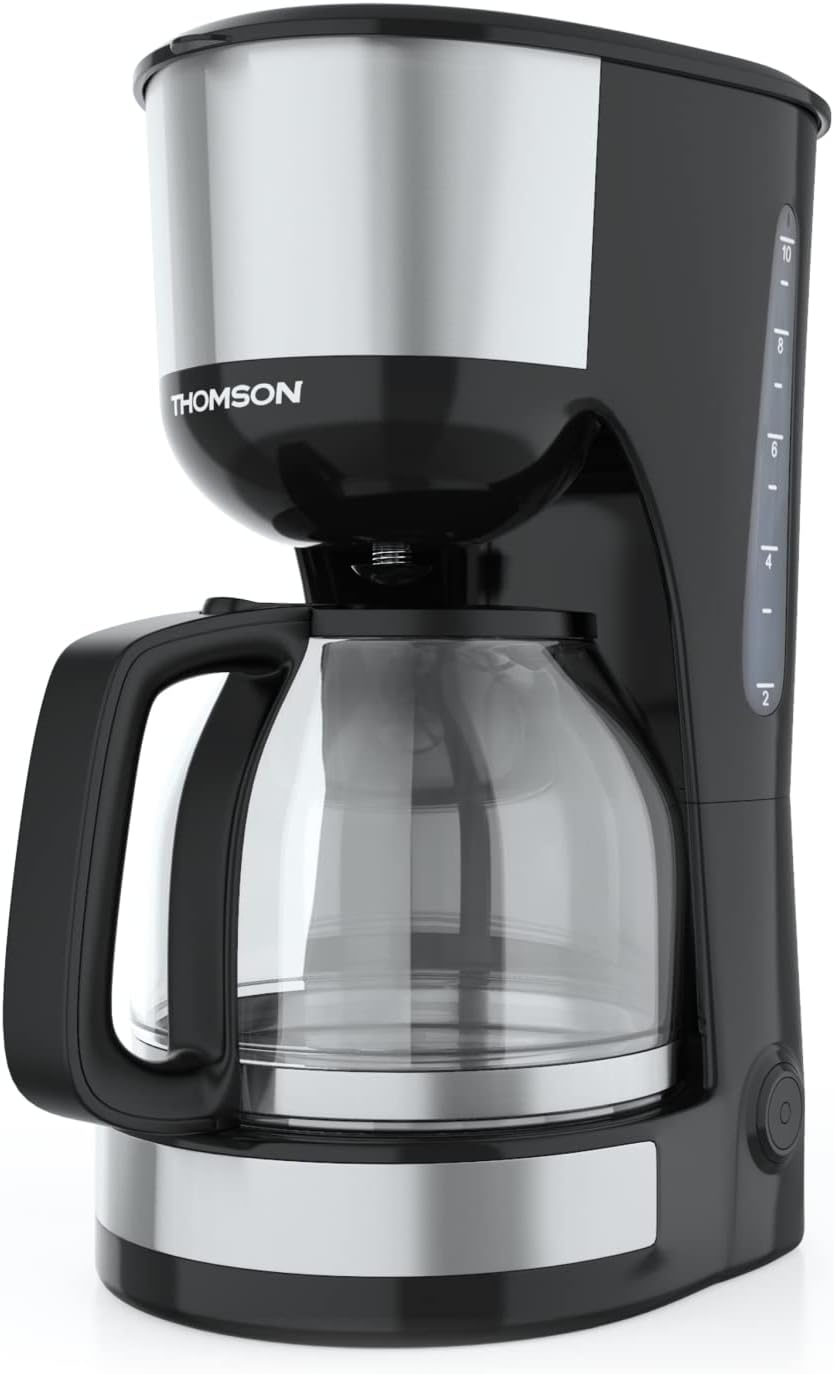
Foto: N'ihu view of the Thomson WT040 Filter Coffee Machine, showcasing its black and silver design with the glass carafe.
Ntuziaka nchekwa dị mkpa
Biko gụọ ntuziaka nchekwa niile nke ọma tupu i jiri ngwa ahụ. Ọdịda ịgbaso ntuziaka ndị a nwere ike ibute ujo ọkụ eletrik, ọkụ ma ọ bụ mmerụ ahụ dị egwu.
- Gbaa mbọ hụ na voltage gosiri na ngwa ngwa kwekọrọ na mains mpaghara gị voltage tupu ejikọta.
- Ejila ngwa, eriri ọkụ, ma ọ bụ nkwụnye na mmiri ma ọ bụ mmiri mmiri ọ bụla ọzọ.
- Kwapụ igwe kọfị ahụ mgbe niile site na ebe a na-etinye ọkụ eletrik tupu ị na-ehicha ya na mgbe a na-ejighị ya.
- Ejila ngwa ọ bụla nwere eriri ma ọ bụ plọg mebiri emebi rụọ ọrụ, ma ọ bụ mgbe ngwa ahụ dara ma ọ bụ mebie n'ụzọ ọ bụla.
- Debe ngwa a ebe ụmụaka na-agaghị eru ya aka. Ezubereghị ngwa a ka ndị mmadụ (gụnyere ụmụaka) nwere obere ikike anụ ahụ, mmetụta uche ma ọ bụ uche, ma ọ bụ enweghị ahụmịhe na ihe ọmụma, ma ọ gwụla ma onye na-ahụ maka nchekwa ha nyere ha nlekọta ma ọ bụ ntụziaka gbasara ojiji ngwa ahụ.
- Jiri ngwa a naanị maka ebumnuche ezinụlọ ya.
- Zere kọntaktị na elu ọkụ. Jiri aka ma ọ bụ mkpọ.
- Etinyela ngwa ahụ na ma ọ bụ nso gas na-ekpo ọkụ ma ọ bụ ọkụ eletrik, ma ọ bụ na oven ọkụ.
- Ekwela ka eriri ahụ kwụgidere na nsọtụ tebụl ma ọ bụ counter, ma ọ bụ metụ ebe dị ọkụ aka.
- Always ensure the carafe lid is securely in place during brewing.
- Do not open the filter basket cover during the brewing cycle.
Ngwa ngwaahịa
Familiarize yourself with the parts of your Thomson WT040 coffee machine:
- Tank mmiri nwere ihe ngosi ọkwa
- Mkpuchi
- Nzacha nzacha
- Filter na-adịgide adịgide
- Glass Carafe na Aka
- Efere kpo oku
- Gbanyụọ/ Gbanyụọ na ọkụ ihe ngosi
- Sistemụ mgbochi ntapu

Image: Close-up of the water tank with a transparent fill scale, indicating water levels for brewing.
Melite
- Iwepu: Carefully remove the coffee machine from its packaging. Retain the packaging for future transport or storage. Remove all protective films and stickers.
- Nhicha izizi: Before first use, clean all removable parts (glass carafe, permanent filter, filter basket) with warm soapy water. Rinse thoroughly and dry. Wipe the exterior of the appliance with a damp akwa .
- Usoro Brew mbụ (na-enweghị kọfị): Fill the water tank to the maximum level with fresh cold water. Place the empty permanent filter in the filter basket and close the lid. Place the empty glass carafe on the heating plate. Plug the appliance into a suitable power outlet and press the On/Off switch. Allow the full cycle to complete. Discard the water. Repeat this process 2-3 times to clean the internal components.
- Nkwanye: Place the coffee machine on a stable, flat, heat-resistant surface, away from the edge of the countertop and out of reach of children. Ensure there is adequate ventilation around the appliance.
Ntuziaka ọrụ
- Jupụta tank mmiri: Open the lid and fill the water tank with fresh, cold water up to the desired number of cups indicated on the water level indicator. Do not exceed the "MAX" mark.
- Tinye ebe kọfị: Place the permanent filter into the filter basket. Add the desired amount of ground coffee into the permanent filter. A general guideline is one level tablespoon of coffee per cup (150ml), but adjust to your taste.
- Ọnọdụ Carafe: Ensure the glass carafe is placed correctly on the heating plate. The anti-drip system will prevent coffee from dripping when the carafe is removed during brewing, but it is recommended to keep the carafe in place until brewing is complete.
- Malite ime ime: Close the lid securely. Plug the power cord into a wall outlet. Press the On/Off switch. The indicator light will illuminate, and brewing will begin.
- Ọrụ Na-ekpo ọkụ: After brewing is complete, the coffee machine will automatically switch to a keep-warm function for approximately 40 minutes. The heating plate will keep the coffee at an optimal serving temperature.
- Na-efe kọfị: Carefully remove the carafe from the heating plate to pour coffee. The anti-drip system will temporarily stop the flow of coffee.
- Gbanyụọ: After serving or when the keep-warm cycle is finished, press the On/Off switch to turn off the appliance and unplug it from the power outlet.
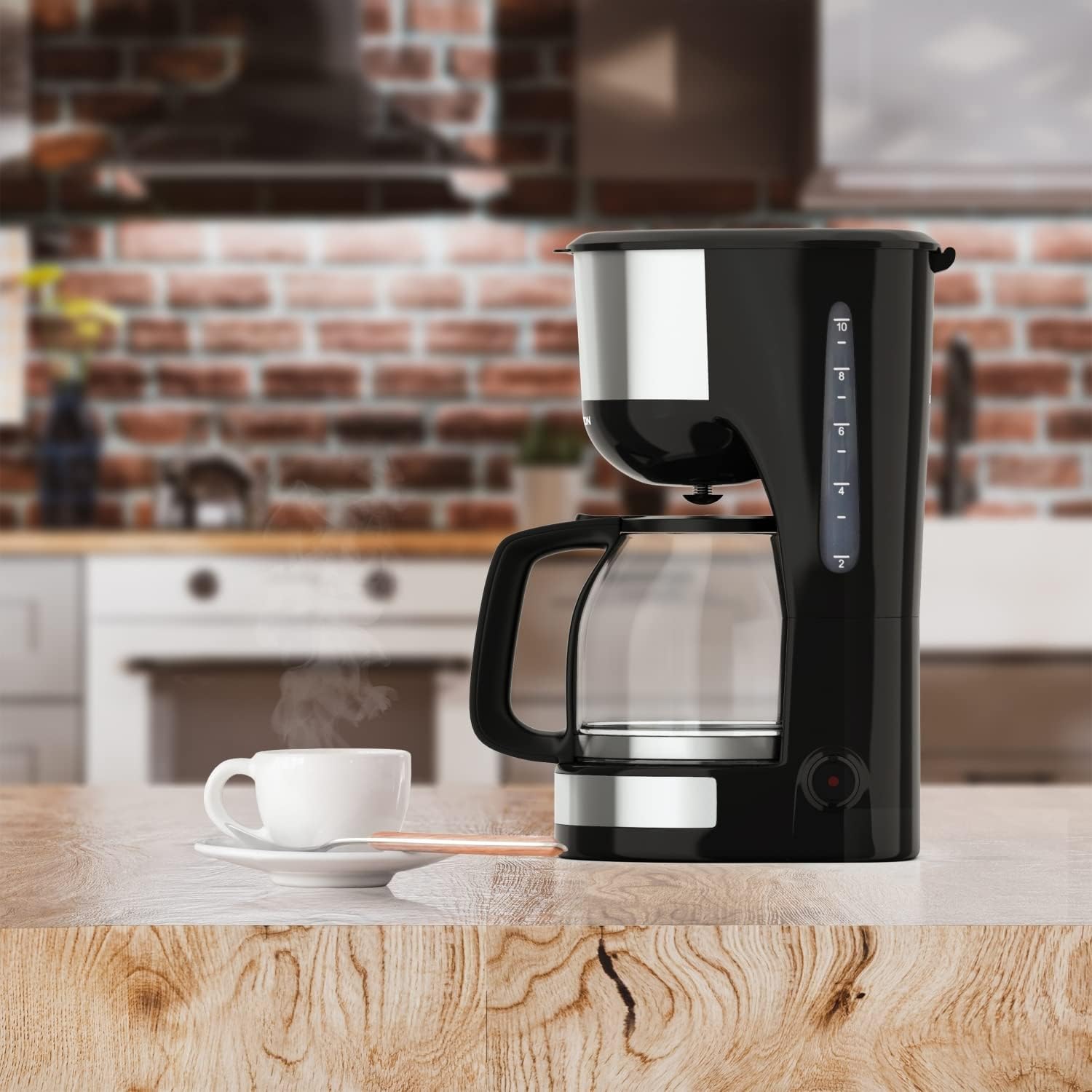
Image: The Thomson WT040 coffee machine in a kitchen, actively brewing coffee into the glass carafe.
Nlekọta na nhicha
Regular cleaning ensures optimal performance and extends the lifespan of your coffee machine. Always unplug the appliance and allow it to cool completely before cleaning.
- Permanent Filter and Filter Basket: After each use, remove the permanent filter and filter basket. Discard used coffee grounds. Rinse both thoroughly under running water. They can also be washed in warm soapy water.
- Glass Carafe: Wash the glass carafe and its lid with warm soapy water after each use. Rinse well. The carafe is generally dishwasher safe, but hand washing is recommended for longevity.
- Mputa: Jiri ihe dị nro, d hichaa elu mpụta nke igwe kọfị ahụ.amp akwa . Ejila ihe nchacha abrasive ma ọ bụ ihe nkpuchi, n'ihi na ha nwere ike ịcha elu.
- Efere kpo oku: Jiri mgbasa ozi hichaa efere kpo okuamp cloth. If coffee has dripped onto it, clean immediately to prevent staining and burning.
- Ebelata: Depending on water hardness and frequency of use, mineral deposits (limescale) can build up. Descale your coffee machine every 2-4 months.
- Fill the water tank with a descaling solution (e.g., white vinegar and water in a 1:2 ratio, or a commercial descaling agent following its instructions).
- Tinye carafe efu na efere ọkụ.
- Run a brewing cycle. After about half the solution has brewed through, turn off the machine and let it stand for 15-20 minutes to allow the solution to work.
- Tụgharịa igwe ahụ ọzọ ma hapụ ihe fọdụrụ ka ọ mịchaa.
- Discard the solution and rinse the carafe and filter.
- Run 2-3 cycles with fresh, clean water to flush out any residual descaling solution.

Foto: nso nso view of the permanent filter, designed to eliminate the need for paper filters.
Nchọpụta nsogbu
| Nsogbu | Ihe nwere ike ime | Ngwọta |
|---|---|---|
| Kọfị anaghị apụta. | Appliance not plugged in; On/Off switch not pressed; No water in tank. | Ensure plug is securely in outlet; Press On/Off switch; Fill water tank. |
| Kọfị adịghị ike ma ọ bụ sie ike nke ukwuu. | Incorrect coffee-to-water ratio; Coffee grind too coarse/fine. | Adjust amount of coffee grounds; Use medium grind coffee. |
| Mmiri na-esi na nkata nzacha apụta. | Oke ihe e ji kọfị mee; A kpọchiri nzacha; A naghị etinye karafe nke ọma. | Reduce coffee grounds; Clean permanent filter; Ensure carafe is centered on heating plate. |
| Kọfị na-atọ ụtọ. | Appliance needs cleaning/descaling; Stale coffee; Poor water quality. | Clean and descale the machine; Use fresh coffee beans; Use filtered water. |
| Machine makes loud noises. | Normal during heating/pumping; Limescale buildup. | Some noise is normal. If excessive, descale the machine. |
Nkọwapụta
- Akara: Thomson
- Nọmba nlereanya: WT040
- Agba: Nwa/ọlaọcha
- Akụkụ (L x W x H): 22 x 16 x 29.5 cm
- Arọ: 1.3 kilogram
- Ike: 1.25 Liters (approx. 10-12 cups)
- Ike: 1000 Watt
- Voltage: 240 volts
- Ihe: Glass (carafe), Plastic, Metal
- Njirimara Pụrụ Iche: Permanent Filter, Anti-Drip System, Keep-Warm Function (40 minutes)

Image: Visual representation of the coffee machine's dimensions (18cm width, 23cm depth, 30cm height), power (1000 Watts), and keep-warm duration (40 minutes).
Akwụkwọ ikike na nkwado
Information regarding specific warranty terms and conditions for the Thomson WT040 Filter Coffee Machine is not provided in the product details. For warranty claims or technical support, please refer to the documentation included with your purchase or contact Thomson customer service directly through their official websaịtị ma ọ bụ ndị na-ere ahịa ikike.
Na-edebe ihe akaebe ịzụrụ ihe gị mgbe niile maka ajụjụ ọ bụla metụtara akwụkwọ ikike.


