Okwu mmalite
This manual provides detailed instructions for the setup, operation, and maintenance of your Blink Outdoor (3rd Gen) 2 Camera System. The Blink Outdoor camera is a wireless, battery-powered, weather-resistant HD security camera designed to help you monitor your home day and night. It features infrared night vision, motion detection, and two-way audio communication. The system is designed for easy installation and integration with smart home ecosystems.
Ntuziaka nhazi
Kedu ihe gụnyere
- Two Blink Outdoor cameras
- Otu Modul mmekọrịta 2
- Four 1.5V non-rechargeable AA lithium metal batteries (two per camera)
- Two mounting kits (one per camera)
- eriri USB
- Ihe nkwụnye ọkụ
Achọrọ Sistemụ
- Always-on high-speed internet connection (broadband, fiber, or DSL)
- 2.4 GHz 802.11b/g/n Wi-Fi network
- Smartphone with iOS 15.0, Android 9.0, or Fire 9.0 or newer
- Blink Home Monitor app
Nzọụkwụ Nwụnye
- Download the Blink Home Monitor App: Install the Blink Home Monitor app on your compatible smartphone or tablet.
- Fanye batrị: Open each Blink Outdoor camera and insert the two included AA lithium batteries.
- Connect Sync Module 2: Plug the Sync Module 2 into a power outlet and connect it to your 2.4 GHz Wi-Fi network using the Blink Home Monitor app.
- Add Cameras: Follow the in-app instructions to add each Blink Outdoor camera to your Sync Module 2. This process may take a few moments for the system to detect each camera.
- Kpọọ Igwefoto: Securely mount your cameras in desired outdoor locations using the provided mounting kits. Ensure the cameras are within range of your Sync Module 2 and Wi-Fi network. No professional installation or wiring is required.

Blink Outdoor camera, designed for outdoor use with two-year battery life, day & night HD view, and two-way audio.
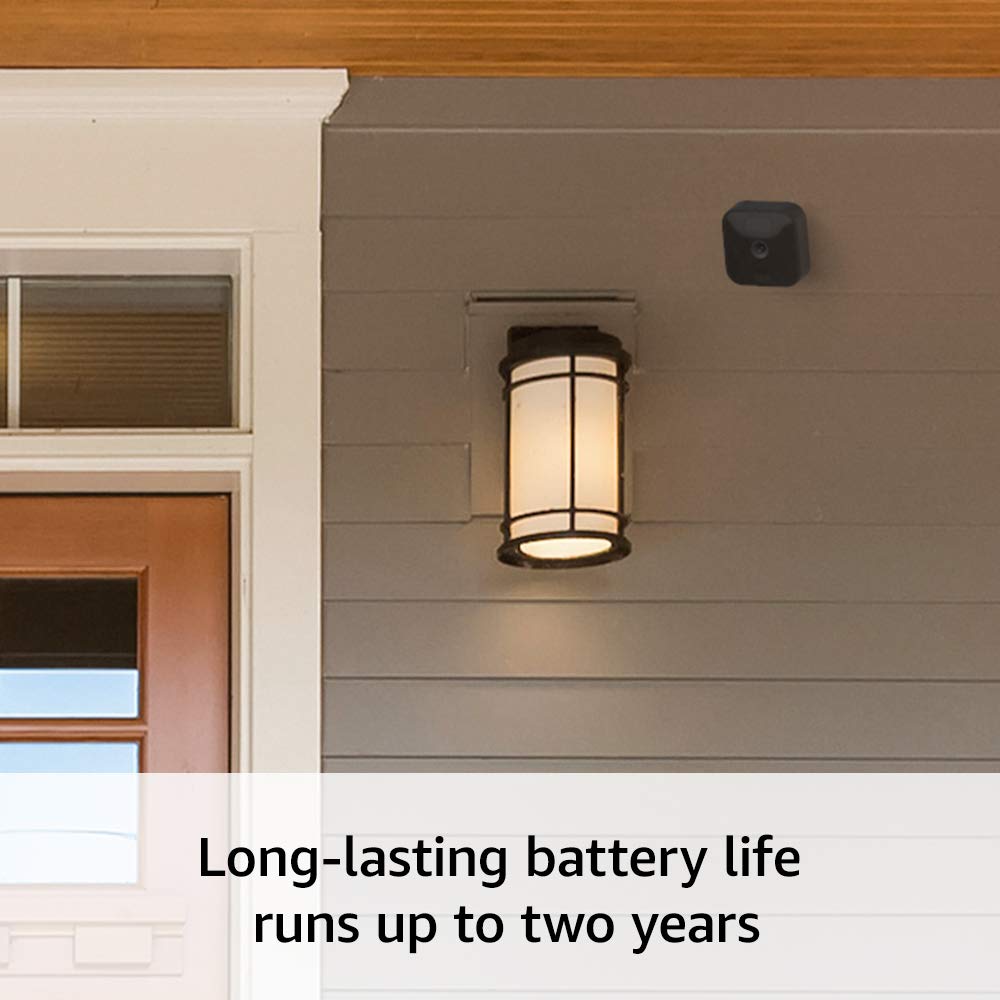
The Blink Outdoor camera mounted on a home, illustrating its long-lasting battery life of up to two years.
Operating Your Blink Outdoor System
Dị ndụ View na Audio-ụzọ Abụọ
Access live video feeds from your cameras at any time through the Blink Home Monitor app. The integrated two-way audio feature allows you to speak to and hear visitors in real-time directly from your smartphone, whether you are home or away.
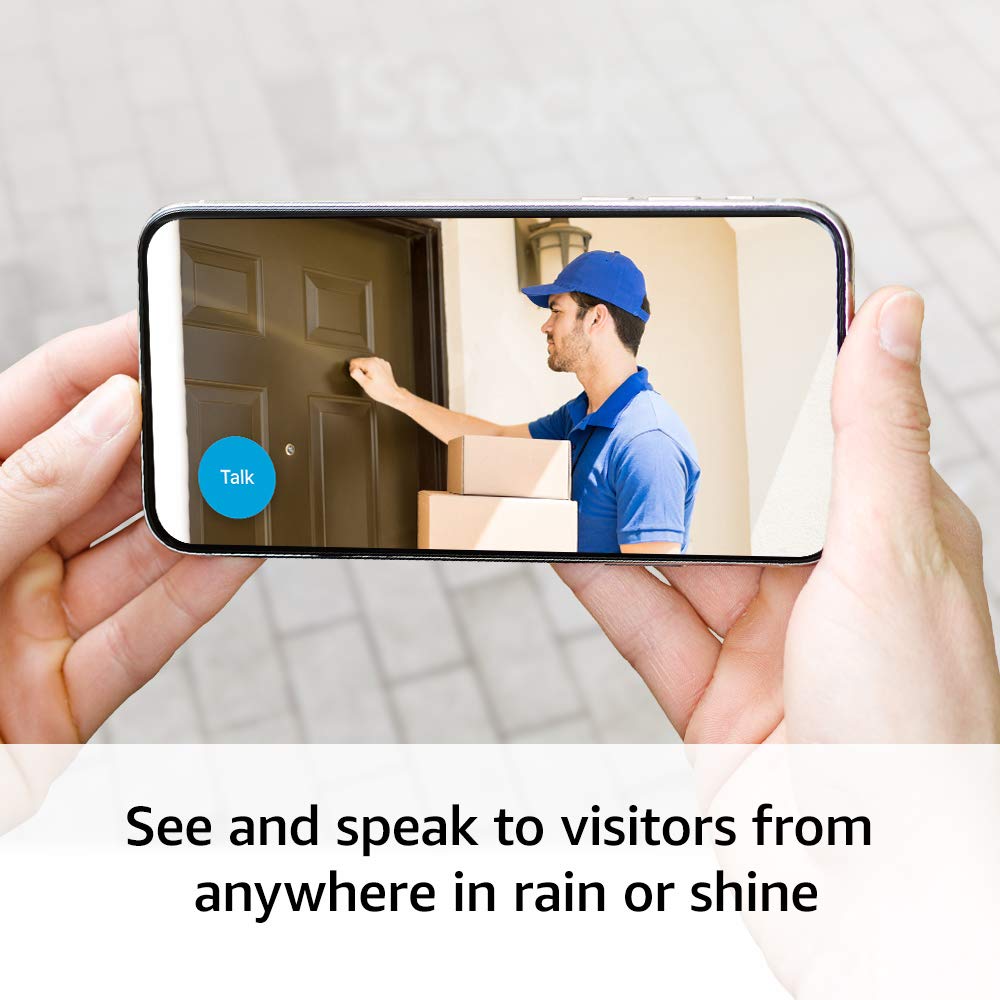
See and speak to visitors from anywhere using the Blink app's two-way audio feature.
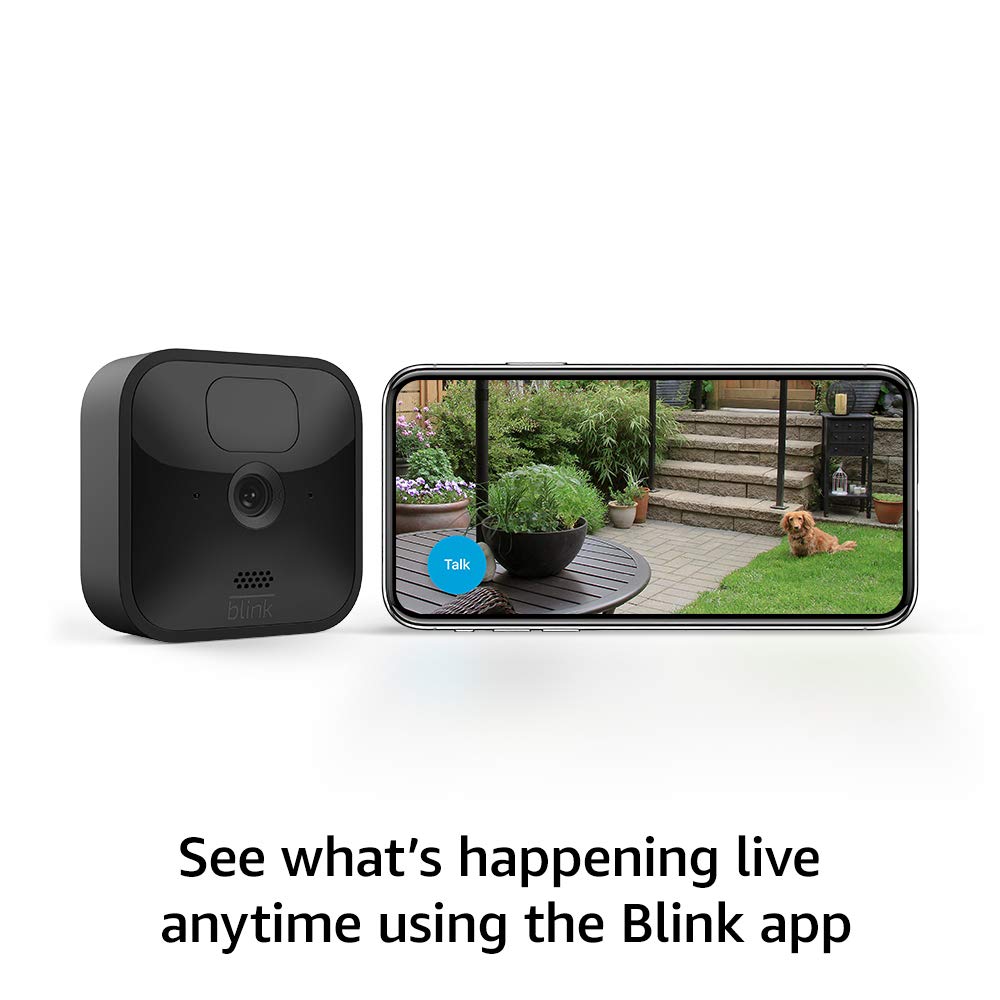
Monitor your property live anytime using the Blink app on your smartphone.
Nchọpụta ngagharị
The Blink Outdoor cameras are equipped with motion detection capabilities. You will receive alerts on your phone when motion is detected. You can customize motion zones within the Blink Home Monitor app to specify areas where you want to receive alerts, reducing unnecessary notifications from common traffic or environmental factors.
Ọhụụ abalị
The cameras provide infrared HD night vision, allowing you to monitor your property effectively even in low-light or dark conditions.
Ngwakọta Alexa
The Blink Outdoor system works with Alexa-enabled devices. You can use voice commands to monitor your home, view live feeds, and receive alerts through supported Alexa devices.

The Blink Outdoor camera integrates with Alexa, allowing voice commands to view live feeds on compatible devices.
Nlekọta
Ngbanwe batrị
Each Blink Outdoor camera operates on two 1.5V AA lithium metal batteries (non-rechargeable) and offers a battery life of up to two years under typical usage conditions. Battery life can vary based on device settings, usage frequency, and environmental factors. When the battery level is low, you will receive a notification through the Blink Home Monitor app. To replace batteries, carefully open the camera casing and insert new AA lithium batteries, ensuring correct polarity.
Nguzogide ihu igwe
The Blink Outdoor camera is designed to be weather-resistant, allowing it to withstand various outdoor elements. Ensure the camera casing is properly sealed after any maintenance to maintain its weather-resistant properties.
Ịchọpụta nsogbu ndị a na-ahụkarị
Sync Module Connection Issues
If your Sync Module 2 fails to connect:
- Verify Wi-Fi: Ensure your Wi-Fi network is 2.4 GHz (802.11b/g/n). The Sync Module does not support 5 GHz networks.
- nso: Place the Sync Module and your router within close proximity during setup.
- Malitegharịa ngwaọrụ: Try unplugging and restarting your Sync Module, Wi-Fi router, and smartphone.
- App Reinstallation: Uninstall and reinstall the Blink Home Monitor app.
- Mmanya netwọkụ: Temporarily disable VPNs or security software on your network during setup, if applicable.
Okwu Ogo ọdịyo
Users may experience lag or intermittent audio during two-way communication:
- Nkwụsi ike netwọk: Ensure a strong and stable Wi-Fi connection for both the camera and your smartphone.
- Kwuo nke ọma: Allow a brief pause after speaking before expecting a response to minimize overlap.
- Ike mgbaama: Check the camera's signal strength in the app; poor signal can affect audio.
Mmetụta Nchọpụta Motion
If you are receiving too many or too few motion alerts:
- Gbanwee mmetụta: Use the Blink Home Monitor app to adjust the motion detection sensitivity settings for each camera.
- Customize Motion Zones: Define specific areas within the camera's field of view to ignore or focus on motion, such as blocking out busy roads or swaying trees.
Nkọwapụta ngwaahịa
- Ubi nke view: 110° diagonal
- Mkpebi vidiyo: Dekọọ na view in 1080p HD video during the day and with infrared HD night vision after dark.
- Mkpebi foto: View captured images in 640 x 360 nHD
- Camera frame rate: Ruo 30fps
- Nha: 71 x 71 x 31 mm
- Arọ: 48 grams
- CPU: Immedia Proprietary – AC1002B, 4 cores / 200 MHz
- Ike: Camera battery: 2 AA 1.5V lithium metal (non-rechargeable) batteries. Sync Module 2 power: 100-220V AC to 5V DC converter included. Battery life of up to 2 years, based on 5,882 seconds of live view, 43,200 seconds of motion-activated recording and 4,788 seconds of two-way talk. Battery life will vary based on device settings, use, and environmental factors.
- Ihe achọrọ: Always-on high-speed internet connection (such as broadband, fiber, or DSL). Wifi network: 2.4 GHz 802.11b/g/n.
- Njikọ: Ihe nkwụnye ọkụ
- Agba dị: Nwa
- Minimum smartphone requirements: iOS 15.0, Android 9.0, or Fire 9.0
- Blink app: Nlebanya ụlọ kpuchiri anya
- Audio: Speaker output and 2-way audio recording.
- Ọkụ: 1 blue LED to help you know when it’s active (optional). 1 red LED when recording in night vision.
- Ọgbọ: Ọgbọ nke atọ
- Ọnọdụ okpomọkụ na-arụ ọrụ: -4 ruo 113°F
Ozi akwụkwọ ikike
The Blink Outdoor (3rd Gen) system includes a 1-year limited warranty and service. Use of Blink cameras is subject to the terms found on the official Blink websaịtị.
Nkwado na akụrụngwa
For additional information, detailed guides, and customer support, please refer to the following resources:
- Blink Outdoor Support Page: Pịa ebe a ka view more information on the Blink Outdoor support page.
- Ntuziaka nhazi: Click here to see the setup guide.
- Mmelite Nchekwa Ngwanrọ: Learn more about software security updates on the official Blink websaịtị.


