1. Okwu mmalite
The Easy@Home Fingertip Pulse Oximeter EHP035 is designed for non-invasive spot-check measurement of functional oxygen saturation of arterial hemoglobin (SpO2) and pulse rate. This device is intended for sports and aviation use only and is not for medical diagnosis or treatment. It provides quick and accurate readings, making it suitable for individuals who need to monitor their oxygen levels and heart rate during activities such as climbing, hiking, or cycling.

Image: The Easy@Home Fingertip Pulse Oximeter EHP035, a compact white device with an OLED display showing SpO2 and pulse rate readings.

Image: A banner displaying the Easy@Home Fingertip Pulse Oximeter with text "Monitor Your Health at Your Fingertips".
2. Ozi nchekwa
Ihe ndetu dị mkpa: This oximeter is for sports or aviation use only and is NOT intended for medical use. It is not a medical device and should not be used for diagnosis or treatment of any medical condition. Consult a healthcare professional for any health concerns.
- Keep the device away from young children.
- Ejila oximeter na mpaghara MRI ma ọ bụ CT.
- Do not use the oximeter in situations requiring sterile conditions.
- Avoid using the device on the same finger for extended periods to prevent discomfort or injury.
- Ensure the finger is clean and dry before use.
3. Ihe ngwugwu
Mgbe ebupuchara, biko chọpụta na ihe niile edepụtara n'okpuru dị ugbu a na enweghị mmebi:
- One Easy@Home Fingertip Pulse Oximeter (EHP035)
- One Lanyard
- Otu ngwugwu na-ebu
- Batrị AAA abụọ
- Akwụkwọ ntuziaka (akwụkwọ a)

Image: The pulse oximeter with its carrying case and lanyard, highlighting its portability.
4. Akụrụngwa Ngwaahịa
The Easy@Home EHP035 Pulse Oximeter offers several key features for effective monitoring:
- Ezi na ntụkwasị obi: Measures Heart Rate, SpO2, and Pulse Intensity within 8 seconds. Displays readings in waveforms (plethysmograph) and numbers, along with a bar graph for visual indication.
- Ọ dị mfe iji: Ọrụ otu bọtịnụ dị mfe.
- Multi-Direction and Multi-Mode Display: Features a bright OLED display that shows readings in four directions and seven display modes.
- Icha ọkụ nwere ike ịgbanwe: Ten brightness levels available.
- Oriri ike dị ala: Operates continuously for over 24 hours on two AAA batteries. Automatic power-off after 8 seconds of non-use.
Image: A close-up of the oximeter's OLED display, pointing out the Pulse Bar, Battery Low Indication, and Perfusion Index.


Image: Icons representing Oxygen Saturation (SpO2), Pulse Rate (PR), and Perfusion Index (PI), which are key measurements provided by the device.
5. Ntọlite: Ntinye batrị
Before first use, install the two AAA batteries provided:
- Chọta mkpuchi nke batrị n'azụ ngwaọrụ.
- Mịpụ mkpuchi ahụ n'akụkụ akụ ahụ gosiri.
- Insert the two AAA batteries, ensuring the positive (+) and negative (-) terminals match the diagrams inside the compartment.
- Replace the battery compartment cover by sliding it back until it clicks into place.
Ngwa a adịla njikere maka ojiji.
6. Ntuziaka ọrụ
Soro usoro ndị a iji tụọ nha:
- Step 1: Open and Insert Finger
Open the clip of the pulse oximeter and insert one of your fingers (preferably the index, middle, or ring finger) into the rubber opening. Ensure your finger is fully inserted and resting on the sensor.

Image: A hand demonstrating how to open the oximeter clip and insert a finger.
- Step 2: Press ON Button
Press the "ON" button located on the front of the device. The OLED display will activate.
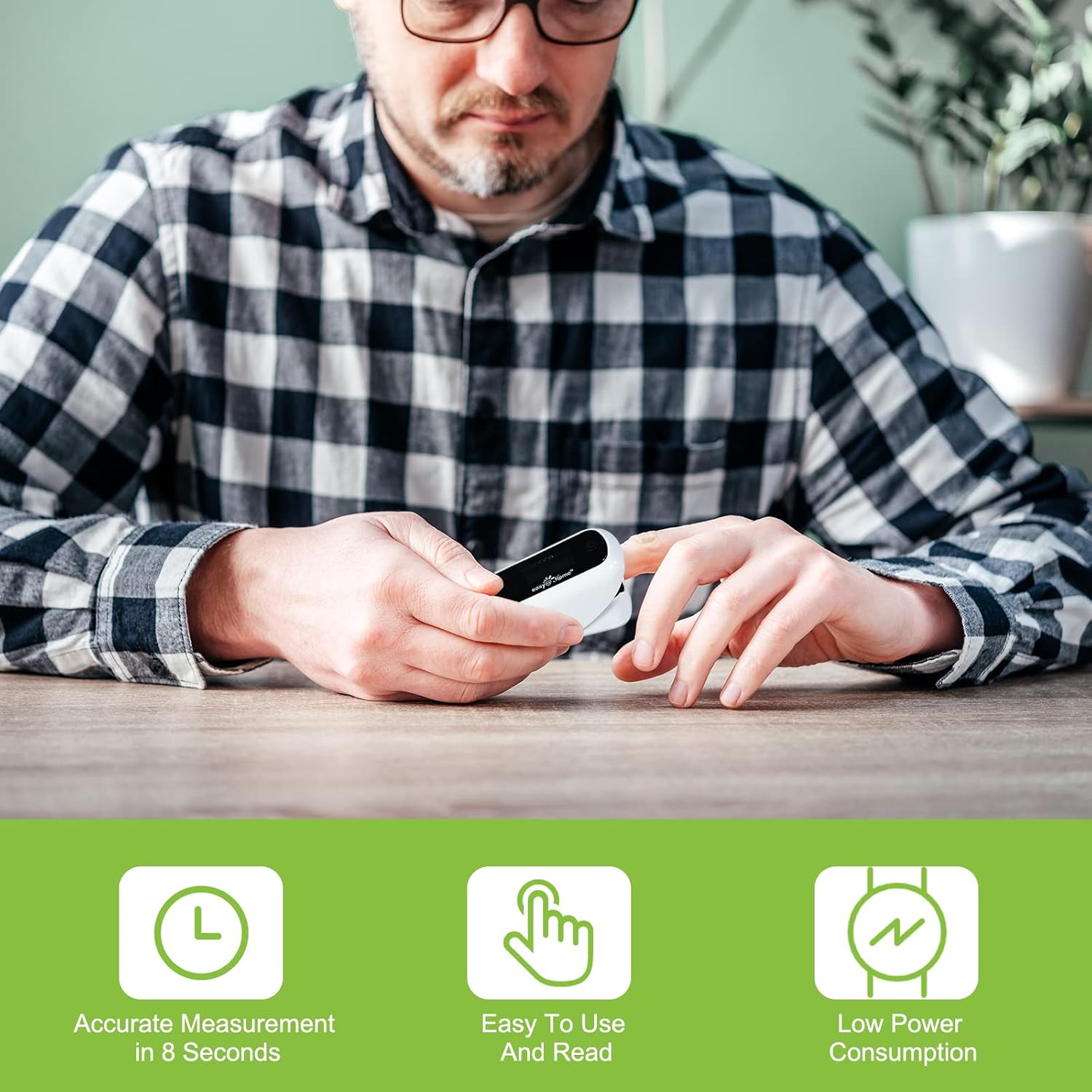
Image: A person using the oximeter, illustrating its ease of use and quick measurement.
- Step 3: Remain Still and Read Results
Keep your hand and finger still during the measurement process. The device will automatically begin measuring. After a few seconds (typically within 8 seconds), your SpO2 and pulse rate readings will be displayed on the screen.
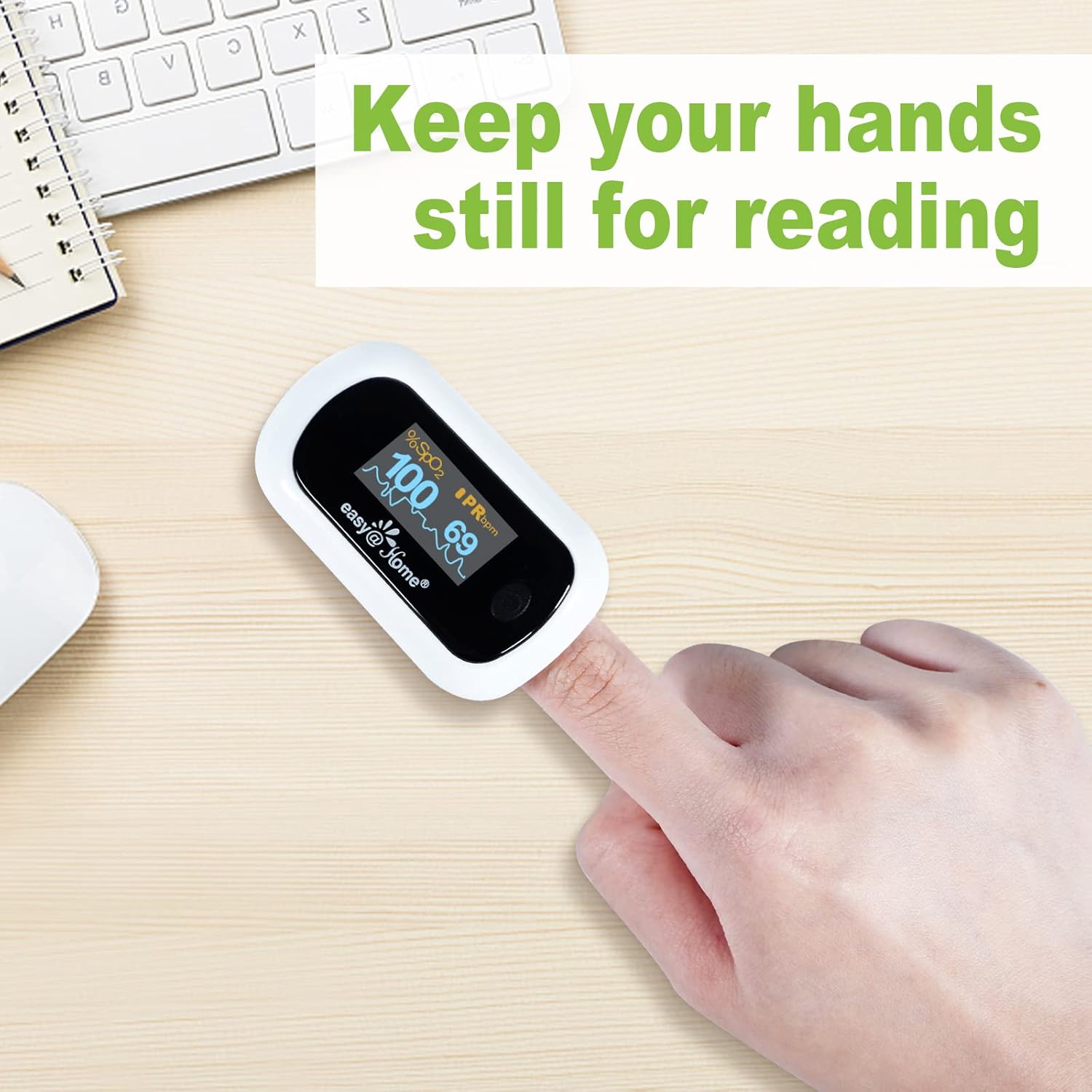
Image: A hand with the oximeter on a finger, emphasizing the need to remain still for accurate readings.
The device will automatically power off after 8 seconds of non-use to conserve battery life.
7. Ngosipụta Ntọala
The EHP035 features a rotatable OLED display with multiple viewing modes and adjustable brightness:
- Changing Display Direction: The display automatically rotates to show readings in four directions, adapting to your viewmmasị.
- Ụdị ngosi na-agbanwe: The device offers seven display modes. Briefly press the power button while the device is on to cycle through these modes.
- Na-edozi ihie: Hold down the power button for a longer duration (approximately 1-2 seconds) to access and adjust the 10 available brightness levels. Release the button when the desired brightness is reached.


Image: Illustrations showing the multi-directional display feature and the adjustable brightness levels of the OLED screen.
8. Mmezi na Nchekwa
- Nhicha: Wipe the surface of the oximeter with a soft cloth dampened with medical alcohol (75% ethanol) before and after each use. Do not immerse the device in water or other cleaning solutions.
- Nchekwa: Store the device in a cool, dry place, away from direct sunlight, extreme temperatures, and humidity. If the device will not be used for an extended period, remove the batteries to prevent leakage.
- Ngbanwe batrị: Dochie batrị mgbe ihe ngosi batrị dị ala pụtara na ngosipụta ahụ.
9. Nchọpụta nsogbu
| Nsogbu | Ihe nwere ike ime | Ngwọta |
|---|---|---|
| No display after pressing ON button | Batrị anwụọla ma ọ bụ etinyeghị ya nke ọma. | Check battery orientation (+/-). Replace with new batteries. |
| SpO2 or PR values are unstable | Finger not inserted properly; patient movement; weak pulse. | Reinsert finger correctly. Remain still during measurement. Try a different finger. |
| "Finger Out" or "Error" message | Finger not detected or sensor obstruction. | Ensure finger is fully inserted and clean. Avoid nail polish or artificial nails. |
| Ngosipụta adịghị | Ntọala ìhè dị ala. | Adjust brightness by holding down the power button. |
10. Nkọwapụta
- Ụdị: EHP035
- Measuring Range SpO2: 35% ~ 100%
- Measuring Range PR: 25 BPM ~250 BPM
- Oriri ike: Low, automatic power-off
- Ndụ batrị: Ihe dị ka awa 24 nke iji na-aga n'ihu
- Isi mmalite ike: 2 x AAA batrị
- Ibu ihe: 3.2 ounces
- Akụkụ ngwugwu: 3.74 x 2.56 x 2.05 sentimita asatọ
- Agba: Ọcha
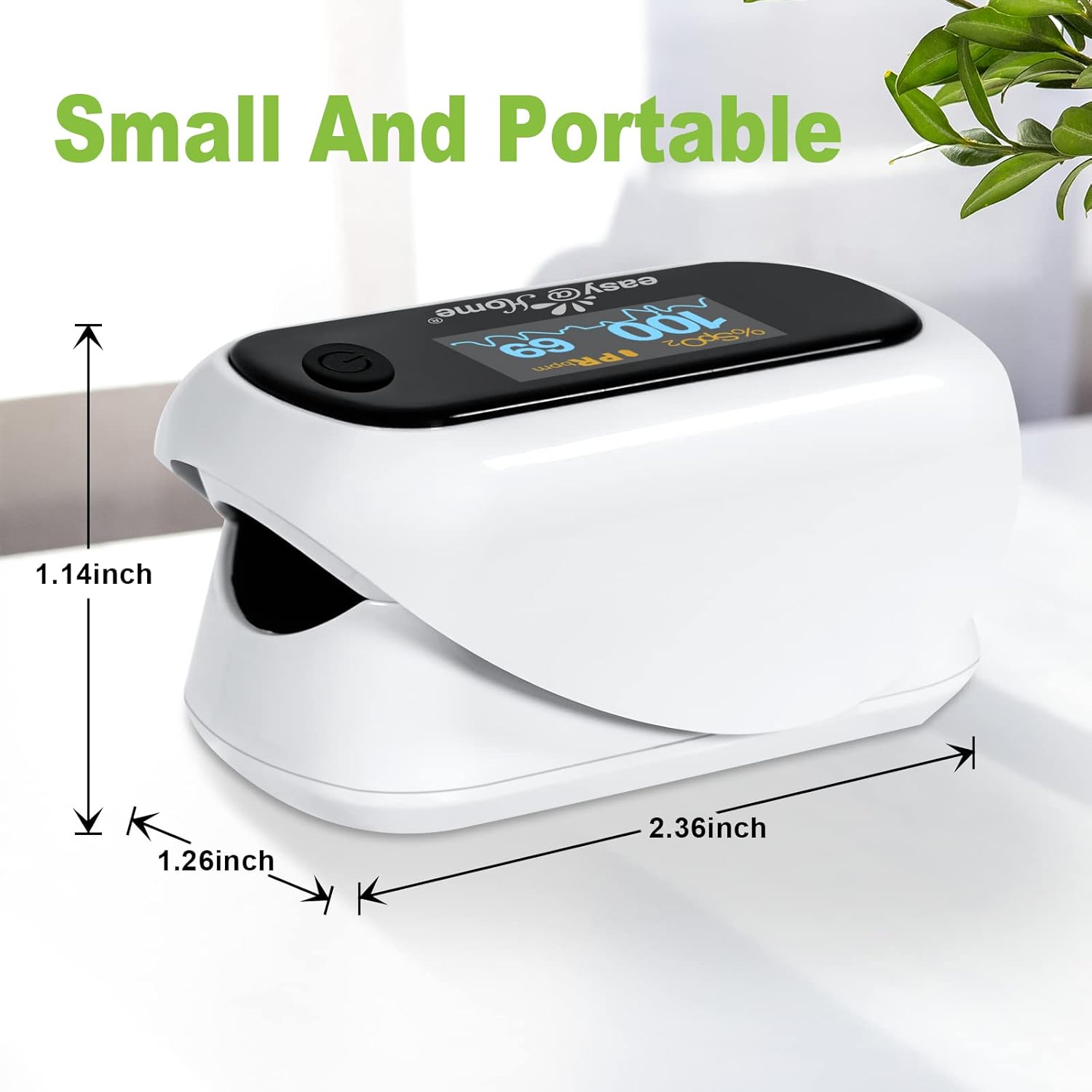
Image: The Easy@Home Fingertip Pulse Oximeter with its dimensions (1.14 inches height, 1.26 inches width, 2.36 inches length) indicated.
11. Akwụkwọ ikike na nkwado
Easy@Home provides US technical telephone support for this product. For assistance, please refer to the contact information provided with your purchase or visit the official Easy@Home website. Specific warranty details may vary; please retain your proof of purchase for warranty claims.
Maka ozi ndị ọzọ ma ọ bụ nkwado, biko gaa na Easy@Home Store.


