1. Ngwaahịa gafereview
The BoomPods BOOMBUDS XR are wireless in-ear earphones designed for active lifestyles. They feature Bluetooth 5.0 connectivity for stable audio transmission and an IPX7 waterproof rating, making them suitable for various environments including workouts and outdoor activities. The earbuds are engineered for a secure and comfortable fit, and offer customizable sound profiles.

Foto 1.1: BoomPods BOOMBUDS XR Earbuds and Charging Case. The image displays the black earbuds and their compact charging case, highlighting their sleek design.
2. Kedu ihe dị na Igbe ahụ
Upon unboxing your BoomPods BOOMBUDS XR, verify that all the following components are included:
- BoomPods BOOMBUDS XR in-ear earphones (Left and Right)
- Nchaji ikpe
- Igwe nchaji USB Micro
- Spare ear cups (multiple sizes for optimal fit)
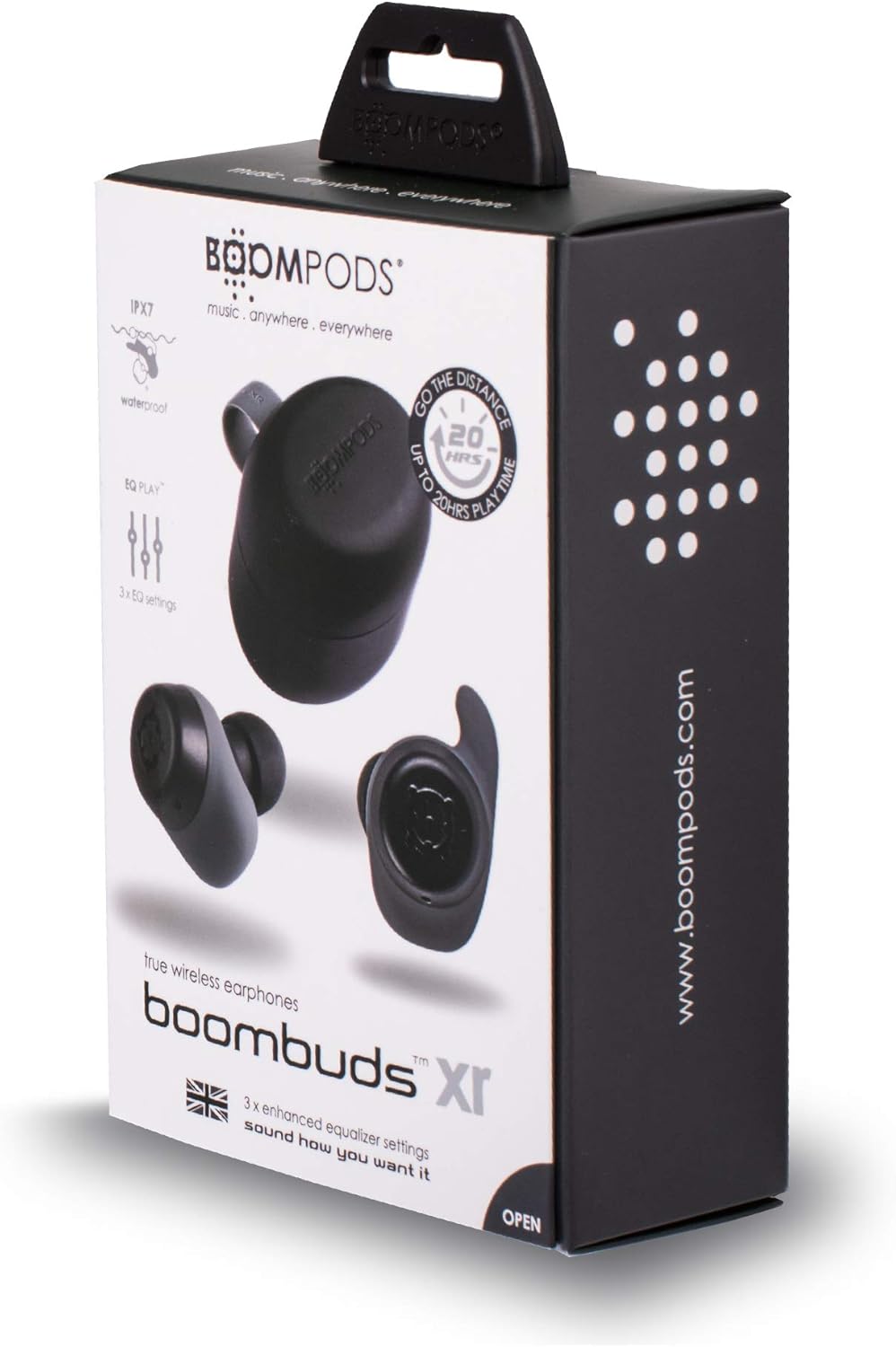
Foto 2.1: BoomPods BOOMBUDS XR Retail Packaging. The image shows the product box, indicating the contents and key features like IPX7 waterproof rating and EQ settings.
3. Ntuziaka Nhazi
3.1. Ịchaji ihe ntị na akpa
Before first use, fully charge the earbuds and the charging case. The charging case provides approximately 20 hours of additional playback time, while the earbuds offer up to 4.5 hours on a single charge. A full charge takes approximately 1.5 hours.
- Place the earbuds into their respective slots in the charging case. Ensure they are seated correctly for the charging contacts to align.
- Connect the Micro USB charging cable to the charging port on the case and plug the other end into a USB power source (e.g., wall adapter, computer USB port).
- Indicator lights on the case will show the charging status. Refer to the product's specific LED indicators for detailed information (not provided in source).
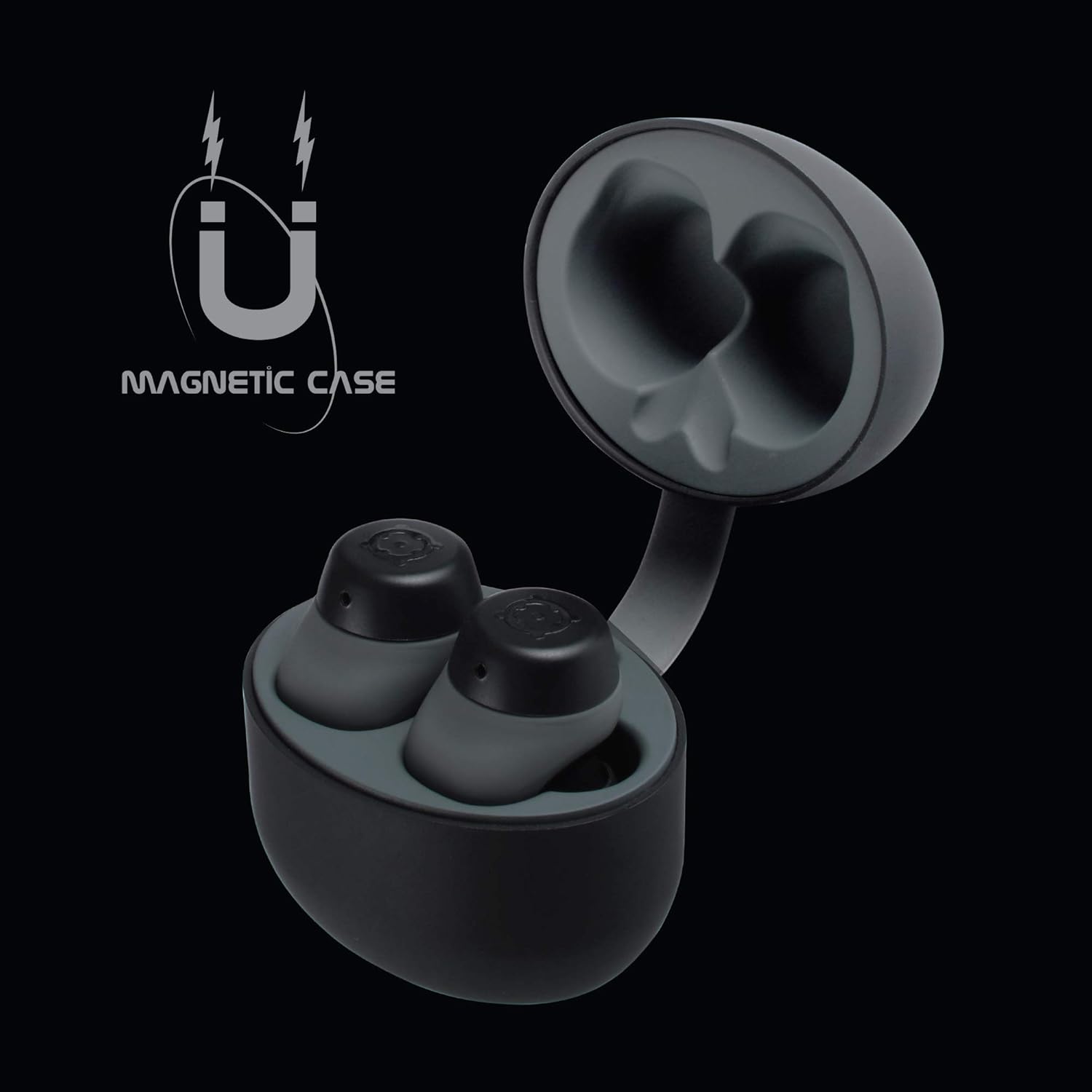
Foto 3.1: Charging Case with Earbuds. The image shows the open charging case with the earbuds placed inside, ready for charging.

Foto 3.2: Magnetic Case. This graphic illustrates the magnetic feature of the charging case, ensuring earbuds are securely held in place during charging and transport.
3.2. Ijikọ na ngwaọrụ
The BOOMBUDS XR utilize Bluetooth 5.0 for a quick and stable connection.
- Gbaa mbọ hụ na a na-akwụ ụgwọ ekwe ntị ma wepụ ya na nchaji. Ha kwesịrị ịbanye na ọnọdụ njikọta na-akpaghị aka.
- Na ekwentị gị ma ọ bụ ngwaọrụ Bluetooth, gaa na ntọala Bluetooth.
- Chọọ maka available devices and select "BOOMBUDS XR" from the list.
- Once connected, the earbuds will indicate successful pairing (e.g., an audio prompt or LED change).

Foto 3.3: Bluetooth 5.0 Connectivity. This graphic highlights the instant and secure connection provided by Bluetooth 5.0 technology.
3.3. Imezu Nhazi Kachasị Mma
A proper fit is crucial for both comfort and optimal sound quality, especially for bass response and noise isolation. The BOOMBUDS XR come with multiple sizes of ear cups to ensure a secure fit for various ear shapes.
- Experiment with the different sizes of ear cups provided.
- Gently insert the earbud into your ear canal and twist slightly to secure it. The ergonomic design (Ergofit) helps keep them in place during activity.
- Test the fit by moving your head and performing light activities. If the earbuds feel loose or the sound quality is poor, try a different size ear cup.
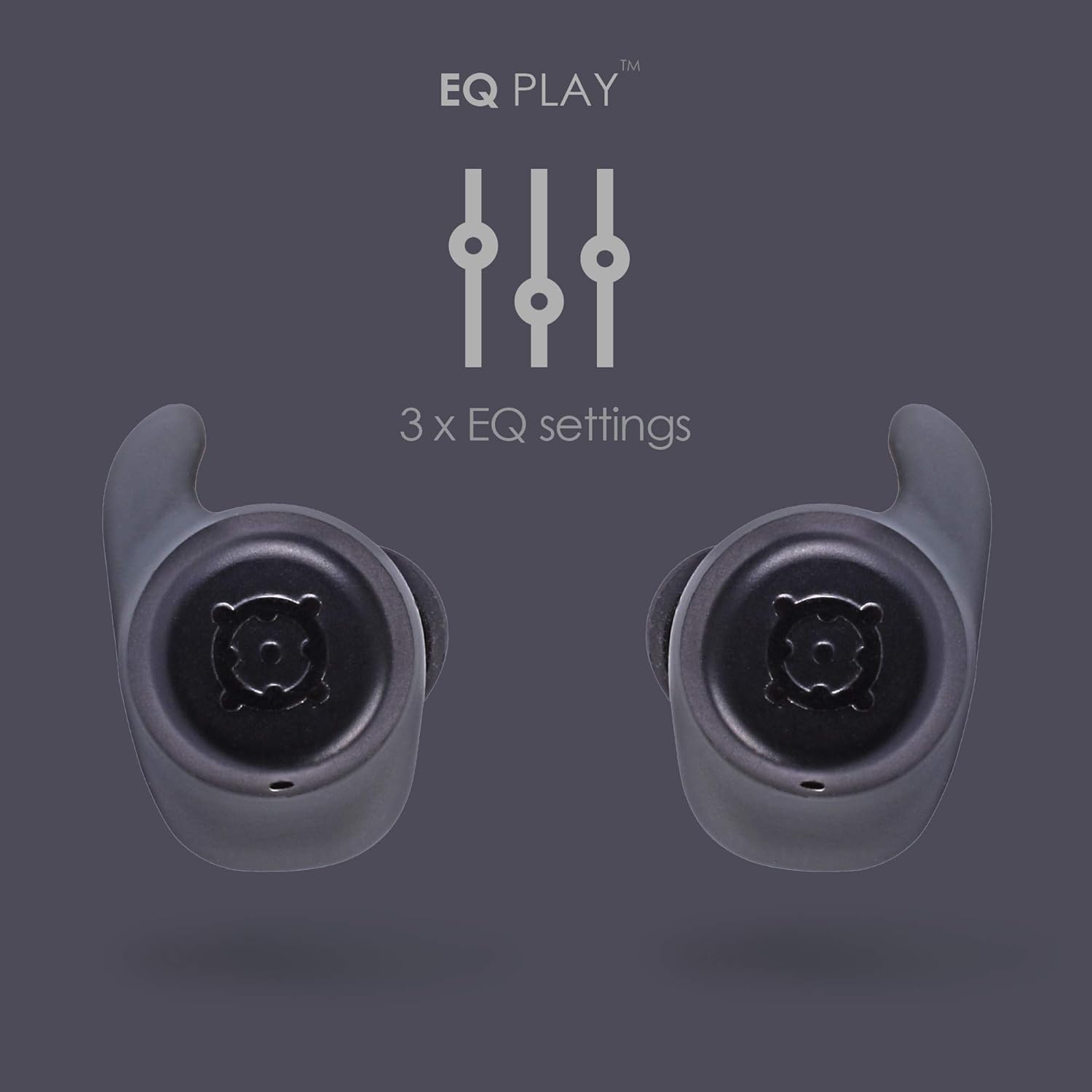
Foto 3.4: Ergofit Design. This graphic illustrates the ergonomic design of the earbuds, engineered for a secure and comfortable fit within the ear.
4. Ntuziaka ọrụ
4.1. Music and Call Controls
The BOOMBUDS XR feature integrated controls on the earbuds for managing audio playback and calls. These controls include volume adjustment, play/pause, and track skipping.
| Omume | Njikwa |
|---|---|
| Gwuo/kwụsịtụ | Double-click the earbud button. |
| Track na-esote | (Specific control not detailed in source, typically triple-click or long press) |
| Egwu gara aga | (Specific control not detailed in source) |
| Elu elu | (Specific control not detailed in source, but volume control is present) |
| Mpịakọta ọnụ | (Specific control not detailed in source, but volume control is present) |
| Zaa/Kwụsị Oku | (Specific control not detailed in source) |
| Mee ka onye enyemaka olu rụọ ọrụ (Siri/Google Assistant) | (Specific control not detailed in source) |
| Gbanyụọ ike | Hold button for five seconds. |
Note: For detailed control gestures, refer to the full user manual provided with your product.
4.2. EQ Play Settings
The BOOMBUDS XR allow you to customize your listening experience with three distinct equalizer (EQ) settings:
- Bass agbam ume: Enhances low-frequency sounds for a more powerful bass.
- Nkwalite olu: Optimizes mid-range frequencies to make vocals clearer and more prominent.
- BoomPods Studio: Na-enye pro ụda kwesịrị ekwesịfile, designed for general listening.
To switch between EQ settings, use the designated control on the earbuds (specific control not detailed in source).

Foto 4.1: EQ Play Settings. This graphic illustrates the three available equalizer settings for customized audio output.
5. Nlekọta na nlekọta
5.1. Waterproofing (IPX7 Rating)
The BOOMBUDS XR are rated IPX7 waterproof, meaning they can withstand immersion in water up to 1 meter for 30 minutes. This makes them resistant to sweat, rain, and splashes, and suitable for use in showers or by the pool.
Ihe ndetu dị mkpa: While the earbuds are waterproof, Bluetooth technology has limitations when transmitting through water. Therefore, continuous audio streaming underwater is not recommended as the connection may be interrupted.

Foto 5.1: IPX7 Waterproofing in Use. The image shows a person showering while wearing the earbuds, demonstrating their water-resistant capabilities.
5.2. Nhicha na Nchekwa
- Jiri akwa dị nro, kpọrọ nkụ na-adịghị na-ehicha ntị ntị na chaja mgbe niile.
- Remove the ear cups and clean them separately with mild soap and water if necessary. Ensure they are completely dry before reattaching.
- Zere iji ihe nchacha abrasive, ihe mgbaze, ma ọ bụ aerosol sprays.
- Chekwaa ntị ntị n'akpa chaja ha mgbe anaghị eji ya iji chebe ha ma debe ya ebubo.
- Keep the charging contacts on both the earbuds and the case clean and free of debris to ensure proper charging.
6. Nchọpụta nsogbu
If you encounter issues with your BoomPods BOOMBUDS XR, refer to the following common troubleshooting steps:
| Nsogbu | Ihe kpatara/ Ngwọta nwere ike ime |
|---|---|
| Earbuds anaghị akwụ ụgwọ |
|
| Earbuds not pairing / connecting |
|
| Poor sound quality / Low volume |
|
| Microphone issues / Call quality poor |
|
| Isi ntị na-adapụ |
|
7. Nka na ụzụ nkọwa
| Njirimara | Nkọwa |
|---|---|
| Aha Nlereanya | BXRBLK |
| Teknụzụ Njikọta | Bluetooth 5, ikuku |
| Teknụzụ nzikọrịta ozi ikuku | Bluetooth |
| Ihe onwunwe | Silikoni |
| Ihe eji eme ihe maka ngwaahịa | Sports and Exercise, Studio |
| Oge Nchaji | Awa 1.5 |
| Ngwa dakọtara | Smartphones |
| Ụdị njikwa | Volume Control, Remote with Mic |
| Ibu Ibu | 48 grams (1.69 ounces) |
| Ọkwa Nguzogide mmiri | IPX7 (mmiri na-eguzogide) |
| Oke ugboro ugboro | 50Hz-15kHz |
| Ndụ batrị (Earbuds) | Awa 4.5 |
| Ndụ batrị (ya na igbe nchaji) | Up to 20 Hours additional playback |
| Ụdị Bluetooth | 5.0 |
| Atụmatụ pụrụ iche | Microphone Included, Sweatproof, USB connectivity, Volume Control, Ergonomic Design, EQ Play (3 settings) |
| Akụkụ ngwaahịa | 0.2 x 3.11 x 1.34 sentimita asatọ |
| Onye nrụpụta | Boompods |
| Agba | Nwa |
| Ntinye ntị | Na Ntị |
| Ụdị Ihe | Na Ntị |
8. Akwụkwọ ikike na nkwado
8.1. Akwụkwọ ikike dị oke
The BoomPods BOOMBUDS XR are covered by a Akwụkwọ ikike dị afọ 2 site na ụbọchị azụrụ ya. Akwụkwọ ikike a na-ekpuchi ntụpọ nrụpụta na ọrụ aka n'oge ojiji nkịtị. Ọ naghị ekpuchi mmebi sitere na ojiji na-ezighị ezi, ihe mberede, mgbanwe na-akwadoghị, ma ọ bụ mmebi nkịtị.
For specific terms and conditions of the warranty, please refer to the warranty card included with your product or visit the official BoomPods websaịtị.
8.2. Nkwado ndị ahịa
For further assistance, technical support, or warranty claims, please contact BoomPods customer service through their official channels. You can typically find contact information on the product packaging, the official BoomPods website, or the brand store on Amazon.
Gaa leta onye ọrụ ahụ BoomPods Store on Amazon maka ozi ngwaahịa na akụrụngwa nkwado.


