Okwu mmalite
Thank you for choosing the QCY A1 Bluetooth 5.0 Headset. This manual will guide you through the setup, operation, and maintenance of your new wireless headset. Please read these instructions carefully before use to ensure optimal performance and longevity of your device.
Ngwaahịa gafereview
Ihe ngwugwu
- QCY A1 Bluetooth Headset
- Nkịta ntị
- Ịchaji eriri
- Akwụkwọ ntuziaka onye ọrụ
Ihe esere ntị

Image: The QCY A1 Bluetooth Headset, showing the earbud, ear hook, and main body with control buttons.
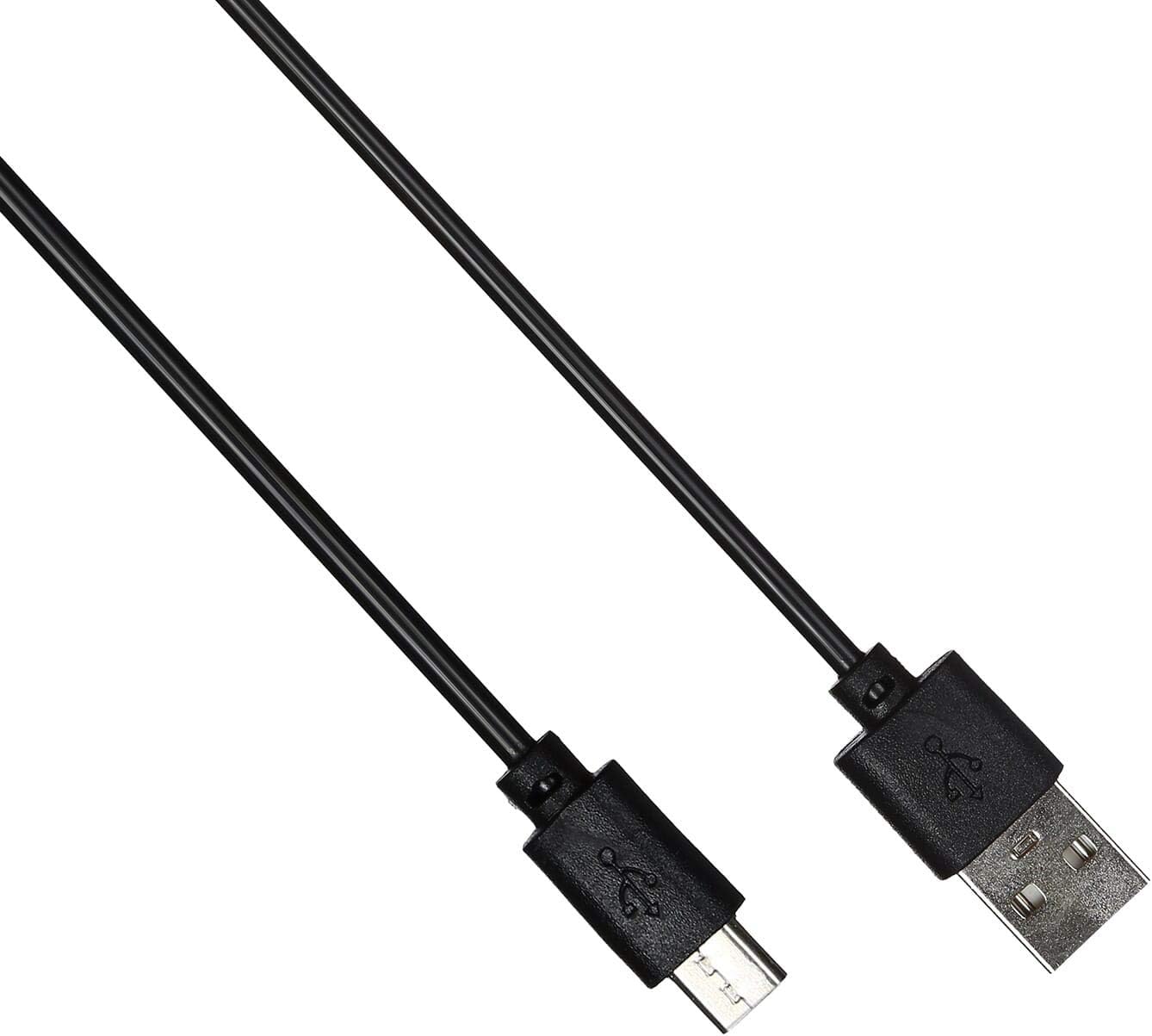
Image: The USB charging cable for the QCY A1 headset.
Melite
1. Ịchaji ekweisi
- Connect the charging cable to the headset's charging port.
- Tinye akụkụ nke ọzọ nke eriri n'ime isi iyi ike USB (dịka ọmụmaatụ, kọmputa, ihe nkwụnye mgbidi).
- The indicator light will show charging status. A full charge typically takes approximately 1-2 hours.
- Ozugbo chajịrị chaja zuru oke, kwụpụ eriri nchaji.
2. Ijikọ na ngwaọrụ
- Gbaa mbọ hụ na agbanyụrụ ekweisi.
- Press and hold the Multi-function button until the indicator light flashes red and blue alternately, indicating pairing mode.
- On your mobile phone or Bluetooth-enabled device, enable Bluetooth and search for available devices.
- Select "QCY A1" from the list of found devices.
- Once connected, the indicator light will flash blue slowly, and you will hear a confirmation tone.
- If pairing fails, turn off the headset and repeat the steps.
Ntuziaka ọrụ
Gbanyụọ/ Gbanyụọ
- Ike Na: Press and hold the Multi-function button for 3 seconds. The blue indicator light will flash.
- Gbanyụọ: Press and hold the Multi-function button for 5 seconds. The red indicator light will flash briefly before turning off.
Njikwa Oku
- Oku azaa: Pịa obere bọtịnụ ọrụ dị iche iche.
- Oku ngwụcha: Short press the Multi-function button during a call.
- Jụ oku: Pịa ma jide bọtịnụ ọtụtụ ọrụ maka sekọnd iri na abụọ.
- Nọmba Ikpeazụ emegharịgharịrị: Pịa bọtịnụ ọtụtụ ọrụ ugboro abụọ mgbe ọ na-anọghị na oku.
Egwu Egwu
- Gwuo/kwụsịtụ: Pịa obere bọtịnụ ọrụ dị iche iche.
- Track na-esote: Press and hold the Volume Up button.
- Gara aga Track: Pịa ma jide bọtịnụ ụda ala.
- Olu elu: Pịa obere bọtịnụ Mpịakọta Elu.
- Olu ala: Pịa obere bọtịnụ Mbelata Olu.
Onye enyemaka olu
- Mee ka onye enyemaka olu rụọ ọrụ: Triple-press the Multi-function button (functionality depends on your connected device).
Nlekọta
- Jiri akwa dị nro hichaa ekweisi mgbe niile.
- Zere iji kemịkalụ siri ike ma ọ bụ ihe na-emebi emebi.
- Chekwaa ekweisi n'ebe dị jụụ, kpọrọ nkụ na-adịghị na ìhè anyanwụ kpọmkwem na oke okpomọkụ.
- Etinyela ekweisi n'ime mmiri ma ọ bụ tinye ya na mmiri gabigara ókè.
- Debe ebe ụmụaka na-apụghị iru.
Nchọpụta nsogbu
| Nsogbu | Ngwọta |
|---|---|
| Igweisi anaghị agba ọkụ. | Gbaa mbọ hụ na akwụchara ekweisi nke ọma. |
| Enweghị ike ijikọ na ngwaọrụ. | Ensure the headset is in pairing mode (red and blue lights flashing). Turn off and on your device's Bluetooth. Try pairing again. |
| Enweghị ụda ma ọ bụ ụda adịghị mma. | Check the volume levels on both the headset and your connected device. Ensure the headset is within the 10-meter operating range of your device. |
| Ekweisi na-akwụsịkarị. | Ensure there are no obstacles between the headset and your device. Move closer to your device. |
Nkọwapụta
| Njirimara | Nkọwa |
|---|---|
| Nlereanya | A1 |
| Ụdị | QCY |
| Teknụzụ Njikọta | Ikuku (Bluetooth 5.0) |
| Bluetooth Profiles Akwadoro | HFP, A2DP, HSP |
| Ikuku iche | Ruo mita 10 |
| Usoro njikwa | Metụ/bọtịnụ |
| Ihe kpatara ụdị ekweisi | Na Ntị |
| Ngwa dakọtara | Ekwentị mkpanaaka |
| Agba | Ọcha |
| Ibu Ibu | 80 grams |
| Ngwa gụnyere | Nkịta ntị |
Ozi nchekwa
- Ewepụla ma ọ bụ gbanwee ekweisi.
- Zere ikpughe ekweisi na oke okpomọkụ ma ọ bụ iru mmiri.
- Jiri naanị eriri nchaji enyere ma ọ bụ ihe dabara adabara.
- Do not use the headset at high volume for extended periods to prevent hearing damage.
- Be aware of your surroundings when using the headset, especially in traffic or other potentially dangerous situations.


