Okwu mmalite
Thank you for choosing the A4tech G3-200NS Silent Wireless Mouse. This manual provides detailed instructions for setting up, operating, and maintaining your new wireless mouse. Designed for comfort and efficiency, this optical mouse offers silent clicks and reliable wireless connectivity for both PC and laptop use.
Ihe ngwugwu
Biko lelee ọdịnaya nke ngwugwu ahụ ka ị hụ na ihe niile dị:
- A4tech G3-200NS Silent Wireless Mouse
- USB nnata
- Akwụkwọ ntuziaka (akwụkwọ a)
- (Note: 1 AA battery required, not included)
Melite
1. Ịwụnye batrị
- Chọta ebe batrị dị n'okpuru òké.
- Mepee mkpuchi nke batrị batrị.
- Fanye otu batrị AA, na-ahụ polarity ziri ezi (+/-).
- Mechie mkpuchi nke batrị batrị nke ọma.
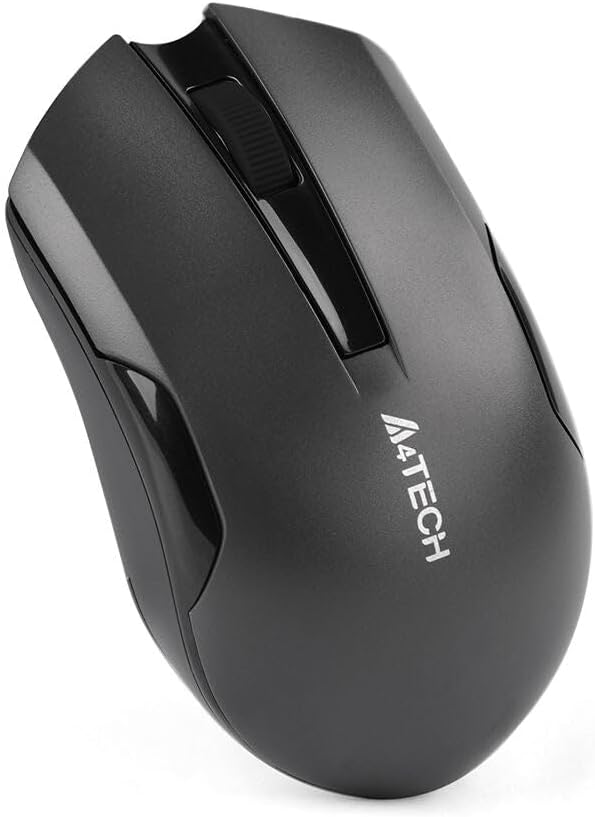
Foto nke 1: N'okpuru òké ahụ nwere ebe batrị.
2. Ijikọ eriri USB
- Locate the USB receiver, typically stored within the mouse's battery compartment or packaged separately.
- Tinye eriri USB n'ọdụ ụgbọ mmiri dị na kọmputa gị ma ọ bụ laptọọpụ gị.
- The operating system will automatically detect and install the necessary drivers. This may take a few moments.
- Ozugbo etinyere ya, òké ahụ dị njikere maka ojiji.
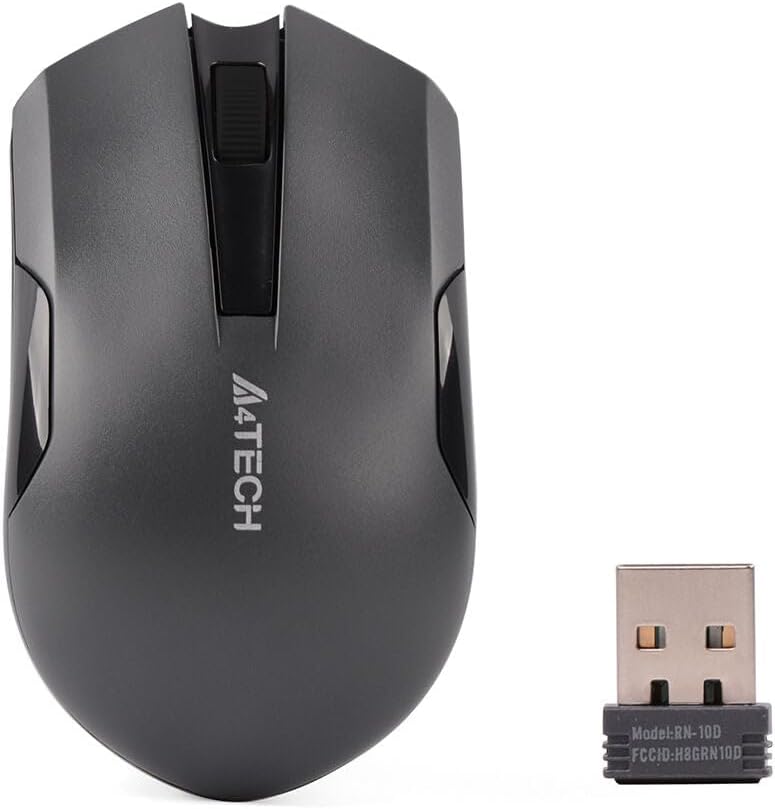
Figure 2: A4tech G3-200NS mouse and its USB receiver.
Na-arụ ọrụ òké
Ọrụ ndị bụ isi
- Pịa aka ekpe: Primary action, selection, opening items.
- Pịa aka nri: Opens contextual menus.
- Mpempe akwụkwọ mpịakọta: Akwụkwọ mpịakọta na web pages vertically. The scroll wheel also functions as a middle click button.
Teknụzụ Pịa Silent Click
The A4tech G3-200NS features silent click technology, significantly reducing click noise for a quieter working environment.
Ikuku iche
The mouse operates within a wireless range of approximately 10 to 15 meters from the USB receiver, depending on environmental conditions and obstacles.
Nlekọta
Ngbanwe batrị
When the mouse performance degrades or stops responding, it is likely time to replace the AA battery. Follow the battery installation steps outlined in the "Setup" section.
Nhicha
Iji hichaa òké, jiri akwa dị nro, kpọrọ nkụ. Maka unyi isi ike, ntakịrị damp cloth can be used, ensuring no moisture enters the internal components. Avoid using harsh chemicals or abrasive cleaners.
Nchọpụta nsogbu
| Nsogbu | Ngwọta |
|---|---|
| Òké anaghị aza |
|
| Ntugharị cursor na-adịghị agwụ agwụ |
|
| Ogologo ikuku dị mkpụmkpụ |
|
Nkọwapụta
- Akara: A4tech
- Ụdị: G3-200NS
- Ụdị òké: Igwe anya
- Njikọta: Igwe na-enweghị ikuku (2.4 GHz)
- Agba: Nwa
- dakọtara na: PC & Laptọọpụ
- Sistemụ nrụọrụ: Linux, Windows XP (na ụdị ọhụrụ)
- Isi mmalite ike: Batrị 1 x AA (anaghị etinye ya)
- Nkezi Ndụ batrị: Approximately 6 months (may vary with usage)
- Oke ikuku: 10-15 mita
- Atụmatụ pụrụ iche: Teknụzụ Pịa Silent Click
Akwụkwọ ikike na nkwado
For warranty information or technical support, please refer to the warranty card included with your purchase or visit the official A4tech websaịtị. Debe ihe akaebe nke ịzụrụ maka akwụkwọ ikike.


