LEICKE 5V 10A 50W Power Adapter User Manual
Model: 5V 10A 50W
1. Ngwaahịa gafereview
This manual provides instructions for the LEICKE 5V 10A 50W power adapter. This adapter is designed to provide stable 5V power for various electronic devices.

Figure 1: LEICKE 5V 10A 50W Power Adapter with connected EU power cable.
Akụkụ ndị bụ isi:
- 5V 10A output, 50W total power.
- Ideal for LED strips (WS2811, WS2812, WS2812B, WS2801, SK6812, APA102, SK9822, LED8806), NAS systems, routers, CCTV cameras, and other wireless devices.
- Features LEICKE Ultra-Long-Life-Technology (ULL) and SolidPower II (SP2) for stable voltage (100-240V) even with power fluctuations.
- Built-in protection against short circuit, overvoltage, overload, and overheating.
- Includes EU plug power cable and carrying case.
2. Ntuziaka nchekwa
Please read these safety instructions carefully before using the power adapter to prevent damage or injury.
- Gbaa mbọ hụ na ntinye voltage of the adapter matches your local power supply (100-240V AC).
- Ekpughela ihe nkwụnye ahụ na mmiri, mmiri mmiri, ma ọ bụ oke okpomọkụ.
- Do not disassemble or attempt to repair the adapter. Refer to qualified service personnel.
- Gbaa mbọ hụ na ikuku ikuku dị n'akụkụ ihe nkwụnye ọkụ iji gbochie ikpo oke ọkụ.
- Connect the adapter to devices that require 5V DC input and do not exceed the 10A current rating.
- Debe ebe ụmụaka na-apụghị iru.
3. Nhazi
Follow these steps to set up your LEICKE power adapter:
- Wepu ihe nkwụnye ahụ: Carefully remove the power adapter, EU power cable, and carrying case from the packaging.
- Connect the AC Power Cable: Insert the EU power cable into the AC input port of the power adapter.
- Verify DC Connector: Ensure the DC output connector (5.5mm outer diameter, 2.5mm inner diameter) is compatible with your device's power input.
- Jikọọ na ngwaọrụ: Plug the DC output connector of the adapter into the power input port of your electronic device (e.g., LED strip controller, router, CCTV camera).
- Jikọọ na nkwụnye ọkụ: Insert the EU power cable plug into a suitable wall power outlet.
- Ike Na: The adapter will automatically power on. A small LED indicator on the adapter typically illuminates when power is supplied.
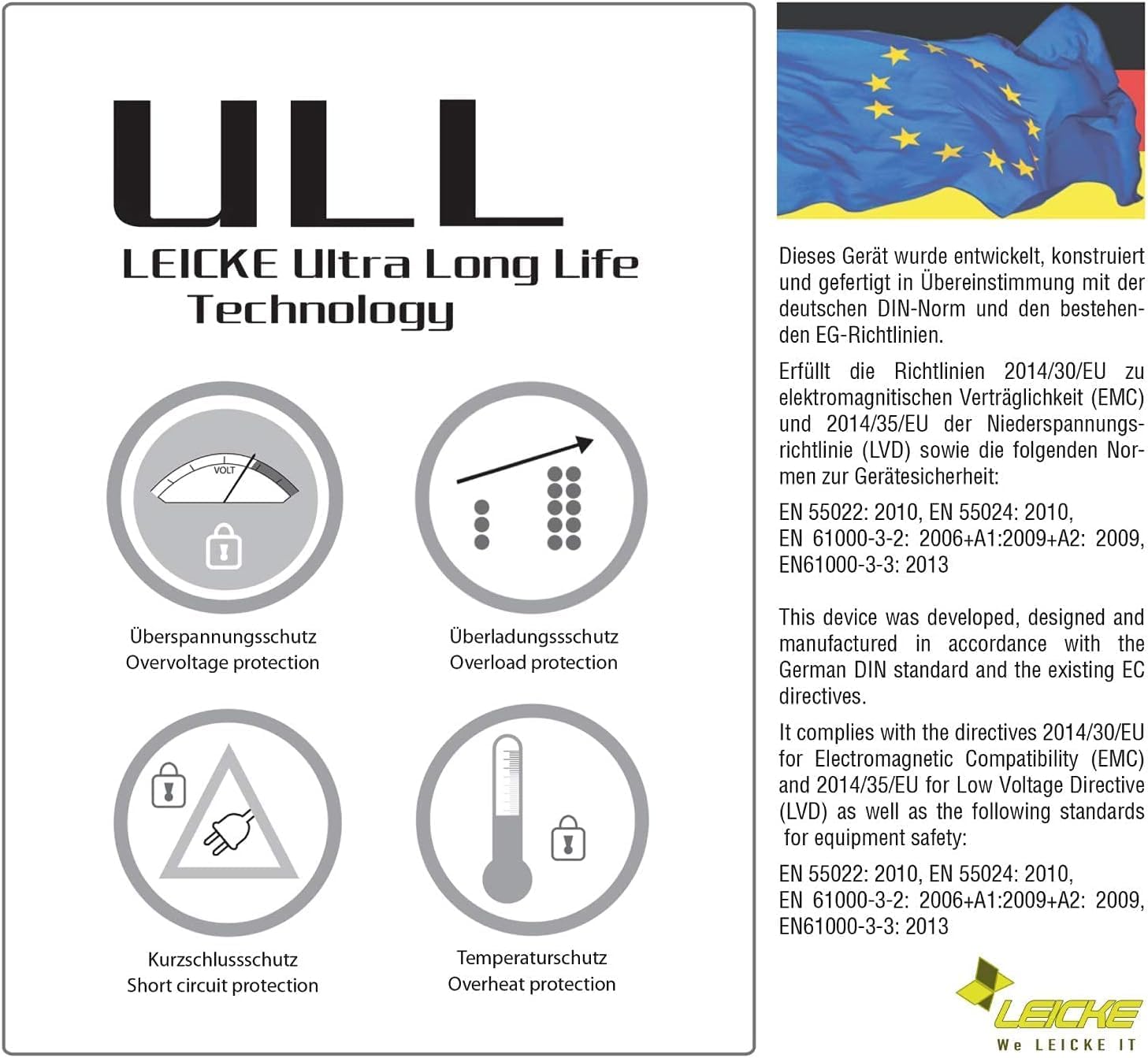
Figure 2: The included EU power cable for connecting to a wall outlet.

Figure 3: Diagram showing the DC connector dimensions: 5.5mm outer diameter, 2.5mm inner diameter.
4. Ntuziaka ọrụ
The LEICKE 5V 10A 50W power adapter is designed for continuous operation. Once connected, it provides a stable 5V DC output to your device.
- Ike na-aga n'ihu: The adapter delivers constant power as long as it is connected to a power outlet and the connected device is drawing power.
- Ihe ngosi LED: A small LED light on the adapter indicates that it is receiving power and functioning correctly.
- Ịkwụsị: To power off your device, either unplug the adapter from the wall outlet or disconnect the DC connector from your device.
5. Nlekọta
Proper maintenance ensures the longevity and safe operation of your power adapter.
- Nhicha: Disconnect the adapter from the power outlet and your device before cleaning. Use a soft, dry cloth to wipe the surface. Do not use liquid cleaners.
- Nchekwa: When not in use, store the adapter in a cool, dry place, away from direct sunlight and moisture. The included carrying case can be used for protection.
- Nyocha USB: Regularly inspect the power cables for any signs of damage, fraying, or exposed wires. If damage is found, discontinue use immediately and replace the cable.
- Igwe ikuku: Ensure the adapter's ventilation openings are not blocked during operation.
6. Nchọpụta nsogbu
If you encounter issues with your LEICKE power adapter, refer to the following common problems and solutions:
| Nsogbu | Ihe nwere ike ime | Ngwọta |
|---|---|---|
| No power output / Device not turning on. |
|
|
| Adapter ahụ dị ọkụ nke ọma. |
|
|
| Ike na-adịghị agbanwe agbanwe. |
|
|
7. Nkọwapụta
| Njirimara | Nkọwa |
|---|---|
| Ụdị | LEICKE |
| Nlereanya | 5V 10A 50W Power Adapter |
| Ntinye Voltage | AC AC 100-240V |
| Mmepụta Voltage | 5V DC |
| Mmepụta ugbu a | 10A |
| Ike mmepụta | 50W |
| DC Connector Dimensions | 5.5mm (Outer Diameter) / 2.5mm (Inner Diameter) |
| Atụmatụ pụrụ iche | Nchekwa sekit dị mkpụmkpụ, Overvoltage protection, Overload protection, Overheat protection |
| Ngwa dakọtara | LED strips (WS2811, WS2812, WS2812B, WS2801, SK6812, APA102, SK9822, LED8806), Routers, Wireless devices, CCTV cameras, Monitors, etc. |
| Ngwa gụnyere | LEICKE 5V 10A Power Adapter, EU Power Cable, Carrying Case |
8. Akwụkwọ ikike na nkwado
LEICKE products are designed for reliability and performance. This product comes with a 24-month warranty.
- Oge ikike: Ọnwa iri na abụọ site na ụbọchị ịzụrụ.
- Asambodo: All LEICKE products are CE certified for safety.
- Nkwado ndị ahịa: For technical assistance, warranty claims, or further inquiries, please visit the official LEICKE websaịtị ma ọ bụ kpọtụrụ onye na-ere ahịa gị.
- Akụrụngwa dị n'ịntanetị: Maka ozi ndị ọzọ na nkwado, biko gaa na www.leicke.com.


