Okwu mmalite
The HyperGear RaveMini is a compact, portable wireless speaker designed to deliver powerful sound with an interactive, beat-driven LED light show. This speaker is suitable for both indoor and outdoor use, offering extended battery life and multiple playback options for a versatile audio experience.

The HyperGear RaveMini speaker and its packaging.
Kedu ihe dị na Igbe ahụ
- HyperGear RaveMini Portable Wireless LED Speaker
- Igwe chaja USB Micro
- Eriri Enyemaka Stereo 3.5mm
Atụmatụ
- Small Size, Big Sound: Engineered with a 40mm neodymium driver for room-filling sound.
- Beat-Driven LED Lightshow: Multi-colored LEDs flash to the beat of your music.
- Ikuku Njikọ: Connects with any Bluetooth device within a 33-foot range.
- Ndụ batrị agbatịkwuru: Built-in rechargeable battery provides up to 3 hours of wireless playback on a single charge.
- Nkwukọrịta na-enweghị aka: Integrated microphone and intuitive controls for managing calls and playlists.
- Otutu Nhọrọ Nweghachi: Supports Bluetooth, Aux-in, Micro SD memory card, and USB flash drive audio playback.

The RaveMini combines HD sound with a vibrant LED lightshow.

The multi-colored LED lights dance to the beat of the music.
Melite
Ịchaji Ọkà Okwu
Before first use, fully charge your RaveMini speaker. Connect the included Micro USB charging cable to the speaker's charging port and the other end to a USB power source (e.g., wall adapter, computer USB port). The charging time is approximately 1 hour, providing up to 3 hours of playback.
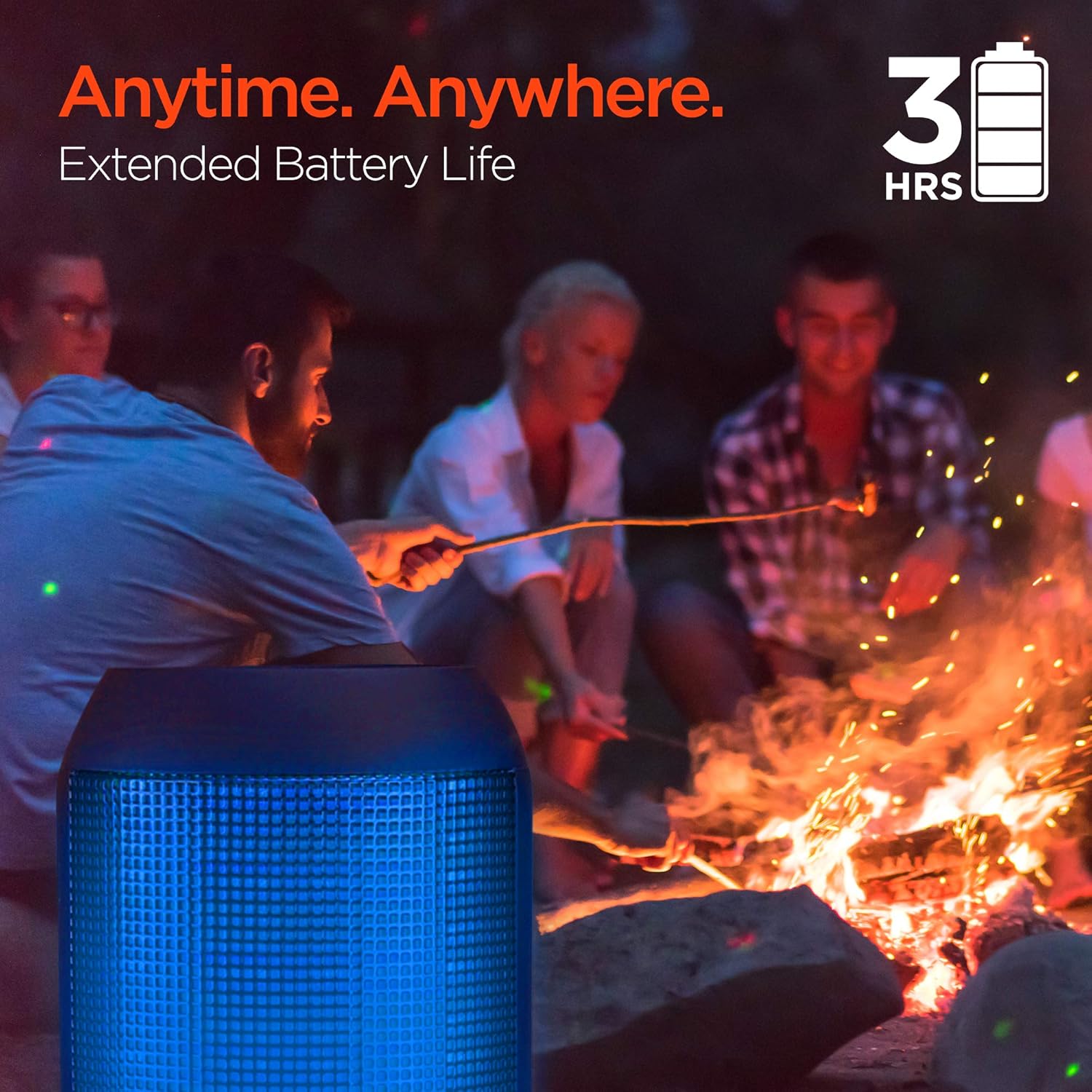
Enjoy up to 3 hours of music with the RaveMini's extended battery life.
Ịgbanyụ/ Gbanyụọ
Locate the power button on the speaker. Press and hold the power button for a few seconds to turn the speaker on or off. An audible cue or LED indicator will confirm the power status.
Njikọ Bluetooth
- Ensure the RaveMini speaker is powered on and in pairing mode (usually indicated by a flashing LED light).
- Na ngwaọrụ Bluetooth gị (ama, mbadamba, wdg), gaa na ntọala Bluetooth.
- Chọọ maka available devices and select "HyperGear RaveMini" (or similar name) from the list.
- Once connected, the speaker will provide an audible confirmation, and the LED light may change to a solid color.
- The speaker has a wireless range of up to 33 feet.
Onye na-arụ ọrụ
Njikwa na Ọrụ
The RaveMini features intuitive controls for managing your audio and calls directly from the speaker. Refer to the specific button layout on your device for functions such as:
- Kpọọ/kwụsịtụ egwu
- Adjust Volume (Volume Up/Down)
- Skip Tracks (Next/Previous)
- Zaa/Kwụsị Oku
- Activate Voice Assistant (if supported)
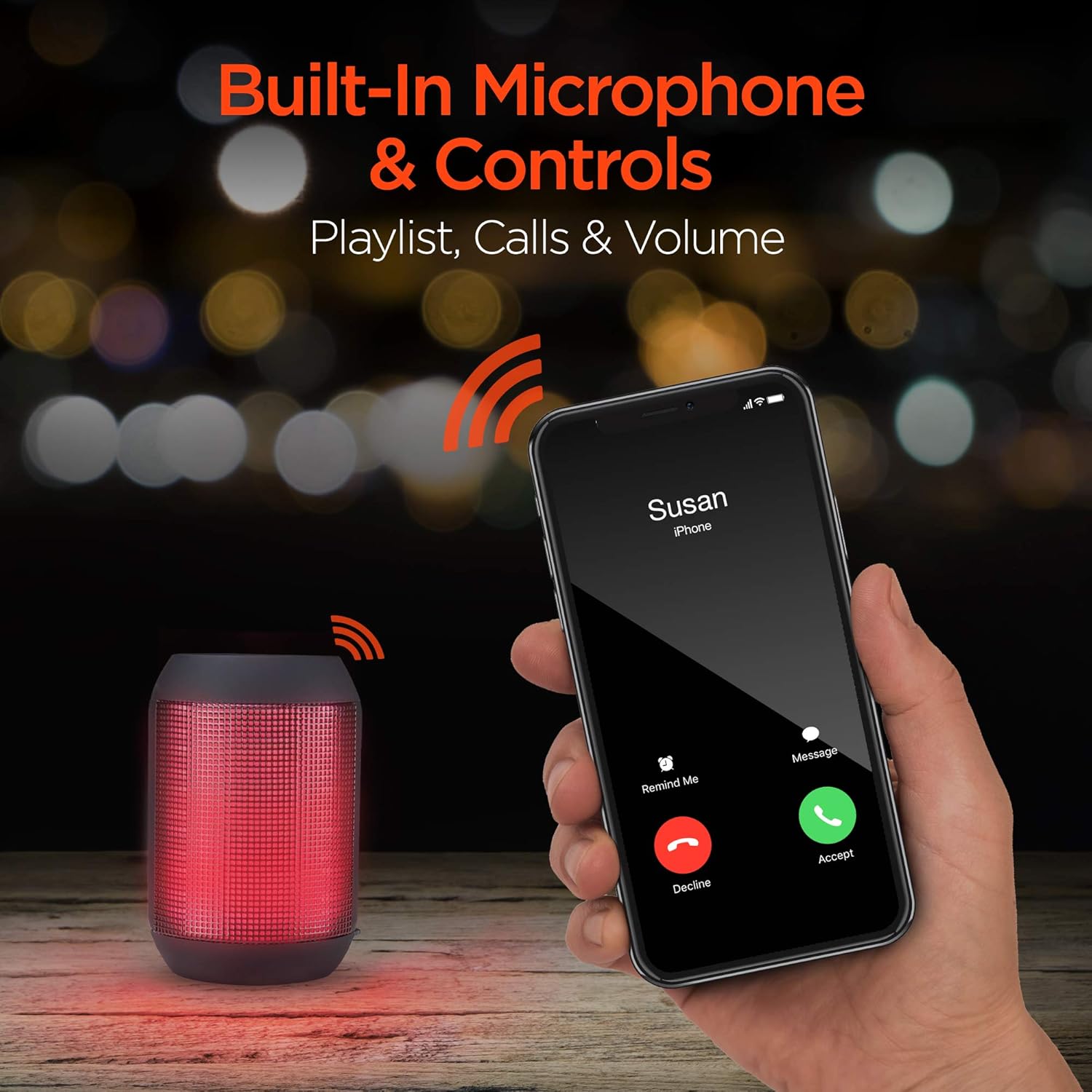
Built-in microphone and controls allow for hands-free calls and playlist navigation.
Ụdị ịkpọghachi
The RaveMini offers four ways to play your audio:
- Bluetooth: Jikọọ na ekwentị gị, mbadamba, ma ọ bụ ngwaọrụ ndị ọzọ nwere Bluetooth na-enweghị eriri.
- Aux-na: Use the included 3.5mm stereo auxiliary cable to connect to non-Bluetooth devices.
- Micro SD kaadị: Insert a Micro SD memory card with audio files n'ime oghere a họpụtara.
- USB Flash Drive: Connect a USB flash drive containing audio files na ọdụ ụgbọ USB.

The RaveMini supports four versatile playback options.
Nlekọta
- Keep the speaker dry. Do not expose it to excessive moisture or liquids.
- Clean the speaker with a soft, dry cloth. Avoid using harsh chemicals or abrasive cleaners.
- Chekwaa ọkà okwu n'ebe dị jụụ, kpọrọ nkụ mgbe ọ naghị eji ya.
- Zere idobe ma ọ bụ idobe ọkà okwu na mmetụta siri ike.
Nchọpụta nsogbu
| Nsogbu | Ngwọta enwere ike |
|---|---|
| Ọkà okwu anaghị agbanwuo. | Ensure the speaker is fully charged. Connect it to a power source using the Micro USB cable. |
| Enweghị ike ijikọ na ngwaọrụ Bluetooth. |
|
| Enweghị ụda ma ọ bụ obere olu. |
|
| Ọkụ LED anaghị arụ ọrụ. | Check if the light show feature is enabled (if there's a dedicated button). Ensure the speaker has sufficient battery charge. |
Nkọwapụta
| Njirimara | Nkọwa |
|---|---|
| Aha Nlereanya | 15077 |
| Ụdị Ọkà Okwu | N'èzí |
| Njirimara Pụrụ Iche | Wireless Music + Calls, HD Stereo Sound, Beat-Driven LED Lightshow, Aux-in, Micro SD & USB compatible |
| Eji akwadoro maka ngwaahịa | Maka ndị na-egwu egwu |
| Ụdị njikwa | Akwanyere batrị |
| Agba | Nwa |
| Ndụ batrị | Awa 3 |
| Oge Nchaji | Awa 1 |
| Enweghị mmiri | Ụgha |
| Usoro njikwa | Ngwa |
| Teknụzụ nzikọrịta ozi ikuku | Bluetooth |
| Nha Ọkà Okwu | 40 millimeters |
| Isi Iyi Ike | Akwanyere batrị |
| Ọnụọgụ nke batrị | A chọrọ batrị 2 AAA. (gụnyere) |
| Ụdị ọkwọ ụgbọ ala ọdịyo | Ọkwọ ụgbọala dị ike |
| Oke Bluetooth | 33 ụkwụ |
| Nha ọkwọ ụgbọ ala ọdịyo | 40 millimeters |
| Protocol Njikọta | Bluetooth |
| Ọnụọgụ nke ọdụ ụgbọ mmiri USB 2 | 1 |
| UPC | 633755150777 |
| Onye nrụpụta | HYPERGEAR |
| Ibu Ibu | 10.9 ounces |
| ASIN | B07VHTZHJ4 |
| Ụbọchị mbụ dị | Julaị 18, 2019 |
| Ụdị | HyperGear |
| Ike Nwepu kacha elu | 5 Watt |
| Teknụzụ Njikọta | Bluetooth, inyeaka, USB |
| Ọnọdụ mmepụta ọdịyo | Stereo |
| Ụdị nkwụnye | Ugwu okpokoro |
Akwụkwọ ikike
The HyperGear RaveMini Portable Wireless LED Speaker comes with a Limited Warranty. For detailed information regarding warranty coverage, terms, and conditions, please refer to the official HyperGear websaịtị ma ọ bụ kpọtụrụ nkwado ndị ahịa ha ozugbo. Debe ihe akaebe nke ịzụrụ ihe maka akwụkwọ ikike.
Nkwado
Maka enyemaka ọzọ, ndebanye aha ngwaahịa, ma ọ bụ iji view frequently asked questions, please visit the official HyperGear websaịtị:
Visit the HyperGear Store on Amazon
You may also contact HyperGear customer service for direct support.


