1. Ozi nchekwa dị mkpa
Please read all instructions carefully before using the Media-Tech MT6510 Sonic Electric Toothbrush. Keep this manual for future reference.
- Do not immerse the charging base in water or any other liquid.
- Ensure the charging port cover on the toothbrush handle is securely closed before rinsing the handle under water. The toothbrush handle is IPX7 waterproof, meaning it can withstand immersion in water up to 1 meter for 30 minutes.
- Ngwa a nwere batrị enweghị ike dochie ya.
- Do not modify or repair the appliance yourself. Contact qualified service personnel for any repairs.
- Keep out of reach of children. This product is designed for adult use.
- If you have any medical concerns regarding oral health, consult your dentist before using this product.
2. Ngwaahịa gafereview
The Media-Tech MT6510 Sonic Electric Toothbrush utilizes advanced sonic technology to provide effective oral hygiene. It features 36,000 vibrations per minute, two cleaning modes, a 2-minute timer with 30-second interval reminders, and a long-lasting battery.

Foto 2.1: N'ihu view of the Media-Tech MT6510 Sonic Electric Toothbrush, showcasinnhazi na bọtịnụ njikwa ya mara mma.
2.1 Ngwa gụnyere
- 1 x Media-Tech MT6510 Sonic Toothbrush Handle
- 2 x DuPont Toothbrush Heads
- 1 x Isi Nchaji
- 1 x Akwụkwọ njem
- 1 x Akwụkwọ ntuziaka onye ọrụ

Image 2.2: The Media-Tech MT6510 toothbrush, two brush heads, and travel case, as included in the set.
3. Nhazi
3.1 Nchaji izizi
Before first use, fully charge the toothbrush for approximately 12-16 hours. A full charge provides up to 60 days of use based on twice-daily brushing for 2 minutes.
- Connect the charging base to a power outlet.
- Place the toothbrush handle onto the charging base. Ensure the handle is seated correctly.
- The charging indicator light will illuminate to show that the toothbrush is charging.
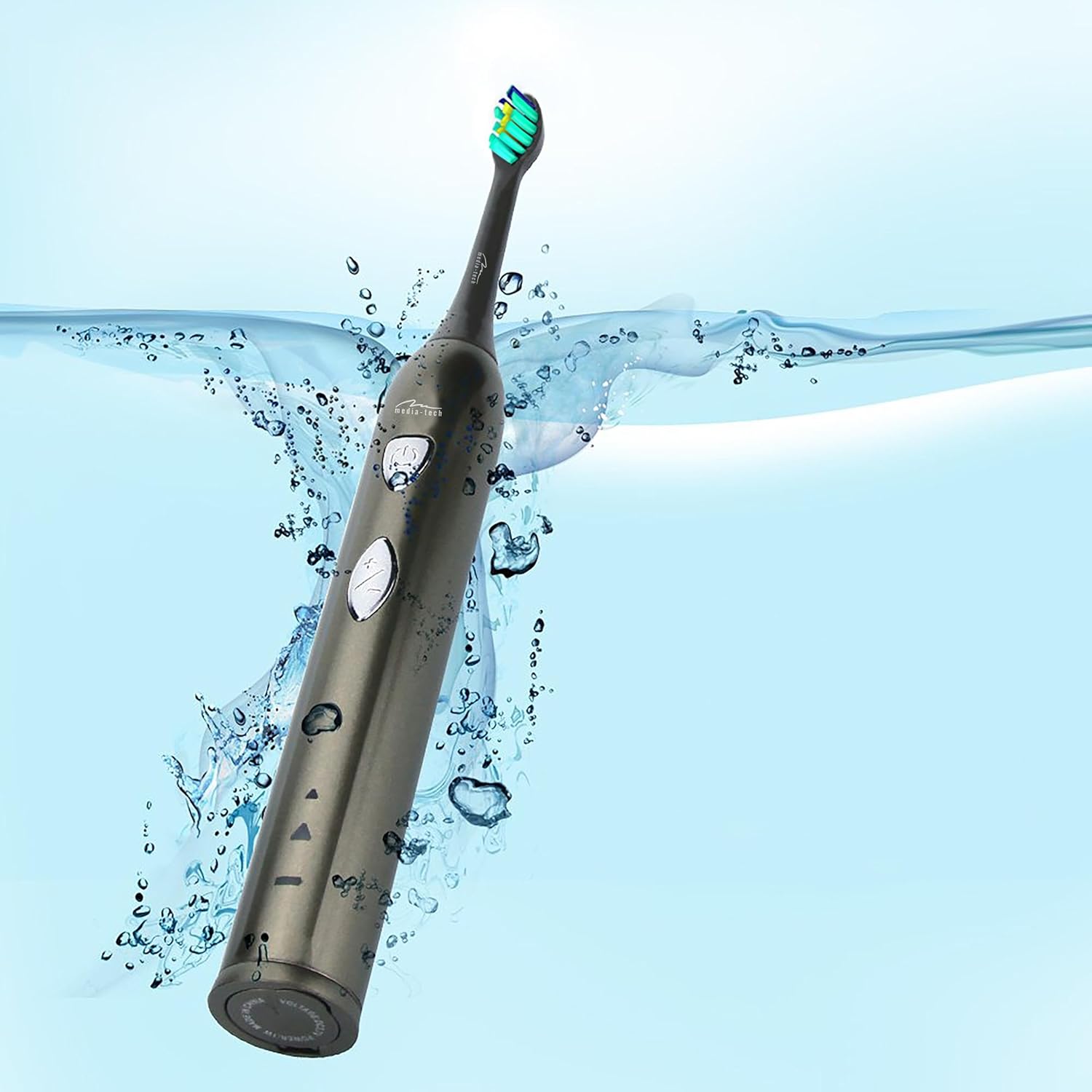
Image 3.1: The toothbrush handle placed on its charging base, indicating the charging process.
3.2 Na-agbakwunye isi ahịhịa
Hazie isi ahịhịa ahụ na ogwe ígwè dị n'aka ezé ahụ ma pịa ya ala nke ọma ruo mgbe ọ pịnyere n'ọnọdụ ya. Hụ na ejikọtara ya nke ọma tupu ejiri ya.
4. Ntuziaka ọrụ
4.1 Gbanyụọ/ Gbanyụọ yana Nhọrọ ọnọdụ

Foto 4.1: Zuru ezu view of the toothbrush handle, showing the power button and mode selection button.
- Ike Na: Press the power button (top button) once to turn on the toothbrush. It will start in the last used mode.
- Gbanwee ụkpụrụ: While the toothbrush is on, press the mode button (bottom button) to cycle through the available cleaning modes:
- Daily Cleaning Mode: For regular, thorough cleaning.
- Ụdị ịcha ọcha: For deep cleaning and stain removal.
- Gbanyụọ: Pịa bọtịnụ ike ọzọ ka ịgbanyụọ brọsh eze.
4.2 Brushing Technique
- Weta isi ahịhịa ma tinye ntakịrị ihe ntacha eze.
- Tinye isi ahịhịa n'akụkụ ezé gị n'otu akụkụ dị nta n'akụkụ ahịrị chịngọm.
- Pịa bọtịnụ ike ka ịmalite ịsa ahịhịa.
- Gently move the brush head slowly from tooth to tooth, allowing the sonic vibrations to clean. Do not scrub.
- The toothbrush features a 2-minute timer and a 30-second interval reminder. It will briefly pause every 30 seconds to indicate when to move to a different quadrant of your mouth.
- After 2 minutes, the toothbrush will automatically turn off, signaling the completion of the recommended brushing time.

Image 4.2: The toothbrush positioned in a glass in a bathroom setting, ready for use.
5. Nlekọta
5.1 Nhicha Isi Ahịhịa
After each use, rinse the brush head thoroughly under running water. Do not use harsh cleaning agents.
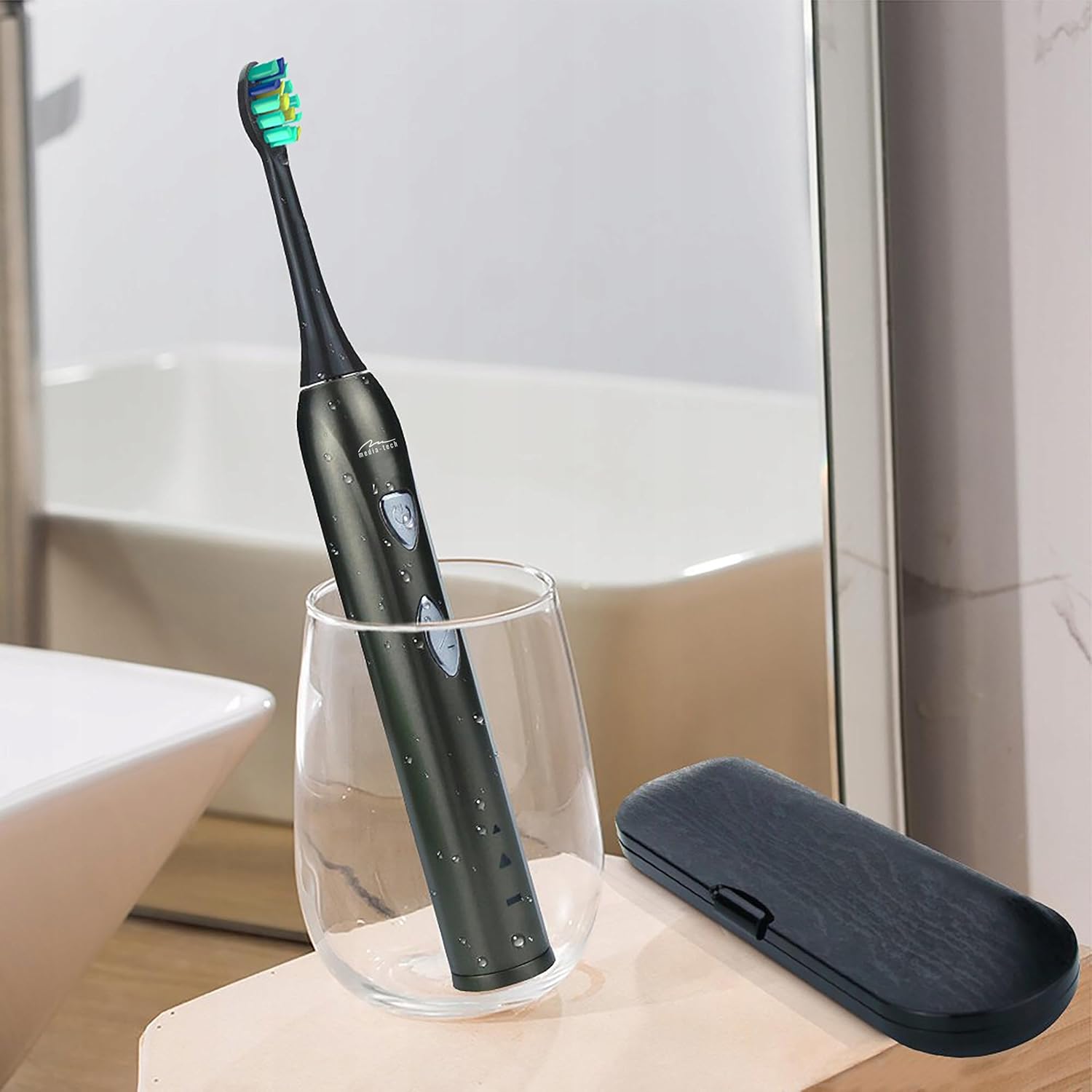
Image 5.1: A close-up of the brush head, showing bristles and water droplets after rinsing.
5.2 Cleaning the Handle
Jiri mgbasa ozi hichaa aka brọsh ezeamp cloth. Ensure the charging port cover is closed before rinsing the handle under running water. Do not use abrasive cleaners or immerse the entire handle in water for extended periods.
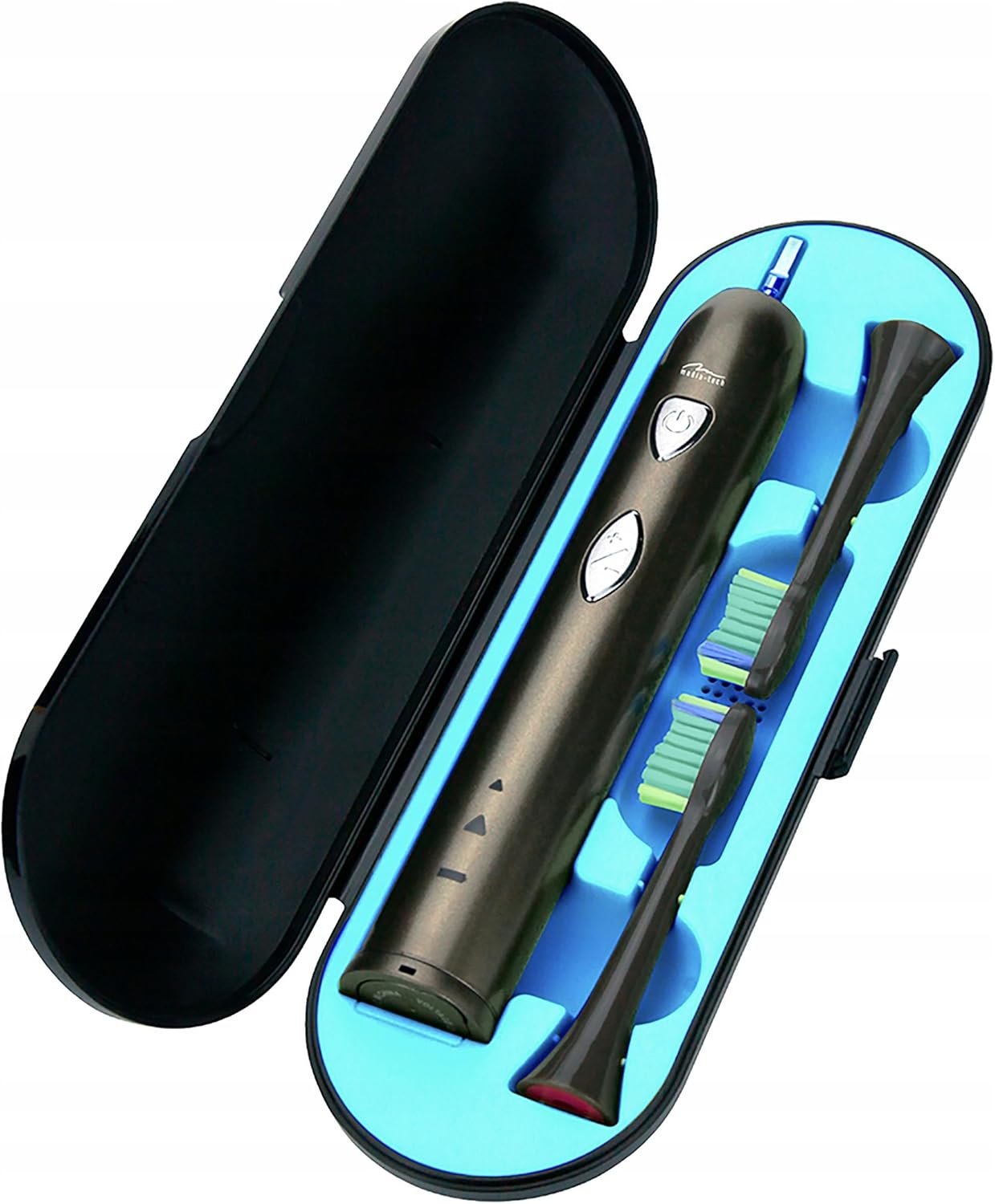
Image 5.2: The toothbrush handle partially submerged in water, demonstrating its IPX7 waterproof rating.
5.3 Dochie isi ahịhịa
Dentists recommend replacing brush heads every 3 months, or sooner if the bristles become frayed. To replace, simply pull the old brush head off the handle and push a new one on until it clicks.
5.4 Nchekwa
When not in use, store the toothbrush and brush heads in a clean, dry place. The included travel case is ideal for hygienic storage and transport.
6. Nchọpụta nsogbu
| Nsogbu | Ihe nwere ike ime | Ngwọta |
|---|---|---|
| Ahịhịa eze anaghị agbanwuo. | Batrị agwụla. | Chajie ezé ahụ ruo opekata mpe awa iri abụọ na anọ. |
| Ịma jijiji ma ọ bụ arụmọrụ adịghị ike. | Batrị dị ala. | Tinyeghachi ihe n'ime ezé gị. |
| Brush head feels loose. | Ejikọtaghị isi ahịhịa nke ọma. | Remove and re-attach the brush head, ensuring it clicks into place. |
| Ihe ngosi chaja anaghị enwu ọkụ. | Charging base not connected or toothbrush not seated correctly. | Check power connection and ensure the toothbrush is properly placed on the charging base. |
7. Nkọwapụta
- Nọmba nlereanya: MT6510
- Akara: Mgbasa ozi-Tech
- Teknụzụ: Sonic
- Mmaji: 36,000 kwa nkeji
- Ụdị nhicha: 2 (Daily Cleaning, Whitening)
- Ngụ oge: 2-minute auto-off with 30-second interval reminder
- Ọnụọgụ enweghị mmiri: IPX7
- Ụdị batrị: Lithium-ion
- Ndụ batrị: Up to 60 days (based on typical use)
- Akụkụ ngwaahịa: 17.5 x 2.7 x 17.5 cm (approximate, as per packaging)
- Arọ: 95 g (ihe dị ka)
8. Akwụkwọ ikike na nkwado
For warranty information, please refer to the documentation provided at the time of purchase or contact your retailer. For technical support or further assistance, please contact Media-Tech customer service or visit their official websaịtị.


