1. Okwu mmalite
The TensCare Perfect TENS Pain Aide is a Transcutaneous Electrical Nerve Stimulation (TENS) device designed to provide effective relief from various types of pain, including chronic, acute, and musculoskeletal conditions such as arthritis, back pain, hip pain, leg pain, arm pain, and sciatica. This manual provides essential information for the safe and effective use of your device.

Nyocha 1: N'eluview of TENS technology benefits.
2. Ozi nchekwa dị mkpa
Please read all instructions carefully before using the TensCare Perfect TENS Pain Aide. Failure to follow these instructions could result in injury or damage to the device.
2.1 Contraindications and Warnings
- Do not use this device near any metal implants. This is a critical safety warning. Consult your doctor if you have metal implants.
- Do not use if you have a pacemaker or any other implanted electronic device.
- Do not use if you are pregnant or suspect you might be pregnant, unless advised by a medical professional.
- Do not use on areas of skin that are broken, infected, or have rashes.
- Do not use over the eyes, across the front of the neck, or directly over the heart.
- Consult a medical professional before use if you have epilepsy, heart disease, cancer, or any other serious medical condition.
- Statements regarding dietary supplements have not been evaluated by the FDA and are not intended to diagnose, treat, cure, or prevent any disease or health condition. This device is not a dietary supplement.
2.2 kpachara anya
- Debe ebe ụmụaka na-apụghị iru.
- Ejila ngwaọrụ ahụ n'ime mmiri ma ọ bụ ihe mmiri ndị ọzọ.
- Ejila mgbe ị na-anya ma ọ bụ na-arụ nnukwu igwe.
- If you experience any discomfort or adverse reactions, discontinue use immediately and consult a medical professional.
3. Ihe ngwugwu
Your TensCare Perfect TENS Pain Aide package should include the following items:
- 1 x Perfect TENS unit
- 1 x Set of 4 electrode pads
- 2 x Lead wires
- 1 x ntuziaka onye ọrụ
- Batrị 2 x AA (gụnyere)
- 1 x eriri eriri
- 1 x Soft storage pouch
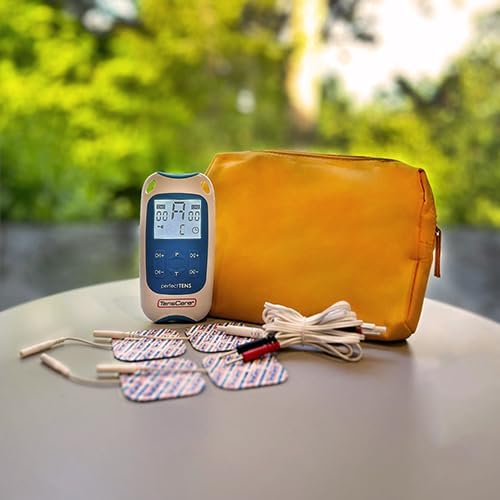
Figure 2: Contents of the Perfect TENS Pain Aide kit.
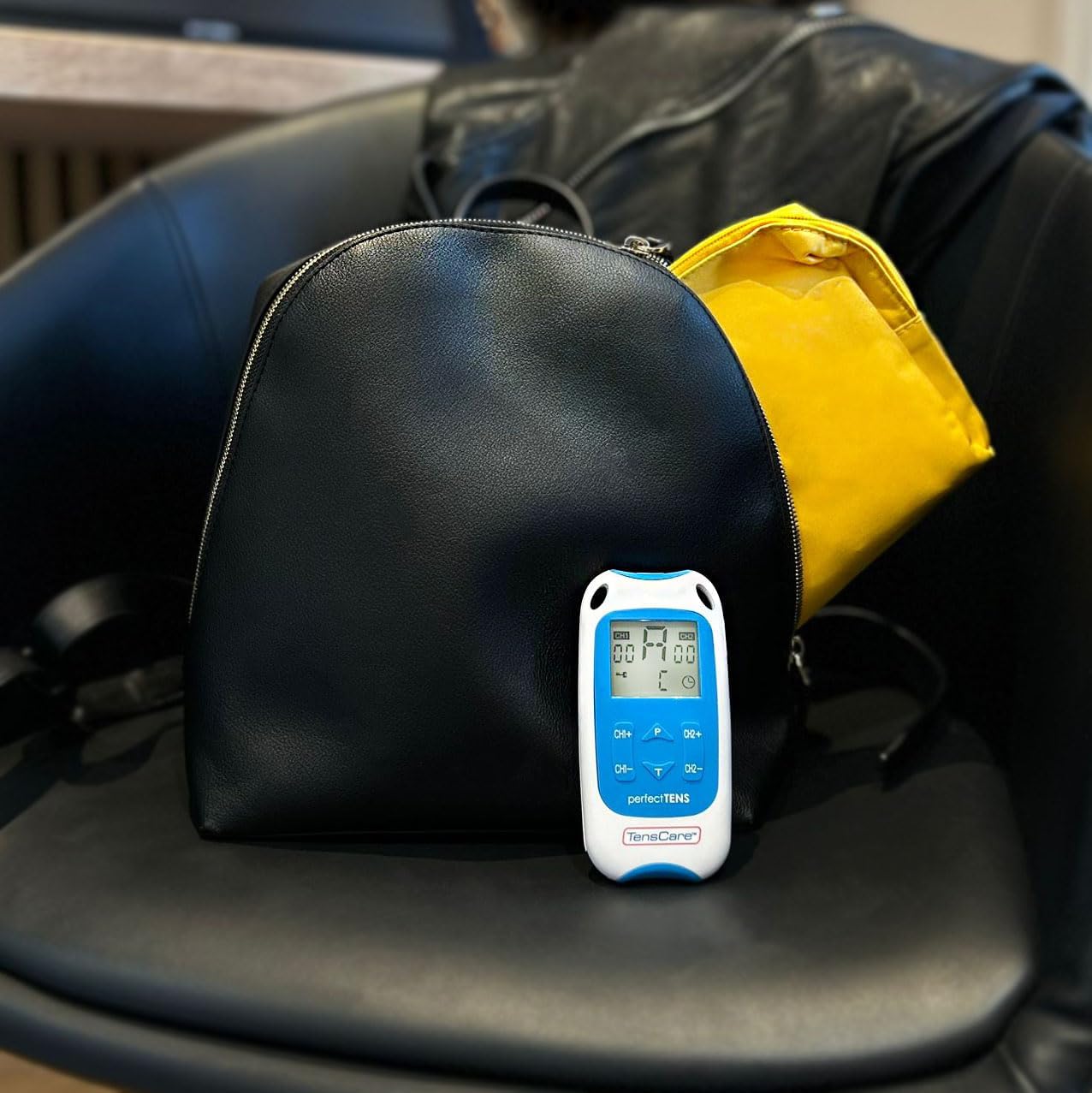
Figure 3: Perfect TENS unit with its soft storage pouch.
4. Ngwaahịa gafereview
The TensCare Perfect TENS Pain Aide is a compact and lightweight device designed for ease of use and portability. It features a clear digital display and intuitive controls.
4.1 Ngwa ngwaọrụ

Foto 4: N'ihu view of the Perfect TENS unit.
- Ngosipụta Digital: Shows program number, intensity levels for Channel 1 (CH1) and Channel 2 (CH2), and remaining treatment time.
- Bọtịnụ ngbanwu/ Gbanyụọ: Na-agbanye ngwaọrụ ahụ ma ọ bụ gbanyụọ.
- P Button (Program): Selects between the 8 preset programs and 1 manual program.
- T Button (Time): Adjusts the treatment duration.
- CH1+/CH1- Buttons: Increase or decrease intensity for Channel 1.
- CH2+/CH2- Buttons: Increase or decrease intensity for Channel 2.
- Lead Wire Ports: Located at the top of the device for connecting electrode leads.
- Akụkụ batrị: Dị n'azụ ngwaọrụ.
- Mpempe eriri: Attached to the back for convenient portability.
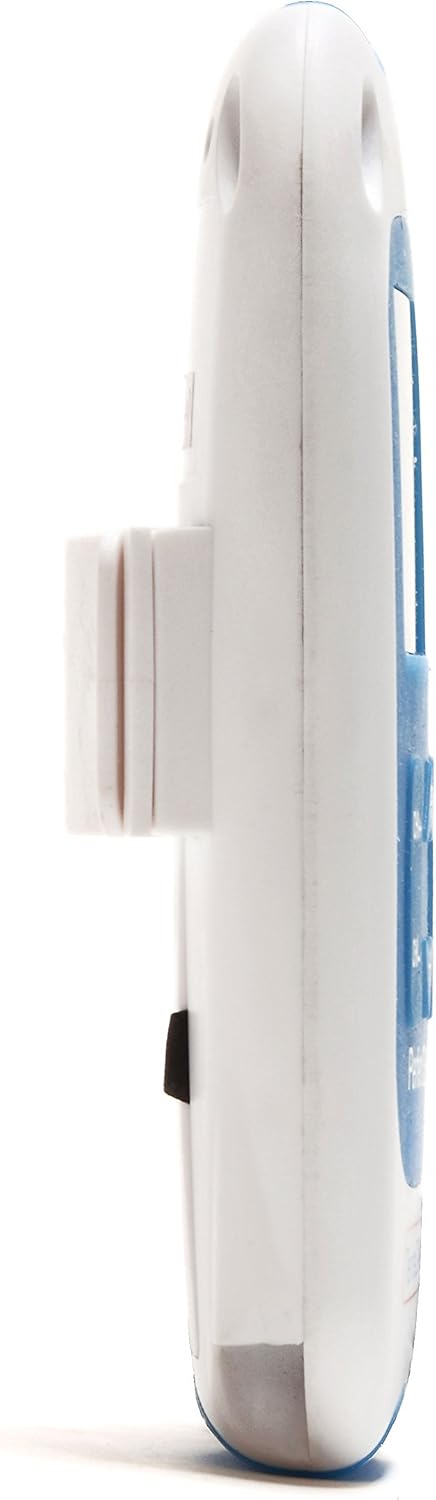
Foto 5: Akụkụ view showing the integrated belt clip.

Ọgụgụ 6: Azụ view nke ngwaọrụ.

Figure 7: The Perfect TENS unit held in hand, illustrating its portable design.
5. Nhazi
5.1 Ntinye batrị
- Mepee mkpuchi mkpuchi batrị n'azụ ngwaọrụ.
- Tinye batrị AA abụọ ahụ, hụ na polarity ziri ezi (+/-).
- Mechie mkpuchi nke batrị batrị nke ọma.
5.2 Njikọ Waya Ndị Na-edu na Pad Electrode
- Insert the pin connectors of the lead wires into the ports at the top of the TENS unit.
- Connect the other end of the lead wires to the electrode pads. Ensure a secure connection.
- Peel the electrode pads from their protective backing.
- Apply the electrode pads firmly to clean, dry skin over the area requiring treatment. Ensure the pads are not touching each other.
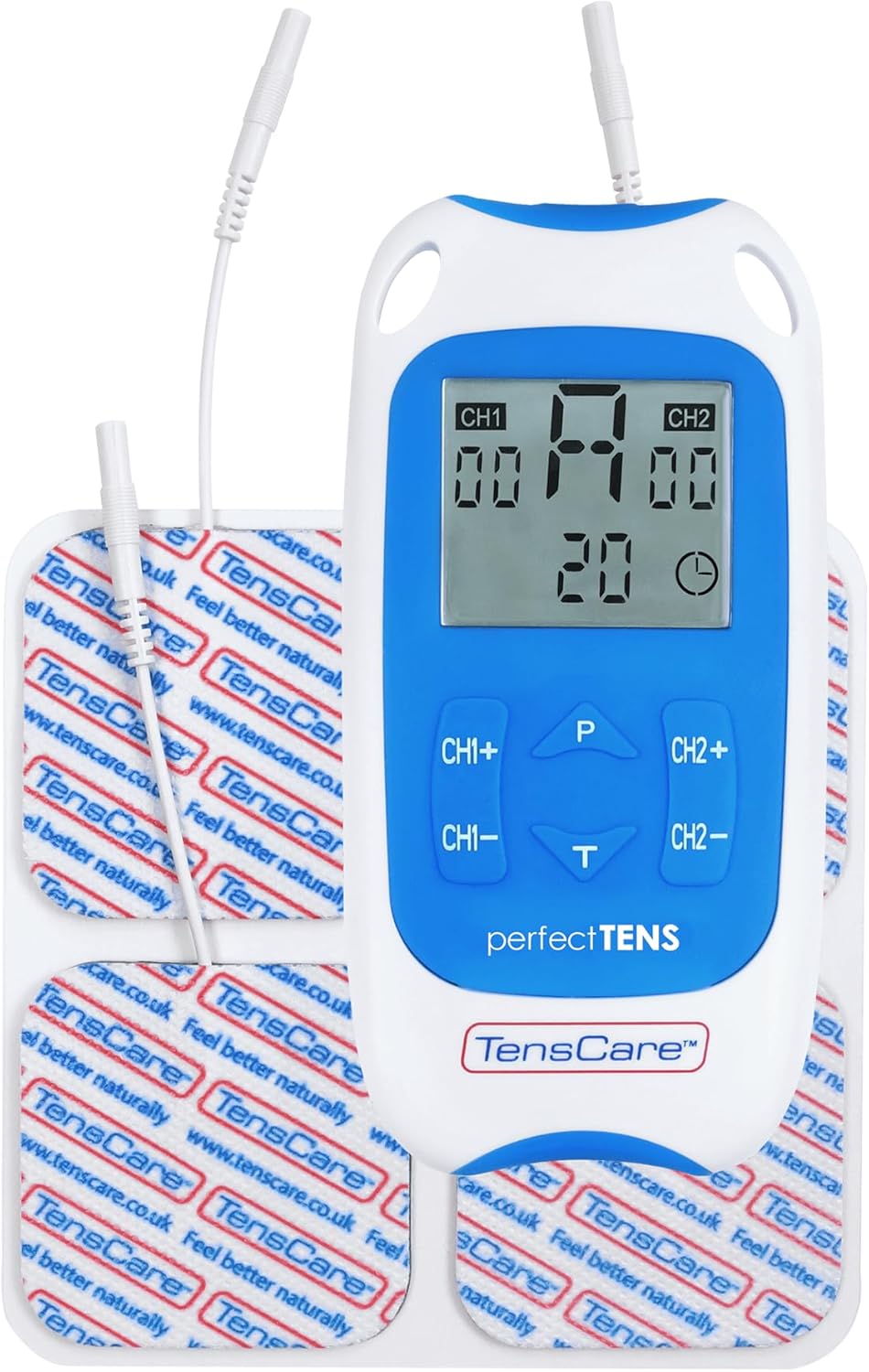
Figure 8: TENS unit with connected lead wires and electrode pads.
6. Ntuziaka ọrụ
6.1 Na-agbanye ma gbanyụọ
- Iji gbanye: Pịa Gbanye/ Gbanyụọ bọtịnụ. Ngosipụta ahụ ga-enwu gbaa.
- Iji gbanyụọ: Pịa ma jide Gbanye/ Gbanyụọ bọtịnụ ruo mgbe ngosi gbanyụọ.
6.2 Ịhọrọ mmemme
The Perfect TENS offers 8 preset programs and 1 manual program. Press the P button to cycle through the available programs (P1-P8, then P9 for manual). The selected program number will be displayed.
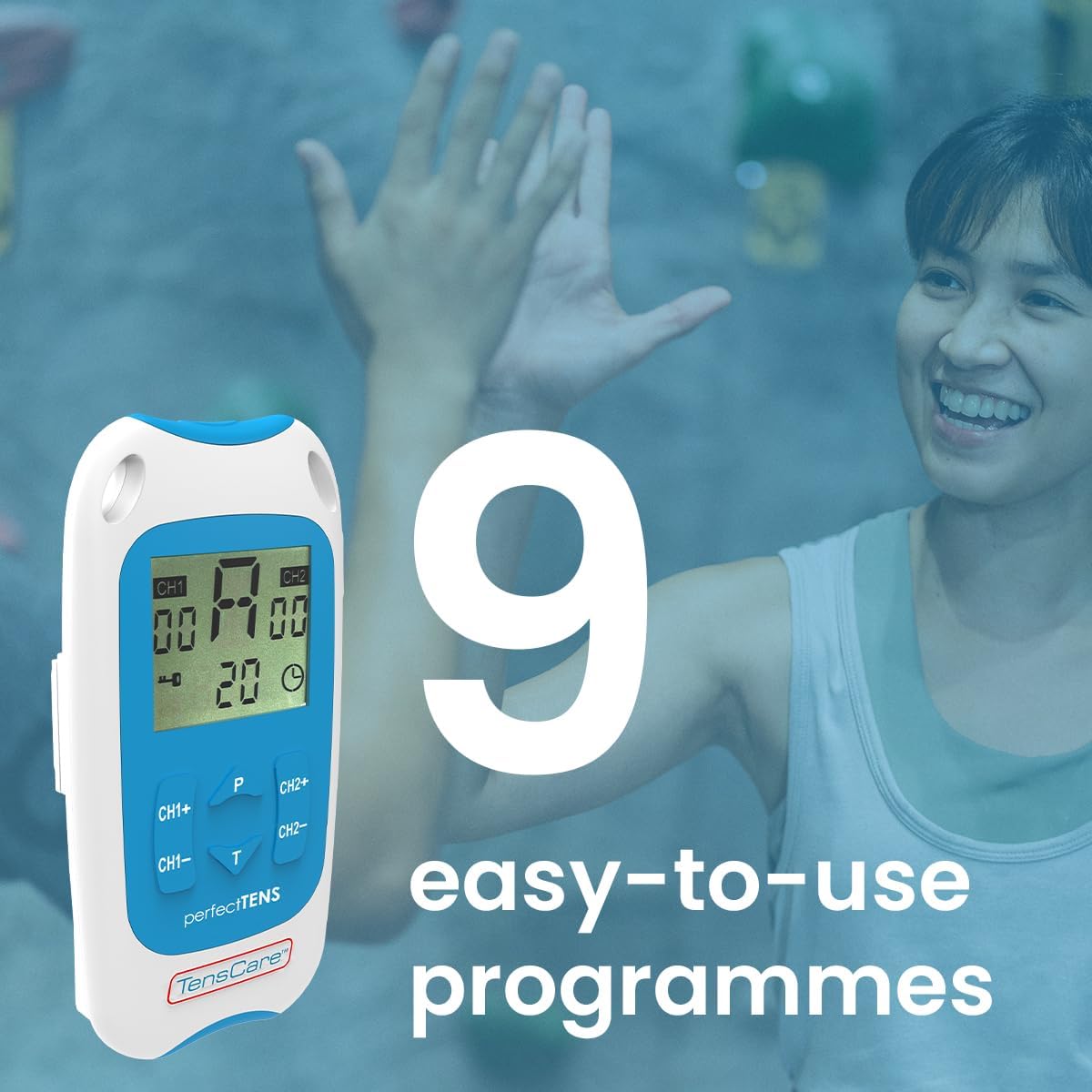
Figure 9: The device features 9 programs for various pain relief needs.
6.3 Adjusting Intensity (Dual Channel)
The device features dual channels, allowing you to treat two different areas or use four pads for a larger area. Each channel's intensity can be adjusted independently.
- To increase intensity for Channel 1: Press the CH1+ bọtịnụ.
- To decrease intensity for Channel 1: Press the CH1- bọtịnụ.
- To increase intensity for Channel 2: Press the CH2+ bọtịnụ.
- To decrease intensity for Channel 2: Press the CH2- bọtịnụ.
- Adjust the intensity until you feel a strong, comfortable tingling sensation. Avoid increasing it to a painful level.

Figure 10: Dual-channel stimulation allows for treatment of multiple areas.

Ọgụgụ 11: Ọpụample of dual-channel electrode placement for back pain.
6.4 Setting Treatment Time
Pịa T button to adjust the treatment duration. Refer to the display for the selected time. Typical treatment sessions range from 20 to 60 minutes.

Figure 12: Personalized treatment options including adjustable intensity and time.
6.5 Understanding TENS Operation
TENS therapy works primarily through two mechanisms:
- Pain Gate Theory: High-frequency TENS stimulation activates nerve fibers that block pain signals from reaching the brain, effectively "closing the pain gate."
- Endorphin Release: Low-frequency TENS stimulation promotes the body's natural production of endorphins, which are natural pain-relieving chemicals.
Video 1: An animated explanation of how TENS therapy works, illustrating both the pain gate theory and endorphin release mechanisms.
6.6 Targeted Pain Relief Areas
The Perfect TENS is designed to provide relief for various pain types and body areas:
- mgbu hip
- Mgbu ikpere
- Ihe mgbu ikpere
- Dental & Facial pain (TMJ)
- Back pain (Lumbago)
- Sciatica
- Migraine
- Ọrịa ogbu na nkwonkwo
- Plantar Fasciitis
- Wrist pain (Carpal Tunnel Syndrome)

Figure 13: Target problem areas for TENS therapy.

Figure 14: Detailed list of pain types and body areas treatable with Perfect TENS.

Figure 15: The device is effective for acute, chronic, and musculoskeletal pain.
7. Nlekọta
7.1 Na-ehicha ngwaọrụ
- Jiri nwayọ hichaa ngwaọrụ ahụ, damp akwa . Ejila ihe nhicha abrasive ma ọ bụ imikpu n'ime mmiri.
- Hụ na ngwaọrụ ahụ kpọrọ nkụ kpamkpam tupu ịchekwa ya.
Nlekọta Pad Electrode 7.2
- After each use, reattach the electrode pads to their protective backing.
- Ọ bụrụ na pads ahụ efunahụ ihe na-arapara, jiri nwayọ hichaa elu ihe na-arapara ahụ site na iji mgbasa ozi hichaa ya.amp cloth and allow to air dry. Replace pads when they no longer adhere well to the skin, as this can affect treatment effectiveness and comfort.
- Store pads in a sealed bag to prevent drying out.
7.3 nnọchi batrị
- When the battery indicator on the display is low, replace both AA batteries.
- Always use new, high-quality AA batteries.
8. Nchọpụta nsogbu
| Nsogbu | Ihe nwere ike ime | Ngwọta |
|---|---|---|
| Enweghị mmetụta ma ọ bụ mmetụta adịghị ike |
|
|
| Ngwaọrụ anaghị agbanwu |
|
|
| Pads losing stickiness quickly |
|
|
9. Nkọwapụta
- Ụdị: Perfect TENS Pain Aide (B07S75CTN3)
- Onye nrụpụta: TensCare
- Isi mmalite ike: Batrị 2 x AA (gụnyere)
- Ọwa: Dual independent channels
- Mmemme: 8 preset, 1 manual
- Ike Levels: 60 ọkwa
- Njirimara nchekwa: Mepee nchọpụta sekit
- Akụkụ: Ihe dịka 7.95 x 5.98 x 1.61 sentimita asatọ
- Arọ: Approximately 11.57 ounces (with batteries)
- Ụbọchị mbụ dị: Mee 23, 2019
10. Akwụkwọ ikike na nkwado
For warranty information, technical support, or to purchase replacement parts (such as electrode pads or lead wires), please refer to the TensCare official websaịtị ma ọ bụ kpọtụrụ ngalaba ọrụ ndị ahịa ha. Debe ihe akaebe nke ịzụrụ ihe maka akwụkwọ ikike.
TensCare Contact Information: Please visit the official TensCare websaịtị maka nkọwa kọntaktị na akụrụngwa nkwado kachasị ọhụrụ.


