1. Okwu mmalite
Thank you for choosing the Cshidworld G33Pro-W Wireless Earbuds. This manual provides detailed instructions on how to set up, operate, and maintain your earbuds to ensure optimal performance and longevity. Please read this manual carefully before using the product and keep it for future reference.
2. Ihe ngwugwu
- Cshidworld G33Pro-W Wireless Earbuds (Left and Right)
- Akpa Nchaji enwere ike ibugharị
- Igwe nchaji USB
- Akwụkwọ ntuziaka onye ọrụ
3. Ngwaahịa gafereview

Image: The Cshidworld G33Pro-W Wireless Earbuds resting inside their open charging case, showcasinnhazi ha dị obere na imecha ọcha.
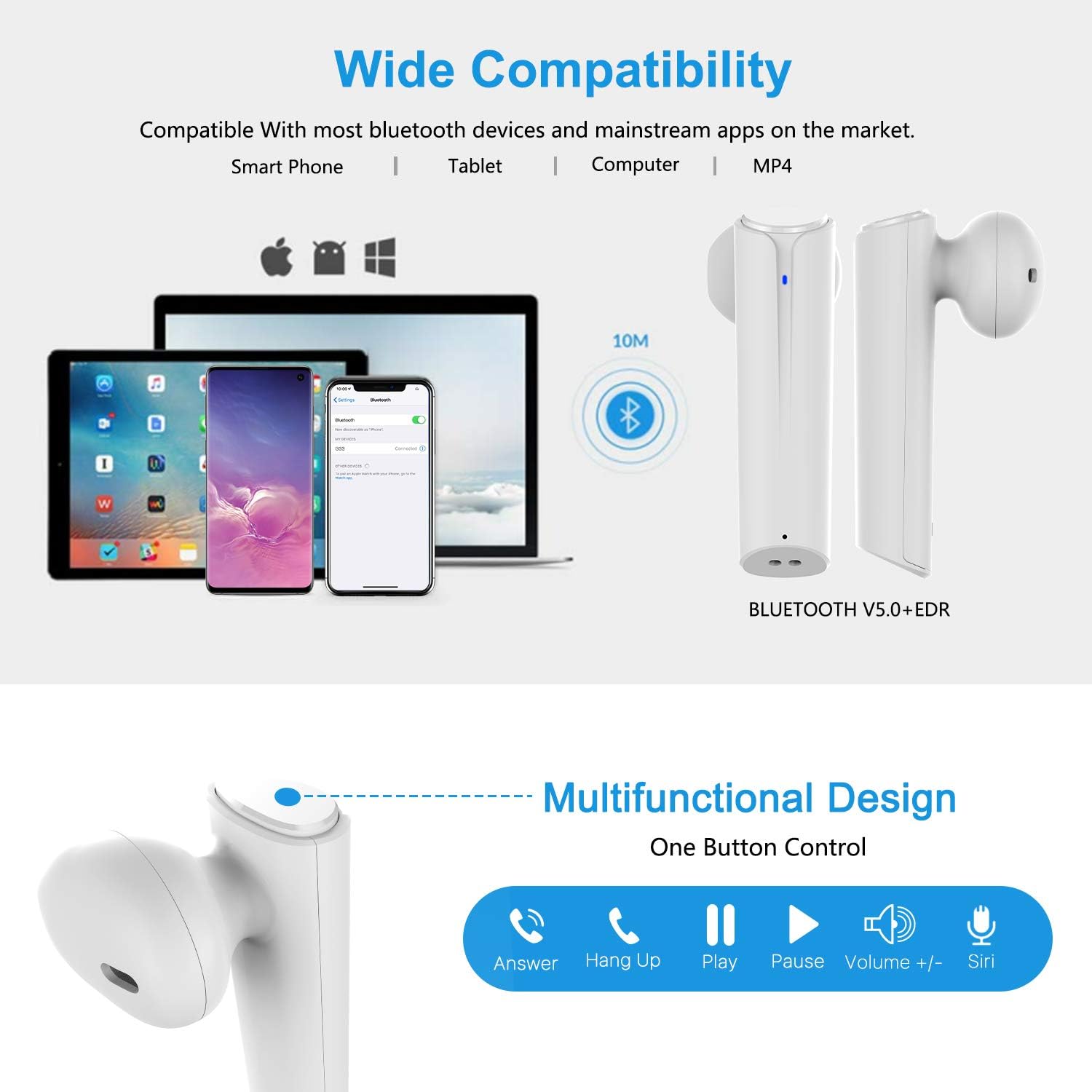
Image: A visual representation of the multi-function button on the earbud, detailing its various controls for answering calls, playing music, and activating voice assistants.
Ihe ndị dị na ntị:
- Bọtịnụ ọrụ ọtụtụ: Na-achịkwa ịkpọghachi, oku na onye enyemaka olu.
- Ihe ngosi LED: Shows pairing status and battery level.
- Igwe okwu: Maka oku na-enweghị aka.
Ihe ndị dị na ikpe chaja:
- Ọdụ ụgbọ mmiri na-ebufe: For charging the case and earbuds.
- Ihe ngosi LED: Show charging status of the case.
4. Nhazi
4.1 Ịchaji ntị na akpa
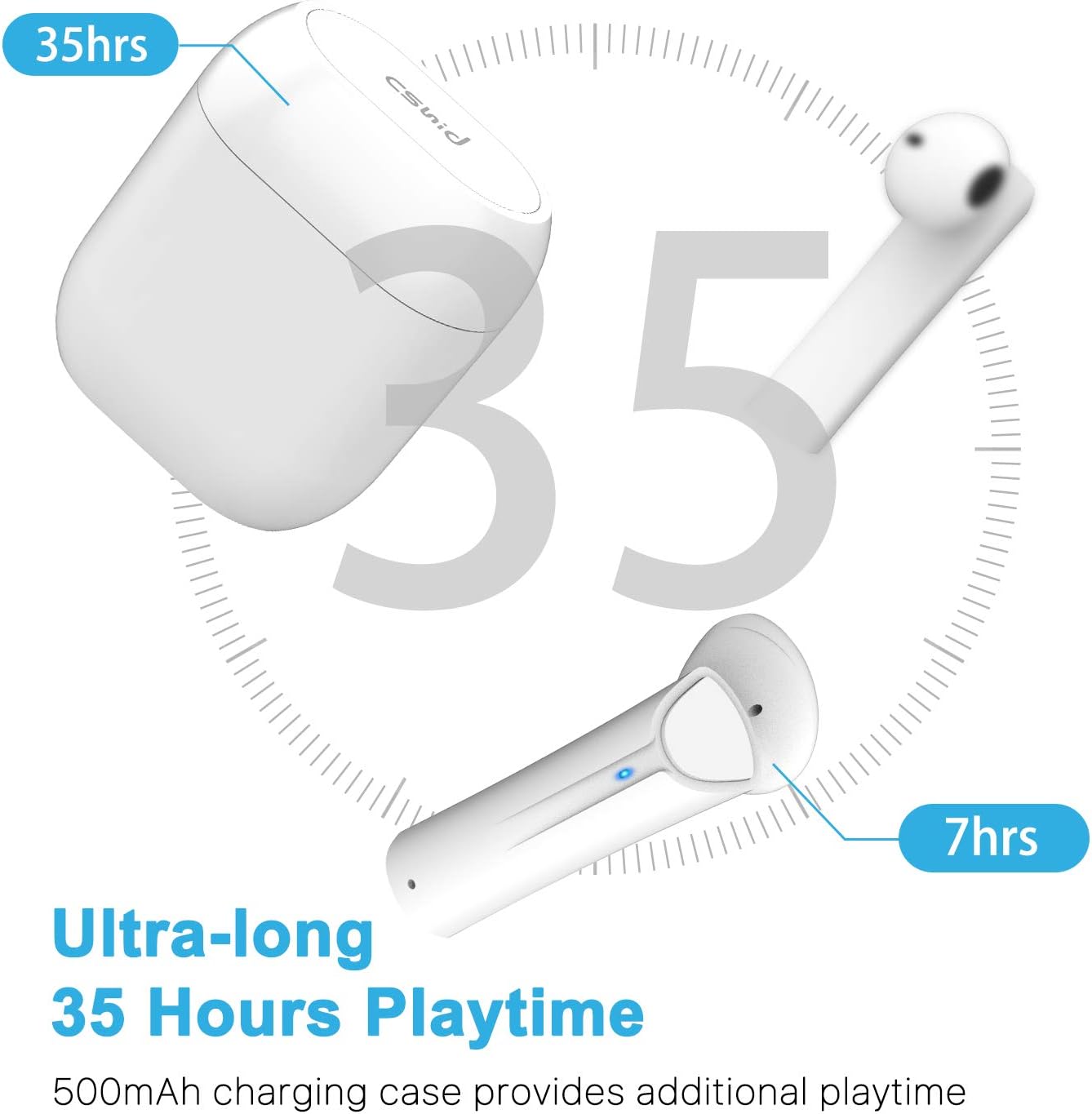
Image: An illustration highlighting the ultra-long 35 hours of total playtime, with 7 hours from a single earbud charge and additional charges from the case.
Before first use, ensure both the earbuds and the charging case are fully charged. The earbuds provide up to 7 hours of playtime on a single charge, and the charging case can provide an additional 5 full charges, extending the total playtime to up to 35 hours.
- Tinye ntị ntị n'ime akpa nchaji. Gbaa mbọ hụ na ha nọ ọdụ nke ọma.
- Jikọọ eriri chaja USB na ọdụ chaja dị na akpa ahụ na isi iyi ike.
- The LED indicators on the case will show the charging status. Once fully charged, the indicators will change or turn off.
4.2 Initial Pairing (One-Step Pairing)

Image: A step-by-step guide showing how to pair the earbuds: simply take them out of the case and select 'G33' on your device's Bluetooth settings.
The G33Pro-W earbuds feature one-step pairing technology for quick and easy connection.
- Take both earbuds out of the charging case. They will automatically power on and enter pairing mode. The LED indicator on one earbud will flash, indicating it's ready to pair.
- Na ngwaọrụ gị (smartphone, mbadamba, wdg), gbanye Bluetooth.
- Chọọ maka "G33" in the list of available Bluetooth devices and select it to connect.
- Once connected, the LED indicators on both earbuds will stop flashing. You are now ready to use your earbuds.
4.3 Ojiji Ntị Otu
You can use either the left or right earbud independently. Simply take one earbud out of the charging case, and it will automatically enter pairing mode. Connect to "G33" on your device. To use both again, take the second earbud out, and they will automatically reconnect.
5. Ntuziaka ọrụ
The G33Pro-W earbuds are controlled via a multi-function button on each earbud.
| Ọrụ | Omume |
|---|---|
| Gbanyụọ | Take earbuds out of charging case (automatic) |
| Gbanyụọ ike | Place earbuds back into charging case (automatic) |
| Kpọọ/kwụsịtụ egwu | Press the multi-function button once on either earbud |
| Track na-esote | Double-press the multi-function button on the Right earbud |
| Egwu gara aga | Double-press the multi-function button on the Left earbud |
| Zaa/Kwụsị Oku | Press the multi-function button once on either earbud |
| Jụ oku | Press and hold the multi-function button for 2 seconds on either earbud |
| Mee ka onye enyemaka olu rụọ ọrụ (Siri/Google Assistant) | Pịa bọtịnụ ọrụ ọtụtụ ugboro na ntị ntị nke ọ bụla |
| Elu elu | Press and hold the multi-function button on the Right earbud |
| Mpịakọta ọnụ | Press and hold the multi-function button on the Left earbud |
6. Nlekọta

Image: Two scenarios demonstrating earbud use: one person driving safely with hands-free calling, and another person working out, highlighting the sweat-proof and cable-free design.
6.1 Nhicha
Ịdị ọcha mgbe niile na-enyere aka ịnọgide na-adị mma na ịdị ọcha.
- Jiri akwa dị nro, kpọrọ nkụ, akwa na-enweghị lint ka ihichapụ ntị ntị na akpa nchaji.
- Maka unyi isi ike, ntakịrị dampen akwa na mmiri ma ọ bụ dị nwayọọ, na-adịghị abrasive Cleaner.
- Ejila kemịkalụ siri ike ma ọ bụ ihe abrasive.
- Ensure the charging contacts on both the earbuds and case are clean and dry.
6.2 Nchekwa
Mgbe ị na-ejighị ya, debe ekweisi ntị n'ime akpa chaja ha iji chebe ha ma mee ka ha dị ọkụ. Debe ha n'ebe dị jụụ ma kpọọ nkụ, ebe okpomọkụ na-adịghị oke njọ.
6.3 Mmiri Nguzogide
The earbuds are designed to be waterproof, making them suitable for workouts and light rain. However, they are not intended for swimming or submersion in water. Ensure earbuds are dry before placing them back into the charging case to prevent damage.
7. Nchọpụta nsogbu
Ọ bụrụ na ị na-enwe nsogbu na ntị gị, biko lee nsogbu na ngwọta ndị a na-ahụkarị:
- Igwe ntị anaghị ejikọta ya na ngwaọrụ:
Ensure Bluetooth is enabled on your device. Place earbuds back in the case, then take them out again to re-enter pairing mode. Try forgetting "G33" from your device's Bluetooth list and re-pairing. - Naanị otu earbud na-arụ ọrụ:
Place both earbuds back into the charging case. Close the lid for a few seconds, then open it and take both earbuds out simultaneously. They should automatically connect to each other. - Enweghị ụda:
Check the volume level on both your device and the earbuds. Ensure the earbuds are properly connected to your device. Try playing different audio sources. - Earbuds anaghị akwụ ụgwọ:
Gbaa mbọ hụ na ejikọrọ eriri chajị na echekwabara na ikpe ahụ yana isi iyi ike. Lelee ma kọntaktsị chaja dị na ntị ntị na n'ime akpa ahụ dị ọcha na enweghị irighiri ihe. - Ogo ụda adịghị mma:
Ensure the earbuds are properly seated in your ears. Check for any obstructions in the earbud speakers. Move closer to your connected device to avoid signal interference.
8. Nkọwapụta
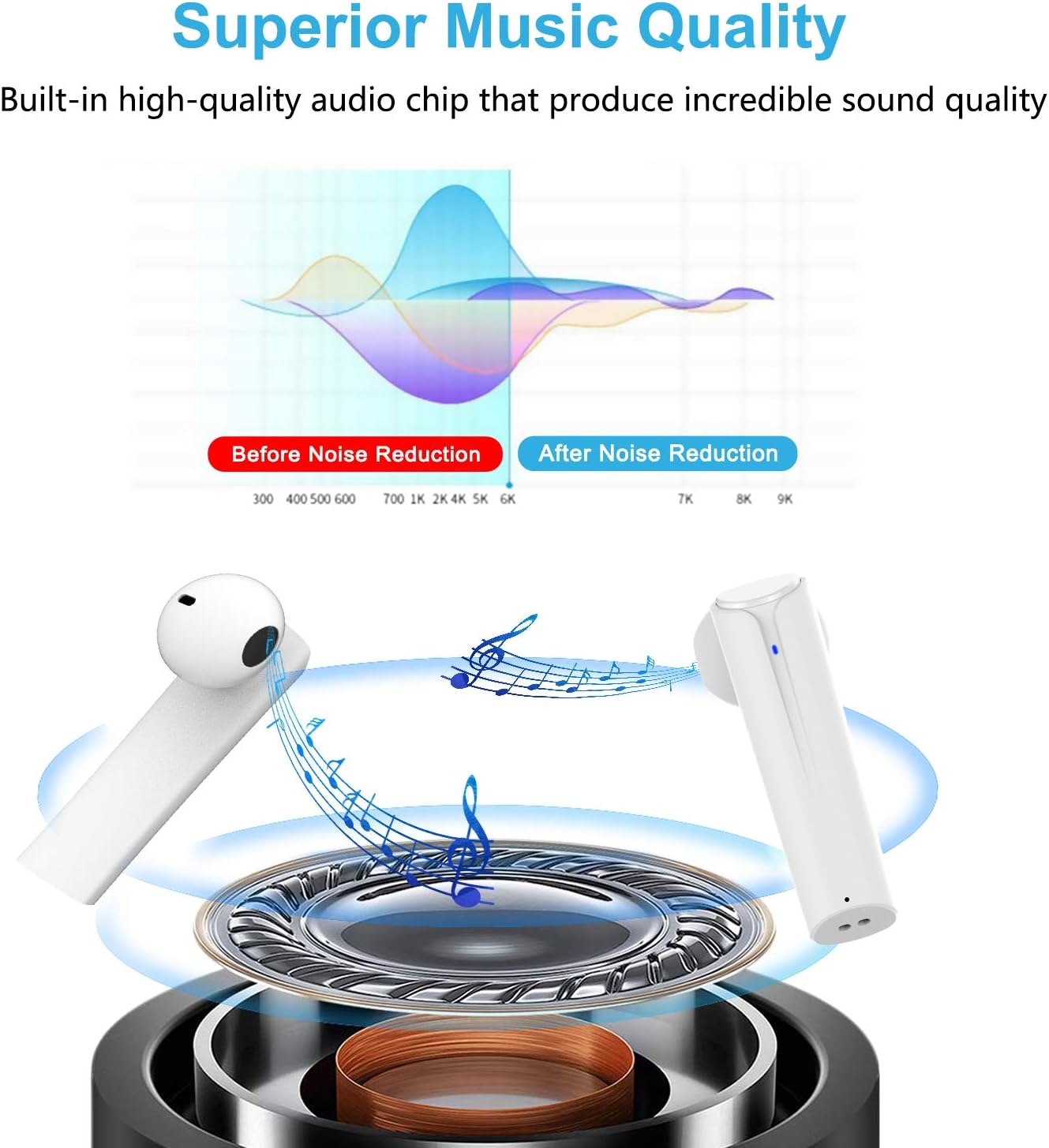
Image: A graph illustrating the effect of noise reduction on sound quality, accompanied by a detailed diagram of the earbud's internal audio components.
- Ụdị: G33Pro-W
- Njikọta: Bluetooth 5.0
- Playtime (Earbuds): Ruo awa 7 kwa ụgwọ
- Total Playtime (with Charging Case): Ruo awa iri abụọ
- Igwe okwu: Igwe okwu abụọ arụnyere n'ime ya
- Ụdị njikwa: Bọtịnụ ọrụ ọtụtụ
- Ihe: Plastic
- Nguzogide mmiri: Waterproof
- Agba: Ọcha
9. Ozi nchekwa
Please observe the following safety guidelines for safe and proper use of your earbuds:
- Do not expose the earbuds or charging case to extreme temperatures, direct sunlight, or high humidity.
- Avoid dropping, hitting, or disassembling the product.
- Ejila ekwe ntị gị nke ukwuu ruo ogologo oge, n'ihi na nke a nwere ike imebi ntị gị.
- Debe ngwaahịa ahụ n'ebe ụmụaka nọ na anụ ụlọ.
- Tụfuo ngwaahịa ahụ na ihe ndị dị na ya n'ụzọ kwesịrị ekwesị dịka iwu obodo si dị.
10. Akwụkwọ ikike na nkwado
Cshidworld provides a 30-day hassle-free return policy na a akwụkwọ ikike otu afọ for the G33Pro-W Wireless Earbuds. For any product-related inquiries, technical support, or warranty claims, please contact Cshidworld customer service through the platform where you purchased the product or refer to the contact information provided with your purchase.


