1. Okwu mmalite
This manual provides detailed instructions for the setup, operation, and maintenance of your One For All URC4811 Universal Replacement Learning Remote Control. This remote is designed to be compatible with all LG Televisions, including LCD, LED, OLED, and Plasma models, offering a seamless replacement for your original LG remote.
2. Ngwaahịa gafereview
The One For All URC4811 remote control is engineered for ease of use and broad compatibility with LG televisions. Key features include:
- Direct Compatibility: Functions like your original LG television remote. For most LG TVs, no setup is required; simply insert batteries and it is ready to use.
- Njirimara Mmụta: Allows customization of the remote to your specific needs by copying functions from your original remote.
- Igodo mkpirisi ngwa: Provides direct access to your favorite streaming services.
- Ọnụọgụ nke igodo: 50.
- Teknụzụ njikwa anya: Infrared (IR).
Onyonyo ngwaahịa




3. Nhazi
3.1. Ntinye batrị
The remote requires 2 AAA batteries (not included). To install the batteries:
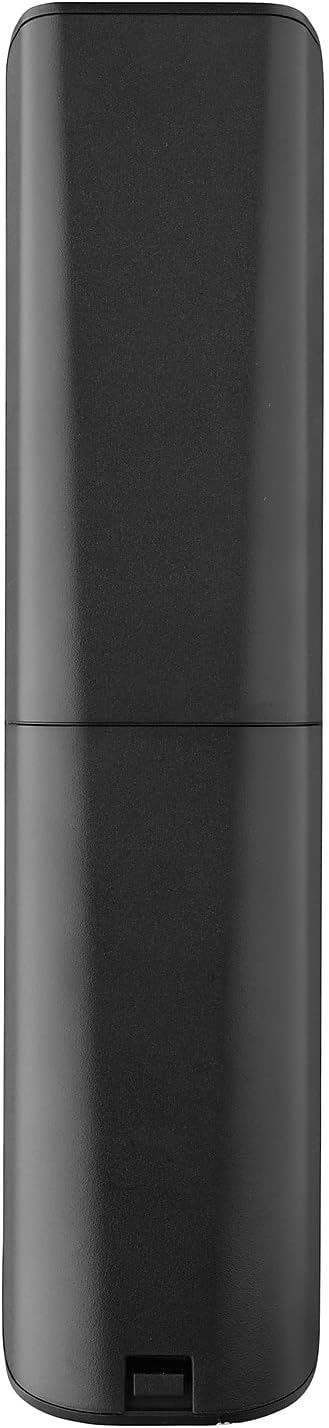
- Remove the battery compartment cover located on the back of the remote.
- Insert 2 AAA batteries, ensuring correct polarity (+ and - terminals).
- Dochie mkpuchi nke batrị batrị ruo mgbe ọ pịrị na ebe nchekwa.
3.2. Initial Pairing / Codeless Setup
For most LG Televisions, the One For All URC4811 remote control is ready to use immediately after battery installation, requiring no additional setup. Simply point the remote at your LG TV and begin using it. If your TV does not respond, refer to the 'Learning Feature' section for advanced setup options.
4. Ntuziaka ọrụ
4.1. Ọrụ ndị bụ isi
The remote provides all standard functions of an LG TV remote, including:
- Gbanyụọ/ Gbanyụọ: Use the dedicated power button to turn your TV on or off.
- Njikwa olu: Adjust volume up or down using the +/- buttons.
- Nsoro ụzọ ọwa: Change channels using the CH +/- buttons or direct number input.
- Ụzọ mkpirisi ngwa: Bọtịnụ raara onwe ha nye na-enye ohere ngwa ngwa ịnweta ọrụ nkwanye ugwu ama ama.
4.2. Njirimara Mmụta
The learning feature allows you to copy specific functions from your original LG remote control to your One For All URC4811 remote. This is useful if a particular function is not pre-programmed or if you prefer a custom button layout. Refer to the Quick Setup Guide included with your remote for detailed steps on using the learning feature.
4.3. Official Product Video
5. Nlekọta
To ensure the longevity and optimal performance of your remote control:
- Nhicha: Jiri ákwà dị nro ma kpọọ nkụ hichaa ihe eji ehicha ihe. Zere iji ihe nhicha mmiri ma ọ bụ ihe ndị na-eme ka ihe dị nro hichaa ya.
- Nlekọta batrị: Replace batteries when the remote's performance degrades. Remove batteries if the remote will not be used for an extended period to prevent leakage.
- Nchekwa: Debe ihe eji emechi ihe n'ebe dị jụụ ma kpọọ nkụ, ebe anwụ na-anaghị anwụ kpọmkwem na oke okpomọkụ dị oke njọ.
6. Nchọpụta nsogbu
If you encounter issues with your remote control, try the following steps:
- Remote anaghị aza: Lelee ma batrị ndị ahụ hà dị n'ime ya nke ọma ma nwee ike ịchaji zuru oke. Dochie ha ma ọ dị mkpa.
- Ahịrị nke anya: Hụ na enweghị ihe mgbochi ọ bụla n'etiti remote na ihe nnata IR nke TV.
- Ọrụ Ndị A Kpọmkwem Na-anaghị Arụ Ọrụ: Use the learning feature to re-program the affected buttons from your original LG remote.
- TV Not Responding After Battery Change: For some LG models, the remote may require re-pairing or a quick setup process after battery replacement. Refer to the Quick Setup Guide.
7. Nkọwapụta
| Njirimara | Nkọwapụta |
|---|---|
| Akụkụ ngwaahịa | 8.03 x 2.01 x 0.94 sentimita asatọ |
| Ibu Ibu | 2.72 ounces |
| Nọmba Nlereanya ihe | OBI4811 |
| Batrị achọrọ | Batrị 2 AAA (anaghị etinye ya) |
| Ụdị | Otu Maka mmadụ niile |
| Njirimara Pụrụ Iche | Ọrụ Mmụta zuru ụwa ọnụ |
| Agba | Nwa |
| Ọnụọgụ ngwaọrụ akwadoro kacha | 1 (specifically for LG TVs) |
| Ngwa dakọtara | LG Televisions (LCD, LED, OLED, Plasma) |
8. Akwụkwọ ikike na nkwado
For warranty information and technical support, please refer to the documentation included with your product or visit the official One For All websaịtị. Debe nnata nzụta gị dị ka ihe akaebe nke ịzụrụ ihe maka akwụkwọ ikike ọ bụla.