1. Okwu mmalite
Zazu Harry the Hedgehog is a comforting star projector designed to help your child fall asleep. It projects a magical starry sky and plays soothing melodies. This manual provides instructions for the safe and effective use of your Harry the Hedgehog projector.
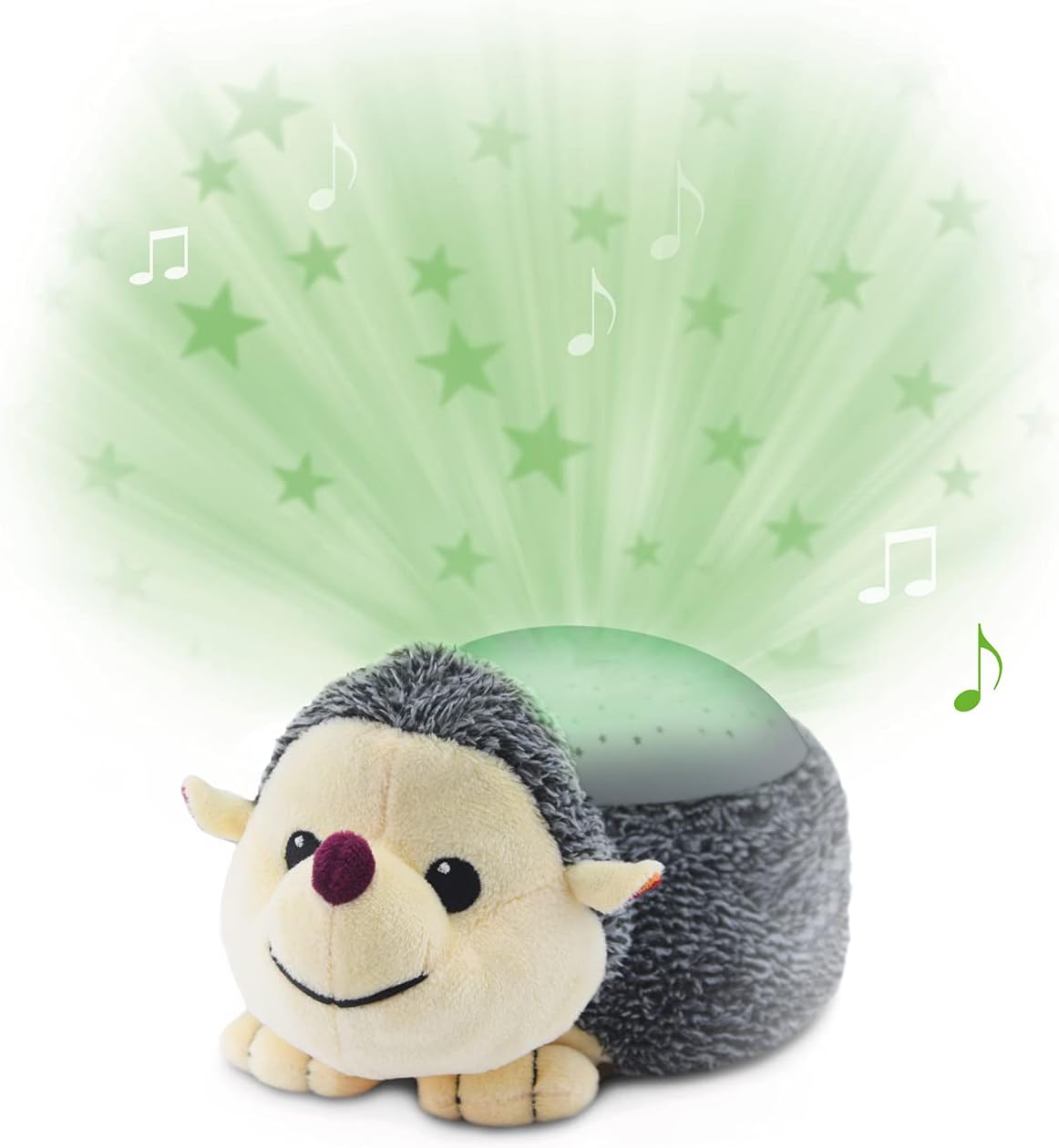
Image 1.1: Zazu Harry the Hedgehog Star Projector, a plush hedgehog with a light projector on its back.
2. Ozi nchekwa
- Na-elekọta ụmụaka mgbe niile mgbe ị na-eji ngwaahịa a.
- Debe ngwaahịa ahụ pụọ na mmiri na mmiri.
- Do not use rechargeable batteries. Use only 3xAA alkaline batteries.
- Gbaa mbọ hụ na emechiela akụkụ batrị ahụ nke ọma.
- Ejikọtala batrị ochie na nke ọhụrụ, ma ọ bụ ụdị batrị dị iche iche.
- Wepụ batrị ma ọ bụrụ na ejirighị ngwaahịa ahụ ruo ogologo oge.
- Ngwaahịa a abụghị ihe egwuregwu ụmụaka.
3. Ihe ngwugwu
The Zazu Harry the Hedgehog package typically includes:
- 1x Zazu Harry the Hedgehog Star Projector with Soothing Sounds
Note: 3xAA batteries are not included and must be purchased separately.
4. Nhazi
4.1 Ntinye batrị
- Locate the battery compartment on the underside of Harry the Hedgehog.
- Unzip the fabric cover to access the sound module.
- Open the battery compartment cover using a small screwdriver (not included).
- Insert 3xAA batteries, ensuring correct polarity (+/-).
- Mechie mkpuchi nke batrị batrị ma jiri nkedo kpuchie ya.
- Zip the fabric cover back into place.
4.2 Ntinye
Place Harry the Hedgehog on a stable, flat surface in your child's room, ensuring it is out of reach of infants and toddlers.
5. Ntuziaka ọrụ
Harry the Hedgehog features intuitive controls for its various functions. The control buttons are located on the sound module inside the plush toy.
5.1 Gbanyụọ ma ọ bụ gbanyụọ
Press the main power button on the sound module to turn Harry on or off.
5.2 Star Projection
Harry projects a magical starry sky onto the ceiling. You can select from four different color modes:
- oroma
- Acha anụnụ anụnụ
- Akwụkwọ ndụ akwụkwọ ndụ
- Multicolour (cycles through colors)
Press the light button on the sound module to cycle through the color options.

Image 5.1: Harry the Hedgehog projecting green stars onto a ceiling, demonstrating one of the four available color modes.
5.3 Soothing Melodies
Harry offers three soothing melodies to help your child relax and fall asleep:
- Ụda obi mgbawa
- Mkpọtụ ọcha
- Egwu ezumike
Press the music button on the sound module to select your desired melody. The volume can also be adjusted using the dedicated volume buttons.
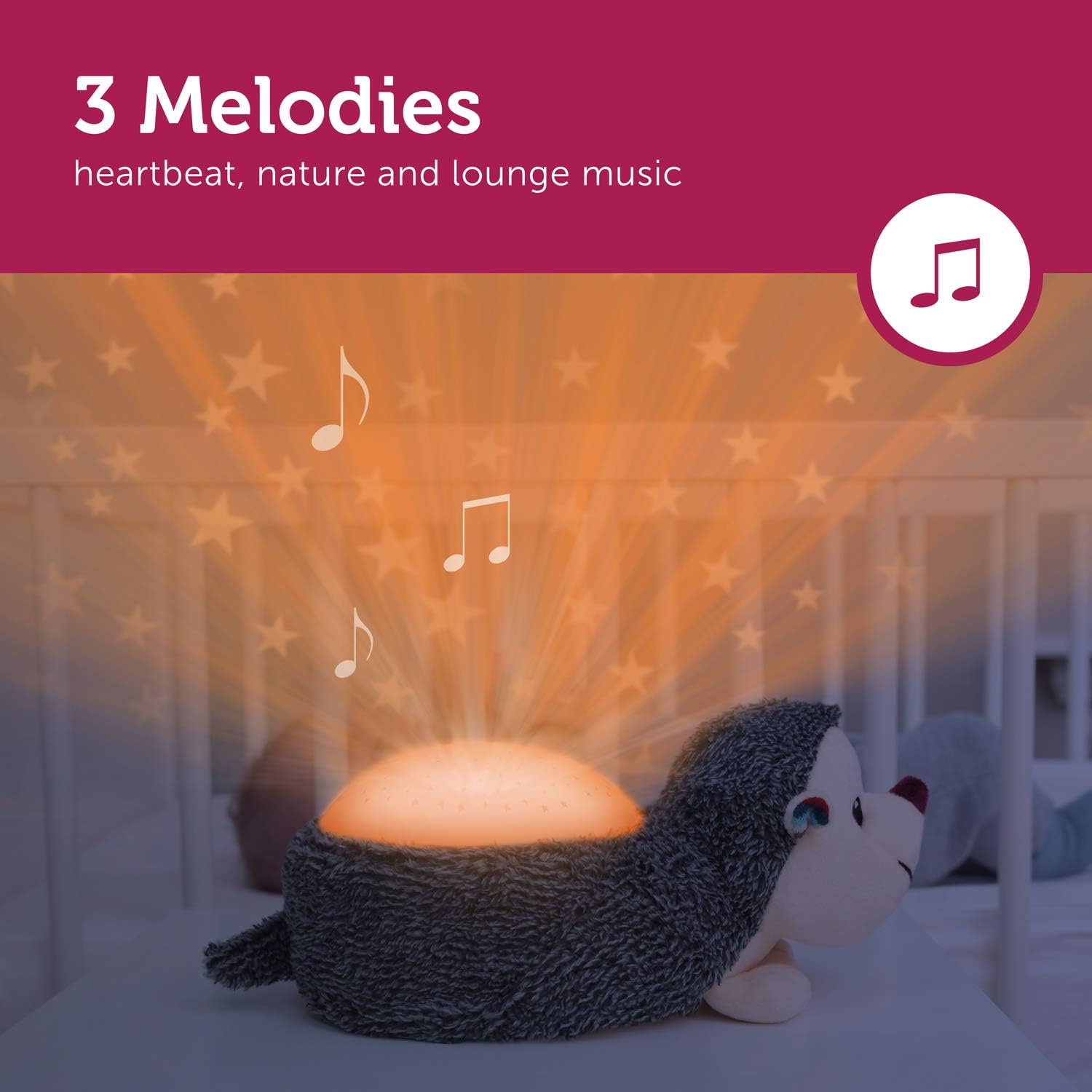
Image 5.2: Harry the Hedgehog projecting orange stars, accompanied by musical notes indicating the soothing melodies feature.
5.4 Auto Shut-off Timer
To conserve battery life and ensure a peaceful sleep environment, Harry features an automatic shut-off function:
- The light projection will automatically turn off after 30 minutes.
- The music will automatically turn off after 15 minutes.
5.5 Cry Sensor
Harry is equipped with a cry sensor that automatically activates the star projection and soothing melodies when your baby starts crying. This feature provides comfort and helps soothe your child back to sleep.

Image 5.3: Harry the Hedgehog projecting blue stars, with an icon representing the cry sensor feature, indicating automatic activation upon detecting a baby's cry.
6. Nlekọta
6.1 Ntuziaka nhicha
To clean your Zazu Harry the Hedgehog:
- First, ensure the product is turned off and remove the sound module from inside the plush toy.
- The soft toy (without the sound module) can be hand washed or machine washed on a gentle cycle with mild detergent.
- Allow the soft toy to air dry completely before reinserting the sound module.
- Wipe the sound module with a dry, soft cloth. Do not immerse the sound module in water.
7. Nchọpụta nsogbu
- Enweghị ike/anaghị agbanwu: Check if the batteries are inserted correctly with the right polarity. Replace with fresh 3xAA batteries. Ensure the power button is pressed firmly.
- Enweghị Mkpọpụta Ọkụ: Verify the unit is powered on. Check battery levels. Ensure the light button has been pressed to activate projection.
- No Sound/Music: Verify the unit is powered on. Check battery levels. Ensure the music button has been pressed and volume is not set to minimum.
- Cry Sensor Not Activating: Ensure the cry sensor feature is enabled (if applicable, refer to specific button on module). Check for excessive ambient noise that might interfere with detection.
8. Nkọwapụta
| Njirimara | Nkọwa |
|---|---|
| Nọmba nlereanya | ZA-HARRY-01 |
| Isi Iyi Ike | 3xAA Batteries (not included) |
| Akụkụ | 14 x 16 x 24 cm |
| Ibu | 0.21 kilogram |
| Star Projection Colors | Orange, Blue, Green, Multicolour |
| Egwu na-atọ ụtọ | Heartbeat, White Noise, Lounge Music |
| Auto Shut-off (Light) | 30 nkeji |
| Auto Shut-off (Music) | 15 nkeji |
| Atụmatụ pụrụ iche | Cry Sensor, Cordless, Portable, Timer |
| Nlekọta ihe onwunwe | Soft toy washable (remove sound module) |
| Nkwanye afọ | 0+ ọnwa |
9. Akwụkwọ ikike na nkwado
Zazu products are manufactured to high-quality standards. For warranty information or technical support, please refer to the documentation provided with your purchase or visit the official Zazu websaịtị. Debe ihe akaebe nke ịzụrụ maka akwụkwọ ikike.