Okwu mmalite
This manual provides detailed instructions for the installation, operation, and maintenance of your Utilitech 1.0-Sone 150-CFM White Bathroom Fan with integrated LED light. This ventilation fan is designed to provide efficient air movement and illumination in your bathroom, featuring an energy-efficient DC brushless motor and a dimmable LED light. Please read these instructions thoroughly before installation and use to ensure safe and optimal performance.
Ozi nchekwa dị mkpa
ỊDỌ AKA NA NTỊ: Iji belata ihe ize ndụ nke ọkụ, ujo eletrik, ma ọ bụ mmerụ ahụ n'ime mmadụ, hụ ihe ndị a:
- A ghaghị ịrụ ọrụ nrụnye na wiwi eletrik site n'aka onye (s) tozuru etozu dịka koodu na ụkpụrụ niile dị, gụnyere koodu ọkụ na ụkpụrụ ụlọ.
- Jiri nkeji a naanị n'ụzọ onye nrụpụta chọrọ. Ọ bụrụ na ị nwere ajụjụ, kpọtụrụ onye nrụpụta.
- Tupu ị na -arụ ọrụ ma ọ bụ na -ehicha otu, gbanyụọ ọkụ na panel ọrụ wee kpọchie ụzọ ịkwụpụ ọrụ pụtara iji gbochie ịgbanye ọkụ na mberede. Mgbe enweghị ụzọ akpọchiri ọrụ ịkwụpụ, kechie ngwaọrụ ịdọ aka na ntị a ma ama, dị ka tag, na panel ọrụ.
- Do not use this fan with any solid-state speed control device unless specifically approved for use with this model.
- This product is designed for general ventilating use only. Do not use to exhaust hazardous or explosive materials and vapors.
- Always wear safety glasses and gloves during installation and maintenance.
Ihe ngwugwu
Chọpụta na akụrụngwa niile dị tupu ịmalite nrụnye:
- Utilitech Bathroom Fan with Integrated LED Light
- 6-inch to 4-inch Duct Adapter
- Quick Connect Wire Nuts
- Installation Hardware (screws, etc., if applicable)

Image 1: The Utilitech bathroom fan unit, showing the main housing, LED light panel, and the attached duct connector.
Ntọala na nwụnye
This fan can be installed in both new construction (with attic access) and existing construction (without attic access). Professional installation is recommended for electrical wiring.
Nzọụkwụ mbụ etinyere:
- Ịkwụsị ike: Ensure power is turned off at the circuit breaker before starting any installation work.
- Nhọrọ ebe: Choose a suitable ceiling location for the fan, ensuring adequate space for the housing and ductwork.
- Nkwadebe maka ducting: Prepare the ductwork. The fan is designed for 6-inch ducts, but a 6-inch to 4-inch duct adapter is included for compatibility with 4-inch systems.
Usoro ntinye:
- Ịkwalite Ụlọ: Secure the fan housing to the ceiling joists using appropriate fasteners. Ensure the housing is level and firmly attached.
- Njikọ ductwork: Connect the ventilation duct to the fan's duct connector. Use duct tape or clamps to ensure a secure and airtight seal. The fan includes a plastic duct connector and damper to prevent backdraft.
- Ọkụ eletrik: Connect the electrical wiring to the fan using the provided quick connect wire nuts. Follow local electrical codes and the wiring diagram provided with the unit. Ensure proper grounding.
- Installing the Grille/Light Panel: Once the housing and wiring are complete, attach the integrated LED light panel/grille to the fan housing.
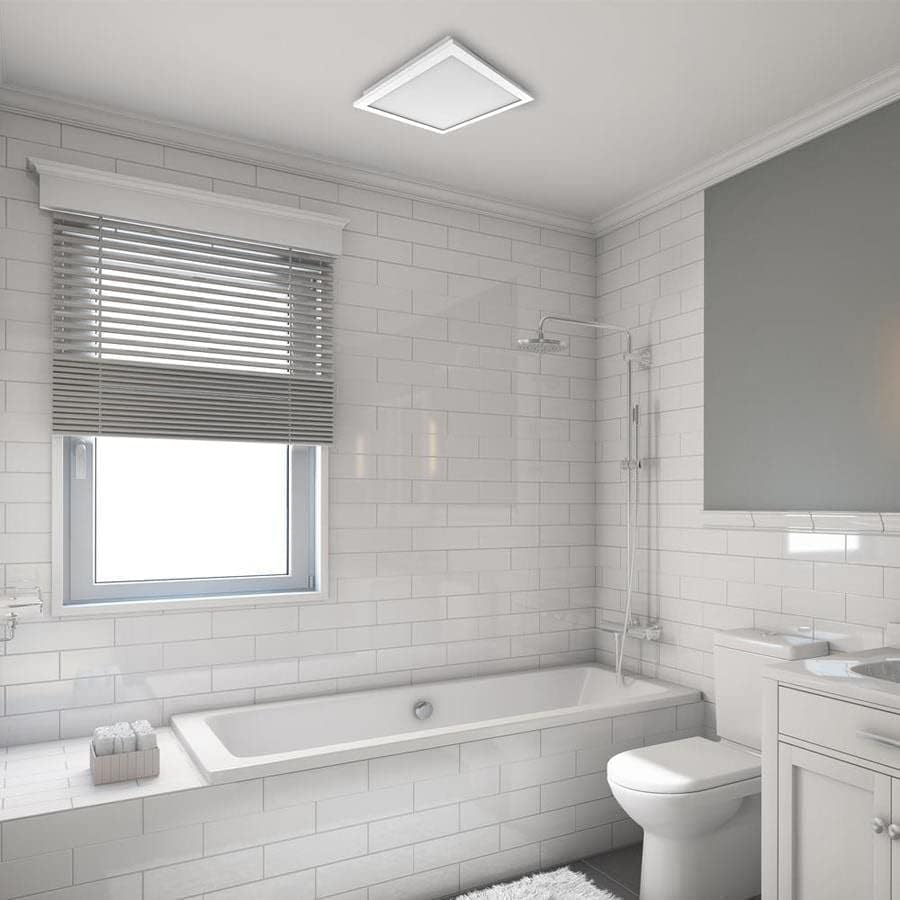
Foto 2: Example of the Utilitech bathroom fan with LED light installed flush in a white ceiling, providing both ventilation and illumination.
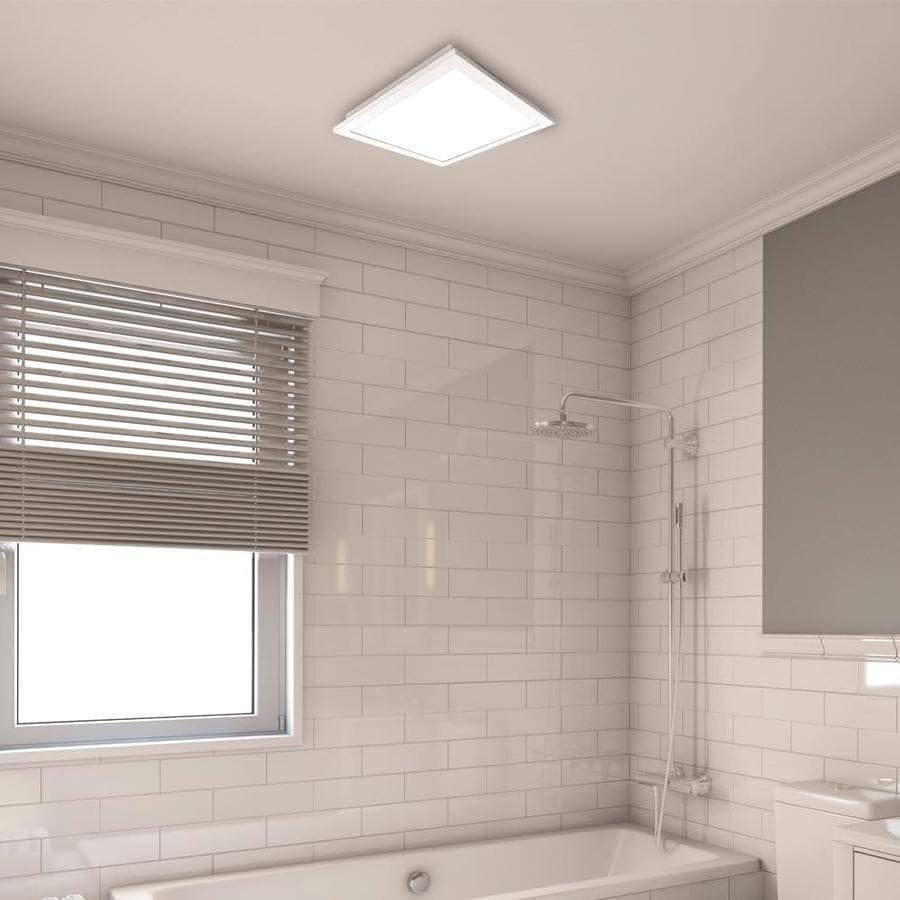
Foto 3: nso nso view of the installed fan's LED light panel, showing its sleek, white finish integrated into the ceiling.
Ntuziaka ọrụ
The Utilitech bathroom fan is designed for simple operation, providing effective ventilation and lighting for your bathroom.
- Gbanyụọ/ Gbanyụọ: The fan and light are typically controlled by a standard wall switch. Flip the switch to turn the unit on or off.
- Igwe ikuku: The fan operates at a single speed, moving 150 cubic feet per minute (CFM) of air at a quiet 1.0 sone level.
- Ọkụ LED: The integrated 13-watt LED light provides room illumination. This light is dimmable, requiring a compatible dimmer switch (sold separately) for dimming functionality.
- Njikwa ngwa: This model supports app control. Refer to the manufacturer's website or included documentation for details on connecting and controlling the fan via a smartphone application, if applicable.
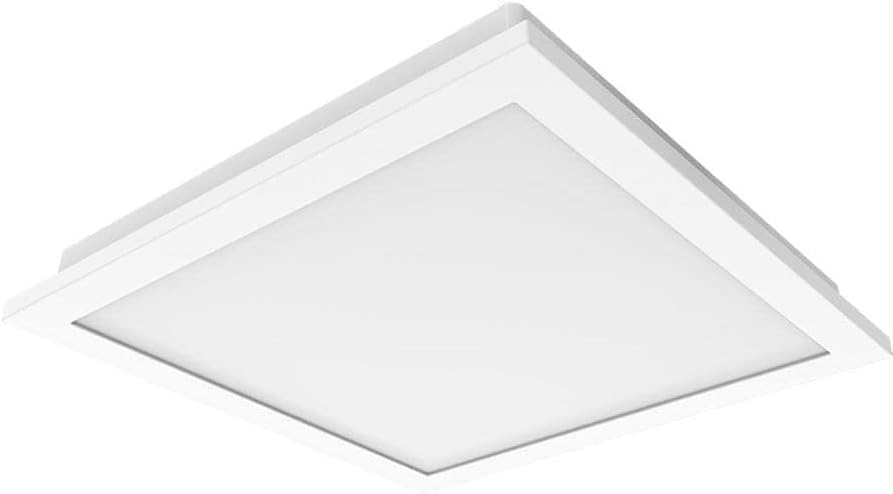
Foto 4: A view of the fan's LED light panel from below, showcasing its clean, minimalist design.
Nlekọta
Regular maintenance ensures the longevity and efficient operation of your Utilitech bathroom fan. Always disconnect power at the circuit breaker before performing any maintenance.
Cleaning the Fan and Light Grille:
- Turn off power to the fan at the service panel.
- Carefully remove the LED light panel/grille from the fan housing.
- Wipe the grille and light panel with a soft, damp akwa . Ejila ihe nchacha abrasive ma ọ bụ ihe mgbaze.
- If necessary, use a vacuum cleaner with a brush attachment to remove dust from the fan blades and interior of the housing.
- Kwe ka akụkụ niile kpoo kpamkpam tupu ejikọta ya.
- Reattach the LED light panel/grille and restore power.
The fan's DC brushless motor is designed for long-term operation, capable of running continuously for up to 70,000 hours, and the integrated LED light has a lifespan of up to 30,000 hours, minimizing the need for frequent internal maintenance.
Nchọpụta nsogbu
If you experience issues with your Utilitech bathroom fan, refer to the following common problems and solutions. Always disconnect power before inspecting the unit.
| Nsogbu | Ihe nwere ike ime | Ngwọta |
|---|---|---|
| Fan anaghị arụ ọrụ. | Enweghị ike na unit. Njikọ wiwi adịghị agwụ agwụ. Mgbanwe mgbidi ezighi ezi. | Lelee ihe mgbawa sekit na mgba ọkụ mgbidi. Hụ na njikọ waya niile dị nchebe (hụ na agbanyụrụ ọkụ). Nwalee ma ọ bụ dochie ihe mgba ọkụ mgbidi ahụ. |
| Ọkụ LED anaghị agba ọkụ. | Enweghị ike na unit. Njikọ wiwi adịghị agwụ agwụ. Faulty LED driver/light panel. | Lelee ọkọnọ ike. Nyochaa njikọ waya. Contact customer support if the LED panel is faulty. |
| Fan is excessively noisy. | Nkwalite rụrụ arụ. Ihe mgbochi na agụba fan. Nsogbu ọrụ ductwork. | Hụ na e tinyere ebe a na-etinye fan n'ebe ahụ nke ọma. Remove grille and check for debris. Inspect ductwork for kinks or blockages. |
| Mmegharị ikuku na-adịghị mma. | Blocked ductwork. Agụba fan ruru unyi. Improperly sized ducting. | Check ductwork for obstructions. Clean fan blades and grille. Ensure ducting matches recommended size or use adapter correctly. |
If problems persist after attempting these solutions, contact a qualified electrician or the manufacturer's customer support.
Nkọwapụta
| Njirimara | Nkọwa |
|---|---|
| Ụdị | Utilitech |
| Aha Nlereanya | 7116-02 |
| Ike ikuku | 150 CFM (Cubic Feet kwa nkeji) |
| Ọkwa mkpọtụ | 1.0 Ụmụ nwoke |
| Ụdị ọkụ | Integrated Dimmable LED |
| LED Wattage | 13 Watt |
| Ogologo ndụ LED | Ruo awa iri abụọ |
| Ụdị moto | DC brushless |
| Ndụ Moto | Ruo awa 70,000 na-aga n'ihu na-agba ọsọ |
| Nha ọwa mmiri | 6-inch (includes 6-inch to 4-inch adapter) |
| Isi Iyi Ike | AC |
| Ụdị nwụnye | Ceiling Mount (retrofit capable) |
| Usoro njikwa | Wall Switch, App Control |
| Asambodo | UL Certified, HVI Listed, ENERGY STAR Compliant, Title 24 Compliant |
| Akụkụ ngwaahịa | 9.68 x 9.68 x 7.88 sentimita asatọ |
| Ibu Ibu | 14.22 pound |
Ozi akwụkwọ ikike
Utilitech products are manufactured to high-quality standards and are warranted to be free from defects in materials and workmanship for a specified period from the date of purchase. For specific warranty terms and conditions, please refer to the warranty card included with your product or visit the official Utilitech websaịtị. Debe nnata nzụta gị dị ka ihe akaebe nke ịzụrụ maka nkwupụta ikike.
Nkwado ndị ahịa
If you have any questions regarding the installation, operation, or maintenance of your Utilitech bathroom fan, please contact Utilitech customer support. You can typically find contact information, including phone numbers and email addresses, on the manufacturer's official websaịtị ma ọ bụ na akwụkwọ enyere na ngwaahịa gị.
Maka enyemaka ọzọ, biko gaa na Utilitech websaịtị.


