1. Okwu mmalite
This manual provides instructions for the proper use and care of your Siser EasyWeed Heat Transfer Vinyl Sheet. Siser EasyWeed is a durable and versatile material designed for creating custom designs on various fabrics using a heat press or home iron. It is known for its ease of use, including hot or cold peeling, and its ability to be layered.
This product is CPSIA certified, making it suitable for use on children's clothing.
2. Nhazi na Nkwadebe
2.1 Mwepu na nyocha
Carefully unroll the Siser EasyWeed vinyl sheet. Inspect the material for any visible damage or imperfections before use.
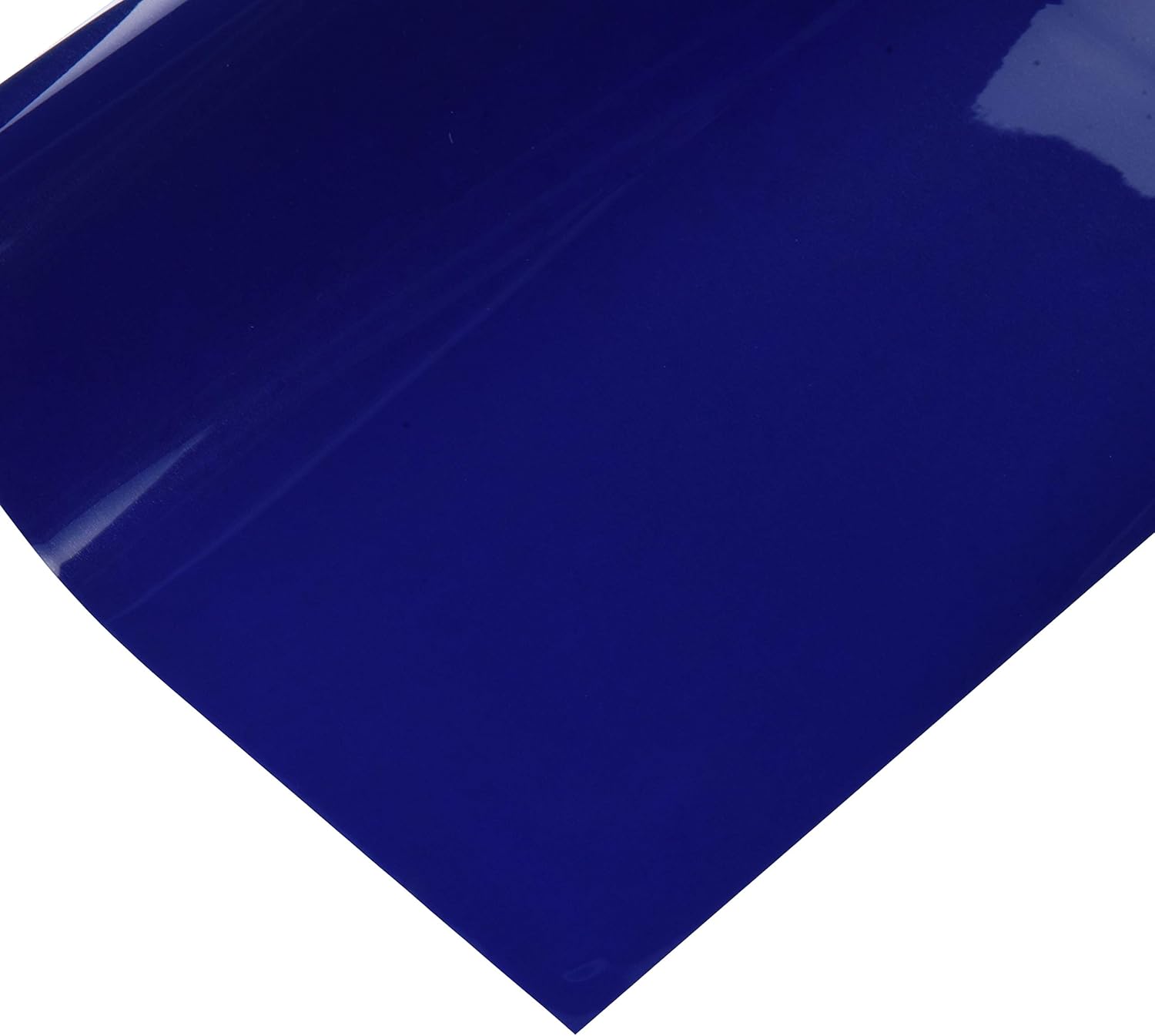
This image displays a single sheet of Siser EasyWeed Heat Transfer Vinyl in a vibrant royal blue color, ready for crafting projects.
2.2 Design Creation and Cutting
- Design Your Graphic: Create your desired design using graphic software.
- Mirror the Image: It is crucial to mirror or flip your design horizontally before sending it to your cutting machine. The vinyl is cut from the back, and mirroring ensures the design appears correctly when applied.
- Load Vinyl: Place the Siser EasyWeed vinyl into your cutting machine (e.g., Cricut, Cameo, Scan N Cut) with the glossy carrier sheet facing down. The matte side should be facing up for cutting.
- Adjust Cut Settings: Refer to your cutting machine's manual for recommended settings for heat transfer vinyl. Perform a test cut to ensure proper blade depth and pressure. The goal is to cut through the vinyl layer but not the clear carrier sheet.
- Cut the Design: Send your mirrored design to the cutting machine.
2.3 Weeding
After cutting, remove the excess vinyl from around your design. This process is called weeding. Siser EasyWeed is designed to weed easily without lifting the desired parts of the design from the carrier sheet.
3. Ntuziaka ngwa
Siser EasyWeed can be applied with a heat press or a home iron. Always test on a small, inconspicuous area of the fabric first.
3.1 Fabric Compatibility
Siser EasyWeed is suitable for application on 100% cotton, 100% polyester, and cotton/polyester blends.
3.2 Heat Press Application
- Pre-heat Garment: Place your garment on the heat press and pre-press for 2-3 seconds to remove moisture and wrinkles.
- Nhazi ọkwa: Place your weeded design onto the garment with the clear carrier sheet facing up.
- Tinye okpomọkụ: Press at 305°F (150°C) for 15 seconds with medium pressure.
- Peel Carrier: Siser EasyWeed can be peeled hot or cold. Carefully peel the clear carrier sheet away from the design. If the vinyl lifts, re-press for a few more seconds.
3.3 Home Iron Application
- Kwadebe elu: Place the garment on a hard, flat surface (e.g., a countertop, not an ironing board).
- Pre-heat Garment: Iron the area where the design will be applied for 10-15 seconds to remove moisture and wrinkles.
- Nhazi ọkwa: Place your weeded design onto the garment with the clear carrier sheet facing up.
- Tinye okpomọkụ: Set your iron to a medium-high temperature (cotton setting) with no steam. Apply firm, even pressure to all areas of the design for 20-30 seconds. For larger designs, press in sections, overlapping slightly.
- Peel Carrier: Siser EasyWeed can be peeled hot or cold. Carefully peel the clear carrier sheet away from the design. If the vinyl lifts, re-press for a few more seconds.
3.4 Layering
Siser EasyWeed's one-second tack feature makes it excellent for layering. Apply each layer for a short period (e.g., 5 seconds) at the recommended temperature, then do a final full press (15 seconds) after all layers are applied.
4. Nlekọta na nlekọta
4.1 Washing Instructions for Applied Garments
To ensure the longevity of your applied design, follow these guidelines:
- Wait 24 hours after application before washing.
- Wash garment inside out.
- Machine wash cold with mild detergent.
- Emela ihe ịcha ọcha.
- Tumble dry on low heat or hang dry.
- Asụchala ya.
- If ironing is necessary, iron the garment inside out, avoiding direct contact with the vinyl design.
Siser EasyWeed is extremely durable and designed to withstand many washes when properly applied and cared for.
4.2 Storage of Unused Vinyl
Store unused vinyl sheets flat in a cool, dry place away from direct sunlight to prevent damage or degradation of the adhesive.
5. Nchọpụta nsogbu
5.1 Vinyl Not Sticking to Garment
- Insufficient Heat/Pressure: Ensure your heat press or iron is at the correct temperature and you are applying firm, even pressure.
- Too Short Press Time: Increase the press time slightly.
- Moisture in Garment: Always pre-press the garment to remove moisture.
- Wrong Side Up: Ensure the glossy carrier sheet is facing up during application.
5.2 Vinyl Lifting During Weeding
- Blade Depth/Pressure: Your cutting machine's blade may be too deep or the pressure too high, cutting into the carrier sheet. Adjust settings and perform a test cut.
- Akara mkpọnwụ: A dull blade can tear the vinyl instead of cutting cleanly. Replace if necessary.
5.3 Design Peeling After Washing
- Improper Application: The vinyl may not have been fully adhered during the initial application. Re-press if possible.
- Washing Too Soon: Ensure you wait at least 24 hours before the first wash.
- Harsh Washing Conditions: Review and follow the recommended washing instructions carefully.
6. Nkọwapụta
| Njirimara | Nkọwa |
|---|---|
| Aha ngwaahịa | Siser EasyWeed Heat Transfer Vinyl Sheet |
| Nọmba nlereanya | 10041454 |
| Ụdị | Onye nhazi |
| Sheet Dimensions | 11.8 sentimita asatọ x 36 sentimita asatọ |
| Agba | Royal Blue |
| Ụdị ihe | Heat Transfer Vinyl (HTV) |
| Asambodo | CPSIA Certified (suitable for children's clothing) |
| Ngwa okpomọkụ | 305°F (150°C) |
| Pịa Oge | 15 seconds (heat press), 20-30 seconds (home iron) |
| Peel Type | Na-ekpo ọkụ ma ọ bụ oyi |
| Ibu Ibu | 4.6 ounces |
| Akụkụ ngwaahịa (Nkwakọ ngwaahịa) | 11.95 x 1.7 x 1.7 sentimita asatọ |
7. Akwụkwọ ikike na nkwado
7.1 Nkwado ngwaahịa
For additional support, technical assistance, or inquiries regarding Siser EasyWeed Heat Transfer Vinyl, please visit the official Siser websaịtị ma ọ bụ kpọtụrụ ngalaba ọrụ ndị ahịa ha. Enwere ike ịhụ ozi kọntaktị na nkwakọ ngwaahịa ma ọ bụ nke onye nrụpụta websaịtị.
7.2 Ozi akwụkwọ ikike
Specific warranty details for Siser EasyWeed Heat Transfer Vinyl are generally provided by the manufacturer. Please refer to the Siser official website or product packaging for the most current warranty terms and conditions.


