Okwu mmalite
Thank you for choosing the Rapoo H100 Wired Stereo Headset. This manual provides detailed instructions for setting up, operating, and maintaining your headset to ensure optimal performance and longevity. The Rapoo H100 is designed for clear audio communication and comfortable wear, featuring smooth HD voice calls, microphone noise reduction, adjustable rotation, volume control, microphone mute, and a standard 3.5mm audio port.
Ihe ngwugwu
Biko lelee ọdịnaya nke ngwugwu ahụ ka ị hụ na ihe niile dị:
- Rapoo H100 Wired Stereo Headset
Ngwaahịa gafereview
Familiarize yourself with the components of your Rapoo H100 headset for proper use and understanding.

Foto 1: N'ihu-n'akuku view of the Rapoo H100 Wired Stereo Headset, showcasing the earcups, adjustable headband, and microphone arm.
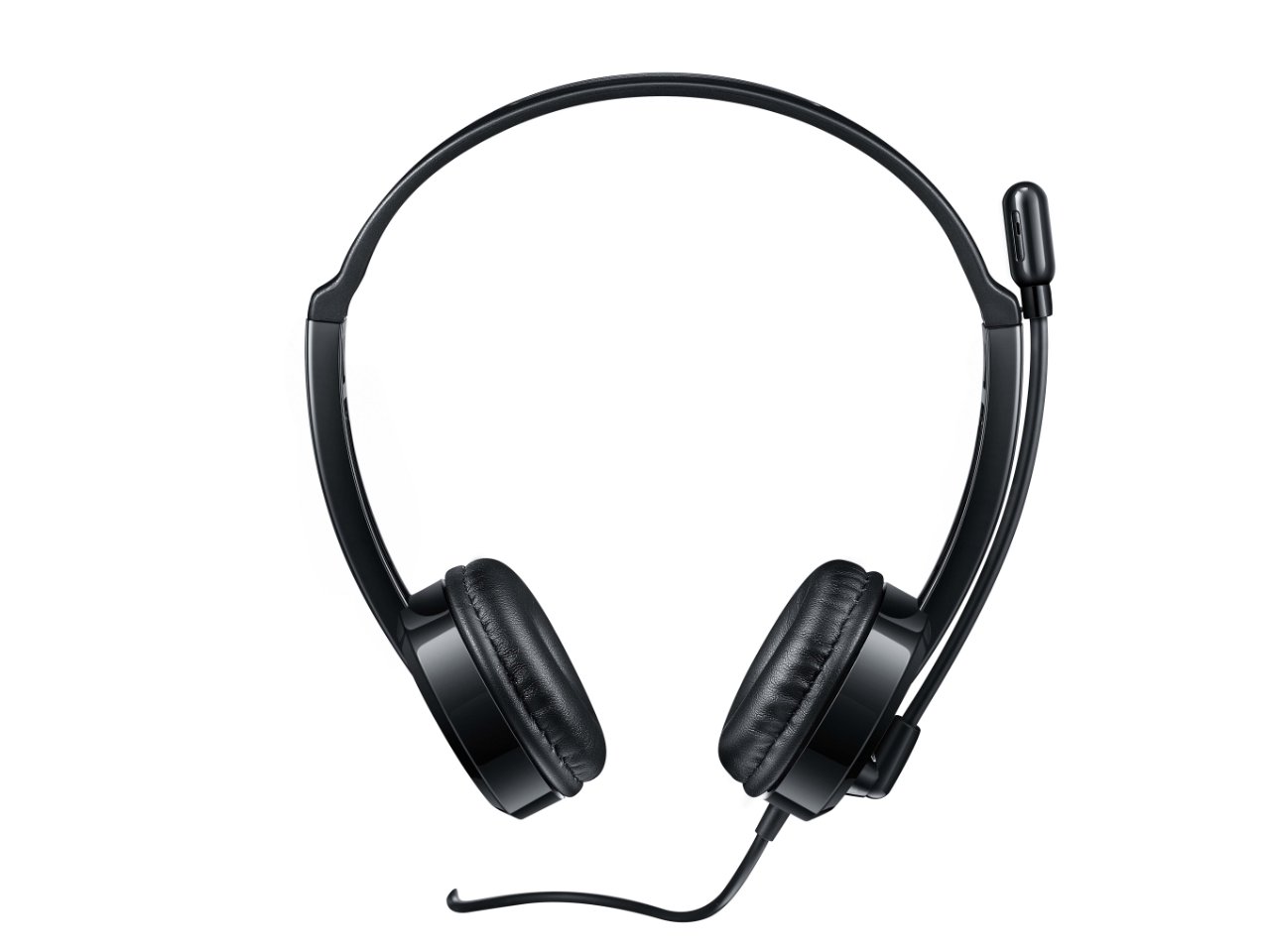
Foto 2: Elu-ihu view of the headset, providing a clear perspective of the headband's curvature and the design of both earcups.
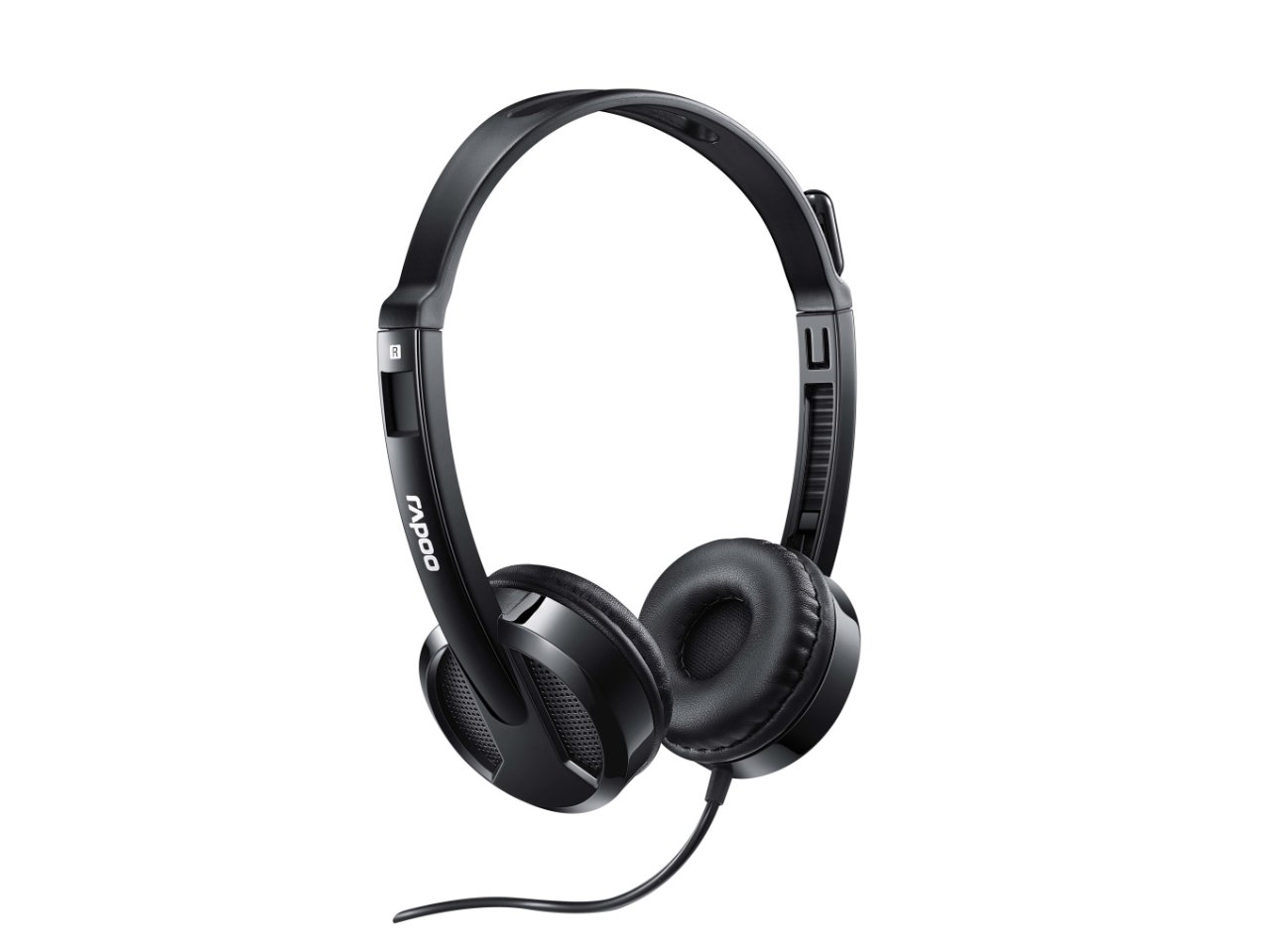
Foto 3: N'akuku view from behind the headset, showing the connection point of the audio cable to the earcup.

Foto 4: Agara nso view of the rotatable microphone arm, illustrating its design for optimal voice capture.

Foto 5: Akụkụ profile view of the Rapoo H100 headset, showing the slim design and the headband adjustment mechanism.
Isi ihe:
- Ihe mkpuchi isi nwere ike idozi: Allows for a comfortable fit for various head sizes.
- Ntị ntị dị nro: Designed for comfort during extended use.
- Rotatable Microphone: Can be adjusted for optimal voice pickup and rotated out of the way when not in use.
- Ngalaba Njikwa n'Ime Ahịrị: Contains the volume control wheel and microphone mute switch for easy access.
- Jack Audio: 3.5mm Standard connector for universal compatibility with devices.
Melite
- Jikọọ ekweisi: Insert the 3.5mm audio jack into the corresponding audio port on your computer, laptop, tablet, or smartphone. Ensure the connection is secure.
- Hazie eriri isi: Gently extend or retract the headband on both sides until the earcups rest comfortably over your ears.
- Dobe igwe okwu: Rotate the microphone arm downwards and position the microphone approximately 2-3 cm (1 inch) from your mouth for clear voice pickup. The microphone is adjustable for optimal placement.
- Hazie Ntọala Ọdịyo (ọ bụrụ na ọ dị mkpa): On your device, navigate to the sound settings and ensure the Rapoo H100 is selected as the default input (microphone) and output (speaker) device.
Ntuziaka ọrụ
- Njikwa olu: Use the in-line volume control wheel on the headset cable to adjust the listening volume. Rotate the wheel upwards to increase volume and downwards to decrease it.
- Mechie igwe okwu: Locate the mute switch on the in-line control. Slide the switch to mute or unmute the microphone. This is useful for privacy during calls or when you do not wish your voice to be transmitted.
- Ịkpọ oku: Once connected and configured, you can use the headset for voice calls through various communication applications (e.g., Skype, Zoom, Microsoft Teams) or for standard phone calls on compatible devices.
- Na-ege ntị Audio: The headset will output audio from your connected device, allowing you to listen to music, videos, or game audio.
Nlekọta
Proper maintenance will extend the life of your headset.
- Nhicha: Jiri akwa dị nro ma kpọọ nkụ hichapụ ihe ntị ntị na eriri isi. Maka unyi isi ike, ntakịrị damp enwere ike iji akwa, mana hụ na ọ nweghị mmiri na-abanye n'igwe okwu ma ọ bụ igwe okwu. Ejila kemịkalụ siri ike ma ọ bụ ihe mkpocha abrasive.
- Nchekwa: When not in use, store the headset in a clean, dry place away from direct sunlight and extreme temperatures. Avoid tangling the cable.
- Nlekọta USB: Do not pull the cable forcefully or wrap it too tightly around the headset. This can damage the internal wires.
Nchọpụta nsogbu
If you encounter issues with your Rapoo H100 headset, refer to the following common problems and solutions:
| Nsogbu | Ihe nwere ike ime | Ngwọta |
|---|---|---|
| Enweghị ụda sitere na ekweisi |
|
|
| Igwe okwu anaghị arụ ọrụ |
|
|
| Ogo ụda adịghị mma |
|
|
Nkọwapụta
| Njirimara | Nkọwa |
|---|---|
| Aha Nlereanya | H100 |
| Teknụzụ Njikọta | Ekwenyere |
| Ngwa gụnyere | Igwe isi |
| Ngwa dakọtara | Tablets, Telephones, Laptops, Desktops |
| Ụdị njikwa | Njikwa olu |
| Ibu Ibu | 400 grams |
| Ụdị ntị | N'elu Ntị |
| Onye nrụpụta | Rapoo |
| Ụdị Ihe | Over Ear, On ear |
| Akụkụ ngwaahịa (LxWxH) | 1.8 x 18.6 x 11.6 cm |
| Jack ekweisi | 3.5mm ọkpụrụkpụ |
| Agba | Nwa |
Akwụkwọ ikike na nkwado
Maka ozi gbasara akwụkwọ ikike na nkwado teknụzụ, biko gaa na Rapoo gọọmentị websaịtị ma ọ bụ kpọtụrụ ndị ahịa ha ọrụ. Debe nnata nzụta gị dị ka ihe akaebe nke ịzụrụ maka nkwupụta ikike.
Onye nrụpụta: Rapoo
Websaịtị: www.rapoo.com (Please note: This is a general placeholder. Refer to your product packaging or Rapoo's official documentation for the most accurate support contact information.)