Okwu mmalite
Daalụ maka ịzụrụasing the OttLite Creative Curve LED Desk Lamp. Nke a lamp is designed to provide clear, natural daylight illumination for various tasks, including reading, crafting, and office work. It features four brightness levels, a flexible neck for adjustable lighting, and a convenient USB charging port. Please read this manual thoroughly before use to ensure proper operation and maintenance.
Ntuziaka nchekwa
- Mgbe niile hụ na lamp a na-etinye ya n'elu ebe kwụsiri ike ma dị larịị iji gbochie ịda.
- Ekpughela ihe lamp iji mmiri ma ọ bụ oke mmiri.
- Jiri naanị ihe nkwụnye ike enyere. Iji ihe nkwụnye na-ezighi ezi nwere ike imebi ihe nkwụnye ike ahụ.amp ma ọ bụ tinye ihe egwu nchekwa.
- Anwala ịkwasa ma ọ bụ gbanwee lamp. Nye ndị ọrụ ruru eru ọrụ niile.
- Debe lamp pụọ na isi mmalite okpomọkụ na ìhè anyanwụ.
- Kpupu lamp from the power outlet before cleaning or when not in use for extended periods.
- Avoid looking directly into the LED light source for prolonged periods, as it may cause eye strain.
Ihe ngwugwu
Biko lelee ngwungwu maka ihe ndị a:
- OttLite Creative Curve LED Desk Lamp (Model A30WGC)
- Ihe nkwụnye ọkụ
- Akwụkwọ ntuziaka (akwụkwọ a)
Melite
- Wepu ihe Lamp: Jiri nlezianya wepụ ihe niile dị na nkwakọ ngwaahịa.
- Debe ọnọdụ Lamp: Debe lamp on a stable, flat surface where you intend to use it. Ensure the base (5.25 inches) has adequate space.
- Njikọ Ike: Insert the power adapter plug into the power input port located on the back of the lamp base. Plug the other end of the power adapter into a standard electrical outlet.
- Gbanwee Ogologo: The flexible neck allows you to adjust the lamp's height from 11.25 inches to 23.75 inches. Position the light head to your desired angle for optimal illumination.

Ntuziaka ọrụ
Mgbanwe Mgbanye/Mgbanyụ Ike na Ịcha Ọcha
Ndị lamp atụmatụ njikwa mmetụ aka maka ịrụ ọrụ dị mfe.
- Ka ịgbanwuo: Lightly touch the power icon on the lamp isi. Nke lamp will turn on at the lowest brightness setting.
- Iji dozie ihie: Continue to lightly touch the power icon to cycle through the four available brightness levels.
- Ịgbanyụ: After cycling through all four brightness levels, touch the power icon one more time to turn the lamp gbanyụọ.
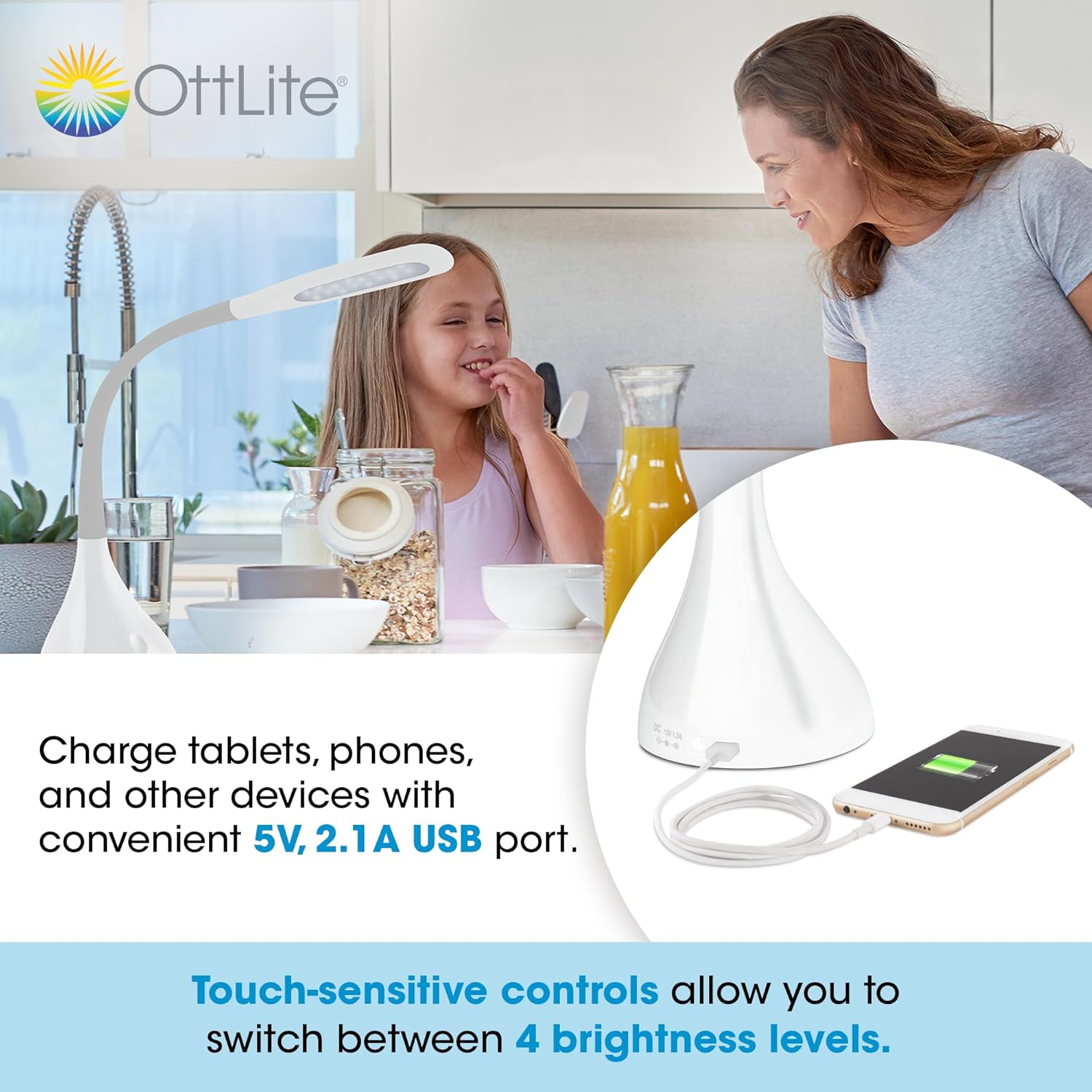
Iji USB Nchaji Port
Ndị lamp is equipped with a 5V, 2.1A USB charging port located on the base, allowing you to charge compatible devices such as smartphones and tablets.
- Jikọọ ngwaọrụ: Plug your device's USB charging cable into the USB port on the lamp isi.
- Ịchaji: Your device will begin charging automatically. The USB port functions whether the lamp light is on or off, as long as the lamp na-agbanye n'ime oghere ọkụ.
Optimal Lighting for Tasks
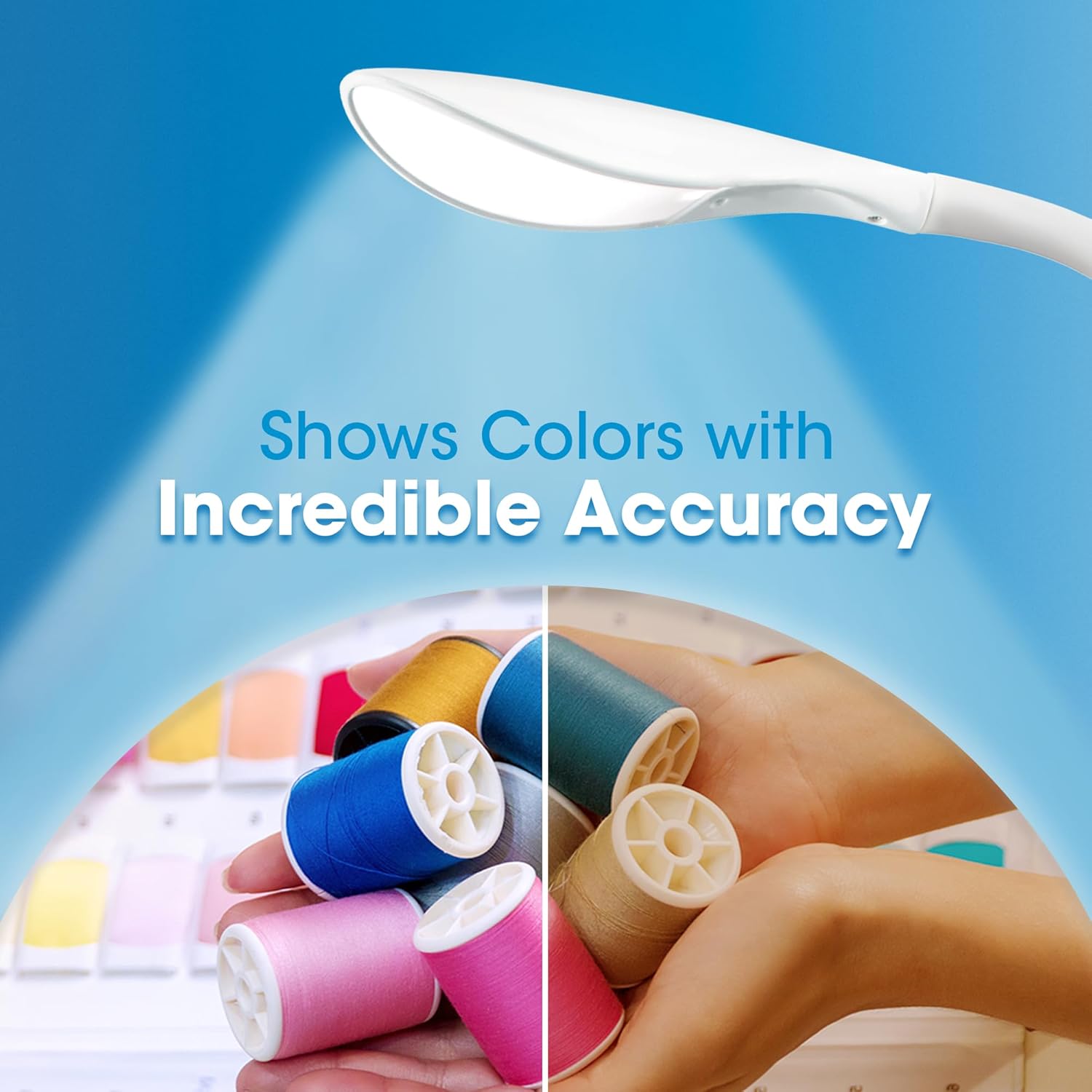
The OttLite Creative Curve LED Desk Lamp is designed to deliver natural daylight indoors, which helps reduce eyestrain and allows you to see fine print and colors clearly and comfortably with low glare.

Nlekọta
- Nhicha: Gbaa mbọ hụ na lamp is unplugged before cleaning. Use a soft, dry cloth to wipe the lamp's surfaces. Do not use abrasive cleaners or solvents, as they may damage the finish.
- Ogologo ndụ ọkụ: The energy-efficient LEDs in this lamp are designed to last up to 40,000 hours under normal use, requiring no replacement.
Nchọpụta nsogbu
| Nsogbu | Ihe nwere ike ime | Ngwọta |
|---|---|---|
| Lamp adịghị agbanye. | Not plugged in, power outlet issue, or power adapter fault. | Gbaa mbọ hụ na etinyere nkwụnye ọkụ n'ime ma lamp and a working electrical outlet. Try a different outlet. |
| USB charging port is not working. | Lamp not powered, device cable issue, or device incompatibility. | Gbaa mbọ hụ na lamp is plugged into a power outlet. Try a different USB cable or device to confirm the issue is not with the cable or device. |
| Ọkụ na-enwu ma ọ bụ na-agbanweghi agbanwe. | Unstable power connection or internal component issue. | Check all power connections. If the problem persists, discontinue use and contact customer support. |
Nkọwapụta
- Ụdị: A30WGC
- Onye nrụpụta: Ottlight Technologies
- Akụkụ (L x W x H): 13.34 x 13.34 x 28.58 cm (5.25 x 5.25 x 11.25 inch)
- Hedị Arụrụ: 11.25-23.75 sentimita asatọ
- Arọ: 1.4 n'arọ (3.09 lbs)
- Isi mmalite ọkụ: Igwe ọkụ agbakwunyere
- Ọkwa ihie: 4
- Max Lumens: Ruo 375 lumens
- USB Nchaji Port: 5V, 2.1A
- Ihe ndabere: Rubber
- Imecha Type: Dị nro
Akwụkwọ ikike na nkwado
This OttLite product is covered by a limited warranty. For detailed warranty information, please refer to the warranty card included with your purchase or visit the official OttLite website. If you encounter any issues or require technical assistance, please contact OttLite customer support through their official channels.
OttLite Official Websaịtị: www.ottlite.com