1. Okwu mmalite
Thank you for choosing the Solight LED Desk Lamp WO46. This versatile lamp combines modern design with practical features, including a dimmable LED light, an integrated display showing time, date, alarm, and temperature. This manual provides essential information for the safe and efficient use of your new desk lamp.
2. Ntuziaka nchekwa
- Read all instructions carefully before use and retain for future reference.
- Gbaa mbọ hụ na ọkọnọ ọkụ voltage matches the requirements specified on the product.
- Ekpughela ihe lamp iji mmiri ma ọ bụ oke mmiri.
- Avoid disassembling or modifying the lamp. Nye ndị ọrụ ruru eru ọrụ niile.
- Debe lamp pụọ na isi mmalite okpomọkụ na ìhè anyanwụ.
- Hichaa lamp naanị na ákwà dị nro ma kpọọ nkụ. Ejila ihe nhicha ma ọ bụ ihe mgbaze.
- Emebere ngwaahịa a maka naanị ime ụlọ.
3. Ihe ngwugwu
Biko lelee ngwungwu maka ihe ndị a:
- Solight LED Desk Lamp WO46
- Igwe ọkụ ọkụ
- Akwụkwọ ntuziaka (akwụkwọ a)
4. Ngwaahịa gafereview
The Solight LED Desk Lamp WO46 features a flexible arm, an integrated LED light panel, and a multi-functional display on its base. The base also houses the touch-sensitive controls.

Figure 1: Solight LED Desk Lamp WO46 in folded position, displaying time, date, and temperature on its integrated screen.

Figure 2: Solight LED Desk Lamp WO46 with its arm extended, highlighting the LED light panel and the functional display.
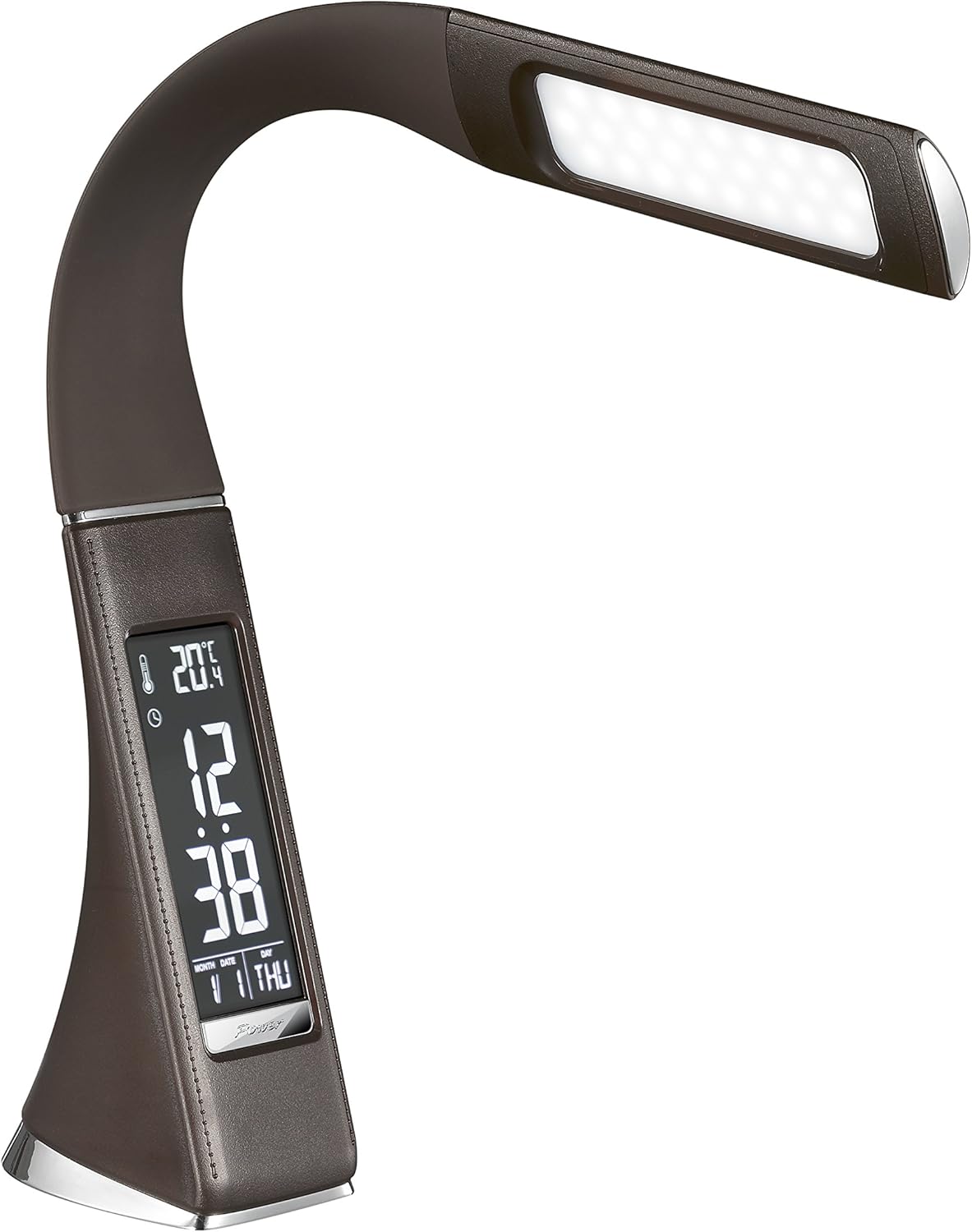
Ọgụgụ 3: N'akuku view of the Solight LED Desk Lamp WO46, extended, emphasizing its sleek design and the display panel.
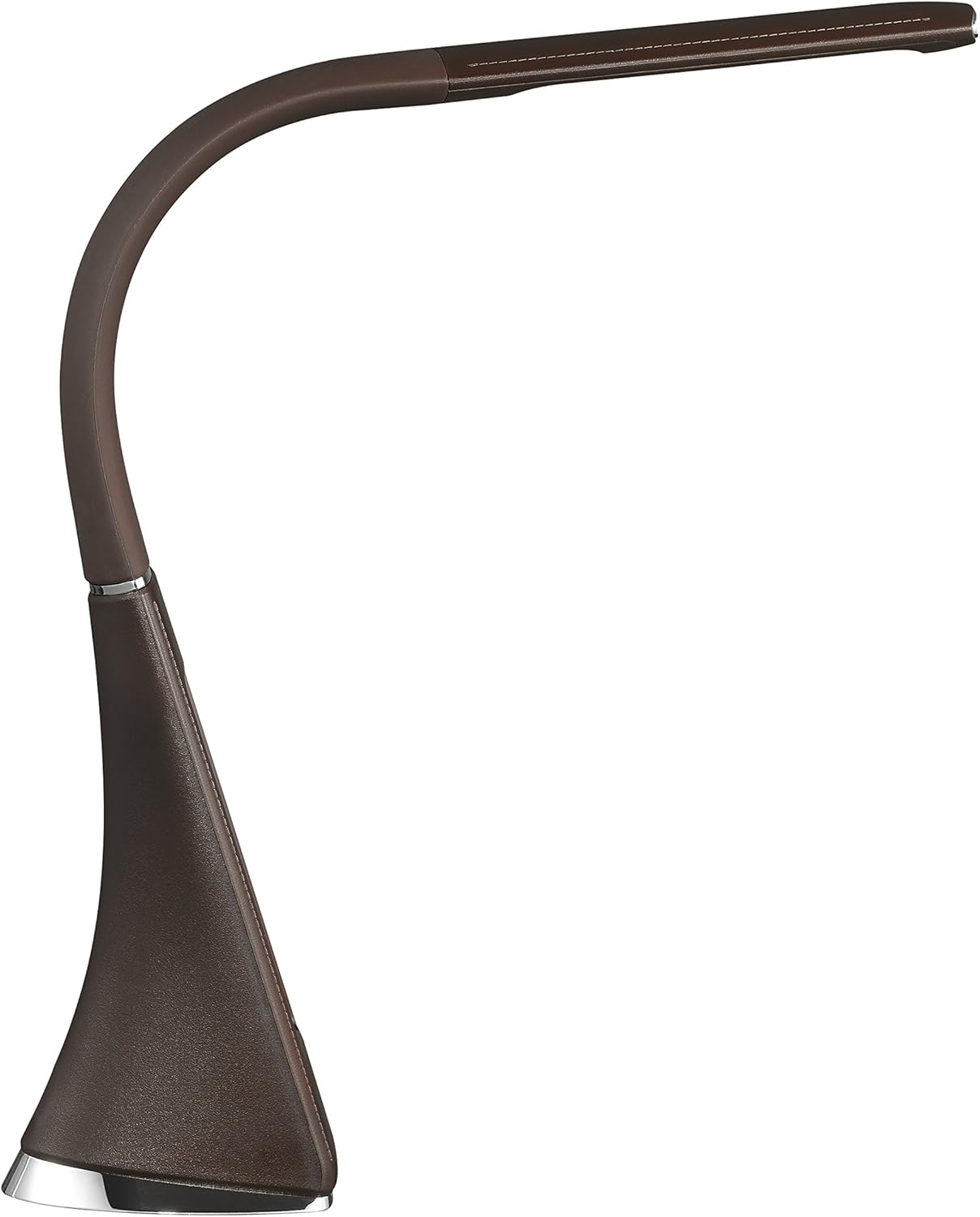
Ọgụgụ 4: Akụkụ profile of the Solight LED Desk Lamp WO46, extended, illustrating the flexibility of its arm and the slim design of the light panel.

Ọgụgụ 5: N'azụ view of the Solight LED Desk Lamp WO46, extended, indicating the power input port located at the back of the lamp's base.
5. Nhazi
- Ịkwapu: Jiri nlezianya wepụ ihe niile dị na nkwakọ ngwaahịa.
- Nkwanye: Debe lamp on a stable, flat surface. The non-slip base ensures stability.
- Njikọ Ike: Insert the power cable into the DC input port at the back of the lamp's base, then plug the adapter into a standard electrical outlet.
- Hazie Ọkwa: Gently adjust the flexible arm to your desired lighting angle.
6. Ntuziaka ọrụ
6.1 Njikwa ọkụ
- Gbanyụọ/ Gbanyụọ: Press the touch-sensitive power button on the base to turn the lamp gbanye ma ọ bụ gbanyụọ.
- Ndozi ihie: Site na lamp on, press and hold the power button to cycle through the three available brightness levels. Release the button at your desired brightness.
6.2 ngosi Ọrụ
The integrated display shows time, date, day of the week, temperature, and alarm status. Specific buttons on the base (e.g., 'Mode', 'Set', 'Up', 'Down' - refer to physical markings on your lamp if available) are used to navigate and set these functions.
- Ịtọ oge na ụbọchị:
- Press the 'Mode' button until the time display flashes.
- Use the 'Up' and 'Down' buttons to adjust the hour, then press 'Set' to confirm and move to minutes.
- Repeat for minutes, year, month, and day.
- Press 'Mode' to exit setting mode.
- Ịtọ ntọala mkpu:
- Press the 'Mode' button repeatedly until the alarm icon appears and the alarm time flashes.
- Use 'Up' and 'Down' to set the alarm hour, then 'Set' to confirm and move to minutes.
- Press 'Mode' to activate/deactivate the alarm. An alarm icon will indicate if it's active.
- Okpomọkụ Ngosipụta: Ndị lamp automatically displays the ambient temperature. No user adjustment is typically required for this function.
7. Nlekọta
- Nhicha: Kwupu njikọ lamp from the power supply before cleaning. Wipe the lamp's surface with a soft, dry, lint-free cloth. Do not use liquid cleaners or sprays.
- Nchekwa: Ọ bụrụ na-echekwa lamp for an extended period, ensure it is clean and dry. Store it in a cool, dry place away from direct sunlight.
8. Nchọpụta nsogbu
| Nsogbu | Ihe nwere ike ime | Ngwọta |
|---|---|---|
| Lamp adịghị agbanye. | Enweghị ọkụ. | Check if the power cable is securely connected to the lamp and the electrical outlet. Ensure the outlet is functional. |
| Display is blank or incorrect. | Power interruption or incorrect settings. | Ensure continuous power. Reset time and date settings as per Section 6.2. |
| Ìhè flickers. | Ọkụ ọkụ anaghị akwụsi ike. | Gbalịa ịkwanye lamp into a different electrical outlet. |
| Oti mkpu anaghị ada ụda. | Agbaghị mkpu ma ọ bụ ahazighị ya nke ọma. | Verify that the alarm is set and activated (alarm icon visible) as per Section 6.2. |
9. Nkọwapụta
| Njirimara | Nkọwa |
|---|---|
| Nọmba nlereanya | WO46-H |
| Akụkụ (L x W x H) | 5.5 x 9 x 50 cm |
| Ibu | 599g (1.32 lbs) |
| Ihe onwunwe | Polystyrene (PS) |
| Ụdị mmecha | Leather look |
| Ụdị isi iyi ọkụ | Ikanam |
| Ọnụọgụ nke bọlbụ | 3 |
| Flux na-egbuke egbuke | 300 lm |
| Ike | 1.5 Watt |
| Voltage | 230 volts |
| Nkezi ndụ | Awa 30,000 |
| Ogo IP | IP20 |
| Gbanwee Style | Pịa bọtịnụ |
| Ulo oru ike | A+ |
10. Akwụkwọ ikike na nkwado
Solight products are designed and manufactured to the highest quality standards. For information regarding warranty coverage, technical support, or spare parts availability, please refer to the documentation provided with your purchase or visit the official Solight websaịtị. Biko dowe akwụkwọ ikike ịzụrụ ihe ọ bụla.


